- Tools
- Resources
- Pricing
- API
- Contact Sales
- Book a Demo


Free Mask Image Tool
At Dzine, our AI-powered Mask Image tool lets you effortlessly create stunning masked photos, design custom layer mask effects, and blend images with filter mask layers—no professional editing skills, no login, and 100% free. Whether you’re crafting surreal art, enhancing social media visuals, or designing commercial graphics, our masker image tool delivers high-resolution results that bring your creative vision to life.

Click or drag here to upload images
Try our AI Mask Image tool for instant, creative masking effects—blend photos seamlessly, customize filter mask layers, and design professional image mask visuals in seconds
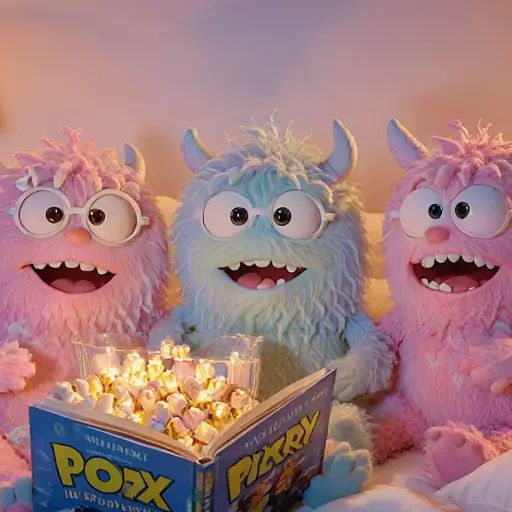
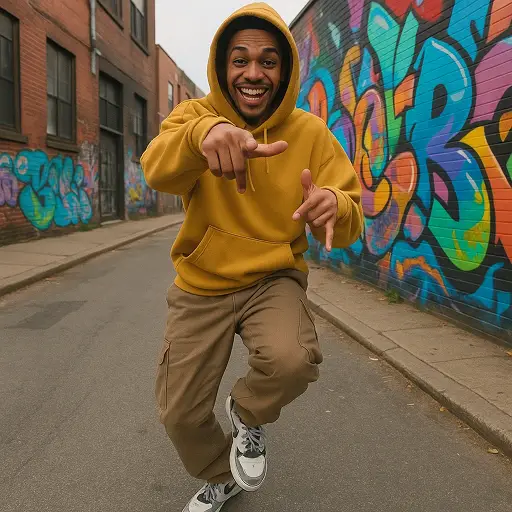
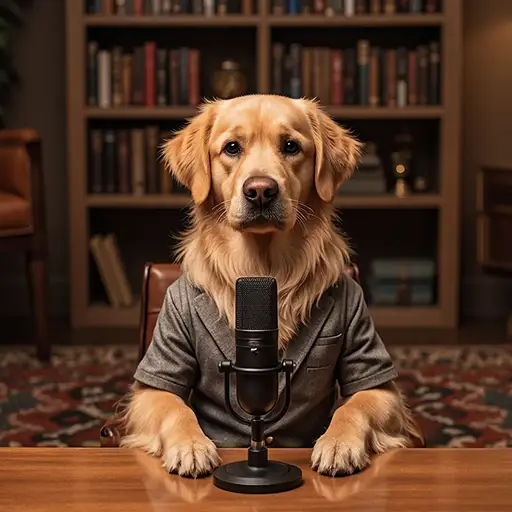
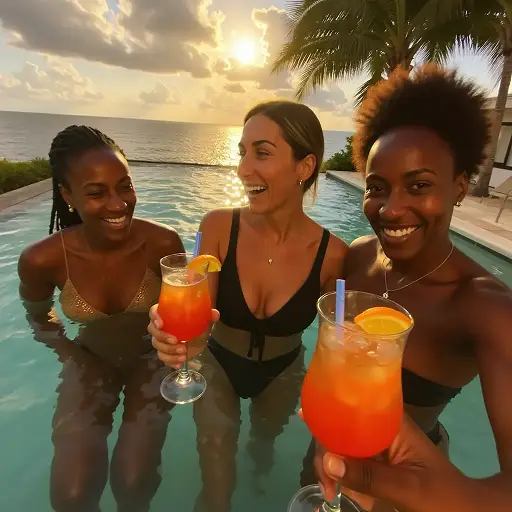
Unlock Creative Freedom with AI-Powered Mask Image Tool
Image masking shouldn’t require advanced Photoshop skills, and Dzine’s Mask Image tool stands out with AI-driven simplicity and professional-grade output. Our tool lets you create masker image effects online, blend multiple photos with layer mask precision, and apply filter mask styles—ideal for content creators, designers, or anyone looking to elevate their visuals. Pair our mask image tool with the AI Image Editor to refine details after masking, or use the 2D to 3D Image Converter to add depth to your masked creations.
How to Use Dzine’s AI Mask Image Tool in 3 Simple Steps
Step 1: Upload Your Image & Input Masking Goals
Head to Dzine’s "AI Image" tool and upload the photo you want to mask (supports JPG, PNG, WebP, HEIC). Type in your prompt (e.g., "create a layer mask to blend two photos with natural transparency" or "apply filter mask with city light overlay to portrait").
Step 2: Set Generation Parameters
Choose from our AI models Nano Banana Pro or Z-Image, then configure image resolution (up to 4K), mask intensity, layer placement, and style to match your vision.
Step 3: Generate Your Masked Image
Click the Generate button to create your masked photo instantly. Download the high-resolution result—no watermarks, no usage limits, and perfect for sharing or printing.
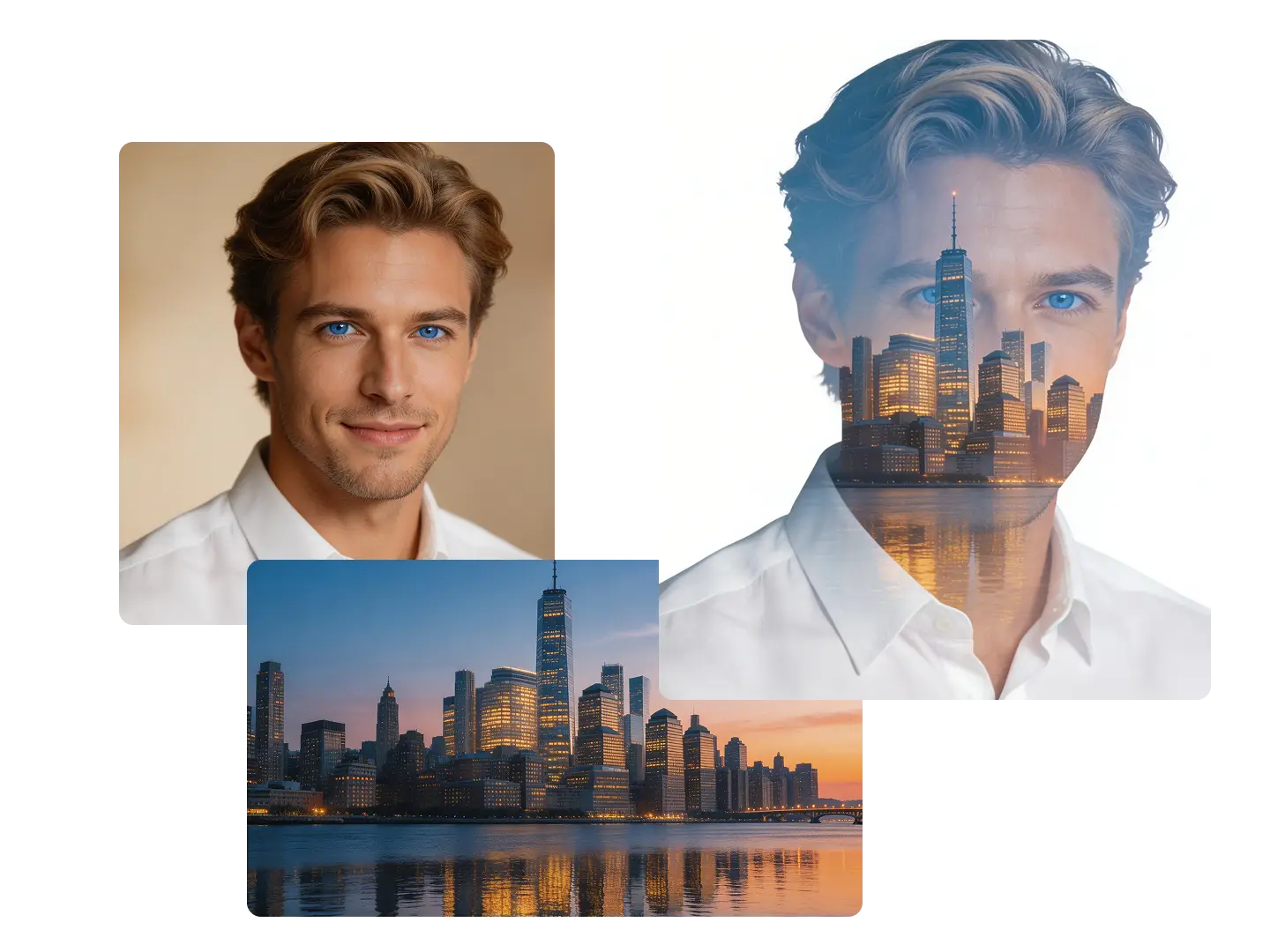
Creative Portrait Masking: Stand Out on Social Media
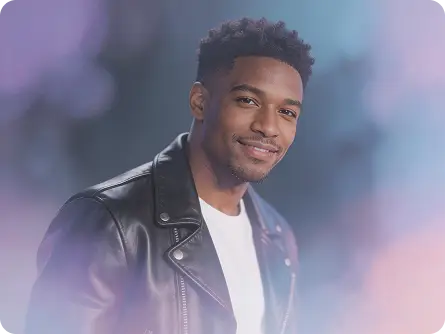
Our masker image tool lets you apply filter mask layers to portraits—blend facial features with abstract backgrounds, add gradient overlays, or create double-exposure effects that make your social media posts viral. Pair it with the AI Portrait Generator to craft unique portraits before adding mask effects.
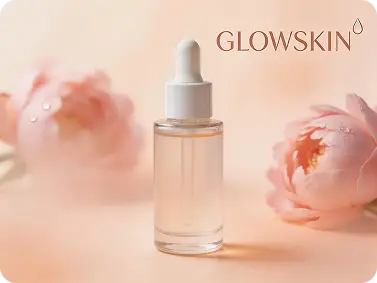
Commercial Image Masking: Boost Brand Visuals
Use our image mask tool to design professional commercial graphics—apply filter mask layers to product photos, blend logos with background imagery, or create cohesive branding materials. No design experience required, just instant, polished results.
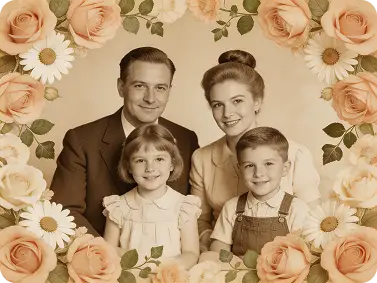
Vintage Photo Masking: Preserve & Reimagine Memories
Our mask image tool lets you blend old family photos with modern overlays using layer mask precision—rescue faded memories and turn them into surreal, timeless keepsakes. Pair with the AI Image Restoration tool to restore photos before masking.
Explore Creative Use Cases for Our Mask Image Tool
Dzine’s Mask Image tool adapts to every creative need, from casual social media posts to professional commercial projects. Our free tool lets you create custom mask effects—no subscriptions, no watermarks, and instant results.
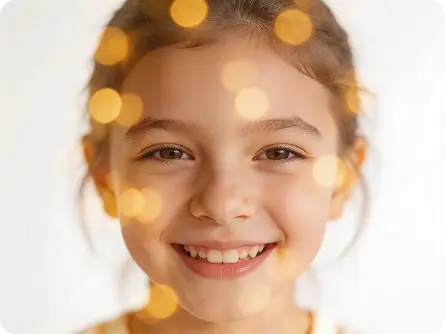
Mask Images for Viral Posts
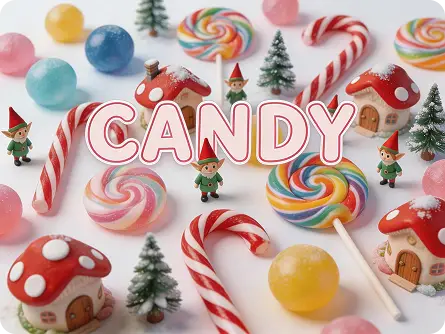
Use our mask image tool to create eye-catching filter mask effects for Instagram, TikTok, or Pinterest—blend photos, add layer masks, and make your content stand out in feeds.
Try now for free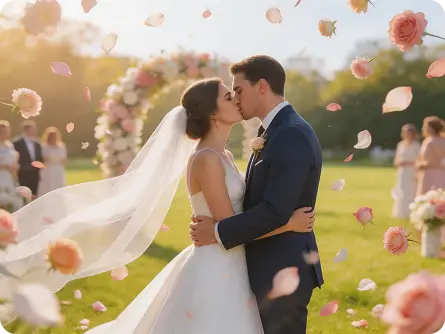
Why Dzine’s Mask Image Tool Stands Out

AI-Powered Precision Masking
Our mask image tool uses AI to analyze your visuals and apply layer mask effects naturally—avoiding clunky overlaps and ensuring seamless blending, unlike generic masking tools.

4K High-Resolution Output
We preserve HD quality while applying filter mask layers—your masked images look crisp and clear for printing, large-scale sharing, or professional use.

Instant Generation (3 Seconds)
Skip long wait times—our masker image tool creates layered mask effects in seconds, perfect for time-sensitive projects or last-minute content creation.

100% Free (No Login/Watermarks)
Use our image mask tool as much as you want, download unlimited masked photos, and share anywhere—no hidden fees, account creation, or watermarks on your creations.

Fully Customizable Mask Effects
Tailor every detail of your mask image—adjust layer mask transparency, filter mask intensity, and overlay placement to match your creative vision exactly.

GDPR-Compliant & Private
We never store your photos or masked results—all processing is local, so your personal and commercial images stay secure while you create mask effects.
More AI Tools to Enhance Your Creations

What Our Users Said
The Best Mask Image Tool for Social Media
I use Dzine’s mask image tool for my TikTok content—their AI creates seamless layer mask effects that make my posts look professional. The customizable filter mask options let me stand out, and engagement has jumped 60%!
Mia RodriguezSocial Media Influencer
Perfect for E-Commerce Product Masking
As an online store owner, I rely on Dzine’s masker image tool to blend product photos with lifestyle backgrounds. The 4K output and customizable layer masks make my listings look high-end, and sales have increased 35%.
Alex ThompsonE-Commerce Store Owner
Easy to Use for Artistic Creations
I’m a hobbyist artist, and Dzine’s image mask tool lets me create surreal art without Photoshop. The AI blending and filter mask options are intuitive, and I can generate professional-looking masked photos in seconds.
Elena CarterHobbyist Artist
The Best AI Image Models of 2026 | Dzine
FAQ
What is Dzine’s Mask Image tool?
Dzine’s Mask Image tool is an AI-powered online tool that lets you create layer mask effects, blend photos with filter mask overlays, and design custom masker image visuals—free, no editing skills, and instant high-resolution results.
Is Dzine’s mask image tool free to use?
Yes! Our mask image tool is 100% free to use, with unlimited generations, 4K downloads, and no hidden fees. You can create mask effects as many times as you want without subscriptions or account creation.
Can I customize layer mask transparency and intensity?
Absolutely. Our masker image tool lets you input custom prompts (e.g., "create a filter mask with 50% transparency to blend two photos" or "layer mask with high intensity for bold artistic effect") to tailor every detail of your masking.
Do I need to download software to use the image mask tool?
No. Dzine’s Mask Image tool is fully web-based—access it directly from your browser (desktop or mobile) without downloading apps. Create mask effects seamlessly from any device, anywhere.
Will masking my image reduce its quality?
No. Unlike basic masking tools, our AI mask image tool preserves 4K resolution and original details while applying layer mask effects. Your masked photos maintain crisp quality for printing or large-scale sharing.
How is Dzine’s mask image tool different from other online tools?
Unlike generic masking tools that produce clunky overlaps, our AI-powered tool creates seamless layer mask effects by analyzing your visuals—preserving color balance and details. We offer customizable filter mask options, 4K output, and instant generation with no watermarks.