- Tools
- Resources
- Pricing
- API
- Contact Sales
- Book a Demo


One Piece Filter
Turn any photo into a scene from One Piece. Our tool captures the anime’s bold lines, vivid colors, and unique character designs — no editing skills needed.

Click or drag here to upload images
Upload your image to start creating your One Piece style artwork
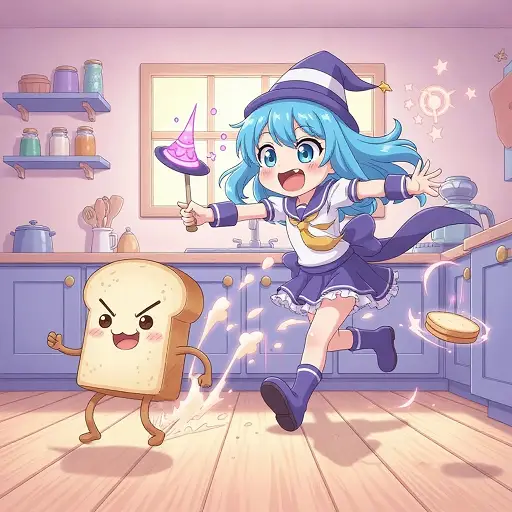
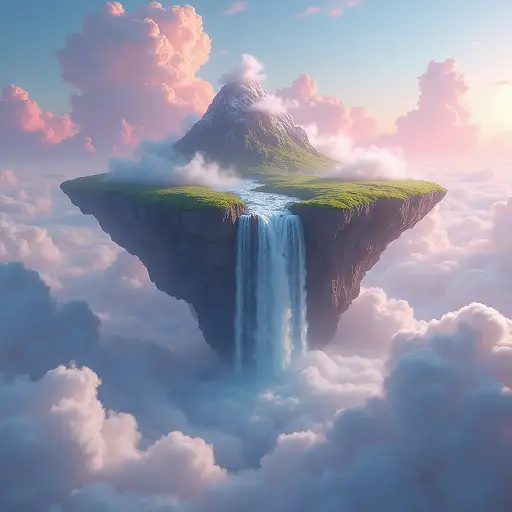
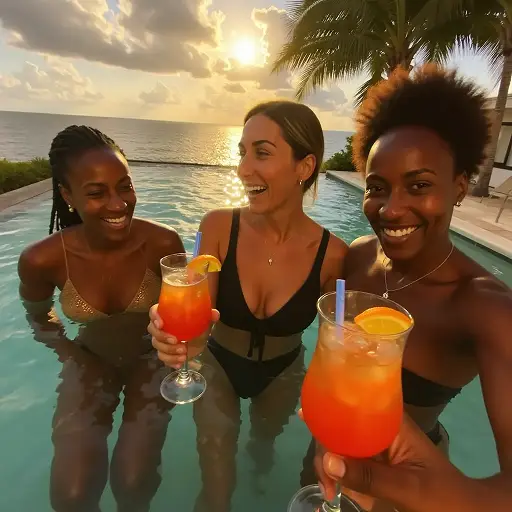
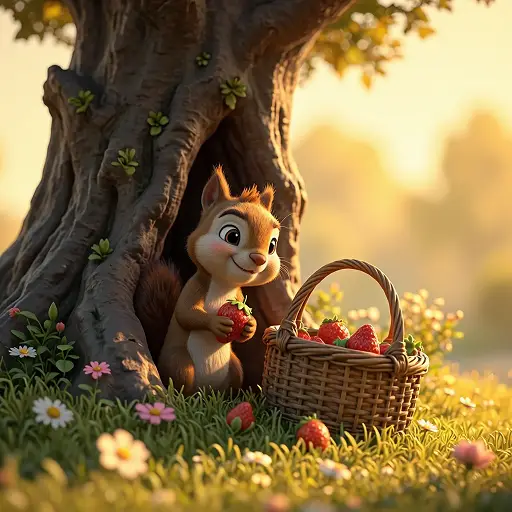
Get Authentic One Piece Style for Any Image
Our One Piece filter mirrors the anime’s distinct art style. Dzine AI replicates its signature elements: sharp outlines, vibrant color palettes, and expressive character features.
This filter works for selfies, pets, landscapes, or even objects. Turn your photos into pirate crew members, marine officers, or island scenes. The AI enhances images first to ensure the best results. Just upload and describe what you want.
How to Create One Piece Style Images in 3 Steps
Step 1. Upload Your Image
Choose a photo in JPG, PNG, or WEBP format and upload it.
Step 2. Describe Your Vision
Use simple words like "Luffy-style hat" or "marine uniform in One Piece art" to guide the AI.
Step 3. Generate and Download
Wait a few seconds for the AI to work. Then save and share your One Piece style image.
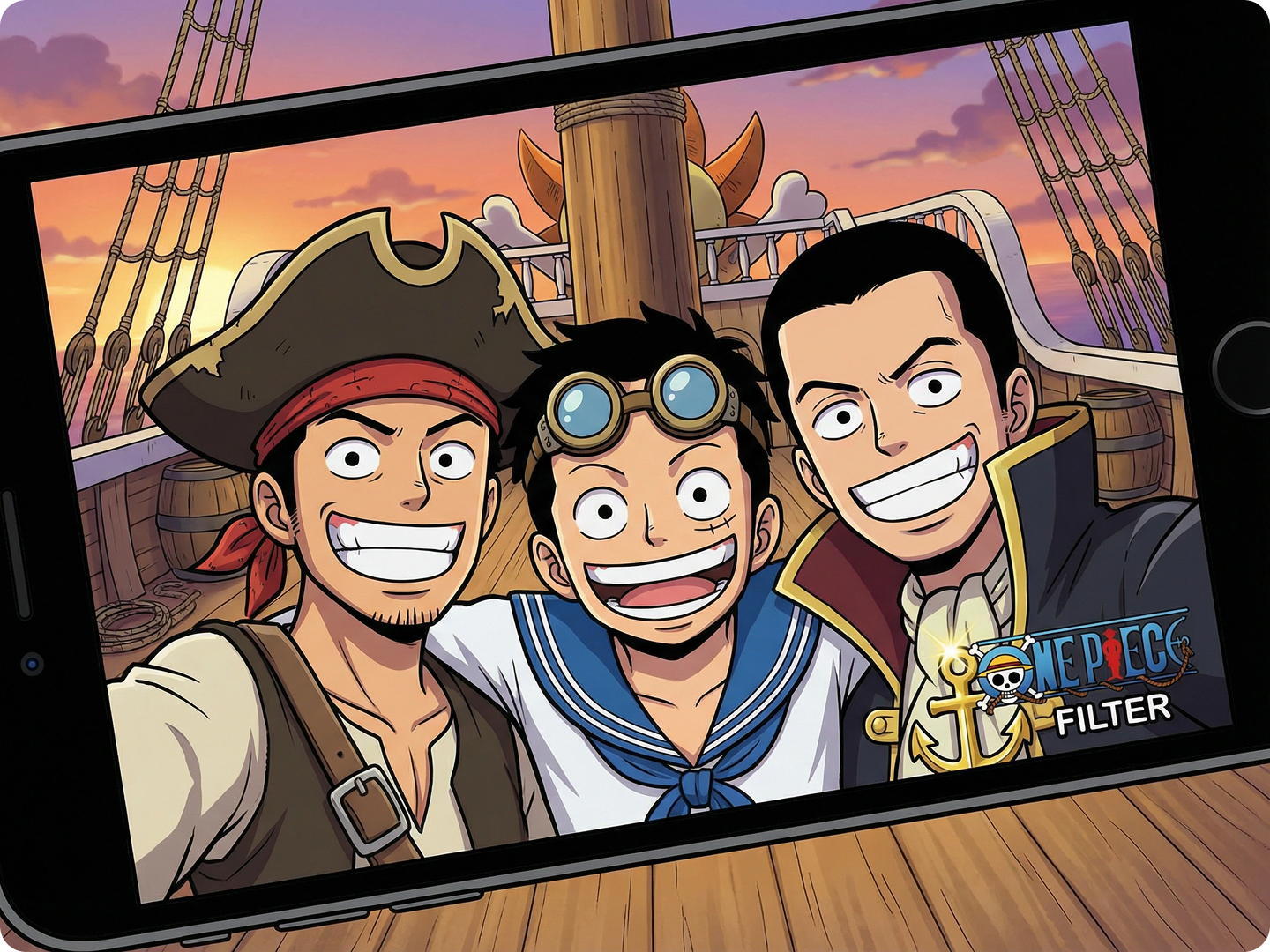
Design Custom Pirate Crew Avatars
Create a crew of One Piece-style characters from your friend group. Add pirate hats, coats, or devil fruit powers. Use Social Media Image Resizer to fit avatars for Discord or Twitter.
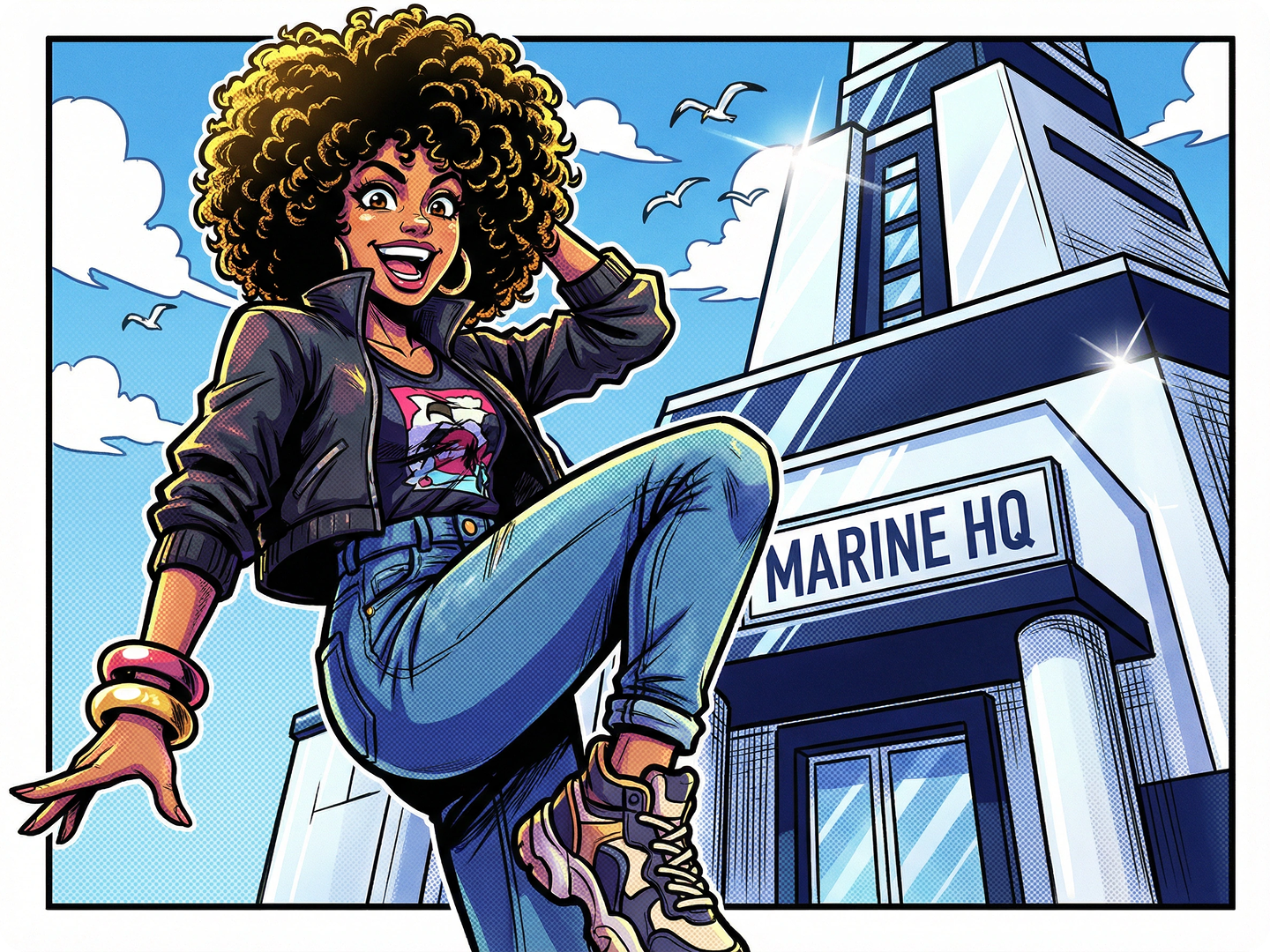
Make Fan Art of Your Favorite Arcs
Turn photos into scenes from Marineford, Wano, or Dressrosa. Recreate iconic moments with your own twist. Share with fan communities. Pair with Digital Art Generator for more details.
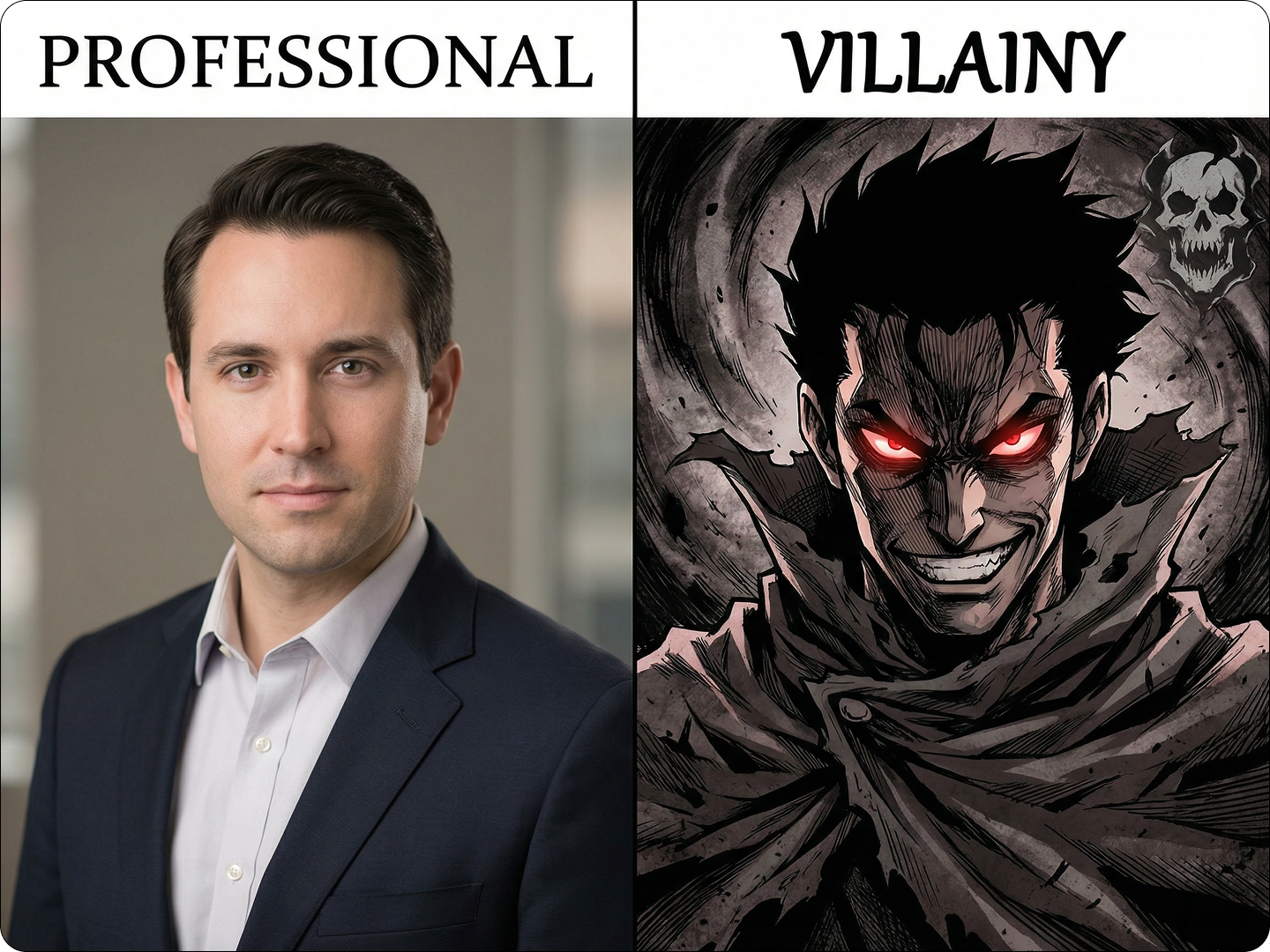
Design Unique Merchandise
Create One Piece-style images for t-shirts, mugs, or phone cases. Use photos of yourself or original ideas. Sell them online or gift to fellow fans.
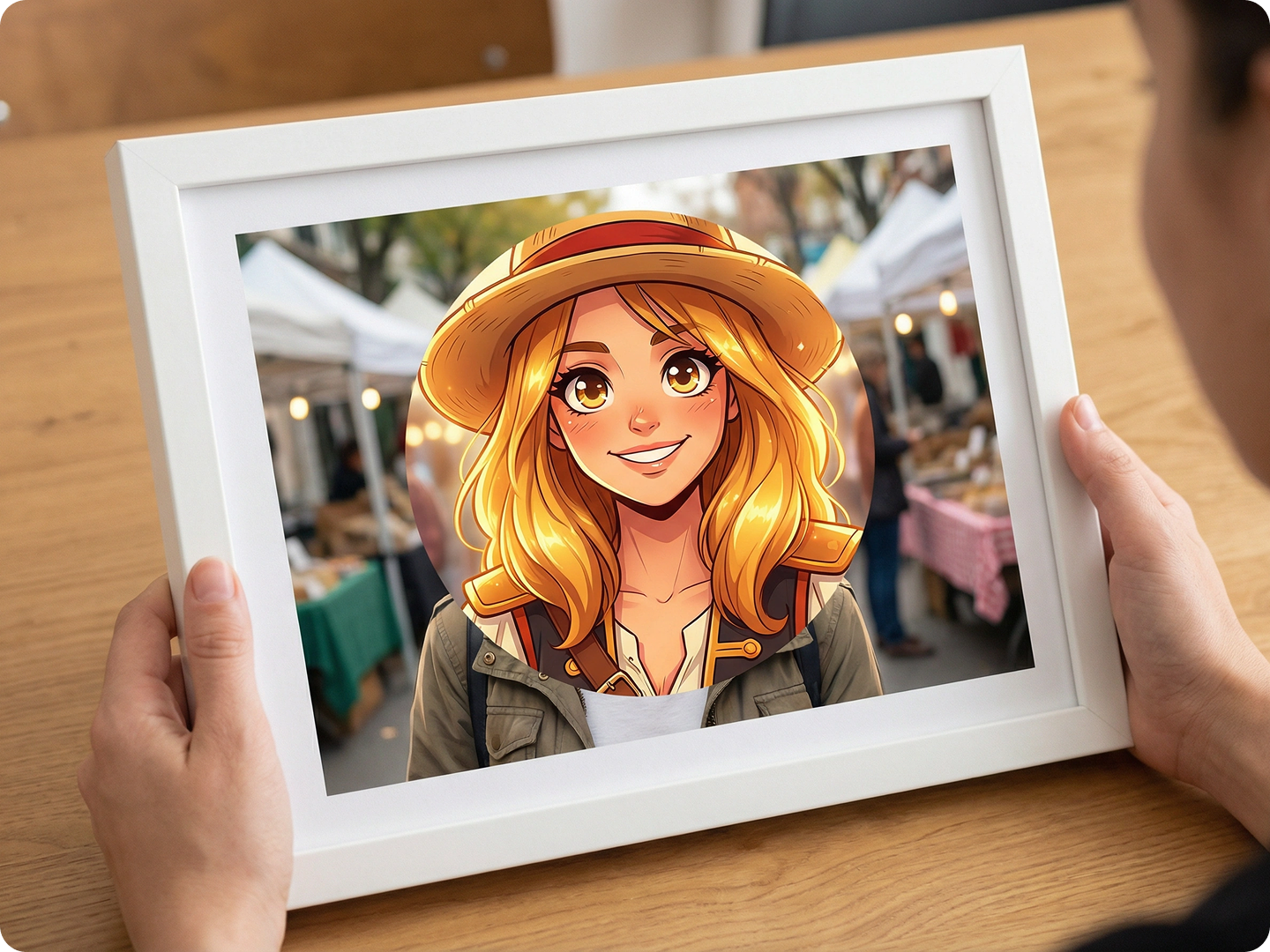
Enhance Cosplay Photos
Transform your cosplay shots to match the anime’s style. Make your Luffy or Zoro cosplay look like it’s straight from the show. Share on Instagram or TikTok.
Create Story Illustrations
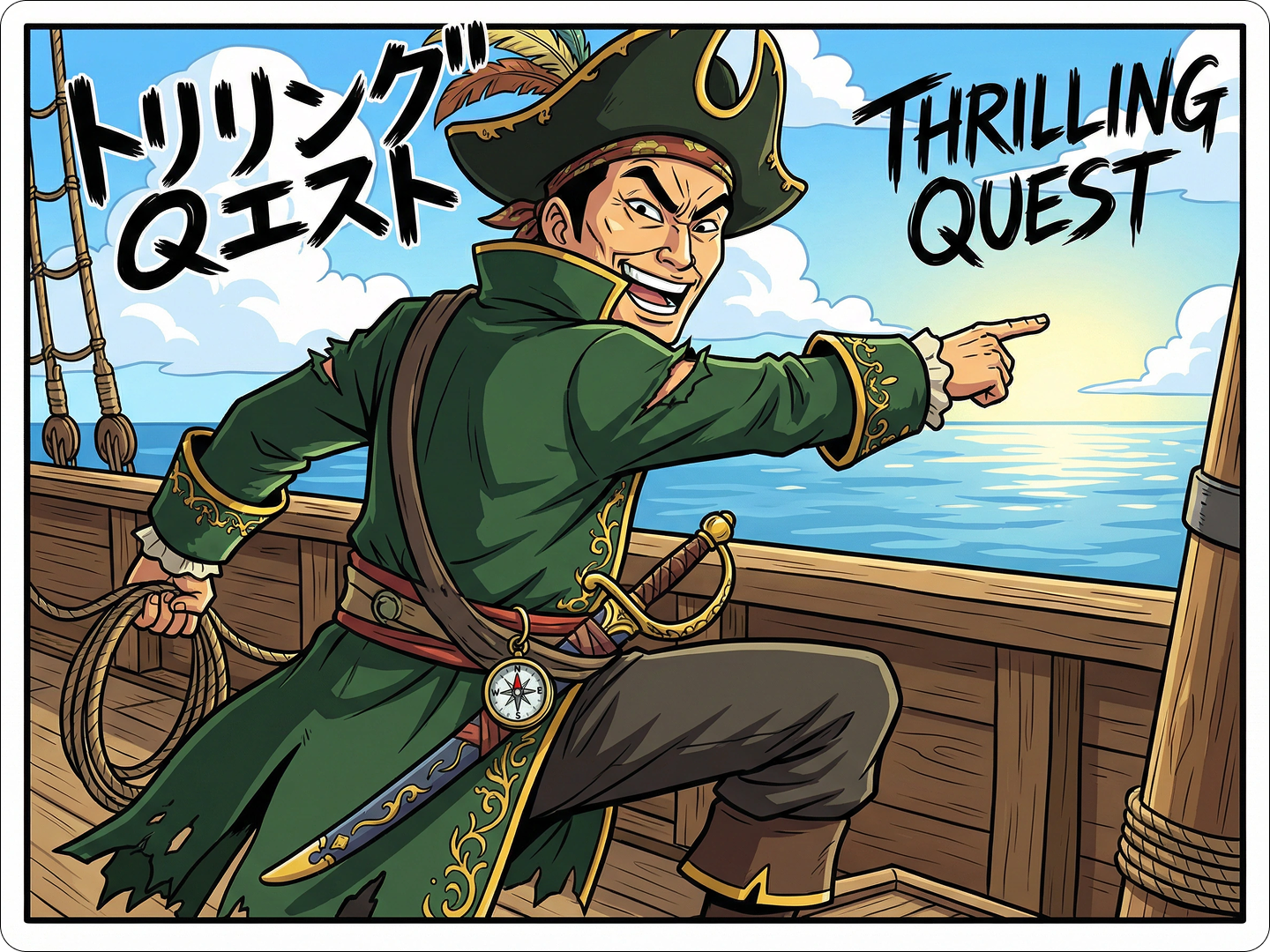
Illustrate your One Piece fan fiction with AI-generated images. Bring your original characters and plots to life. Use Storyboard AI to map out entire arcs.
FAQ
Will the filter keep my facial features recognizable?
Yes. The AI maintains your key features while applying the One Piece style, so you’ll still look like yourself.
Can I make images of non-human subjects, like pets?
Absolutely. The filter works on pets, objects, and landscapes, turning them into One Piece-style art.
How detailed can the generated images be?
Very detailed. The AI handles complex elements like pirate flags, ship designs, and detailed clothing.
How long does it take to generate an image?
Most images are ready in 5-8 seconds. Larger or more detailed photos may take a bit longer.
Can I use these images for commercial purposes?
Yes. You can use generated images for merchandise, social media, or other commercial projects.
Do I need to know One Piece to use the tool?
No. The AI understands the style, so just describe what you want, even if you’re new to the series.
What Our Users Said
Perfect for Fan Groups
I turned my friend group into a pirate crew. The style is exactly like One Piece, and we use them as our Discord avatars. Super easy.
Alex RiveraAnime Fan
Great for Cosplay Posts
My cosplay photos looked good, but with this filter, they look like they’re from the anime. My Instagram followers love them.
Jamie ParkCosplayer
Awesome for Merch
I made One Piece-style designs of my dog and put them on t-shirts. They sold out at the local anime con.
Casey TaylorSmall Business Owner