- Tools
- Resources
- Pricing
- API
- Contact Sales
- Book a Demo


PixVerse V5.5
PixVerse V5.5 is the next-generation AI video generator, transforming simple text or images into cinematic, multi-shot clips complete with synchronized audio and dialogue. Now, you can try it on Dzine AI.

Click or drag here to upload images
Try the PixVerse V5.5 video generator with one of these
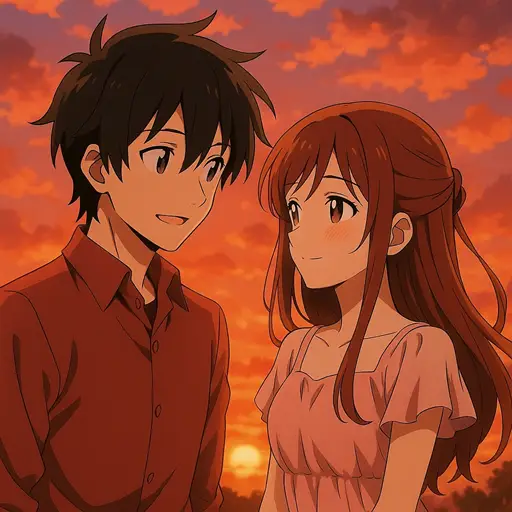
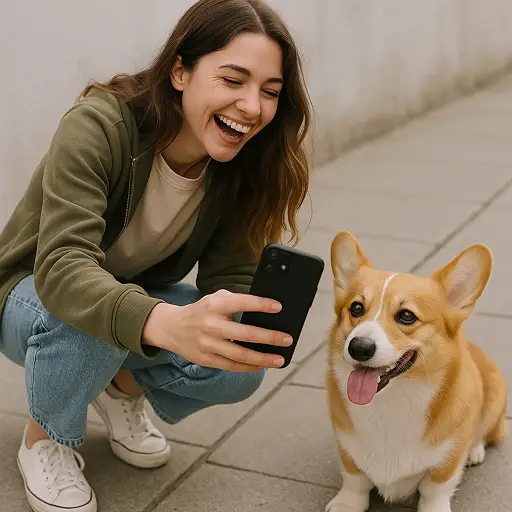
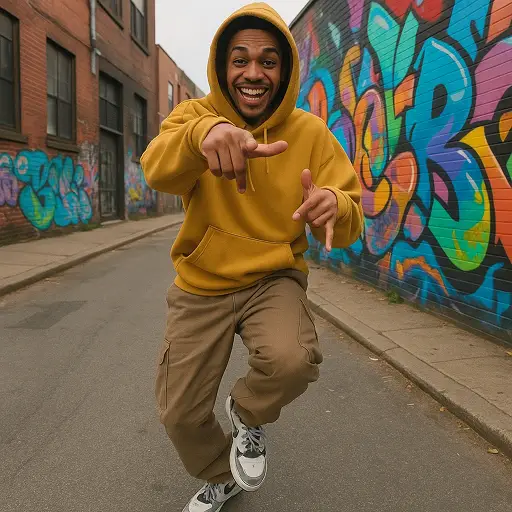

Transform Your Script into a Cinematic Multi-Shot Video with PixVerse V5.5
The PixVerse V5.5 AI video generator redefines video creation by prioritizing script-first production, allowing you to generate a complete, directed scene from a single prompt. This model automatically handles complex camera work, shot changes, and pacing, delivering a fully-realized 5–10 second 1080P clip in under a minute.
This version introduces intelligent multi-shot storytelling, moving seamlessly from wide establishing shots to close-ups while maintaining perfect character and scene consistency. The core innovation is the integrated audio-visual synchronization, where dialogue, sound effects, and background music are generated and perfectly aligned with the visuals in one pass.
How to Use PixVerse V5.5 on Dzine
Step 1: Input Your Script or Image Prompt
Go to our image-to-video tool and enter a detailed script or a simple text prompt.
Step 2: Select the PixVerse V5.5 Model
Choose the PixVerse V5.5 model and ensure the Multi-Shot and Audio Sync features are enabled to leverage the model's full storytelling capabilities.
Step 3: Generate 1080P Video
Click Generate and watch as the PixVerse V5.5 video generator crafts a high-definition, multi-shot video with perfectly synchronized audio and dialogue.
Watch Dzine's Full Beginner Step-by-Step Guide
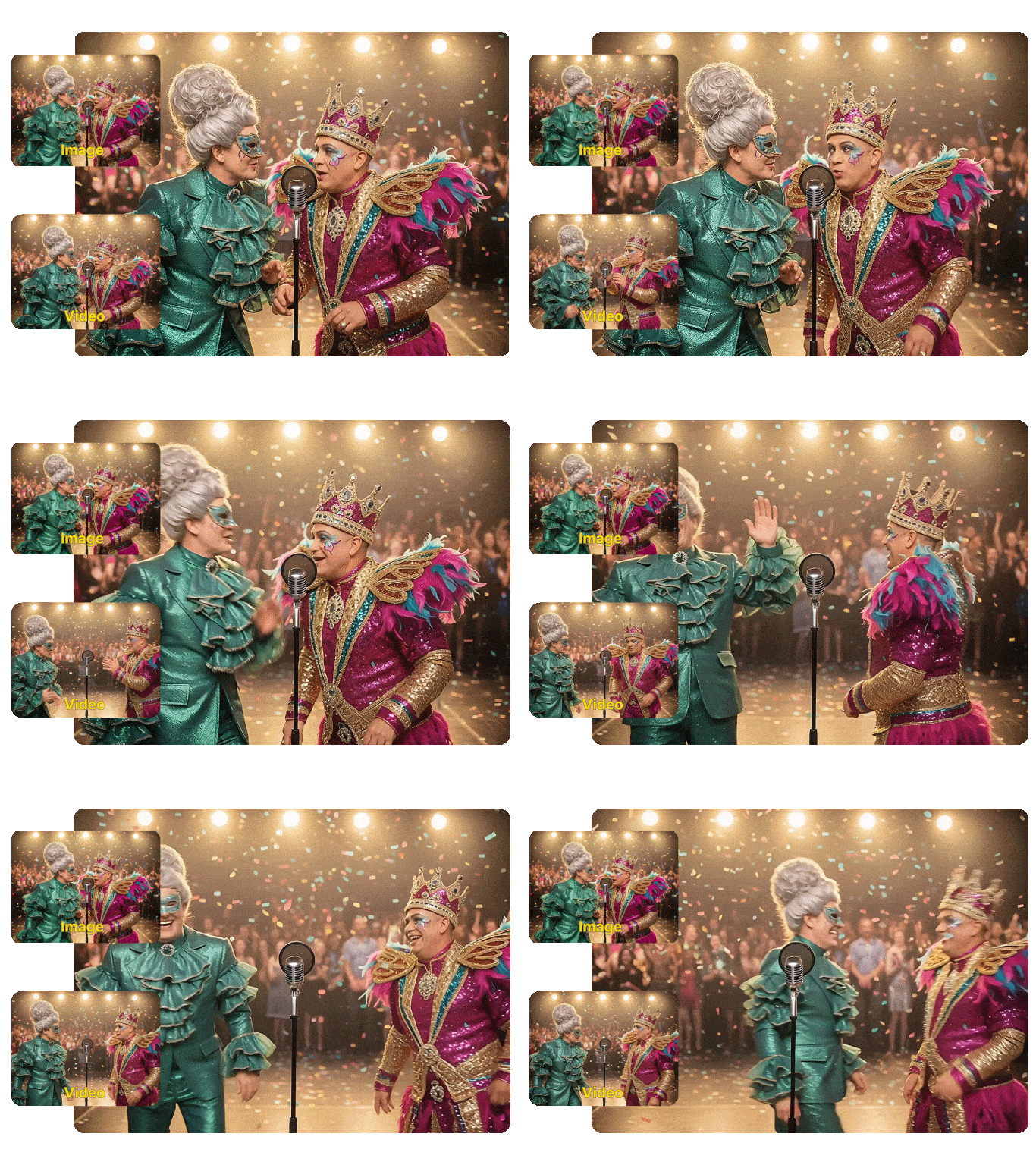
Integrated Audio-Visual Synchronization
The most powerful feature of the PixVerse V5.5 AI video generator is its ability to generate a complete sound field simultaneously with the visuals. This includes BGM, SFX, and character dialogue, all perfectly aligned with the action on screen. This eliminates the tedious process of manual audio syncing, allowing you to create a polished, immersive experience for your audience.
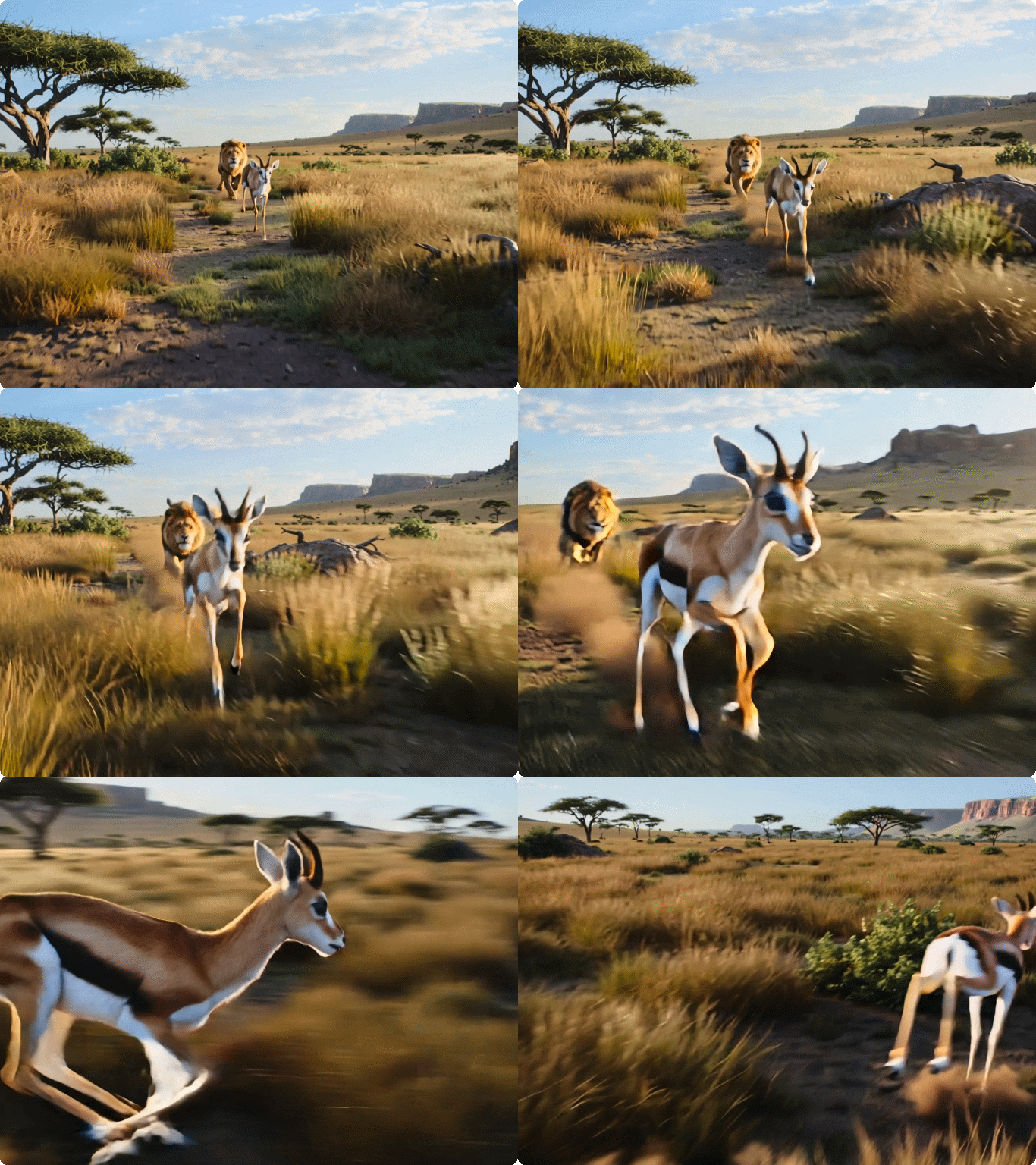
Cinematic Multi-Shot Camera Control
PixVerse V5.5 excels at dynamic visual language, automatically designing rich camera movements and shot scales. From dramatic push-ins to smooth scene transitions, the model intelligently breaks down your script into a sequence of shots. This gives your video a professional, directed feel, making it ideal for creating engaging short-form content and narrative beats.
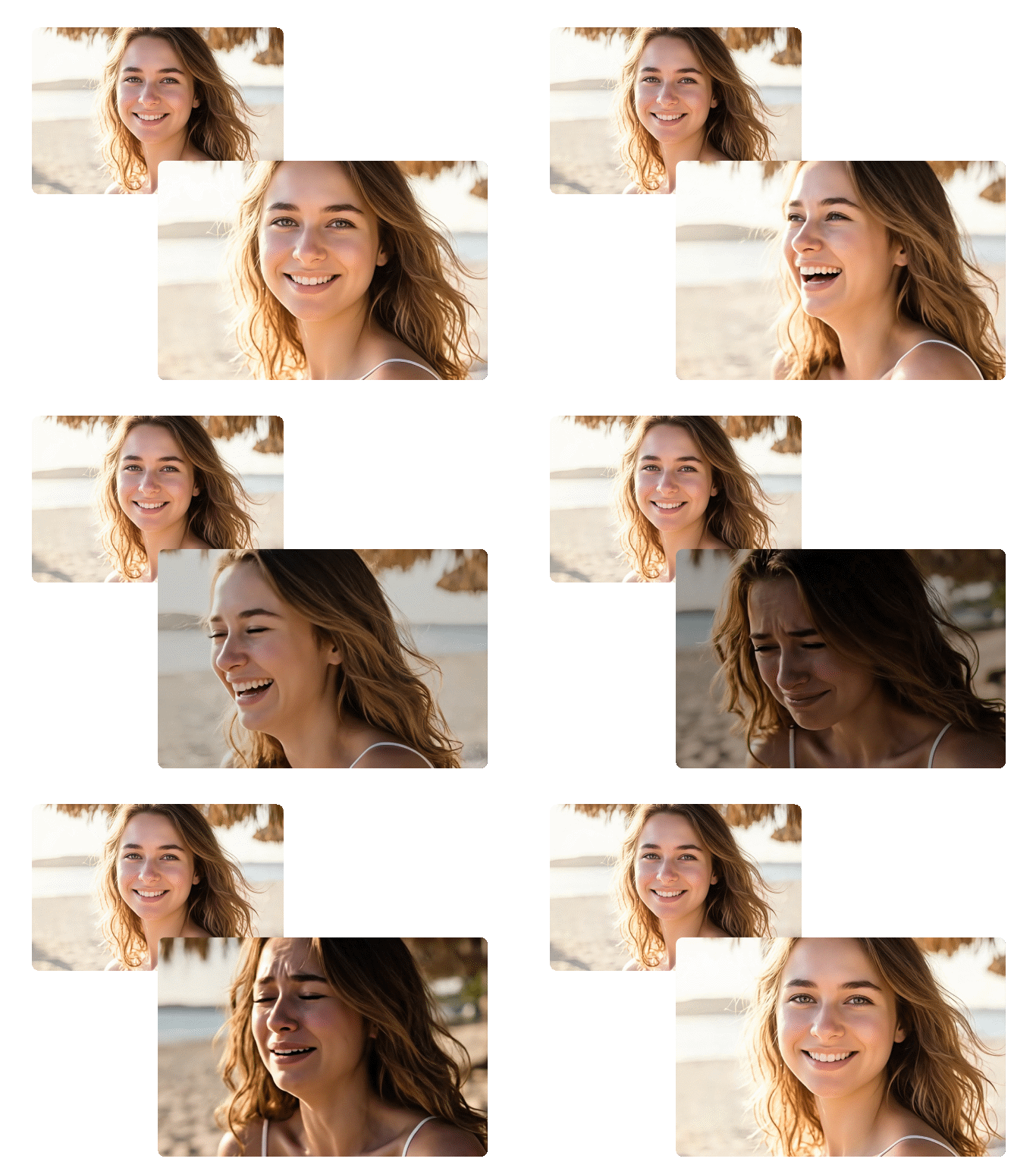
Unmatched Character and Style Consistency
Maintaining a consistent look across multiple shots is crucial for storytelling, and the PixVerse V5.5 video generator handles this effortlessly. Utilizing a Diffusion + Transformer Hybrid Core, the model ensures that characters, environments, and overall visual style remain coherent throughout the entire multi-shot sequence. This is a significant advantage over models that struggle with continuity between clips.
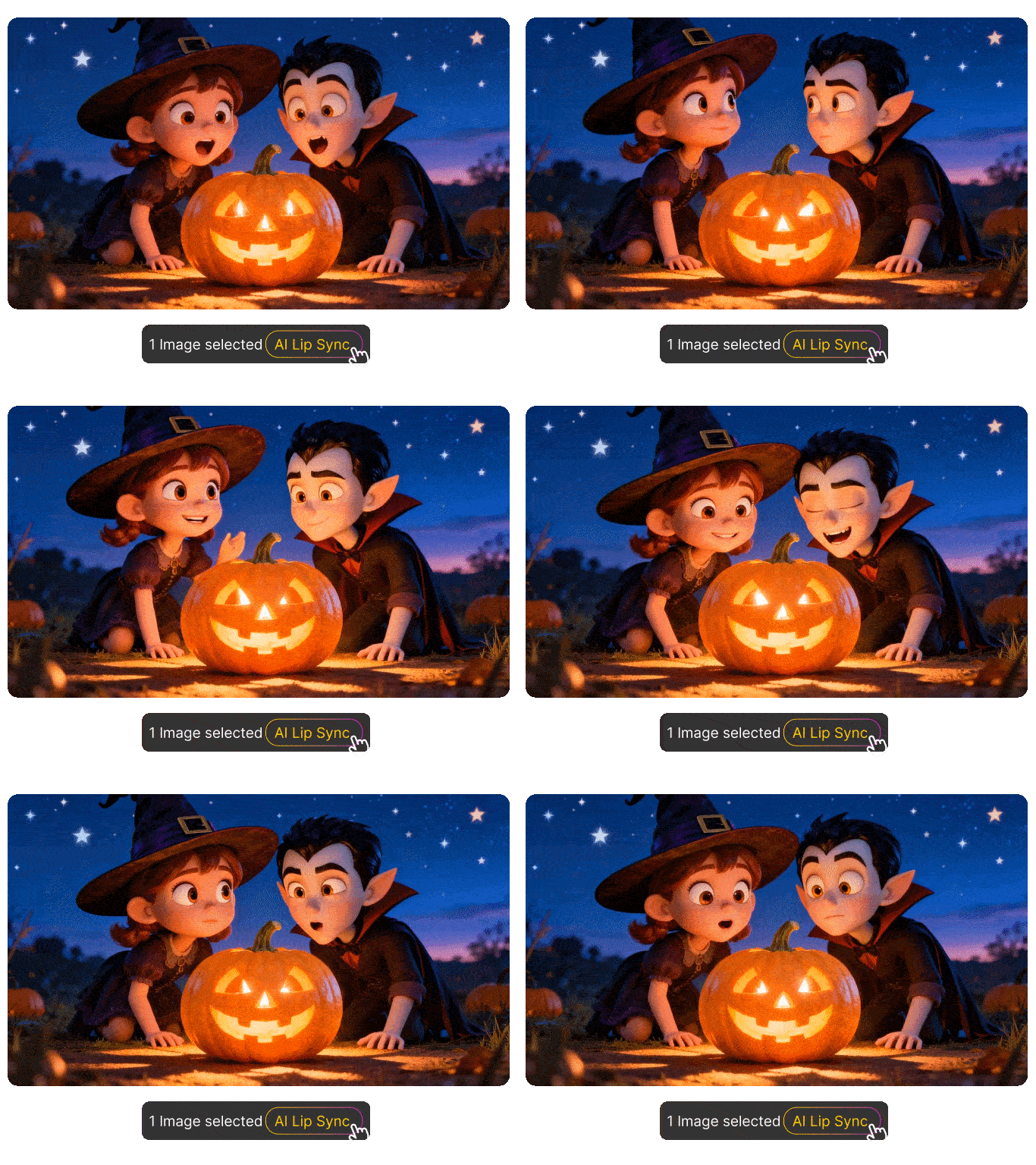
Perfect Lip-Sync for Talking Characters
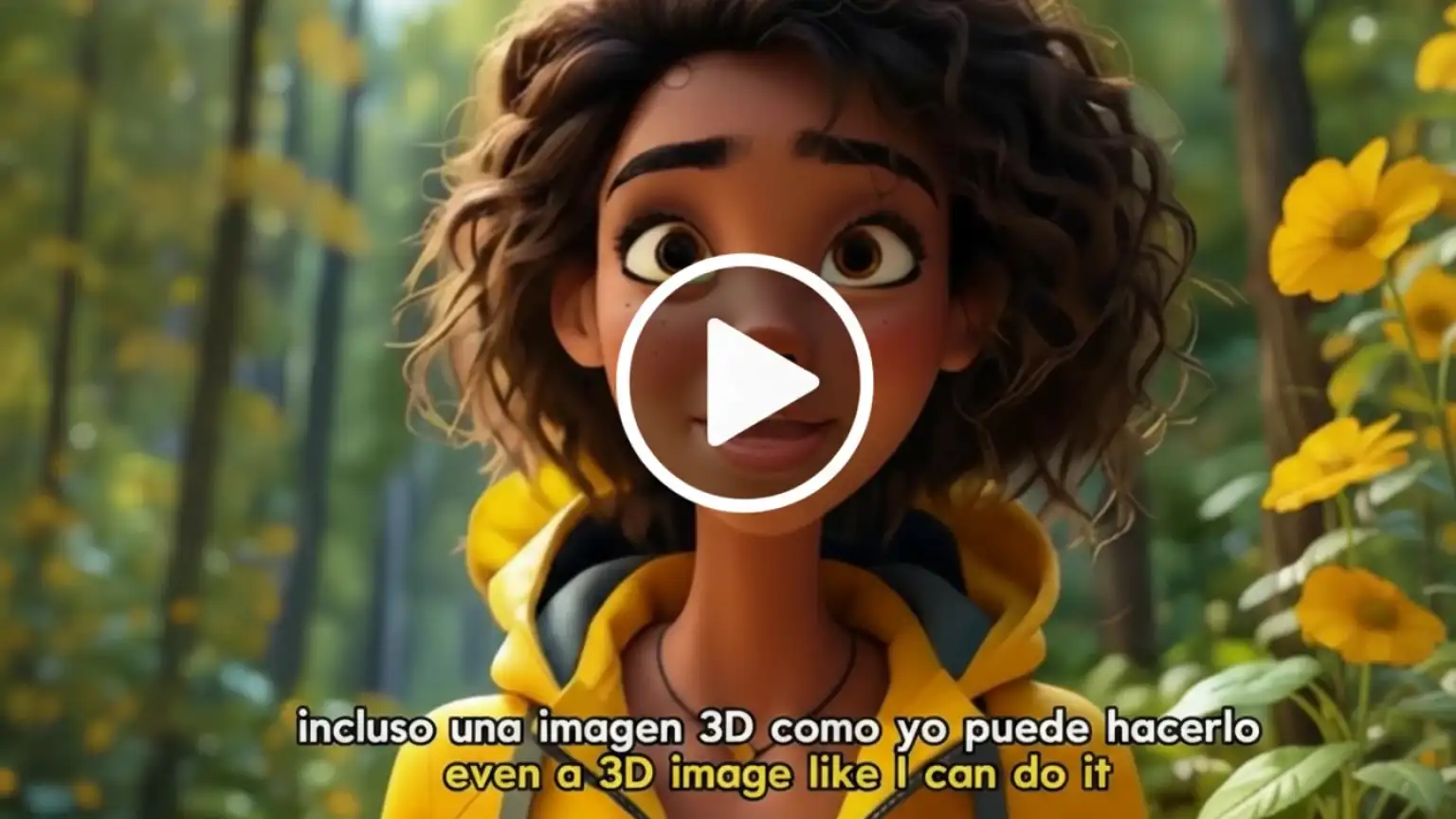
For explainer videos, talking heads, or character moments, the precise lip-sync capability in PixVerse V5.5 is a game-changer. The model generates mouth shapes that align perfectly with the generated dialogue, creating highly realistic and professional-looking talking videos. This feature is invaluable for creating engaging educational content or compelling marketing materials.
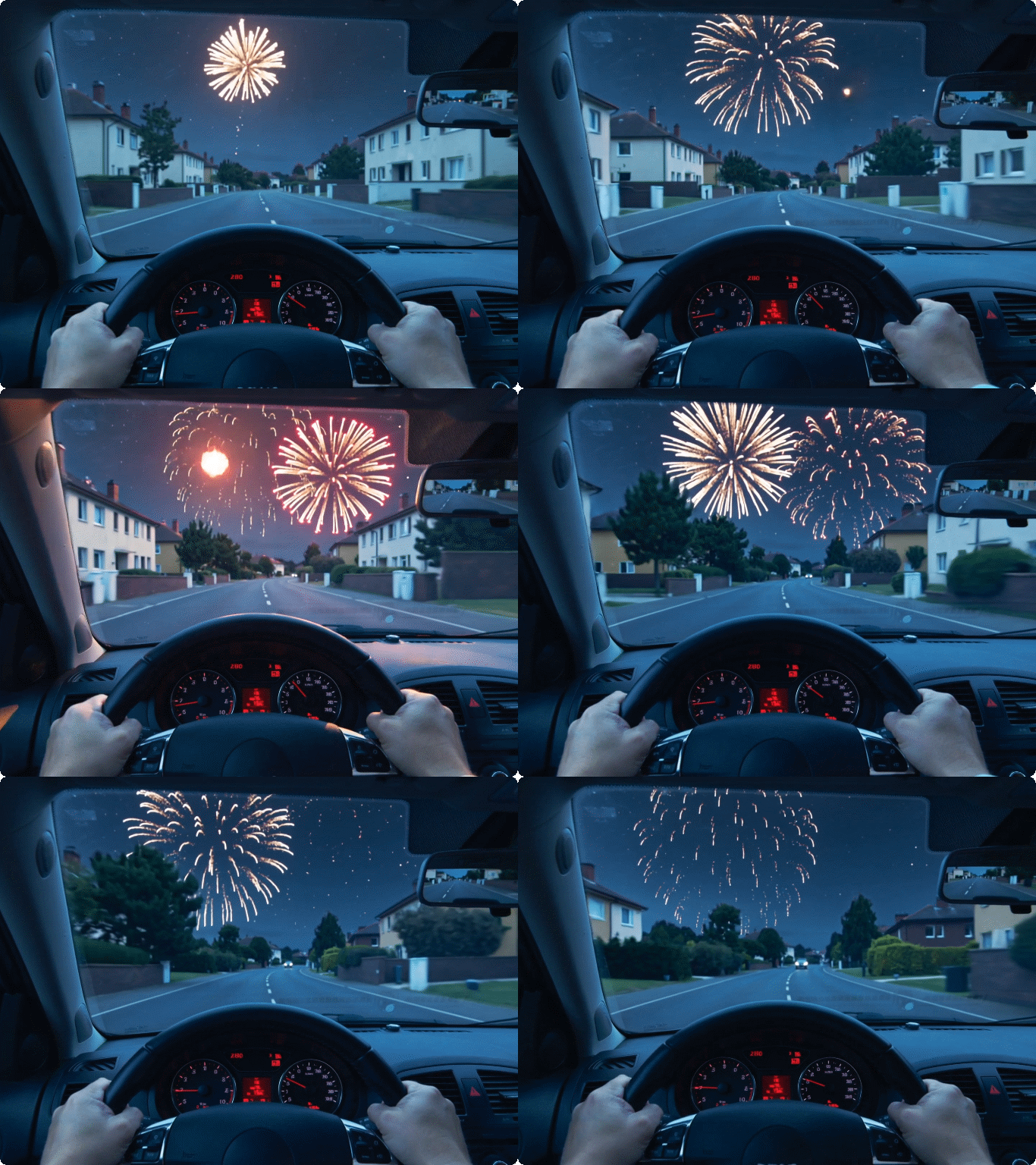
Create 1080P Clips in Under 60 Seconds
Speed is critical for content creators, and PixVerse V5.5 delivers rapid generation of high-quality 1080p segments. This efficiency allows for quick iteration and high-volume content production, enabling you to test different concepts and styles rapidly. This makes the PixVerse V5.5 video generator a powerful asset for fast-paced social media and marketing campaigns.
FAQ
What is the main difference between PixVerse V5.5 and V5.0?
The primary upgrade in PixVerse V5.5 is the focus on script-driven, multi-shot storytelling with integrated audio-visual synchronization. Unlike previous versions that focused on single-clip generation, V5.5 automatically handles camera changes, shot pacing, and generates perfectly synced dialogue, BGM, and SFX in one go.
Can I use the PixVerse V5.5 AI video generator for commercial projects?
Yes, the high-quality, 1080p output and professional features like multi-shot control and lip-sync make PixVerse V5.5 ideal for commercial use. For details on usage rights and licensing, please refer to our Pricing page.
Does PixVerse V5.5 maintain character consistency across different shots?
Absolutely. The model is specifically engineered to maintain high character and style consistency throughout the entire multi-shot sequence. This is a key feature that ensures your narrative flows smoothly without jarring visual changes between cuts.
How does the Multi-Shot Camera Control feature work?
The Multi-Shot feature automatically interprets your script and designs a sequence of cinematic shots, including push-ins, close-ups, and wide shots. You simply provide the script, and the PixVerse V5.5 video generator handles the directorial decisions, delivering a dynamic and engaging video.
Can I use an image to generate a video with PixVerse V5.5?
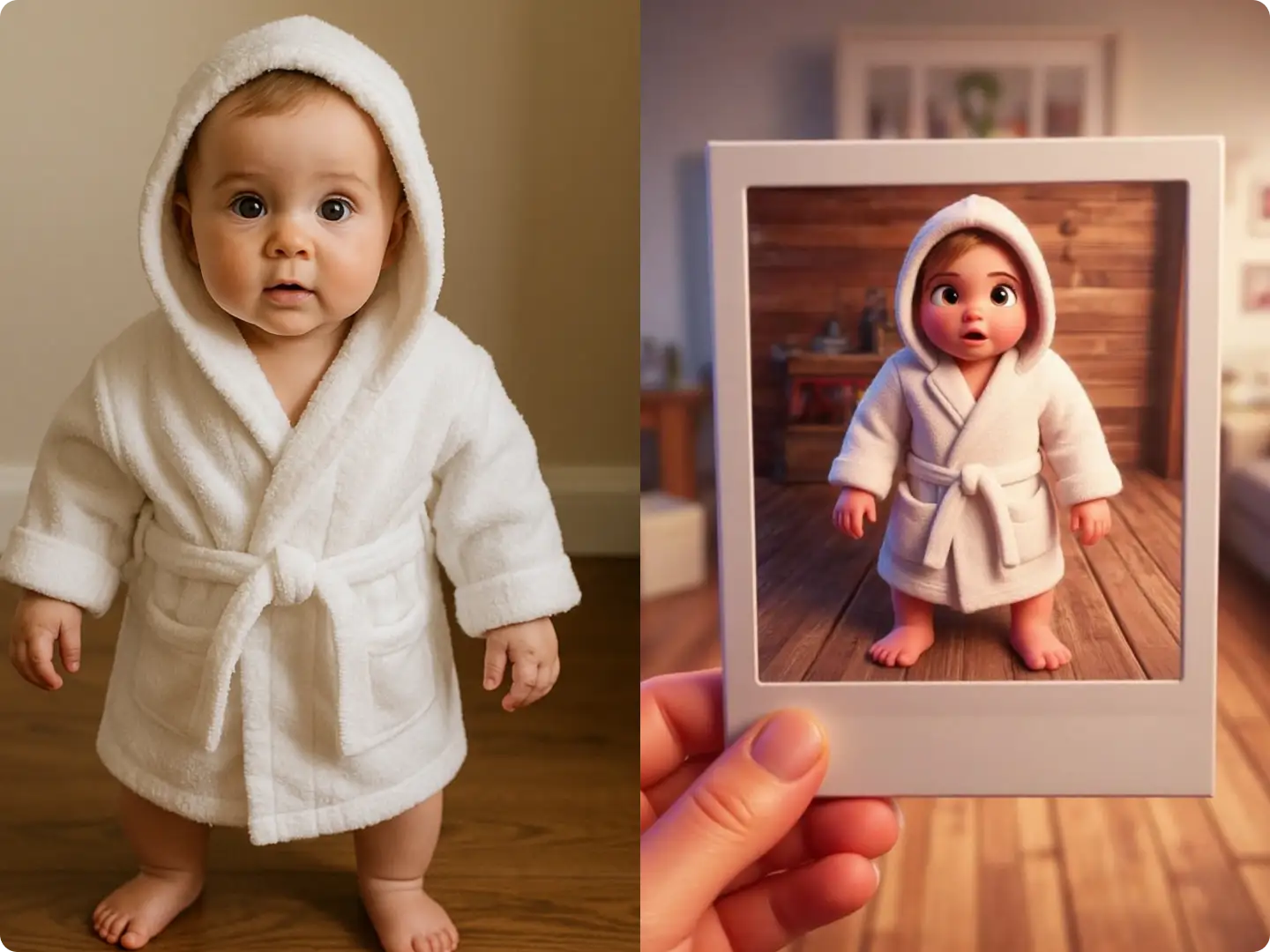
Yes, you can use a reference image alongside your text prompt. The model will use the image to inform the visual style and character appearance, then apply its multi-shot and audio-sync capabilities to generate a dynamic video from that starting point.
Is the audio generated by PixVerse V5.5 lip-synced to the characters?
Yes, a core feature of the PixVerse V5.5 video generator is its perfect lip-sync capability 2. When dialogue is included in your script, the model ensures the character's mouth movements align precisely with the generated voiceover, resulting in highly realistic talking videos.
What Our Users Said
The Ultimate Script-to-Screen Solution
The PixVerse V5.5 video generator is a massive time-saver. I just write the script, and Dzine delivers a fully-cut, voiced, and synced 1080p clip. It’s professional quality in seconds.
Marcus ReedContent Strategist
Unbelievable Continuity and Camera Work
I was struggling with character consistency across scenes, but V5.5's multi-shot feature solved it completely. The automatic camera changes add a cinematic flair I couldn't achieve before.
Emily TranIndependent Filmmaker
Perfect for Rapid Marketing Campaigns
We use the PixVerse V5.5 AI video generator to create multiple ad variations daily. The speed and integrated audio mean we can publish high-quality, fully-polished videos instantly.
Lena CarterDigital Marketing Lead