- Tools
- Resources
- Pricing
- API
- Contact Sales
- Book a Demo


Turn Photo into Pop Art
Convert any image into vibrant pop art with our AI tool. No design skills needed—get bold, iconic styles in seconds.

Click or drag here to upload images
Upload your photo to start creating pop art magic
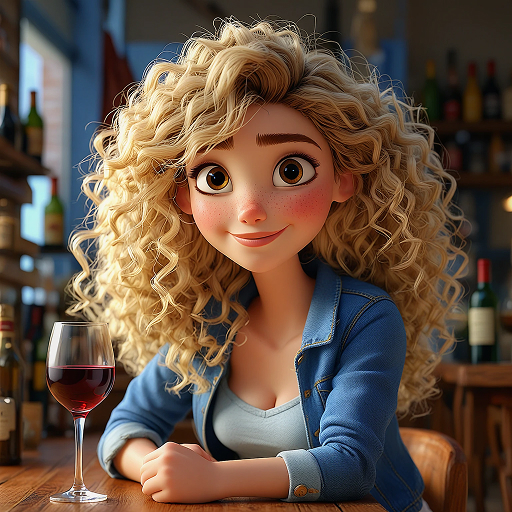
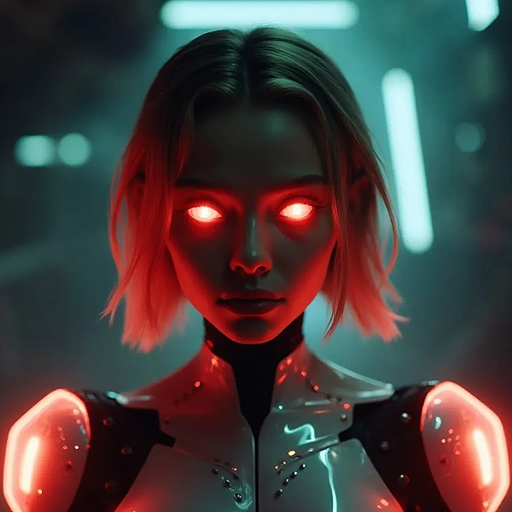
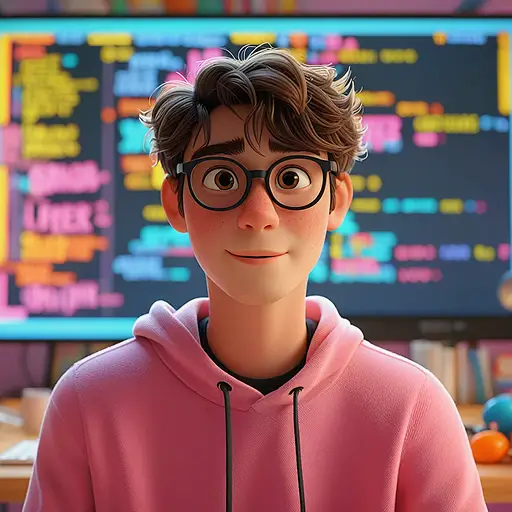
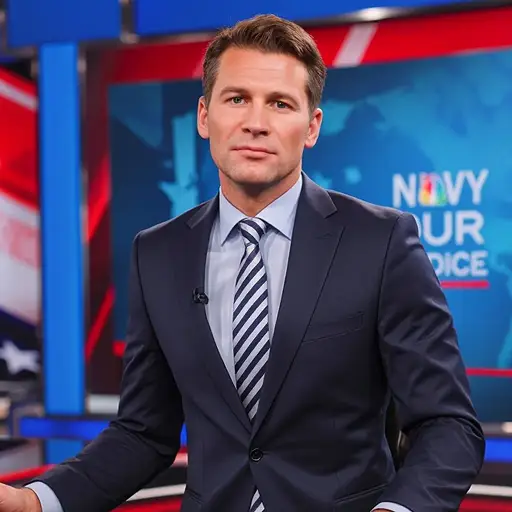
Get Iconic Pop Art Styles for Any Image
Our tool transforms photos into pop art in various styles. Choose from classic bold lines, vibrant color blocks, or retro comic vibes. It works for selfies, landscapes, pets, or family photos.
Use it to make unique wall art, social media posts, or personalized gifts. Pair with AI Image Enhancer to sharpen details before conversion. All edits happen online—no software required.
How to Turn Photo into Pop Art in Three Steps
Step 1. Upload Your Image
Select the photo from your device. We support JPG, PNG, and WEBP formats.
Step 2. Describe Your Vision
Tell us your style. For example, "60s pop art with bright pink and blue" or "comic book pop art with thick black lines".
Step 3. Generate and Download
Wait a few seconds for the AI to process. Save your pop art image when ready.
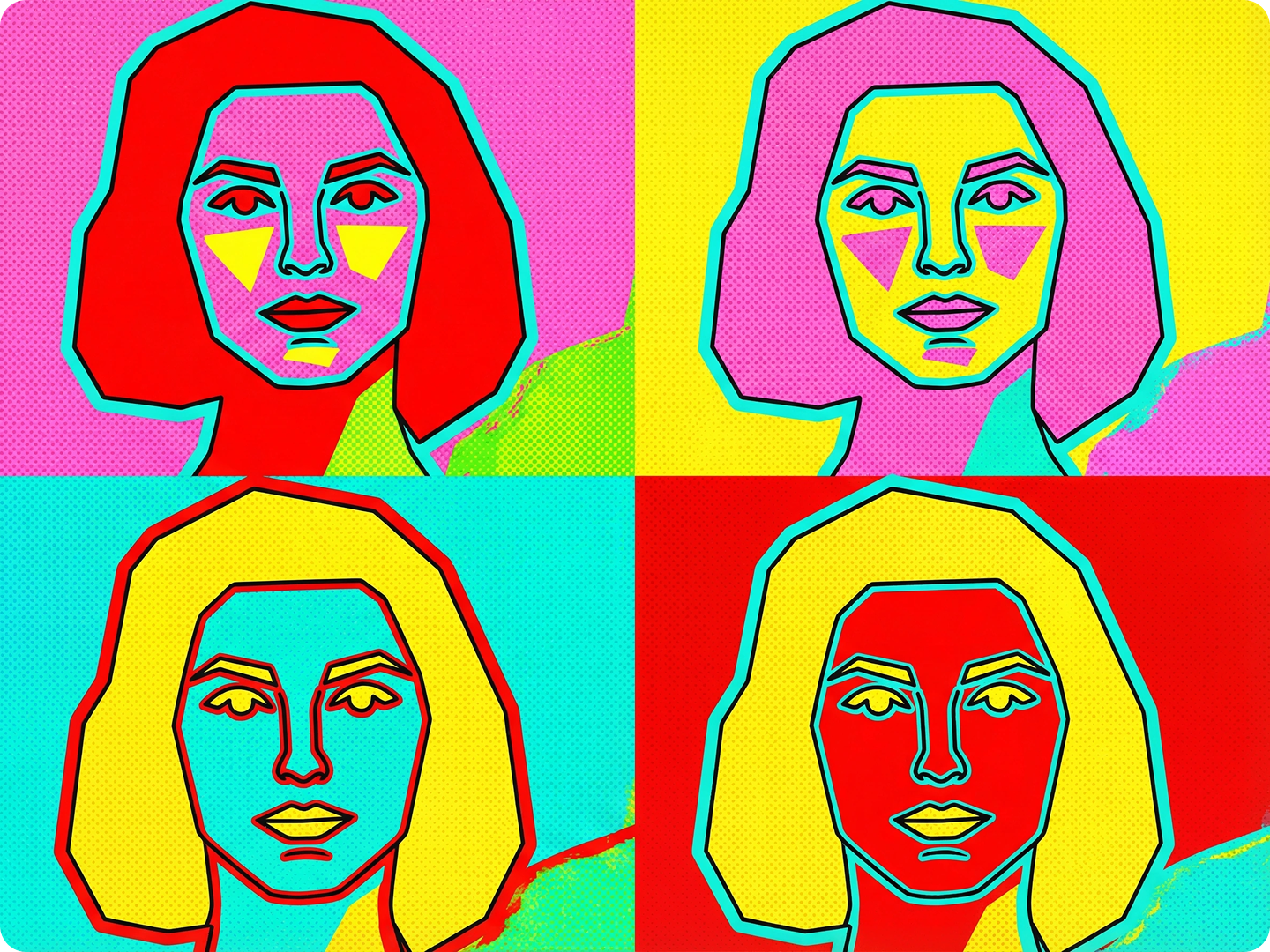
Create Eye-Catching Social Media Content
Make your Instagram or TikTok posts stand out. Turn travel photos into pop art for a vibrant feed. Match brand colors to keep a consistent look. Use Social Media Image Resizer to fit platform specs.
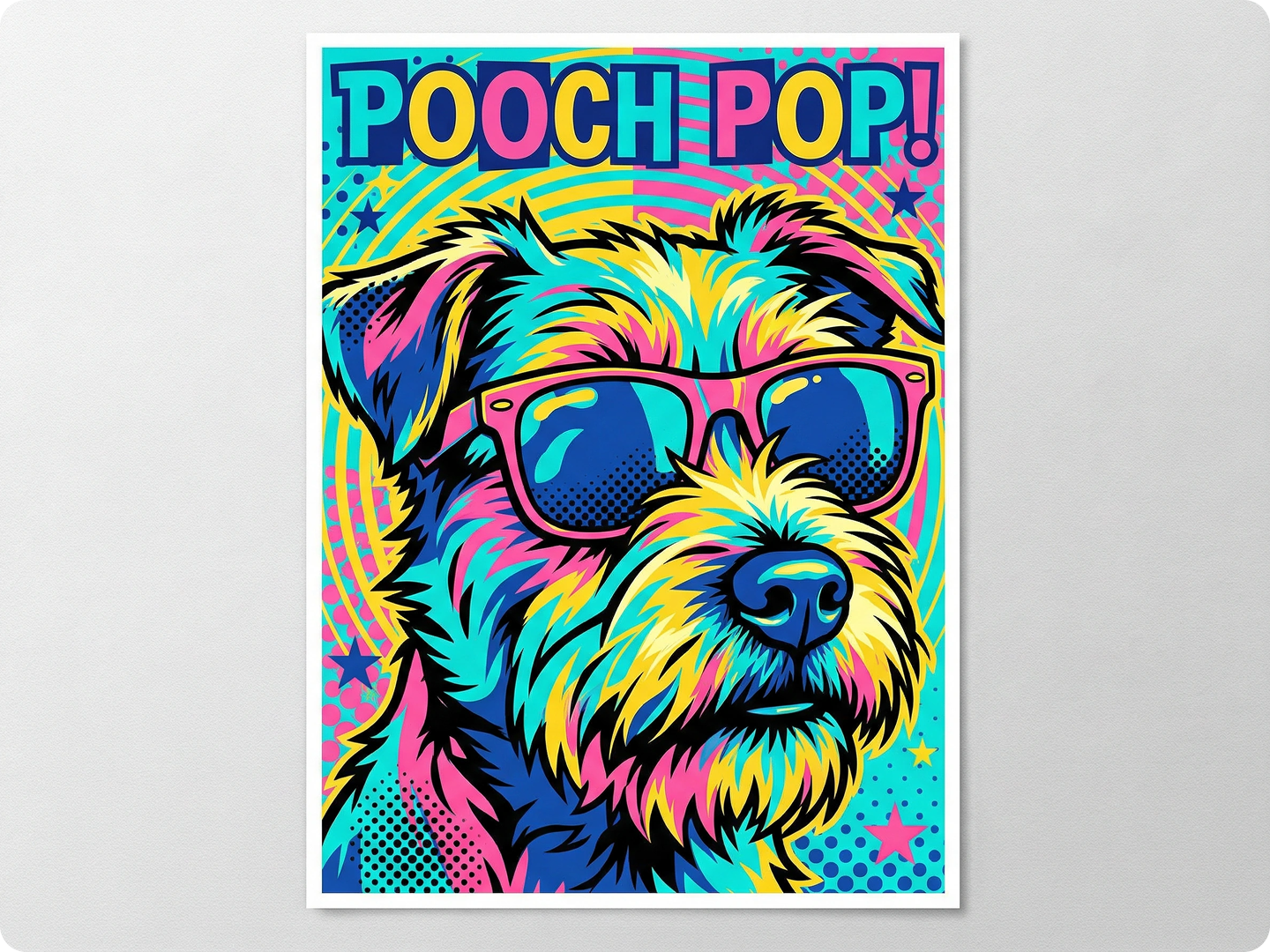
Design Unique Home Decor
Transforming family photos into pop art style allows you to create unique prints. These can be hung on the wall as decorations or made into custom throw pillows. Add a retro touch to your space with bold, vibrant designs. Combine with Digital Art Generator for more styles.
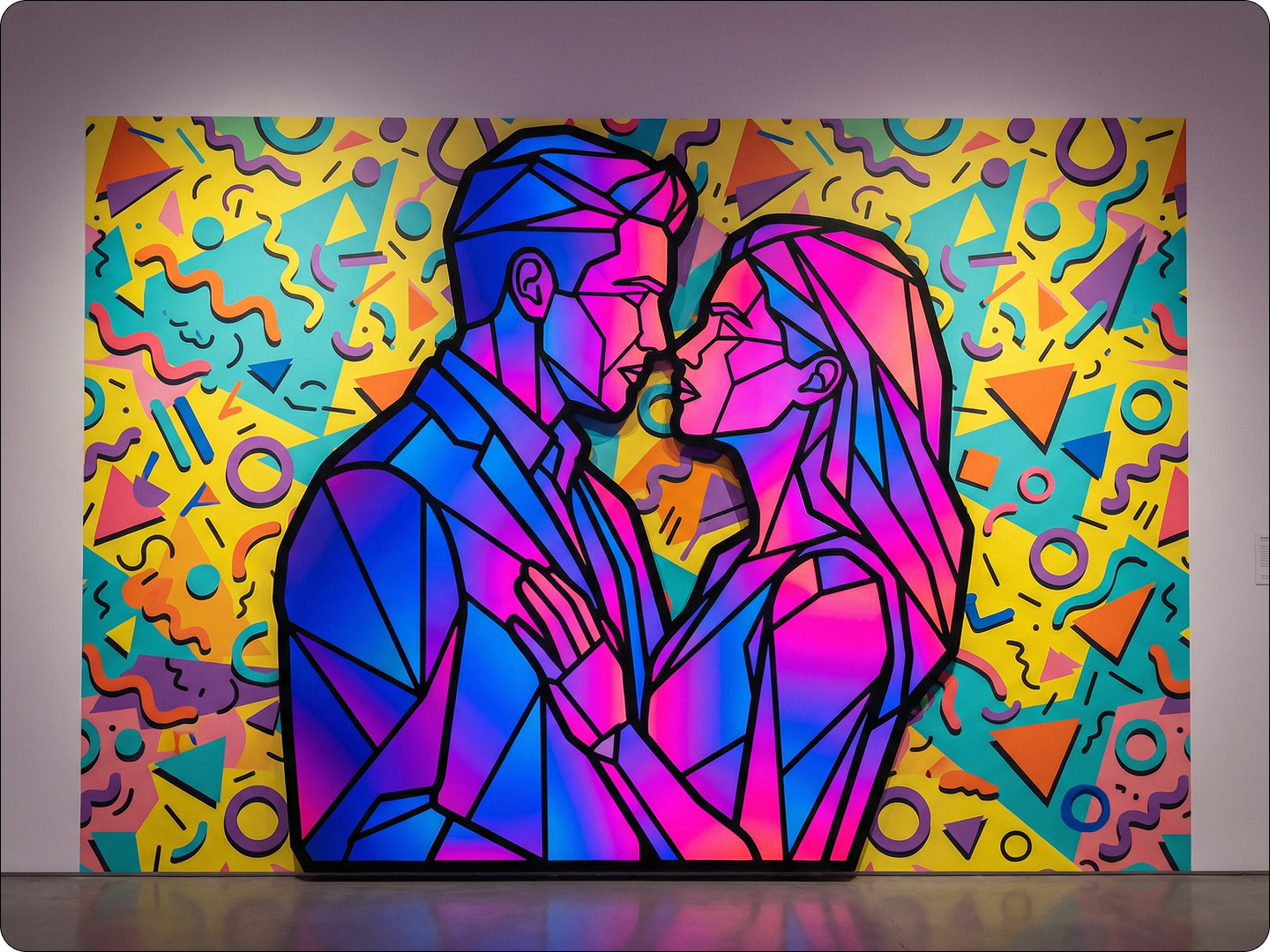
Make Personalized Gifts
Transform photos of friends or pets into pop art pieces as birthday or holiday gifts. They can also be used to create unique mugs, phone cases, or posters. The recipient will surely appreciate the thoughtfulness and creativity.
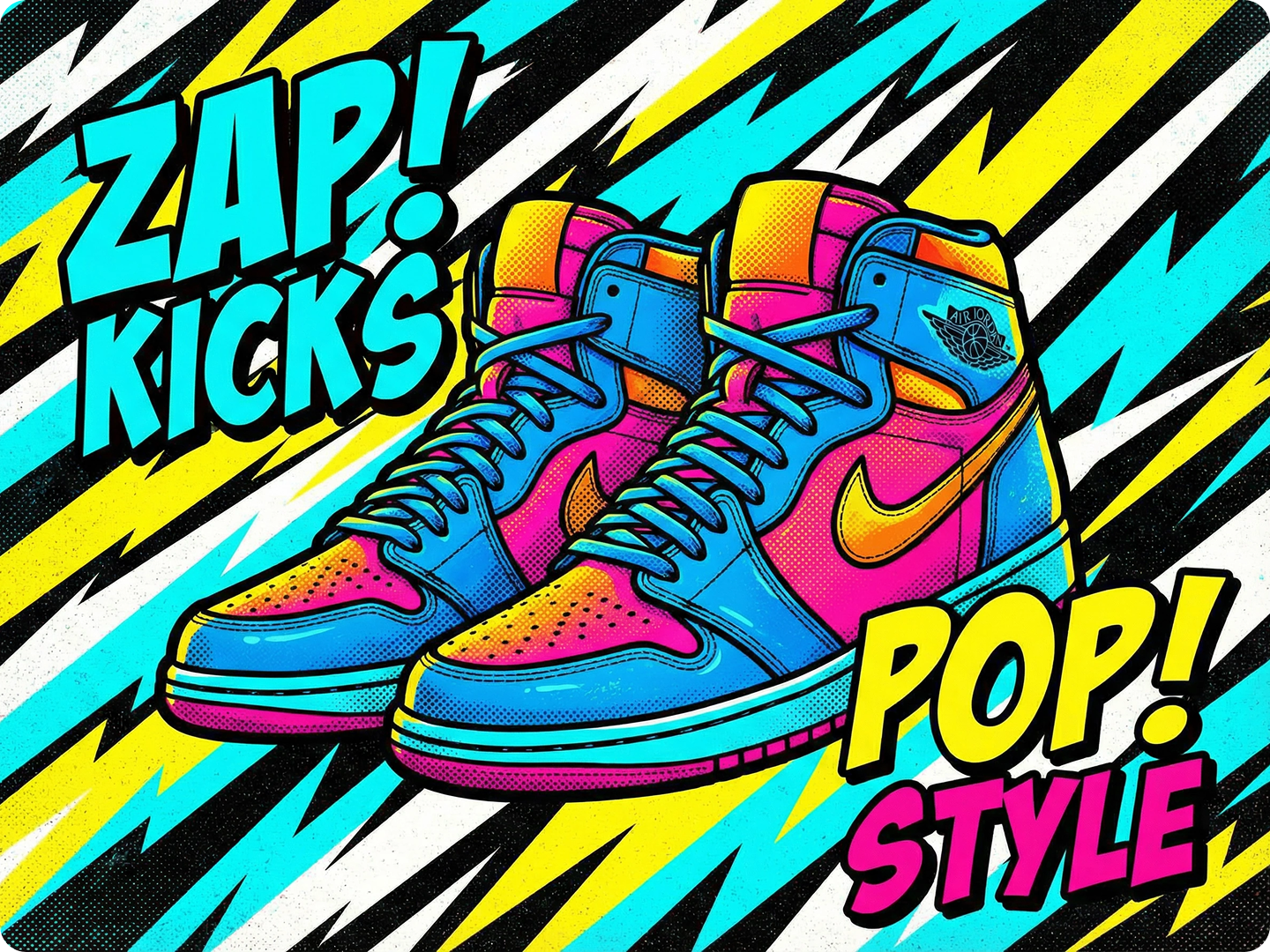
Enhance Marketing Materials
Incorporate Pop Art filters into flyers, brochures, or advertisements. Engage users with striking graphic designs and a signature style. Create a memorable brand image without hiring a designer. Use Graphic Design AI for full campaign designs.
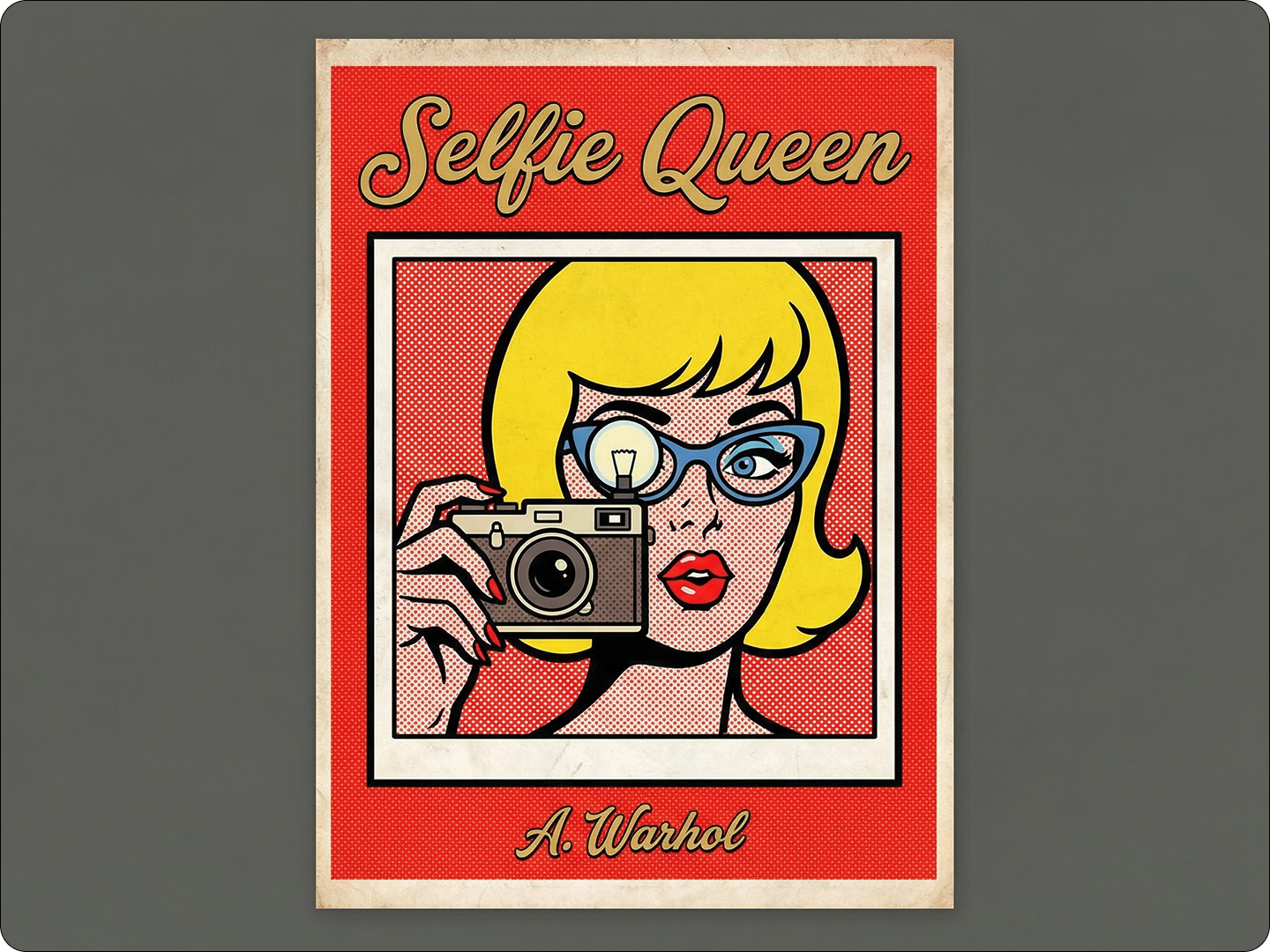
Revive Old Photos
Give vintage photos new life with pop art twists. Turn 80s family snapshots into vibrant pieces. Preserve memories while adding a fun, modern edge. Pair with Photo Restoration Tool to fix damage first.
FAQ
Can I choose different pop art styles?
Yes. Our tool offers various styles, from Andy Warhol-inspired to comic book and retro 70s vibes. Describe your preference in the prompt.
Will the original details be lost?
No. The AI keeps key features like faces or landmarks while adding pop art elements. Details stay recognizable.
Is there a limit to how many photos I can convert?
No. You can turn as many photos into pop art as you want, free of charge.
How long does each conversion take?
Most images process in 5-8 seconds. Larger files may take a few seconds more.
Can I adjust the colors after generation?
Yes. Use Color Editor Tool to tweak hues, saturation, or brightness post-conversion.
Do I need to know design terms to use it?
No. Describe styles in simple language, like "bright colors with dots"—the AI understands plain English.
What Our Users Said
Perfect for Social Media
I turned my travel photos into pop art for Instagram. They got twice as many likes. So easy to use, even for a beginner.
Taylor ReedTravel Blogger
Great for Gifts
Made pop art from our wedding photo for my spouse. It’s now hanging in our living room. Everyone asks where we got it.
Jamie LopezTeacher
Boosted My Marketing
Added pop art versions of our products to ads. Customer engagement went up 30%. Saved money on hiring a designer.
Chris PatelSmall Business Owner