
- Tools
- Resources
- Pricing
- API
- Contact Sales
- Book a Demo


Wallet Size Photo
Get the exact wallet size photo dimensions you need. Our tool makes it easy to resize photos to fit any wallet, with clear results every time. Create perfectly sized photos for your wallet online free!

Click or drag here to upload images
Turn your photos into wallet-sized keepsakes with Dzine

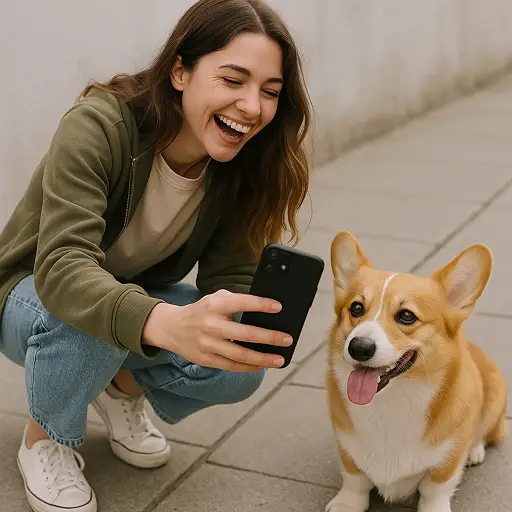
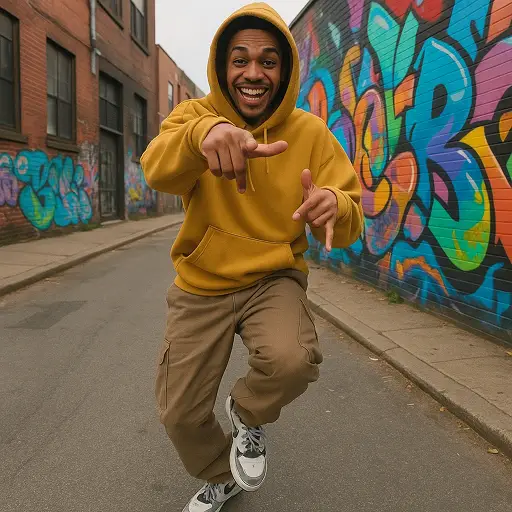

Ideal for Carrying Memories Everywhere, No Expertise Required
Wallet size photos let you keep loved ones close. They fit in wallets, purses, and phone cases. Our tool handles the dimensions, so your photos look sharp. Use it for family portraits, pet photos, or vacation snapshots. Pair with AI Image Resizer for more size options. Do it all in your browser — no downloads needed.
How to Make Wallet Size Photos in Three Steps
Step 1. Upload Your Original Image
Pick the photo you want to resize from your device or cloud.
Step 2. Describe Your Wallet Size Needs
Tell us what you want. For example, "resize to standard wallet size" or "make 2x3 inch wallet photos".
Step 3. Generate Your Wallet Size Photo
Wait a few seconds. Download your perfectly sized photo when ready.

Wallet Size Photos for Family Keepsakes
Carry photos of kids, grandparents, or siblings. Our tool ensures faces stay clear even in small sizes. Great for showing off family moments on the go. Combine with Family Photo Editor to touch up before resizing.
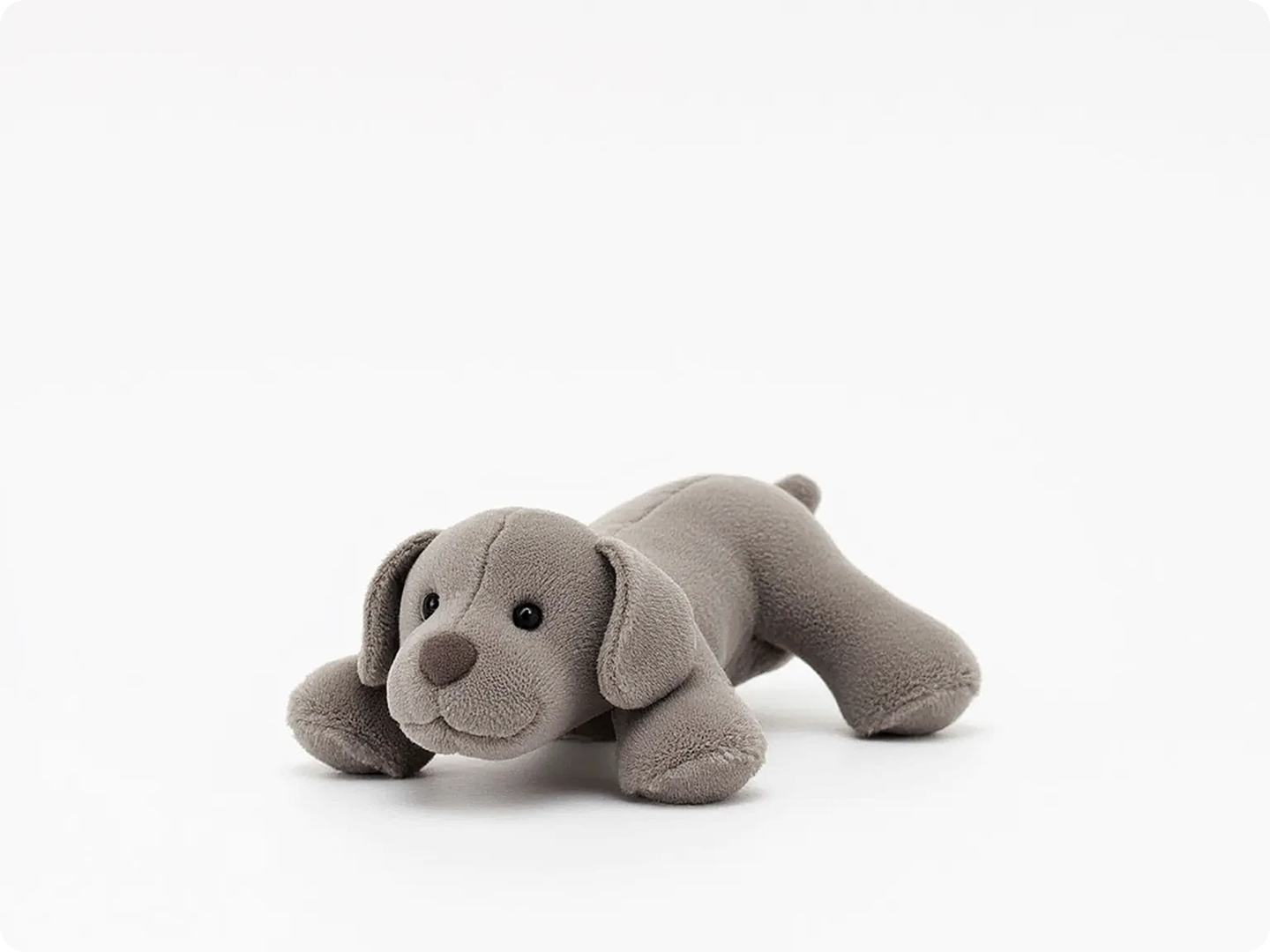
Perfect for Gifting Small Memories
Make tiny photo gifts for friends. Wallet size works for birthday cards or holiday presents. Our tool keeps colors true, so the gift looks great. Use with Greeting Card Maker for a complete gift.
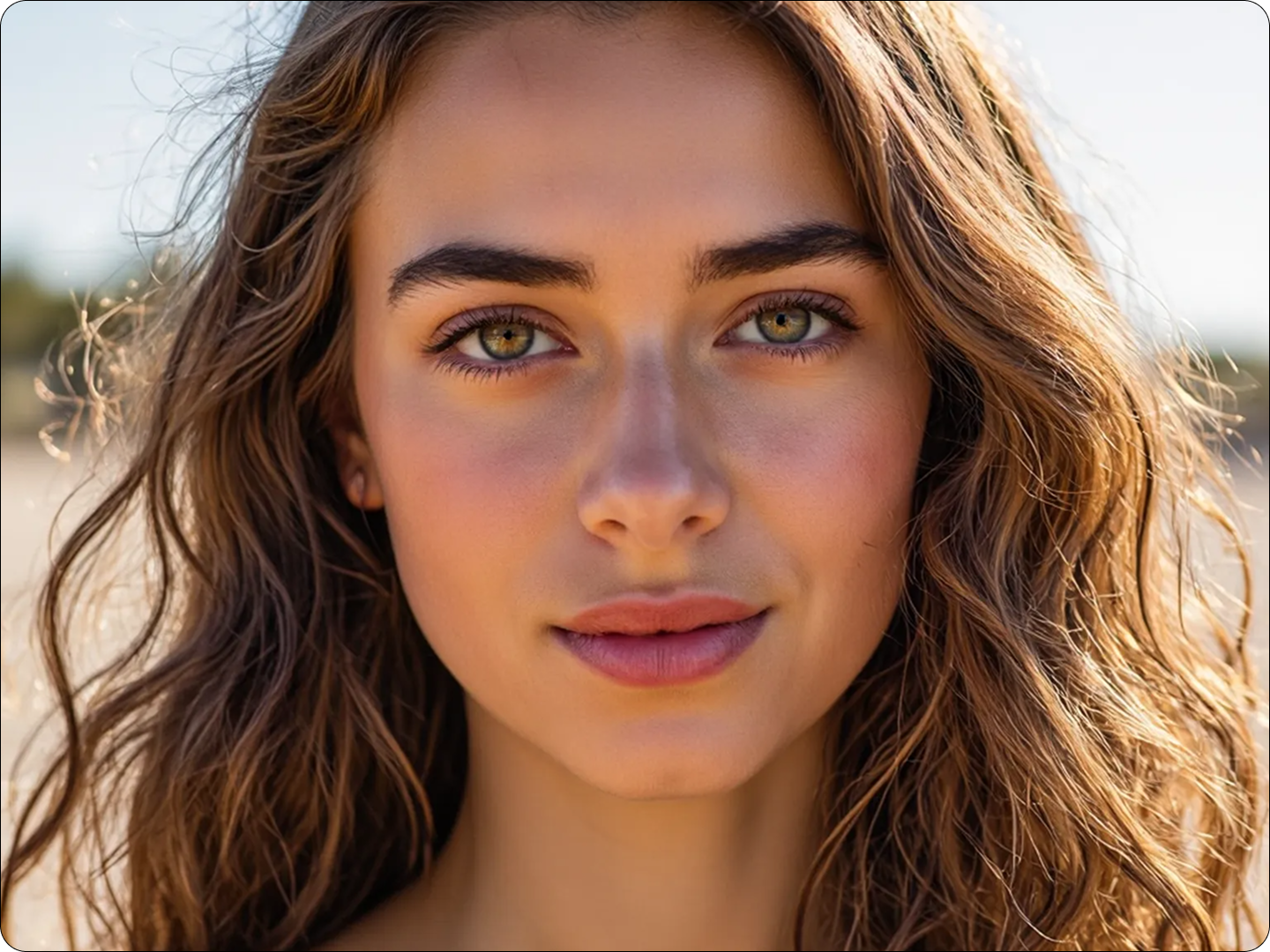
ID Photos in Wallet Size
Need small copies of ID photos? Resize them to fit in wallets. Our tool maintains the right proportions. Pair with ID Photo Generator for accurate ID shots first.

Travel Photos You Can Carry
Shrink vacation photos to wallet size. Keep your favorite trip moments with you. Our tool preserves details like landmarks or sunsets. Link to Travel Photo Editor to enhance before resizing.
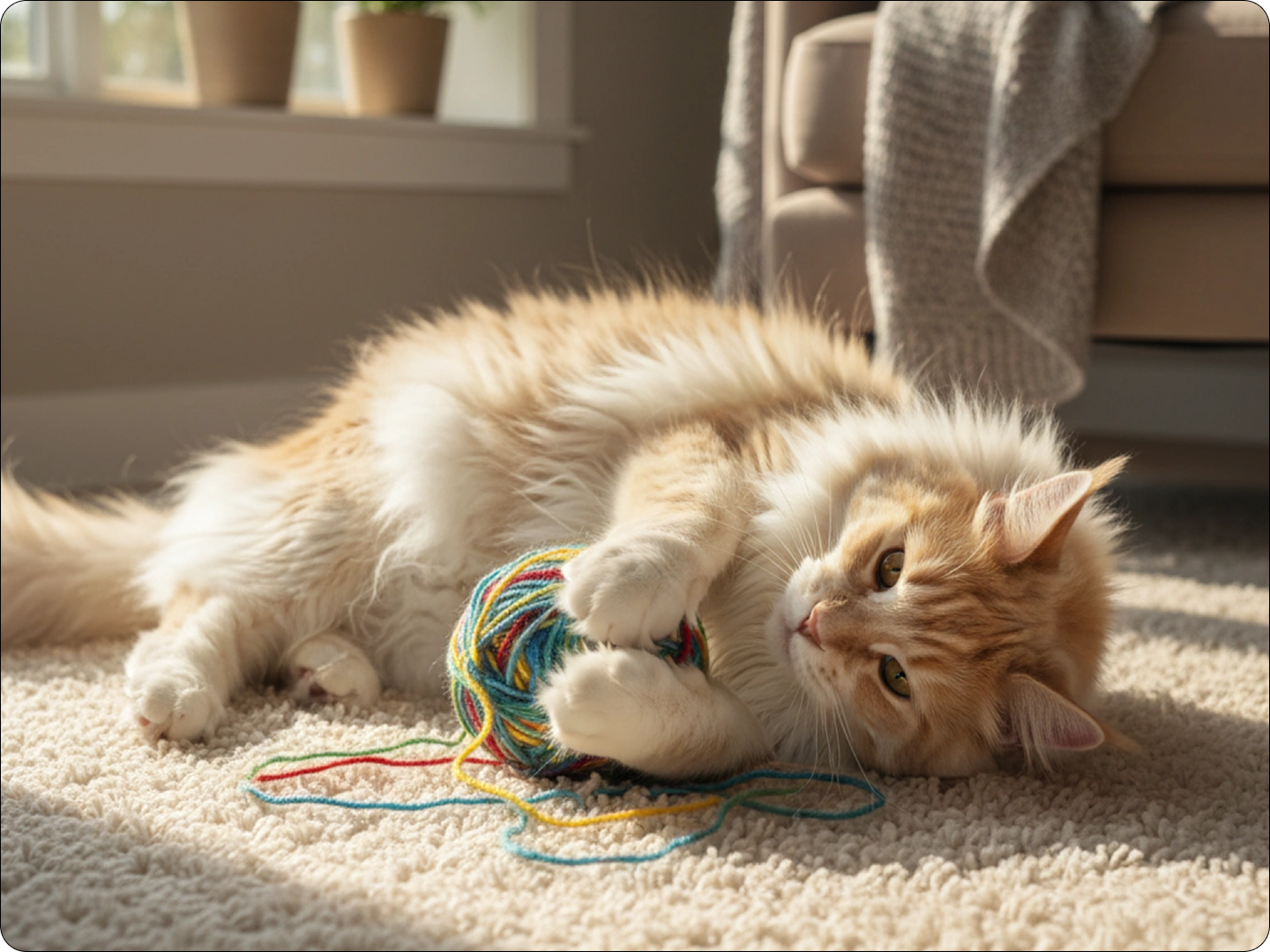
Pet Photos for Pet Lovers
Carry photos of your dog, cat, or other pets. Wallet size fits them easily. Our tool keeps fur and features sharp. Use with Pet Photo Enhancer to make your pet look their best.

Wallet Size for Business Contacts
Add a small photo to business cards or profiles. Our tool resizes headshots perfectly. Keep a professional look in a tiny format. Combine with Business Headshot Editor for polished results.
FAQ
What are the standard wallet size photo dimensions?
Standard wallet size photos are typically 2.5 x 3.5 inches (6.35 x 8.89 cm). Our tool uses this as a default, but you can adjust as needed.
How does Dzine ensure photo quality when resizing to wallet size?
We use AI to preserve details. The tool sharpens edges and maintains colors, so small photos don’t look blurry.
Can I print the wallet size photos directly from Dzine?
Yes, after generating, download the image. It’s optimized for home or professional printing.
What image formats work with the wallet size tool?
We support JPG, PNG, and WebP. Most common photo formats are compatible.
Can I make multiple wallet size photos from one image?
Yes. Tell the tool how many copies you want, and it will arrange them for easy printing.
Is there a limit to how many wallet size photos I can create?
No, you can make as many as you need. There’s no restriction on usage.
What Our Users Said
Perfect for Grandparents
I made wallet size photos of my kids for their grandparents. The size was just right, and the quality held up. They carry them everywhere.
Sarah JohnsonParent
Great for Travel Memories
I resized my Europe trip photos to wallet size. They fit in my phone case, and I love having them handy. So easy to use.
Michael LeeTravel Enthusiast
Useful for Business
I needed small headshots for my team’s profiles. The tool resized them perfectly. They look professional in our wallets.
Emily RodriguezHR Manager


