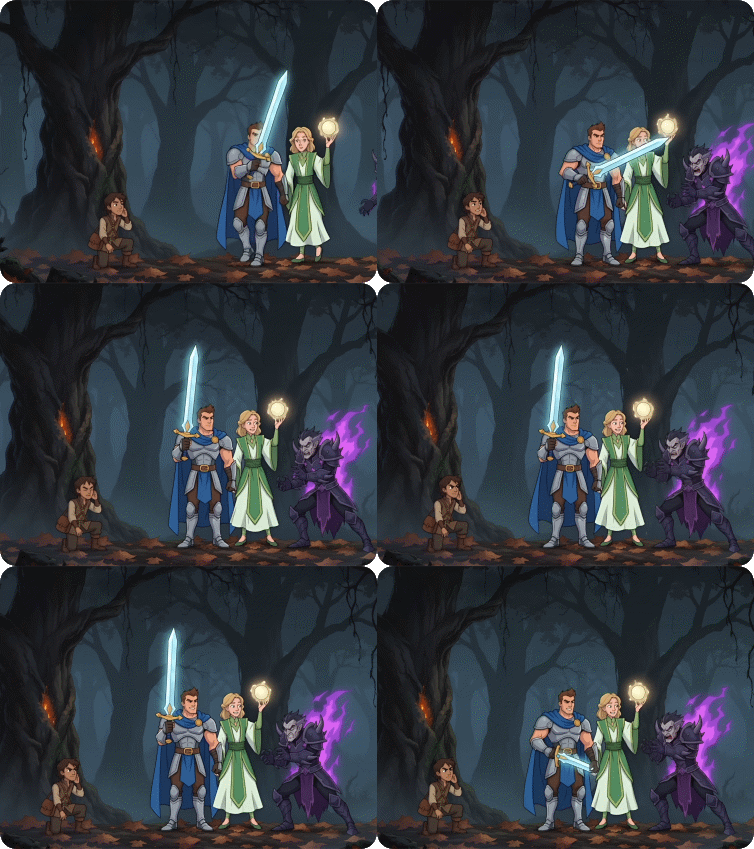
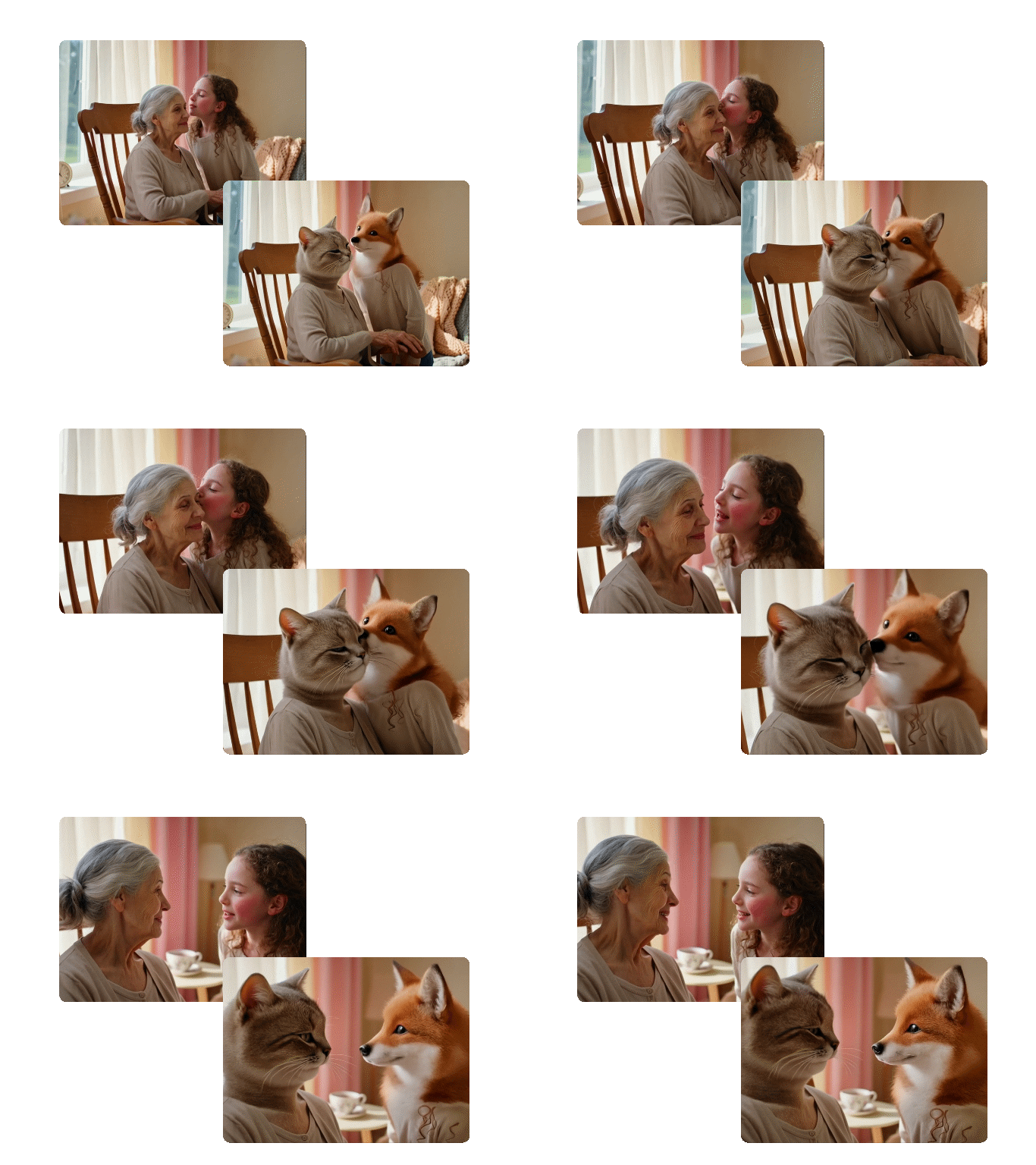
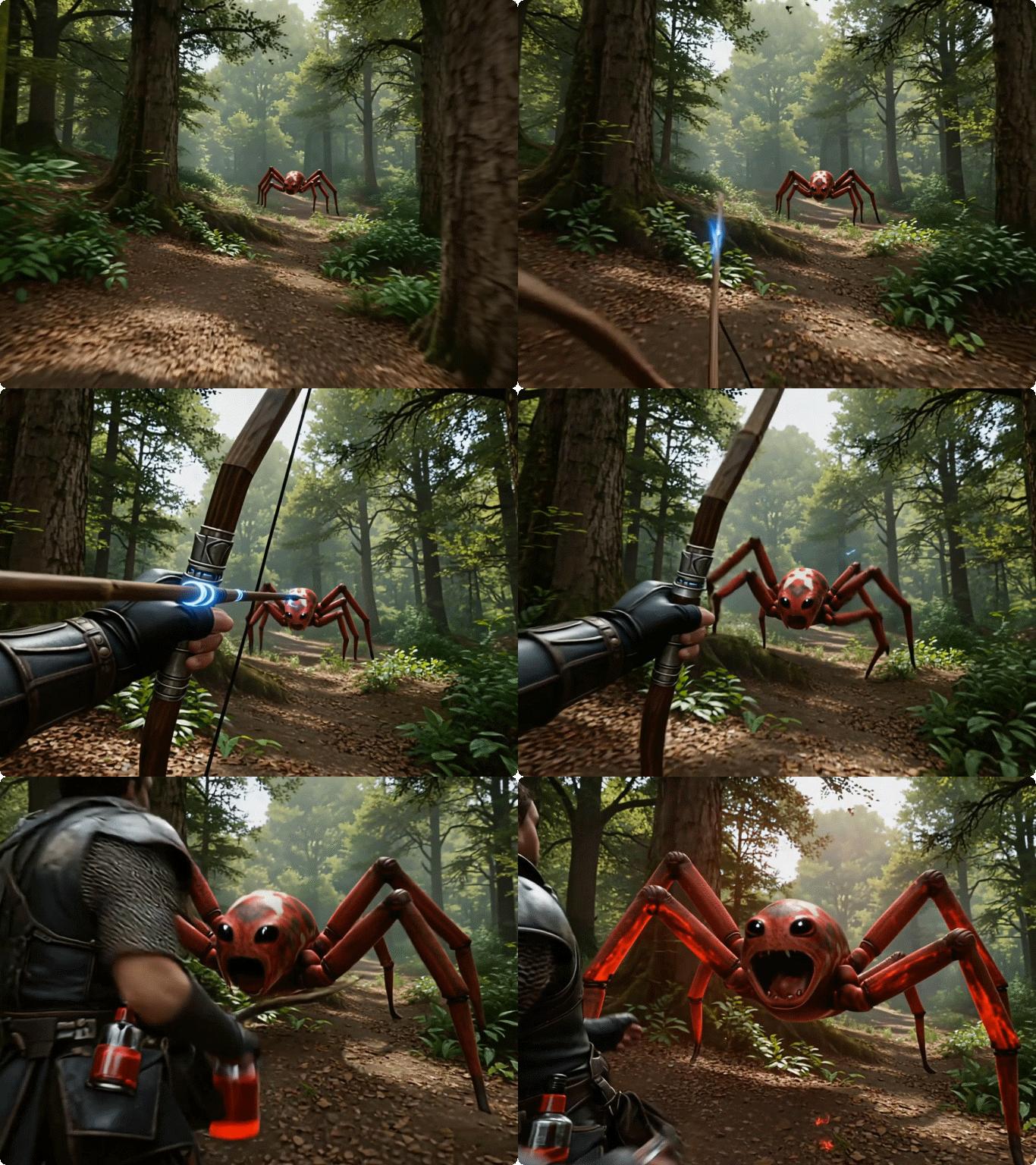
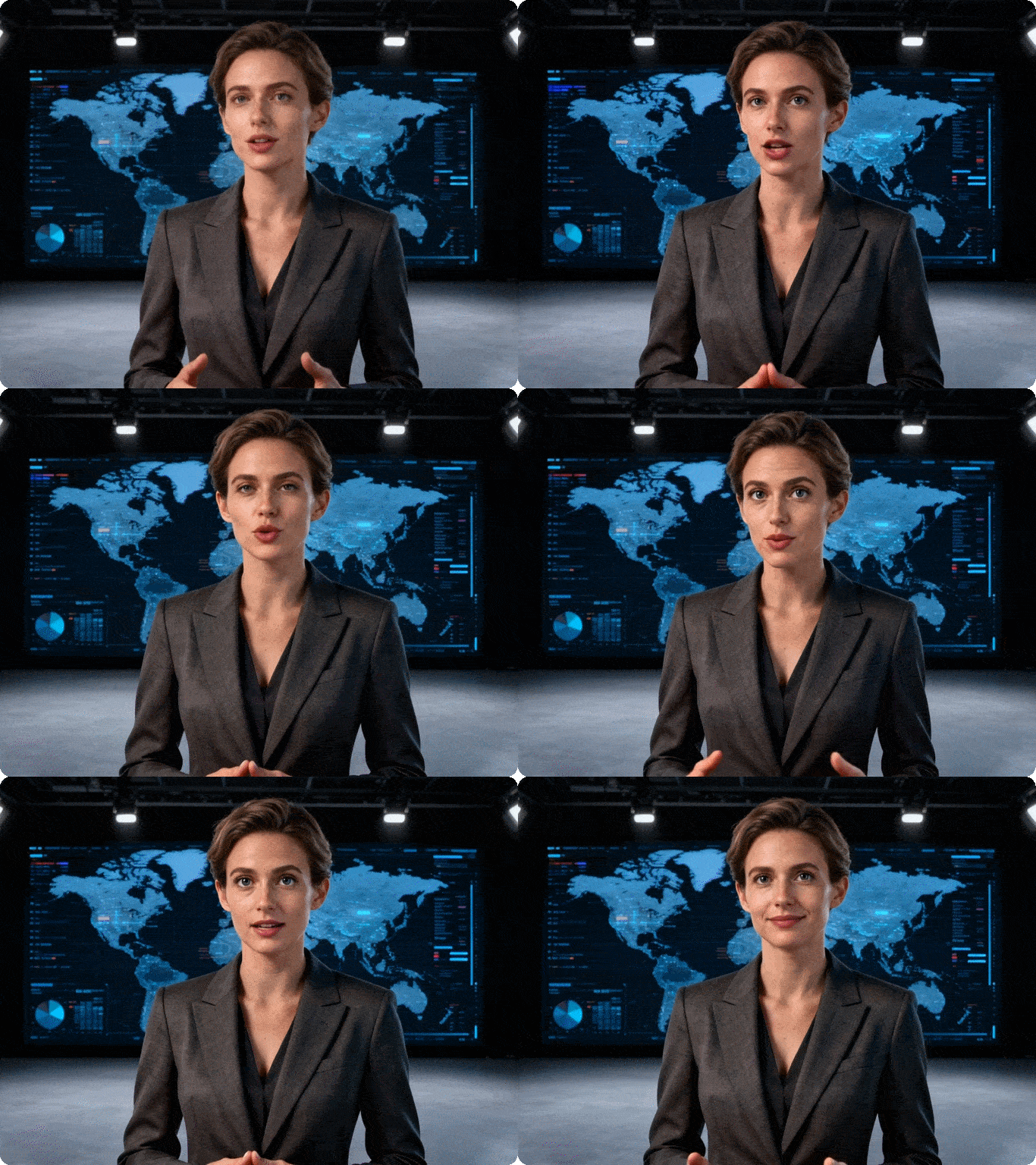
First-Frame & Last-Frame Video Generation
Wan 2.7 lets you set both the opening frame and the closing frame of a video. The model fills in all motion, transition, and scene progression in between - with consistent subject identity and natural movement throughout. This gives you precise control over the final output.
| Start Frame | End Frame | Prompt | Output Video |
|---|
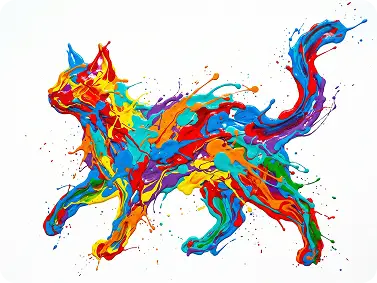 | 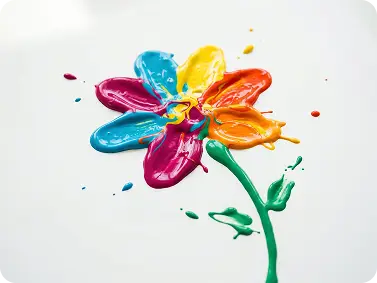 | A 6-second whimsical animation: a glossy acrylic paint-splash cat (red, blue, yellow, orange, purple, green) walks on a white canvas, leaps and splatters paint droplets (0-2s), spins and dissolves into swirling color streams (2-4s), which converge and solidify into a bright paint-splash flower with a green stem (4-6s). Fluid paint physics, vibrant colors, cartoonish style, 8K, soft white background. | 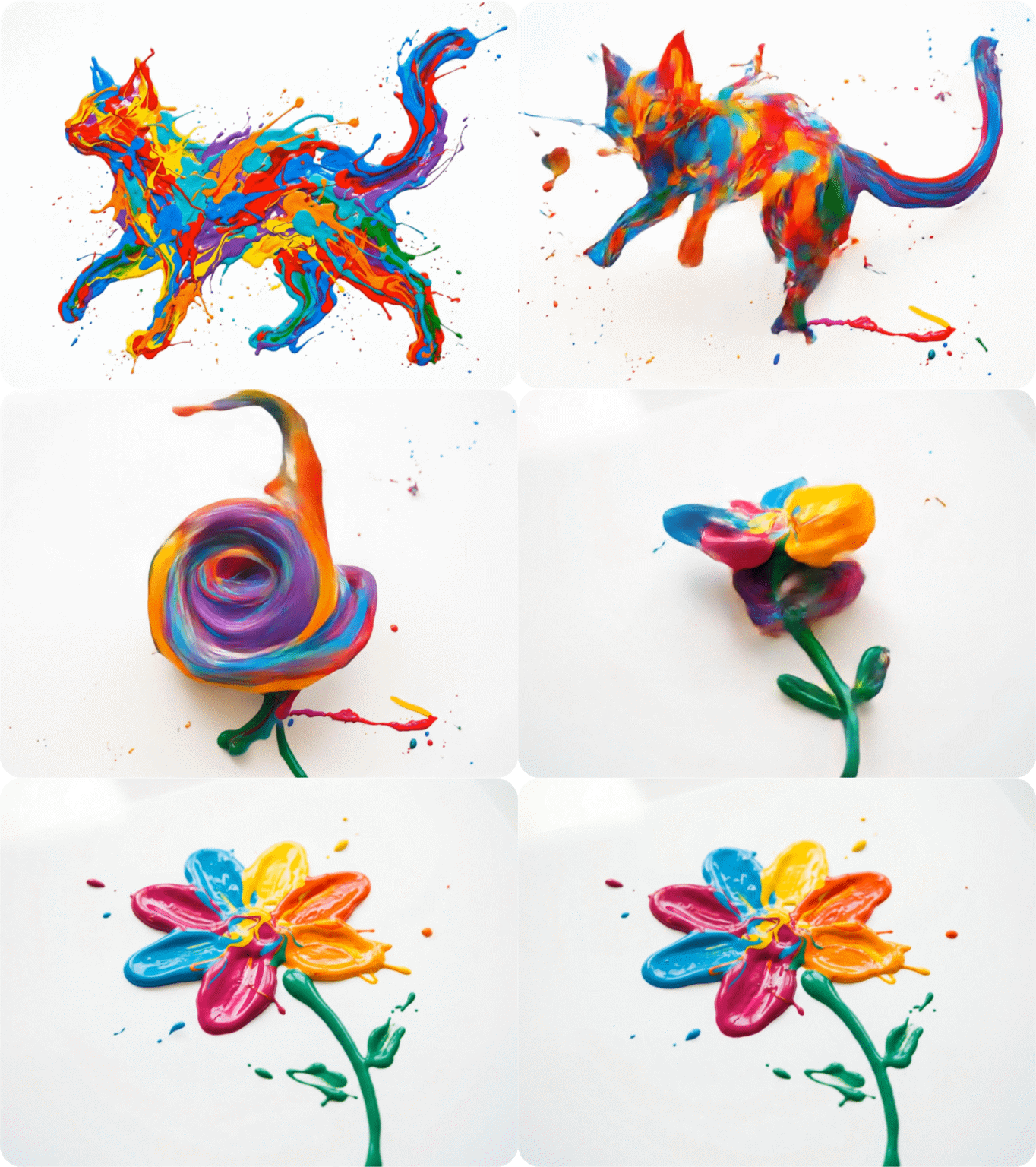 |
9-Grid Image-to-Video
Upload a 3×3 arrangement of still images and Wan 2.7 converts them into a single continuous video. Each panel becomes a distinct scene or moment, stitched together with smooth transitions and consistent visual style - no manual editing required.This is useful for storyboard-based workflows, multi-scene ads, product catalogs, and sequential illustrations.
| Input Grid | Prompt | Output Video |
|---|
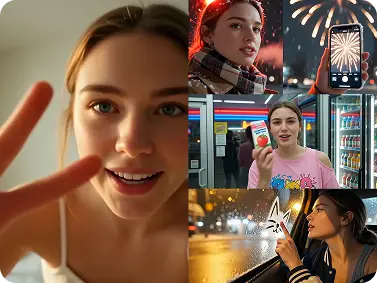 | make a video with the image | 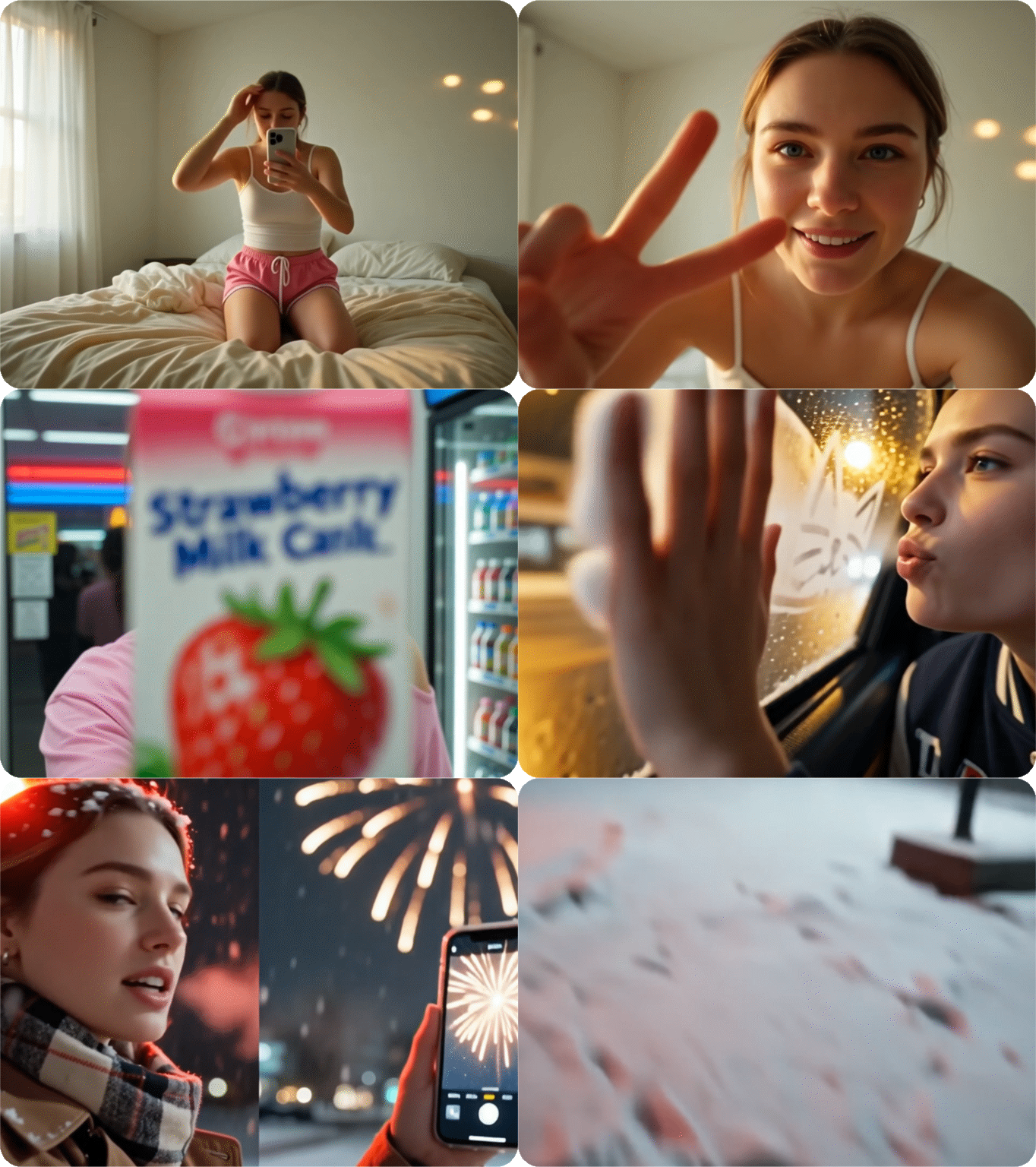 |
Subject + Voice Reference Cloning
Provide a reference image and a short voice sample. Wan 2.7 replicates the subject's visual identity - face, body, clothing - and vocal characteristics in the generated video. The output stays consistent across multiple clips without reshooting. This works for spokesperson videos, brand mascot content, and creator series. An influencer can generate new content with their likeness and voice without being on camera.
| Input Image | Prompt | Output Video |
|---|
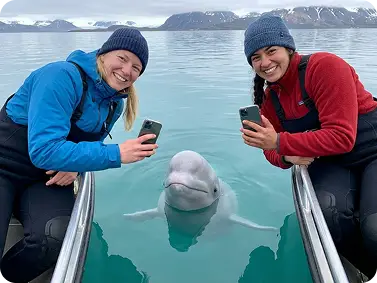 | The camera sways slightly with the waves and zooms in a little on the people in the image. The two people in the picture are having a conversation, which needs to be related to discussing beluga whales. The beluga whales are also happily playing and swimming in the water. | 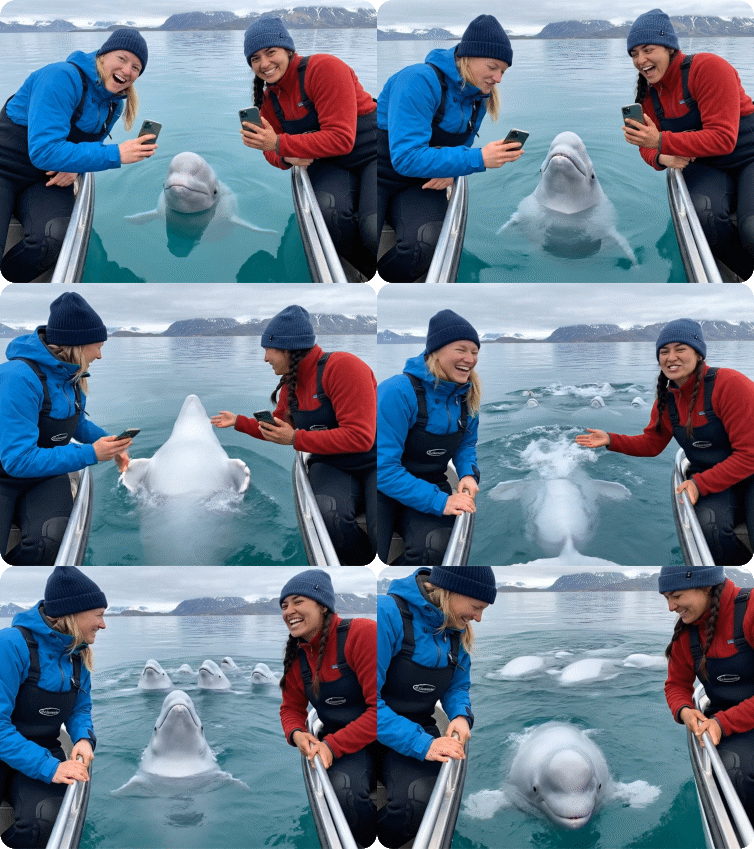 |
Instruction-Based Video Editing
Upload an existing video clip and type what you want changed. Wan 2.7 applies the edit — swap the background, change the outfit color, modify lighting, alter the character's action — while keeping the rest of the clip intact. You keep the structure and timing of the original video and adjust specific elements by text command.
| Original Video | Edit Instruction | Edited Output |
|---|
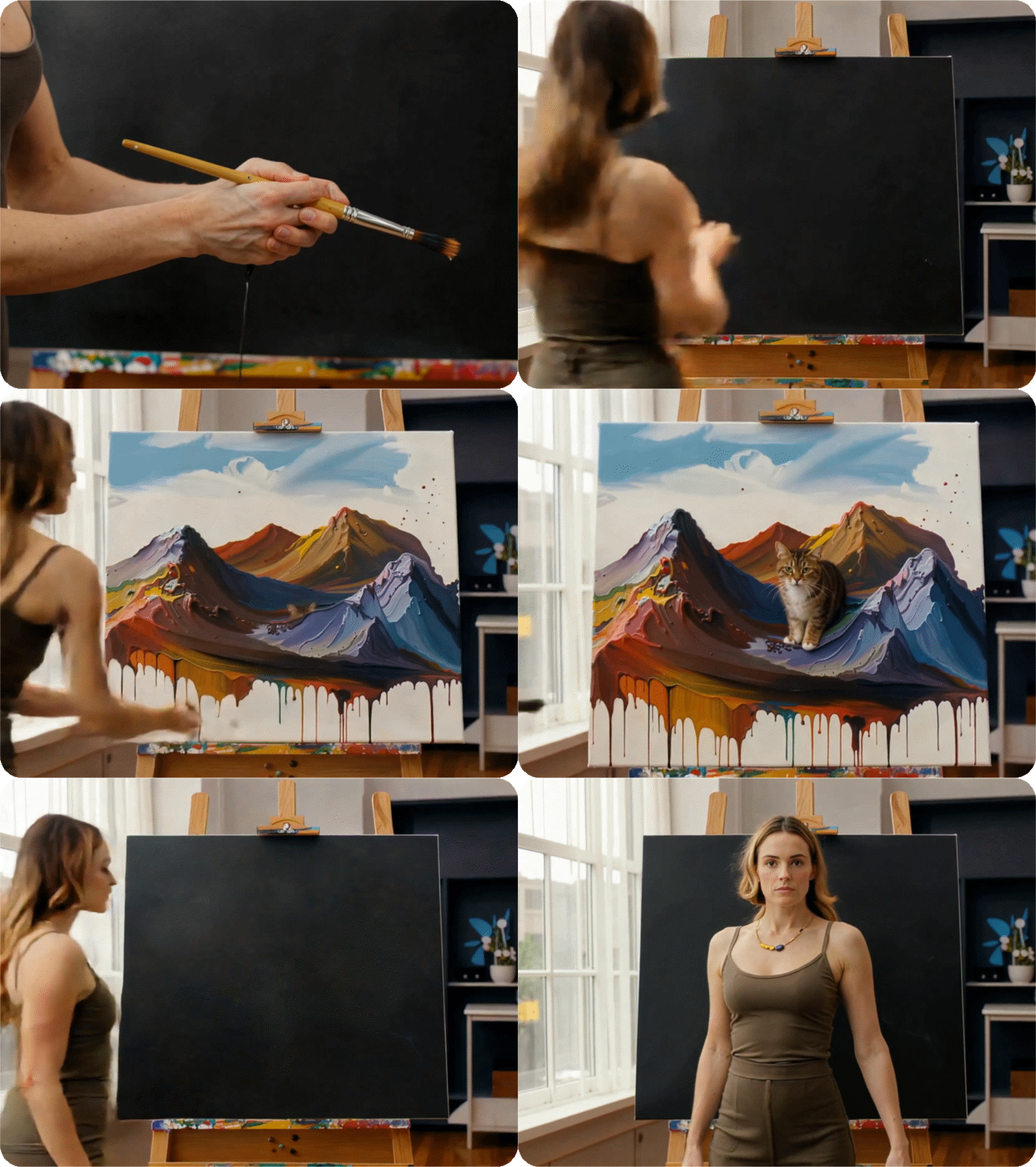 | Change the canvas color to white. | 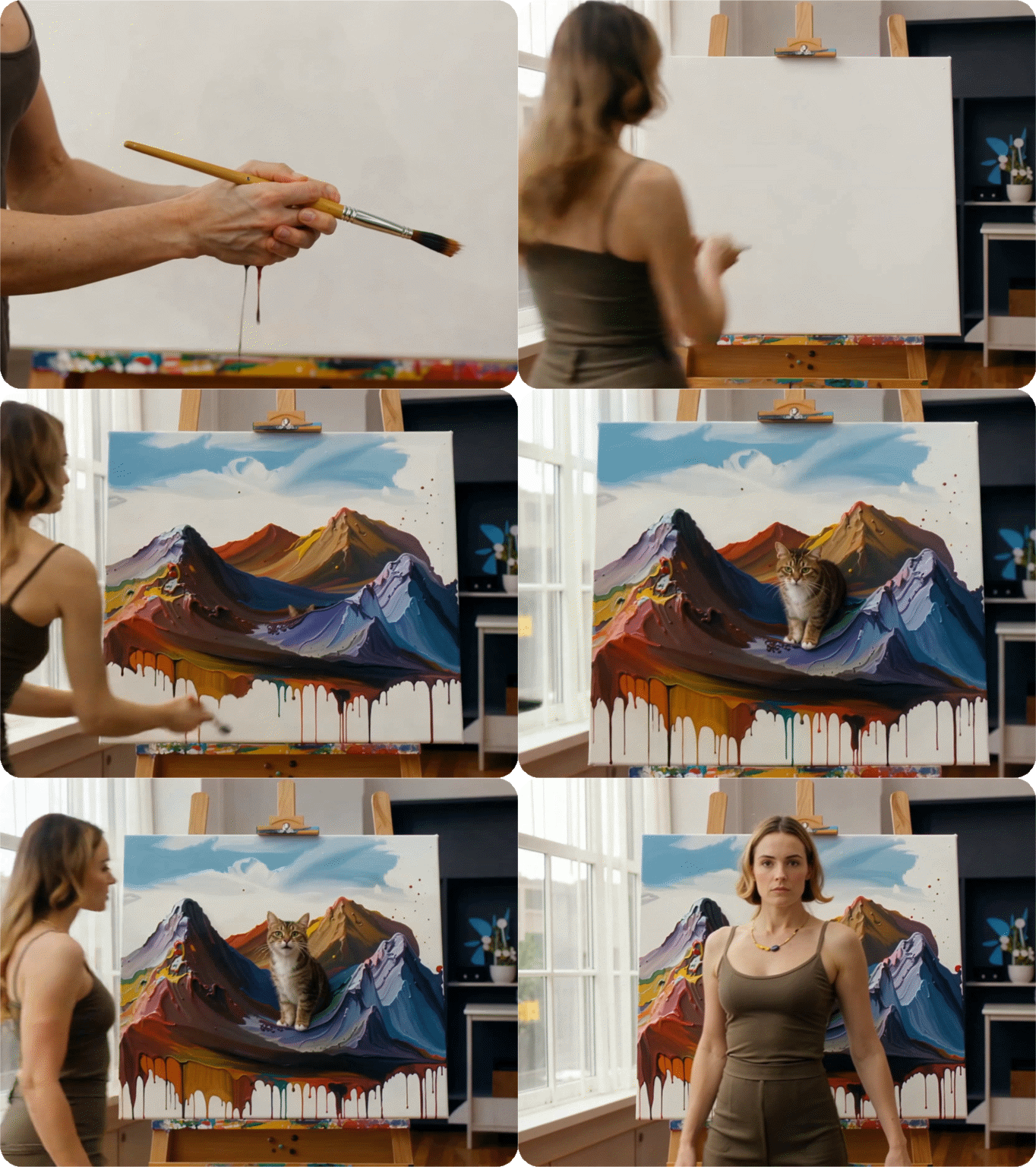 |
Video Recreation/Replication
Wan 2.7 analyzes a reference video and recreates it with a new character, style, or environment - while preserving the original motion structure, pacing, and camera movement. You describe what should change; the model applies it. This works for adapting trending video concepts with your own brand assets, generating style variants of the same clip, and converting live-action footage into animation or anime.
| Reference Video | Recreation Prompt | Output Video |
|---|
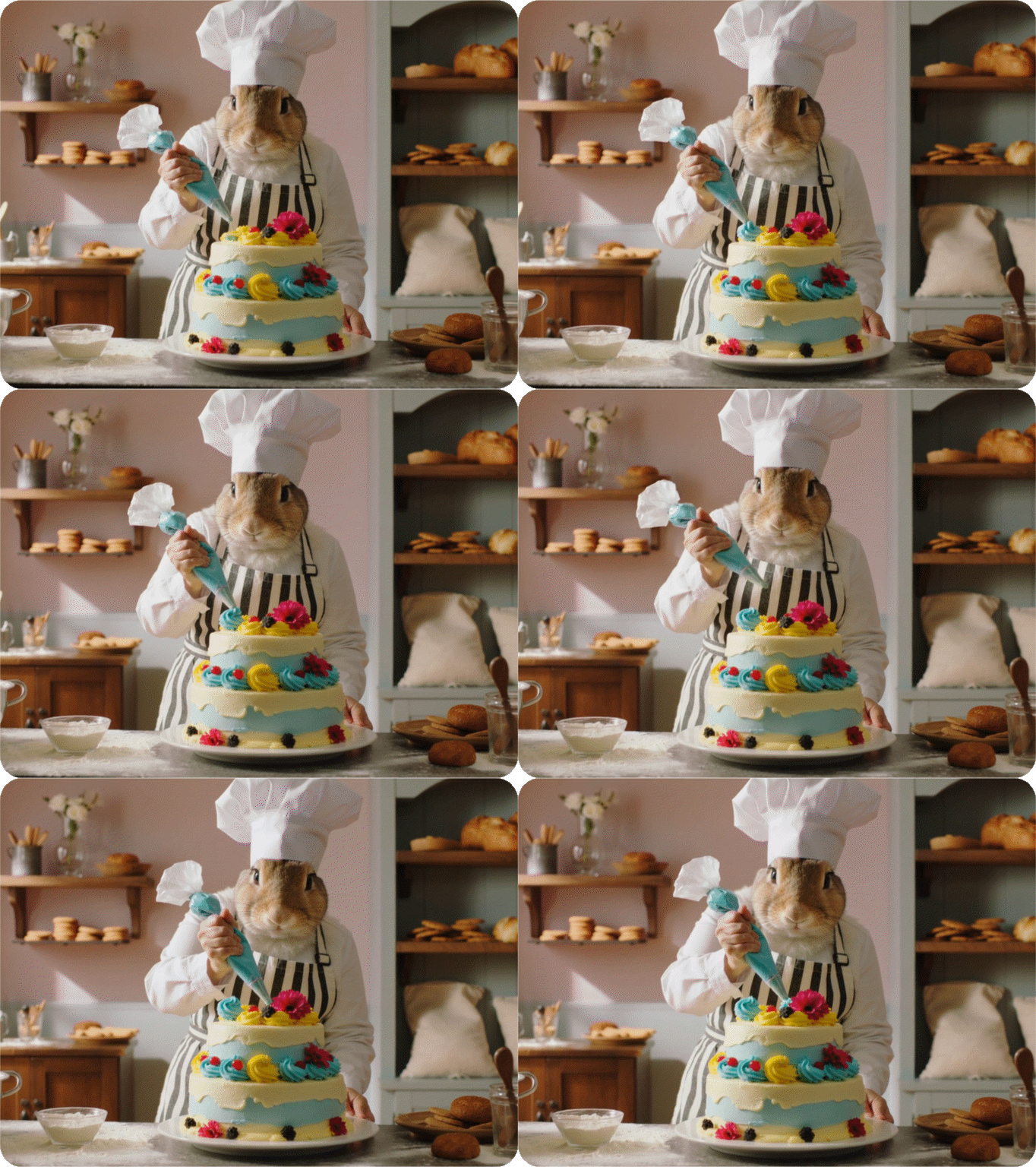 | Recreate the character with an cartoon superhero. Keep the movement and camera path identical. | 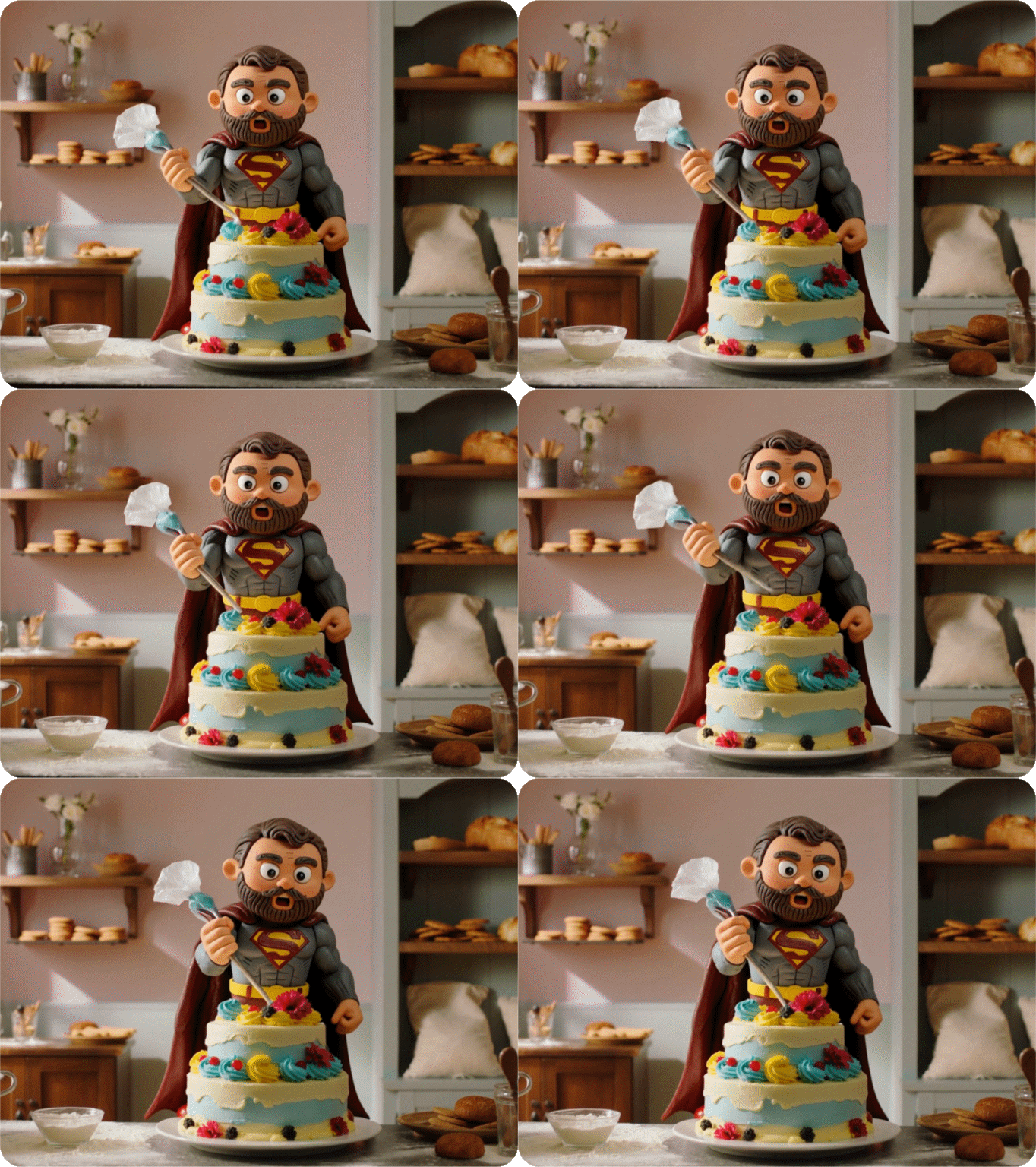 |