




You finally found the perfect photo – maybe it’s a cherished family portrait, a product shot for your online store, or a piece of digital art you’ve been working on…
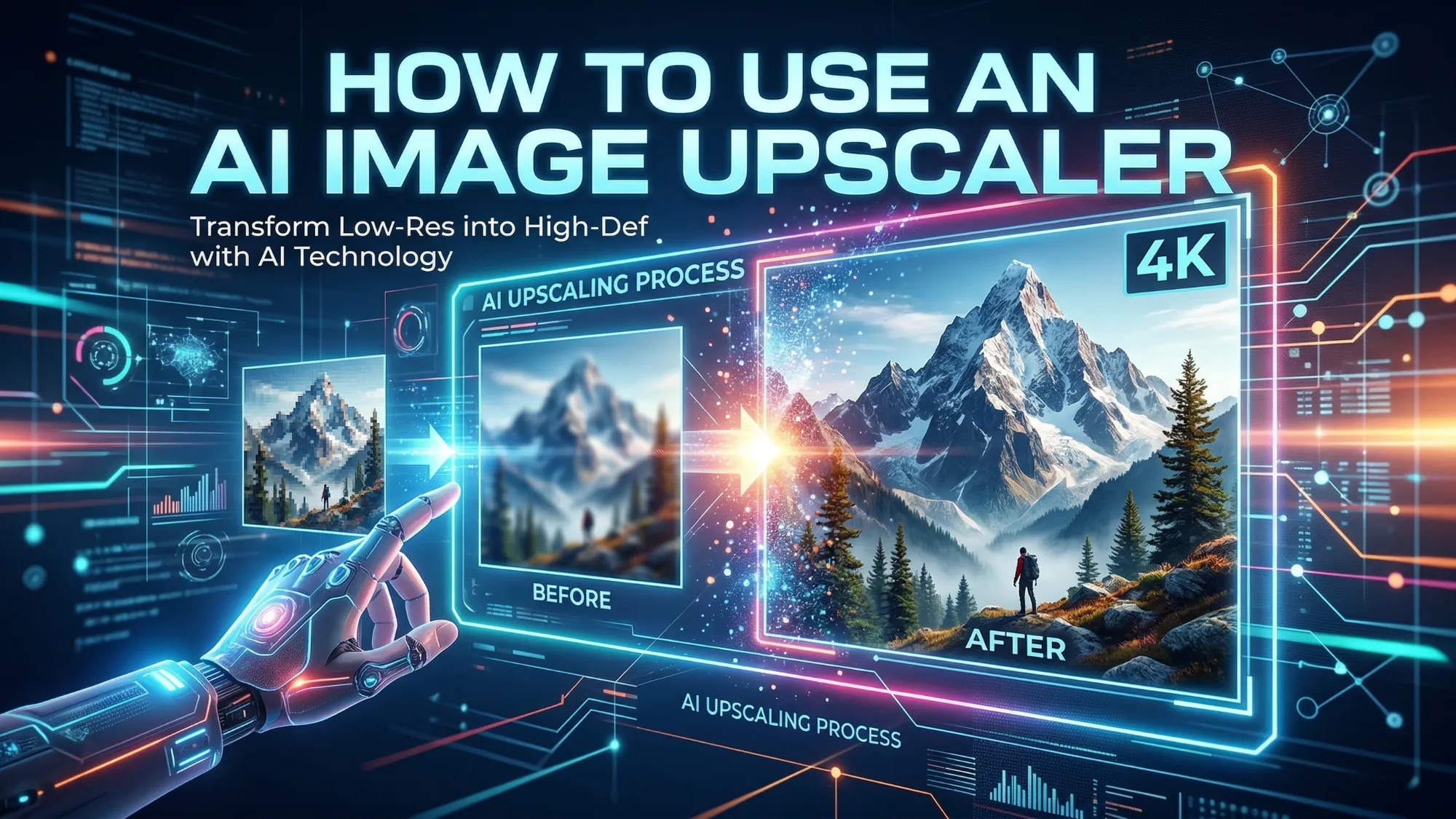
You spend hours searching for the perfect image. Nothing fits. Stock photos look generic. Hiring a designer costs too much. Sound familiar? That’s exactly why Nano Banana 2 exists. It…
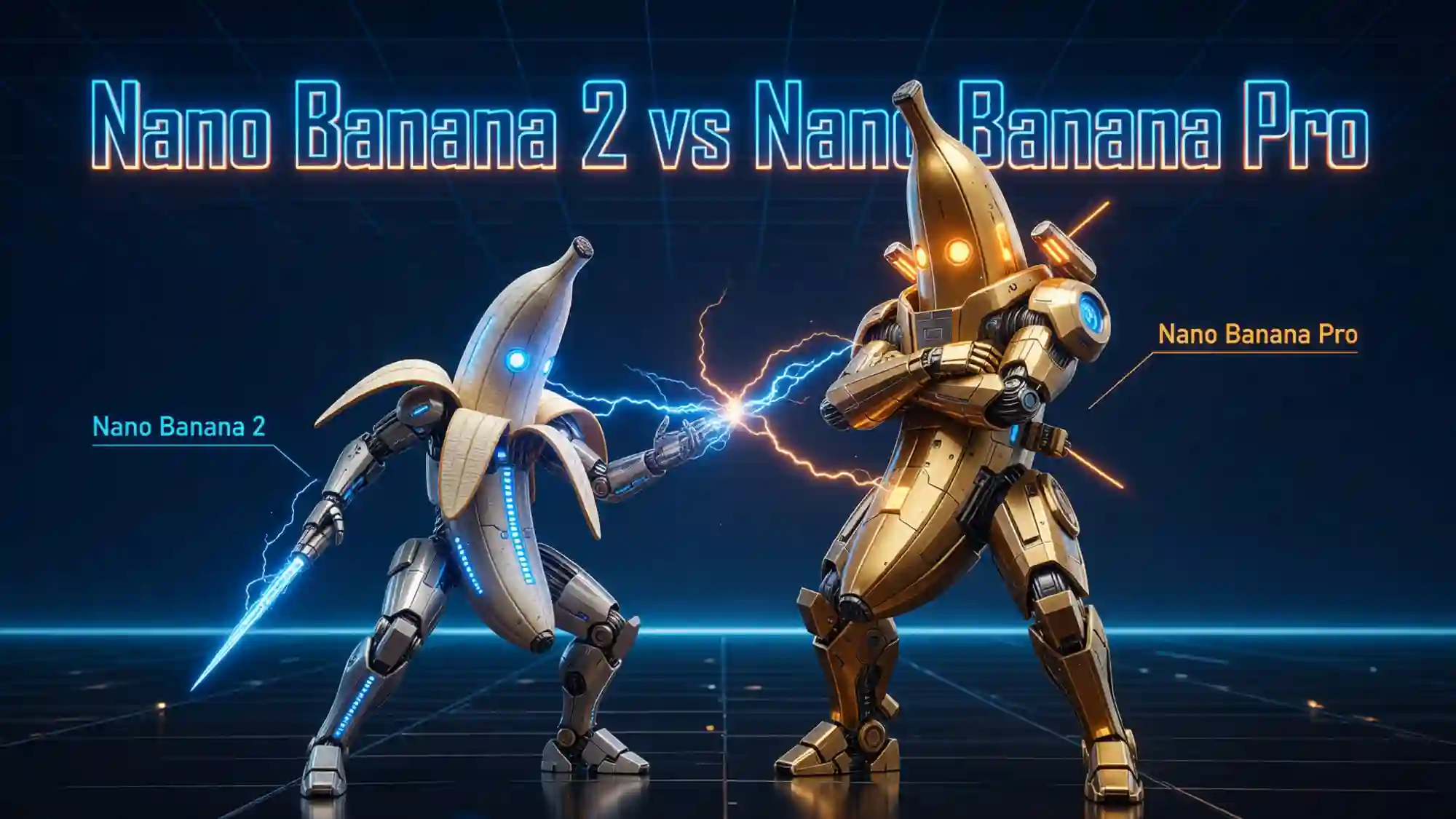
The Comparison That Actually Matters If you’ve been trying to figure out whether to use Nano Banana 2 or Nano Banana Pro for your next project, you’re not alone. Since…
Seedance 2.0 is ByteDance’s (TikTok) new AI video model. It hasn’t been officially released yet, but reports indicate it will be officially released on February 24th. Many beta testers have…
Imagine generating photorealistic images where every detail – from skin texture to light reflections – looks professionally photographed, not AI-generated. That’s Seedream 5.0, ByteDance’s latest breakthrough that’s changing how creators…

Sketch a Face from a Photo: Easy Steps to Follow

AI can now sketch faces from photos in seconds. VansPortrait AI turns images into line drawings instantly. It’s been trained on millions of faces, revolutionizing portrait drawing. Let’s explore face sketching using both traditional and AI-powered methods. These techniques can help artists of all levels create stunning portraits. Face sketching has evolved significantly. Traditional methods […]

18 mins read
3 Generate Visuals from Your Image with Precision and Control

With Dzine’s image-to-image feature, transforming your existing images into stunning visuals becomes effortless. This tool gives you better control over the outcome, allowing you to maintain key elements of your original image while enhancing details or adapting the style. Whether you’re refining product photos, creating art from sketches, or building consistency across multiple designs, Dzine […]

2 mins read

Easily Crop Images Online for Free: The Ultimate Guide to Quick and Simple Image Cropping

Easily crop your image online for free with QuickCrop! Whether it’s a JPG, PNG, or GIF, QuickCrop makes it simple to adjust the aspect ratio and get the perfect crop in just a few clicks. Upload your image, fine-tune the dimensions to your liking, and download your polished photo in seconds—all without losing quality. No complex software required, just instant, high-quality results for your online needs!

11 mins read

Create Stunning Ad Posters: Easy Steps & Tips

Visual information dominates brain processing, with 90% of data transmitted visually. This fact highlights the importance of creating effective ad posters. Eye-catching posters are vital in today’s competitive market. Posters remain powerful marketing tools in the digital era. They effectively promote events, products, and services. Mastering poster design can significantly boost your marketing impact. We’ll […]

15 mins read

AI Product Backgrounds vs. Traditional Background Editing: Which is Better in 2024?

By Max Wang—5 minutes read In the ever-evolving world of digital imagery, the debate between AI-powered product background editing and traditional methods is heating up. With 2024 bringing advancements in technology that are shaping how we perceive and utilize images, it’s the perfect time to dive into this topic. Whether you’re an e-commerce entrepreneur, a […]

7 mins read

Auto Image Resizing: Easily Resize Your Images Online for Free Without Distortion

Resize images online for free with ease! Whether you need to adjust image size, crop sections, or compress files, our image resizer supports multiple formats including JPG, PNG, and GIF. This simple tool helps you optimize images without compromising quality, making it perfect for bulk resizing or quick edits. Transform your photos in seconds and ensure they’re ready for any platform or project.

10 mins read

Image Cropping Software: Quickly and Easily Resize Images on Your PC

Effortlessly resize multiple photos online for free! Simply upload your images, adjust the dimensions to your desired size, and download your perfectly resized photos in just a few clicks. Whether you’re preparing images for social media, websites, or personal projects, this quick and easy tool makes bulk resizing a breeze. No downloads or complicated software required!

15 mins read