- Tools
- Resources
- Pricing
- API
- Contact Sales
- Book a Demo


Christmas Filter
Add festive magic to any photo with our Christmas filters. Snow, ornaments, and cheer—ready in seconds.

Click or drag here to upload images
Upload your image to start adding Christmas spirit
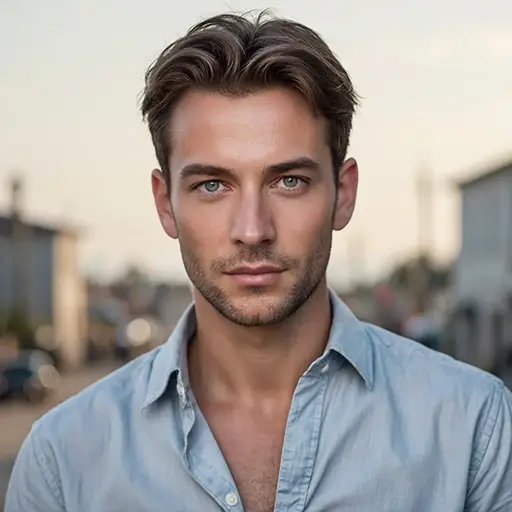
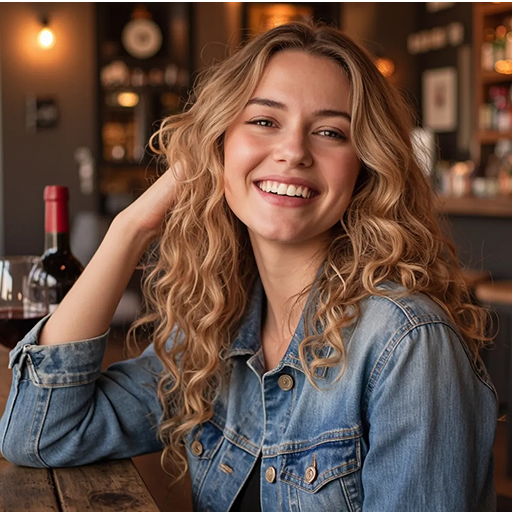
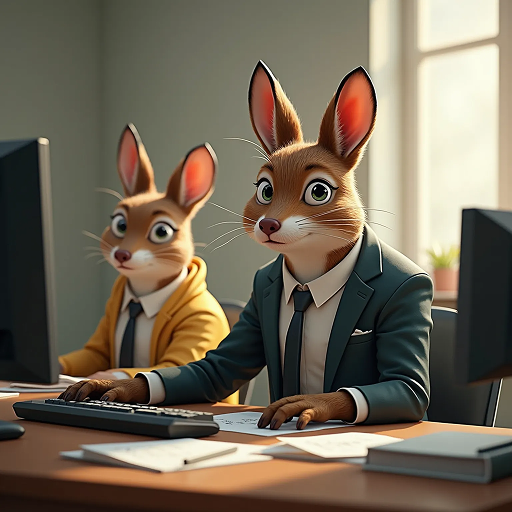

Turn Any Photo into a Holiday Masterpiece
Our Christmas filter brings festive details to your images. Dzine AI adds snowflakes, twinkling lights, wreaths, and more—natural-looking, not overdone.
Works for family photos, selfies, or even pet pictures. Use them for holiday cards, social posts, or digital gifts. The AI adjusts lighting to match the festive mood. Just upload and describe your vision.
How to Christmasify Photos in 3 Steps
Step 1. Upload Your Image
Choose a JPG, PNG, or WEBP photo and upload it to the tool.
Step 2. Describe Your Festive Vision
Use simple terms like "snowy background" or "with Christmas tree lights" to guide the filter.
Step 3. Generate and Share
Wait a few seconds for the AI to process. Save your holiday-ready photo and share it.
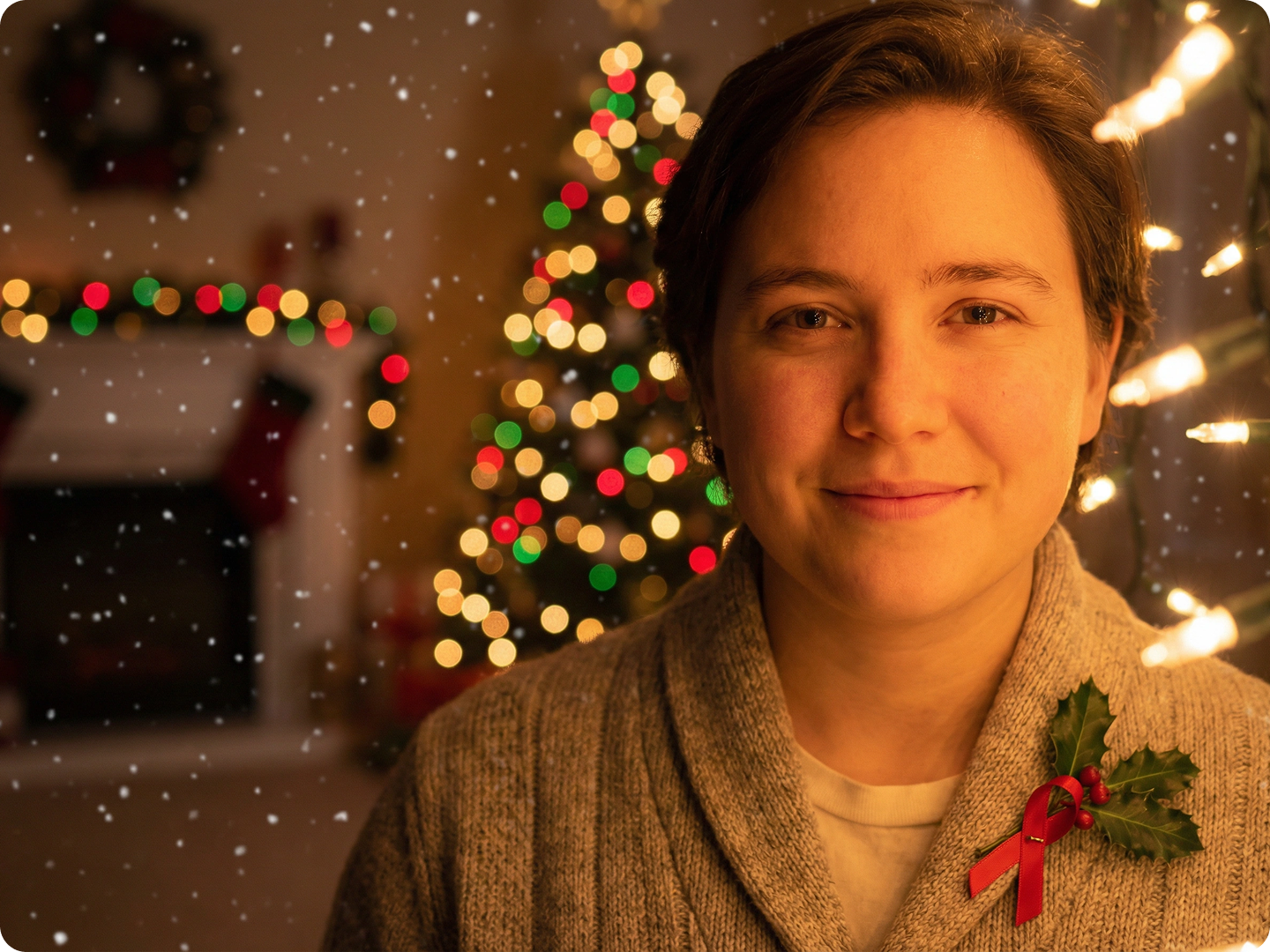
Design Holiday Greeting Cards
Turn family portraits into custom Christmas cards. Add snow or mistletoe for warmth. Use Text on Image Tool to add greetings like "Happy Holidays".
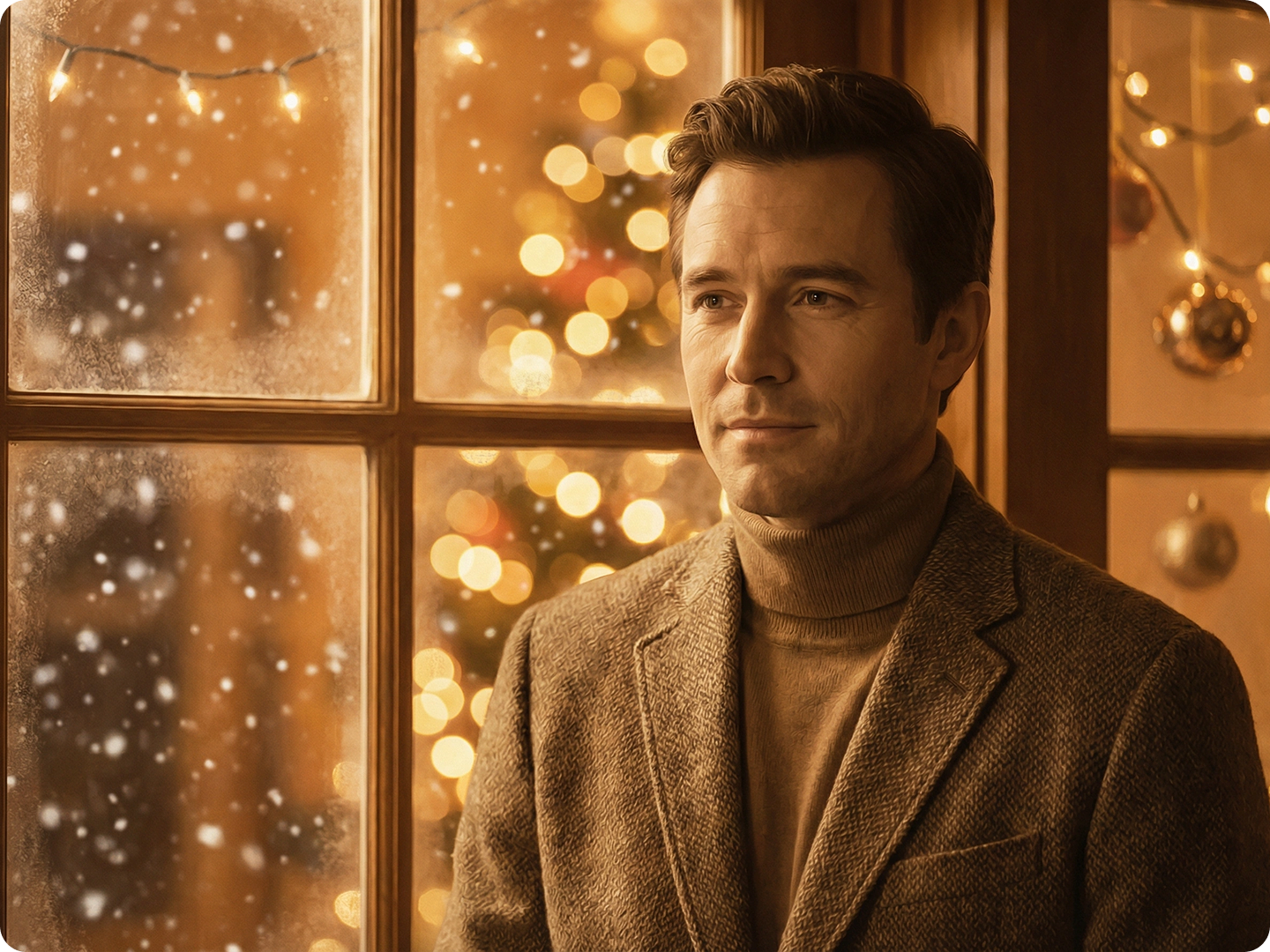
Spruce Up Social Media Posts
Make your feed festive with Christmas-filtered photos. Add Santa hats to selfies or snow to travel shots. Resize for platforms using Social Media Image Resizer.
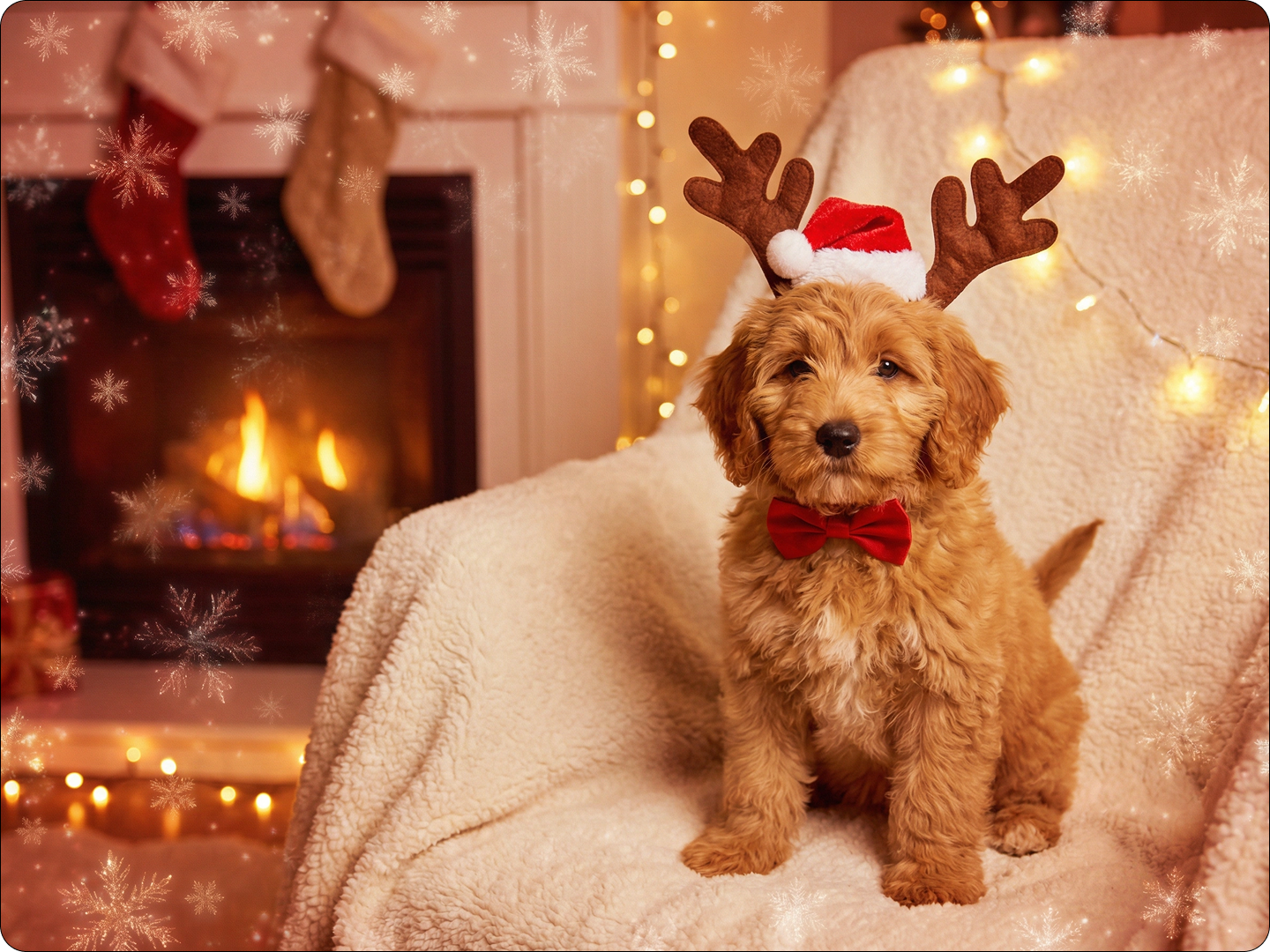
Create Festive Gift Tags
Turn photos of kids or pets into gift tag art. Add holly or ribbon details. Print them using Print Size Calculator for perfect dimensions.
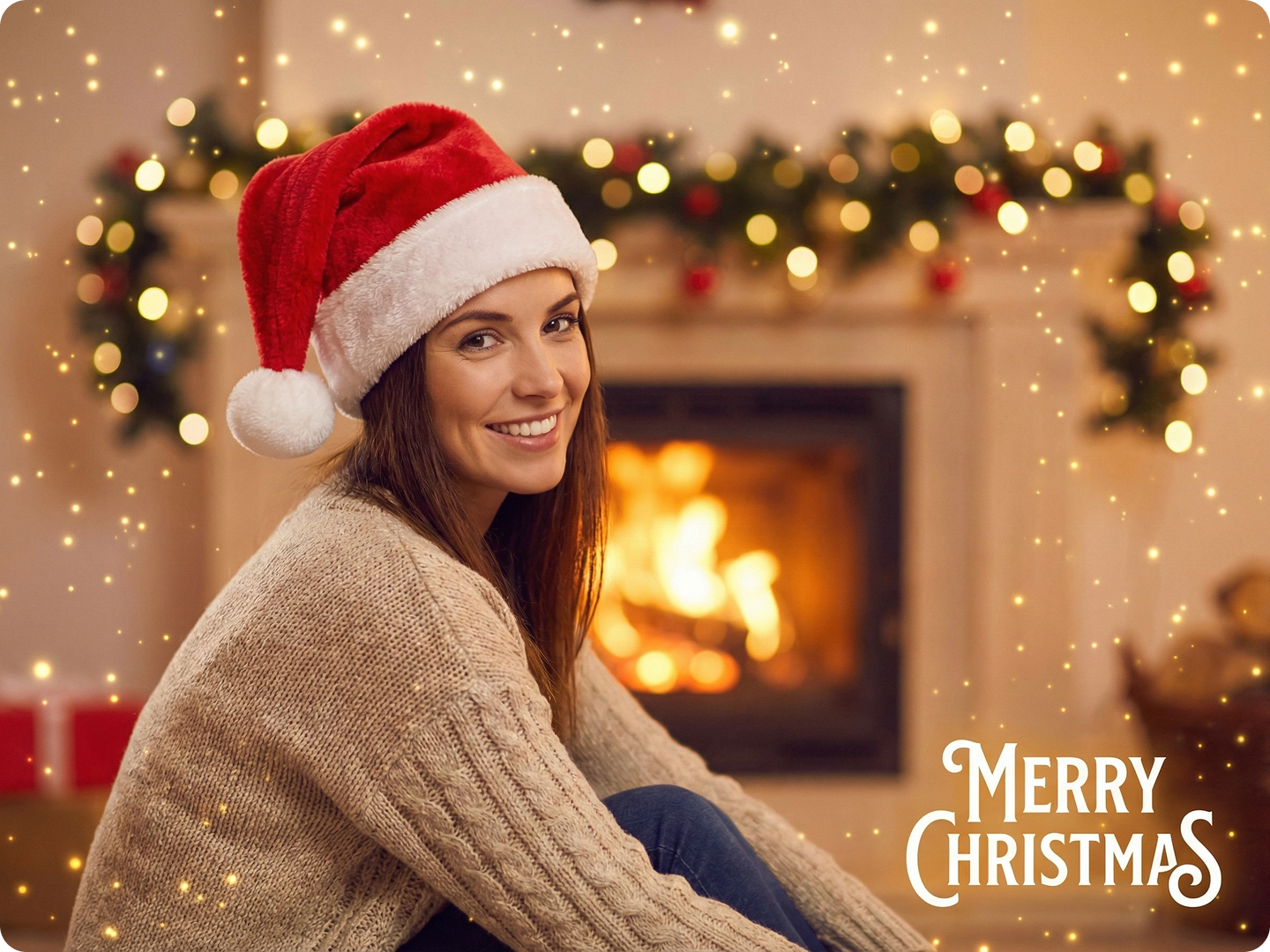
Decorate Digital Invitations
Add Christmas filters to party invitation photos. Include elements like candles or snow globes. Match your event theme—cozy or glamorous. Pair with Graphic Design AI for full invites.
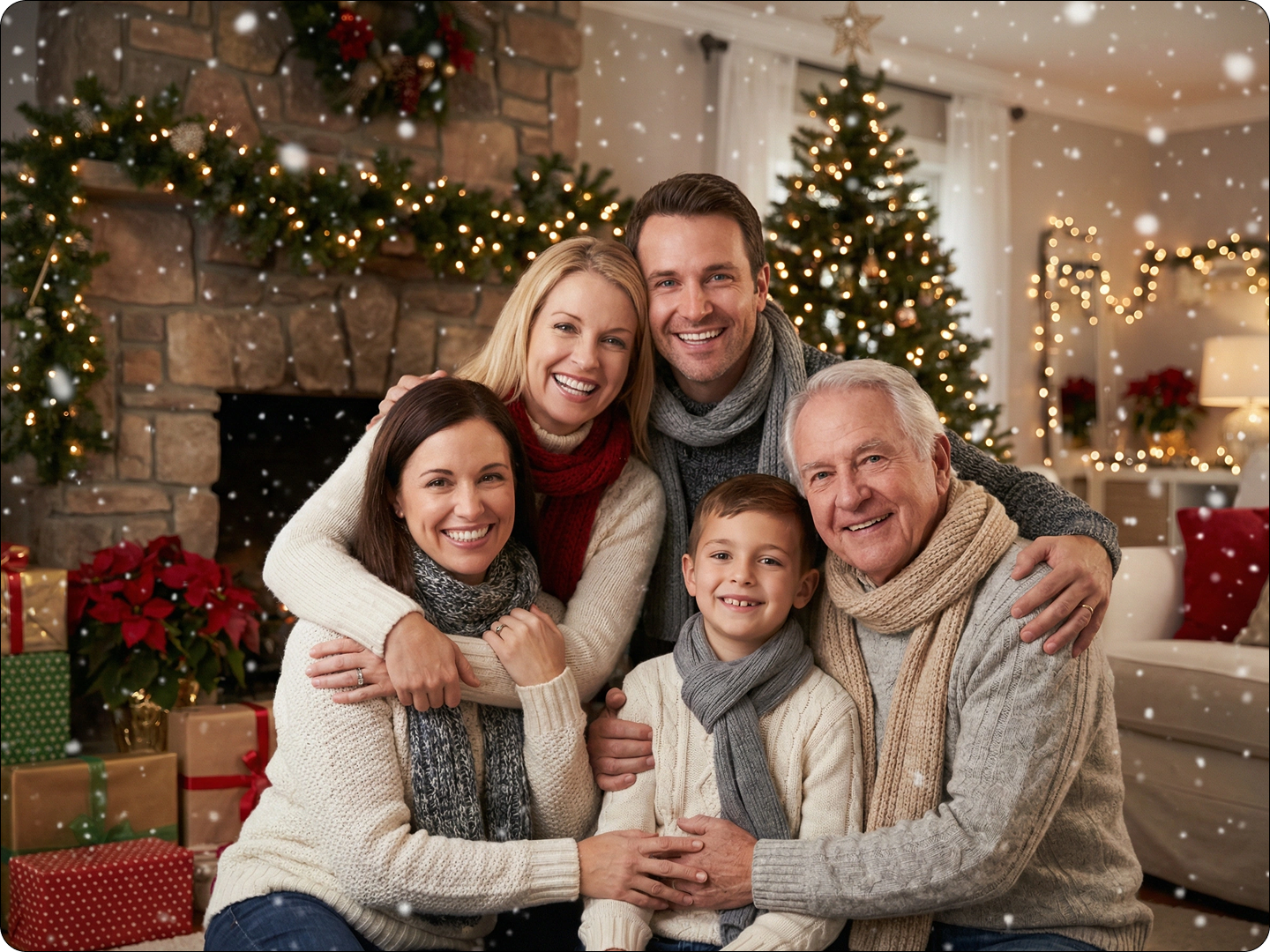
Preserve Holiday Memories
Enhance vacation photos from winter trips. Add subtle snow or festive backdrops to make moments feel more special. Store them in digital albums or print as keepsakes.
FAQ
Will the filter cover important parts of my photo?
No. The AI adds elements around key subjects—faces and focal points stay clear.
Can I combine multiple Christmas elements?
Yes. Mention "snow + wreath + fairy lights" in your prompt for layered effects.
What types of photos work best?
All kinds. Indoor family shots, outdoor scenes, and even pet photos adapt well to the filter.
How long does it take to generate?
Most images process in 5-8 seconds. Higher resolution photos may take a bit longer.
Can I adjust the intensity of the effects?
Yes. Say "subtle snow" or "heavy Christmas lights" to control how much is added.
Can I use these images commercially?
Yes. Use them for business holiday cards, social ads, or promotional materials.
What Our Users Said
Perfect for Holiday Cards
I turned our family photo into a Christmas card with snow and a wreath. So many compliments on how cozy it looked.
Emma WilsonMarketing Manager
Great for Social Media
Added Santa hats and snow to our team photos for Instagram. Engagement went up 30%—people loved the festive touch.
Ryan TorresSmall Business Owner
Easy to Use
I’m not tech-savvy, but I made my dog’s photo look like he’s sitting by a Christmas tree. It’s now our phone background.
Chloe ParkerNurse