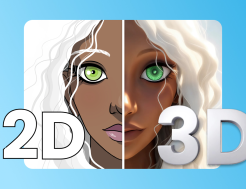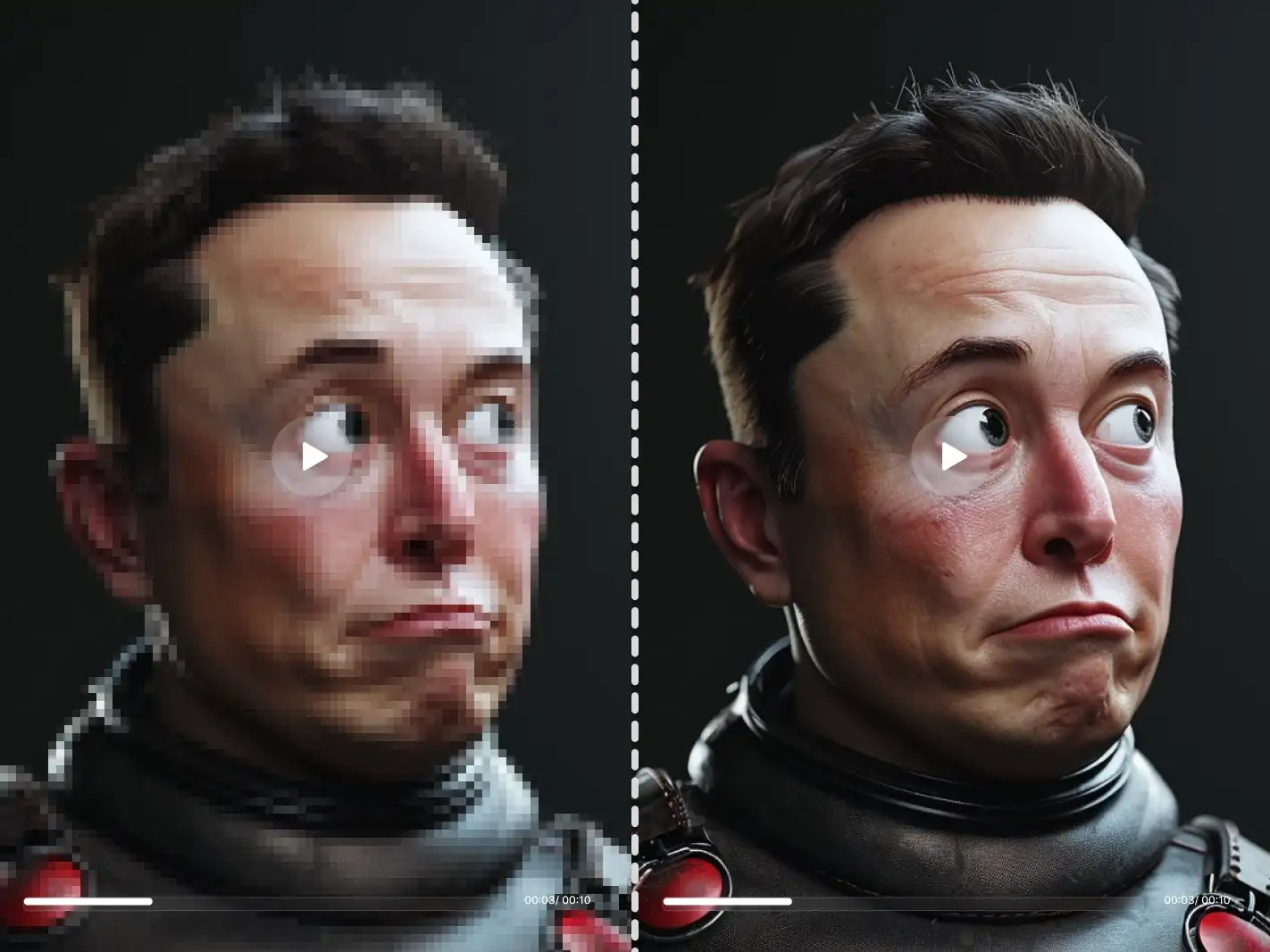




| Animal | Character | Portrait |
|---|---|---|
 |  |  |
 |  |  |
 |  |  |
 |  |  |
What Is Flux.2 Klein?
FLUX.2 Klein is part of the Flux 2 model family, designed specifically for ultra-low latency image generation. Unlike traditional large-scale models that prioritize maximum visual fidelity at the cost of speed, flux.2 klein focuses on delivering the best possible quality at sub-second inference times.
At its core, FLUX.2 Klein is a compact 4B-parameter rectified flow transformer. It unifies text-to-image generation, image editing, and multi-reference composition within a single model checkpoint. This makes it ideal for real-time tools, interactive applications, and production systems where speed is critical.
Why choose FLUX.2 Klein?
In an era where large models pursue parameter stacking, Klein proves the power of "small but powerful."
Extreme Speed: From "Generation" to "Real-time Response"
Say goodbye to long progress bars. Thanks to distillation technology, klein achieves end-to-end inference in 0.5s - 1s on modern hardware. It is one of the very few models that supports "drawing and generating" real-time AI canvas, designed for interactive applications, instant previews, and high-concurrency production environments.
Three-in-One: The Perfect Fusion of Generation and Editing
- No need to switch models. klein unifies the following in a compact 4B architecture:
- Text-to-Image: Precisely understands complex descriptions.
- Image Editing: Local redrawing and smooth modifications.
- Multi-reference Image Fusion: Simultaneously references up to 10 source images, maintaining consistency in style, characters, or products.
Accessible Deployment: Run AI on Your Computer
- No longer dependent on expensive H100 clusters.
- VRAM Friendly: Requires only 13GB of VRAM for full-speed operation.
- Hardware Compatible: Consumer-grade graphics cards such as RTX 3090 and 4070 can drive it smoothly, greatly reducing the cost of local development and edge deployment.
Flux.2 Klein, Pro, Flex, and Dev: What Are the Differences?
| Dimension | FLUX.2 Pro | FLUX.2 Flex | FLUX.2 Dev | FLUX.2 klein |
|---|---|---|---|---|
| Core Positioning | Commercial-grade high-quality generation | High-precision text and layout control | Developer & local deployment | Real-time generation & editing |
| Key Advantage | High realism, strong consistency | Clear text, controllable details | Open-source, highly customizable | Sub-second speed |
| Inference Speed | Fast | Moderate | Depends on deployment | Fastest (<0.5s) |
| Model Size | Large | Large | Large | Compact (4B) |
| Output Quality | ⭐⭐⭐⭐⭐ | ⭐⭐⭐⭐ (structure-focused) | ⭐⭐⭐⭐ | ⭐⭐⭐⭐ (speed-prioritized) |
| Prompt Controllability | High | Very High | High | Medium (speed-prioritized) |
| Text Rendering Capability | Good | Best | Good | Average |
| Multi-Reference Editing | Supported | Supported | Supported | One of its strengths |
| Local / Edge Deployment | Not emphasized | Not emphasized | Strong | Highly suitable |
| Commercial License | Commercial | Commercial | Depends on platform | Apache 2.0 |
A: FLUX.2 Pro vs FLUX.2 klein
Core Difference: Quality & consistency vs Extreme speed
FLUX.2 Pro is designed for commercial and production environments, emphasizing photorealism, asset consistency, and prompt accuracy. It is ideal for marketing materials, advertising visuals, and brand assets.
FLUX.2 klein focuses on sub-second inference, offering slightly lower visual fidelity than Pro but with a significant speed advantage. It is better suited for real-time interactions, rapid iteration, and tool-driven generation workflows.
Recommendation:
- For the best visual quality and commercial stability → choose Pro
- For fastest speed + editable capabilities → choose klein
B: FLUX.2 Flex vs FLUX.2 klein
Core Difference: Fine-grained controllability vs Instant generation
FLUX.2 Flex allows adjustment of rendering steps, guidance settings, and other parameters, providing excellent text clarity and layout precision. It is perfect for UI mockups, infographics, and text-heavy content.
FLUX.2 klein, on the other hand, is more influenced by prompt style, with limited text rendering capability, but excels in speed and multi-reference fusion.
Recommendation:
- For projects with high text, structure, and layout requirements → choose Flex
- For workflows focusing on speed and creative efficiency → choose klein
C: FLUX.2 Dev vs FLUX.2 klein
Core Difference: Development flexibility vs Ready-to-use integration
FLUX.2 Dev is aimed at developers, supporting local deployment and platform integration (e.g., FAL) and enabling deep customization of models and workflows.
FLUX.2 klein also supports local and edge deployment, but its main advantage is its compact size and extremely low latency, making it ideal for direct integration into real-time products.
Recommendation:
- For deep customization, research, or secondary development → choose Dev
- For lightweight, high-speed, production-ready real-time experience → choose klein