- Tools
- Resources
- Pricing
- API
- Contact Sales
- Book a Demo


Image to Watercolor
Turn any photo into a watercolor painting. Our tool mimics soft blends, translucent layers, and brush strokes—true to traditional techniques.

Click or drag here to upload images
Upload your image to start creating watercolor art
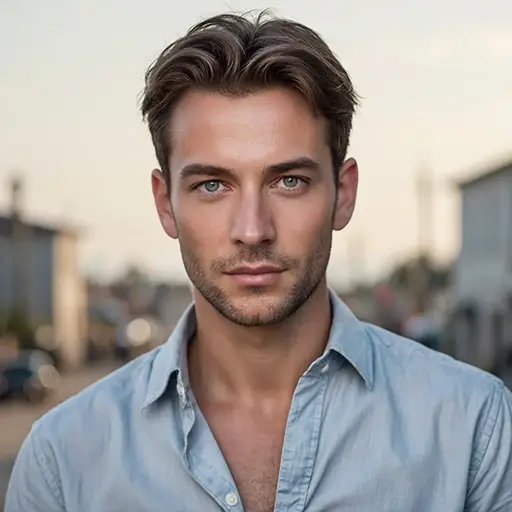
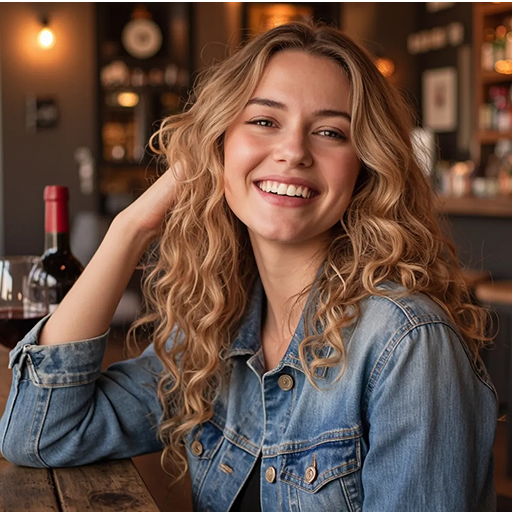
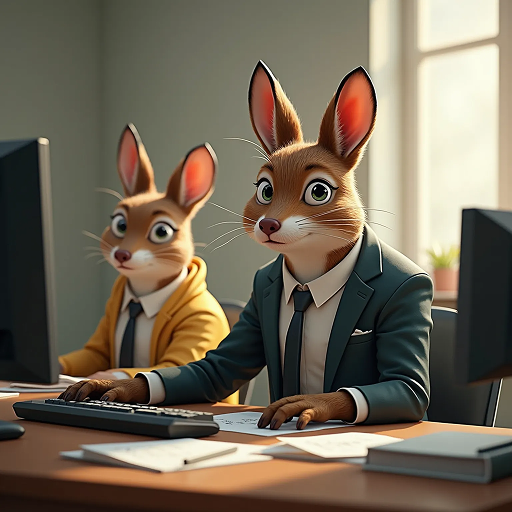
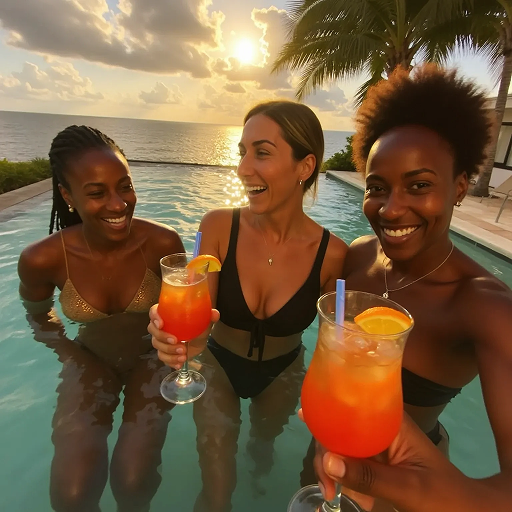
Get Authentic Watercolor Effects for Any Photo
Our Image to Watercolor tool replicates real watercolor techniques. Dzine AI captures soft color blends, paper textures, and natural brush flows.
This works for portraits, landscapes, pets, or objects. Turn photos into wall art, greeting cards, or social media posts. The AI adjusts contrast first for better results. Just upload and describe your vision.
How to Turn Pictures into Watercolor in 3 Steps
Step 1. Upload Your Image
Select a JPG, PNG, or WEBP photo and upload it to the tool.
Step 2. Describe Your Vision
Use simple terms like "soft pastels" or "vibrant blooms" to guide the watercolor style.
Step 3. Generate and Download
Wait a few seconds for the AI to process. Save your watercolor art and share it.
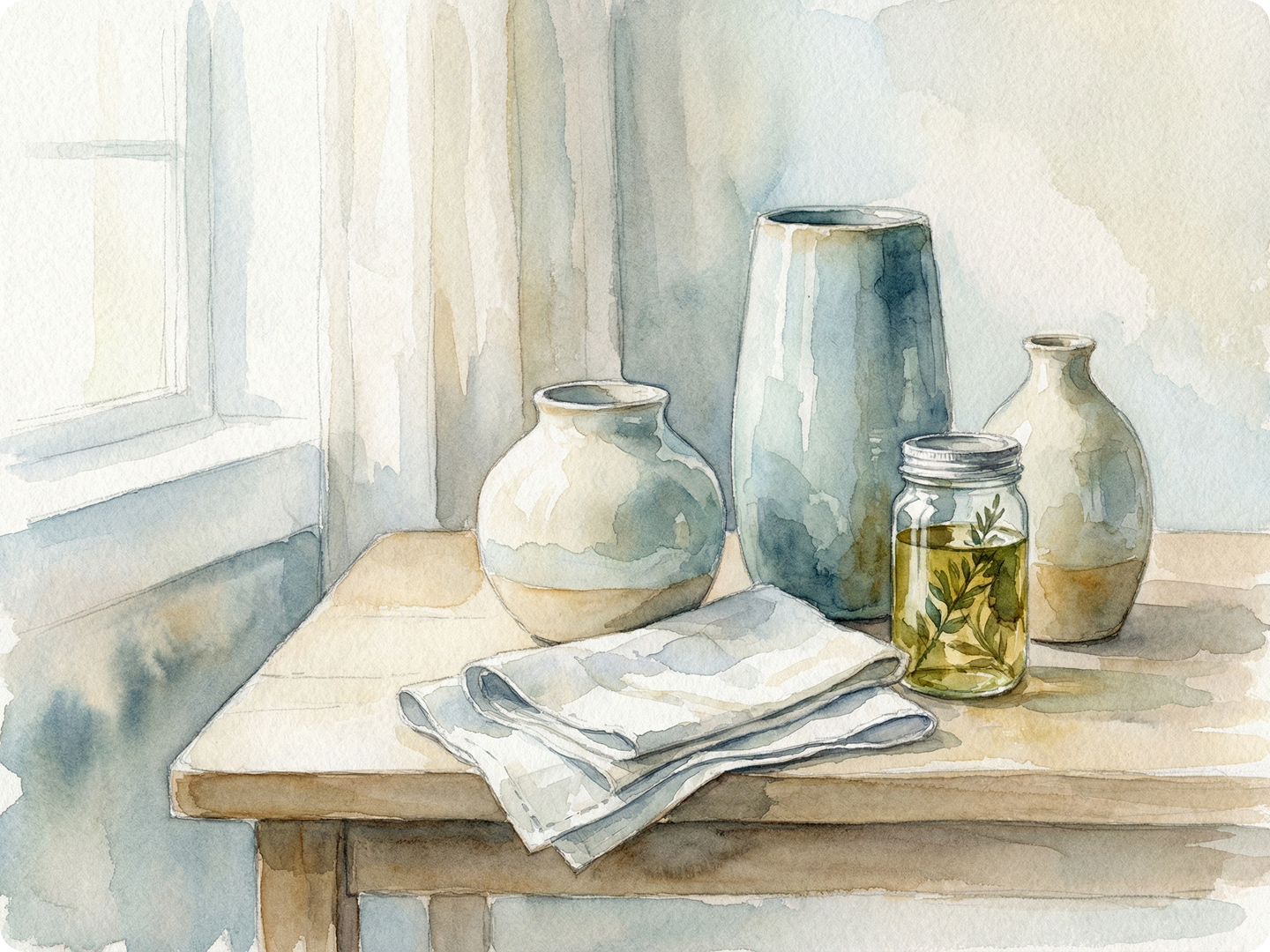
Create Custom Wall Art
Turn family photos into watercolor prints for your home. Adjust styles to match decor—soft for bedrooms, bold for living rooms. Use Print Size Calculator to get the perfect dimensions.
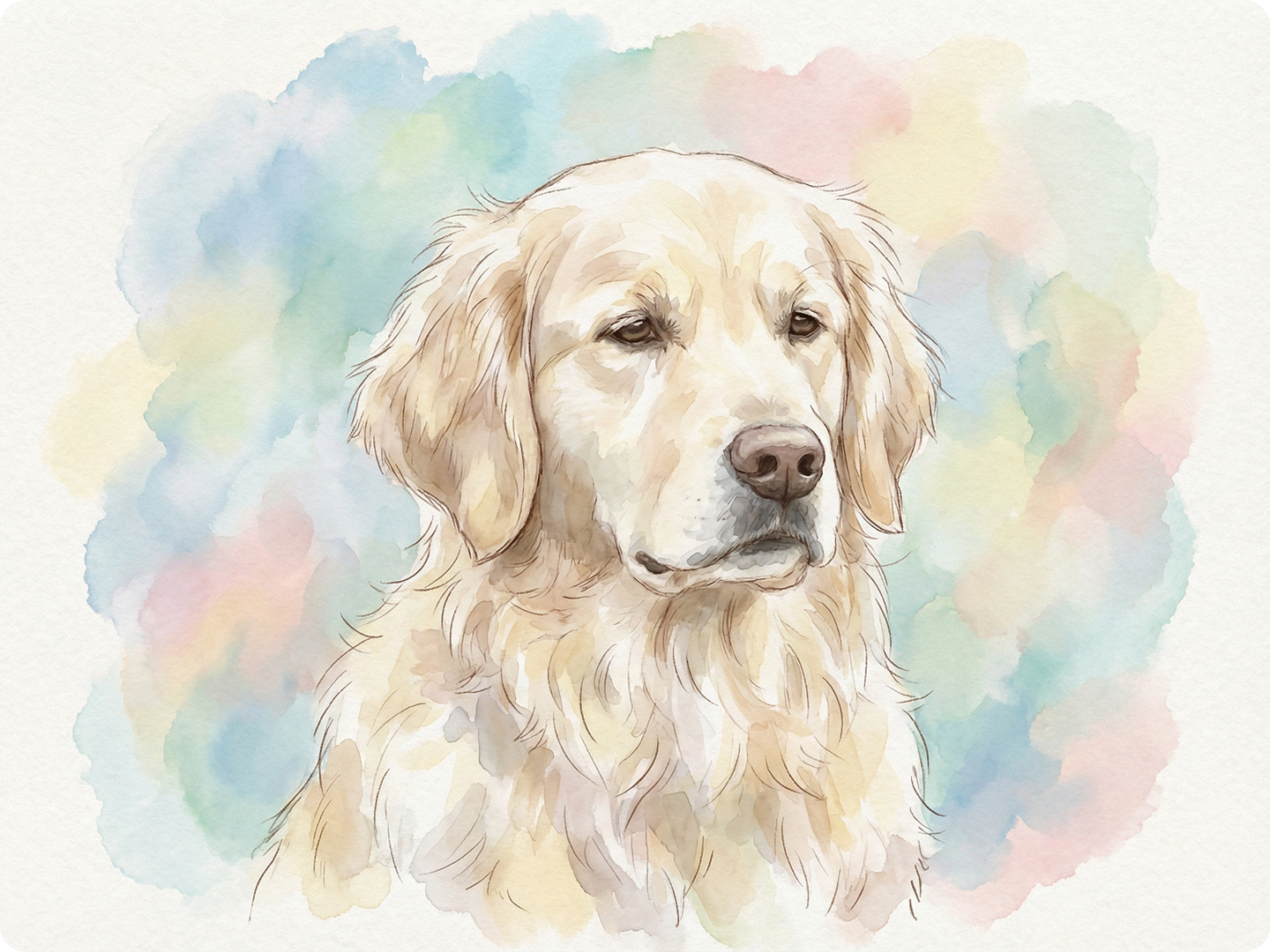
Design Unique Greeting Cards
Transform photos into watercolor cards for birthdays or holidays. Add text with Text on Image Tool for personal messages. Recipients love the handcrafted feel.
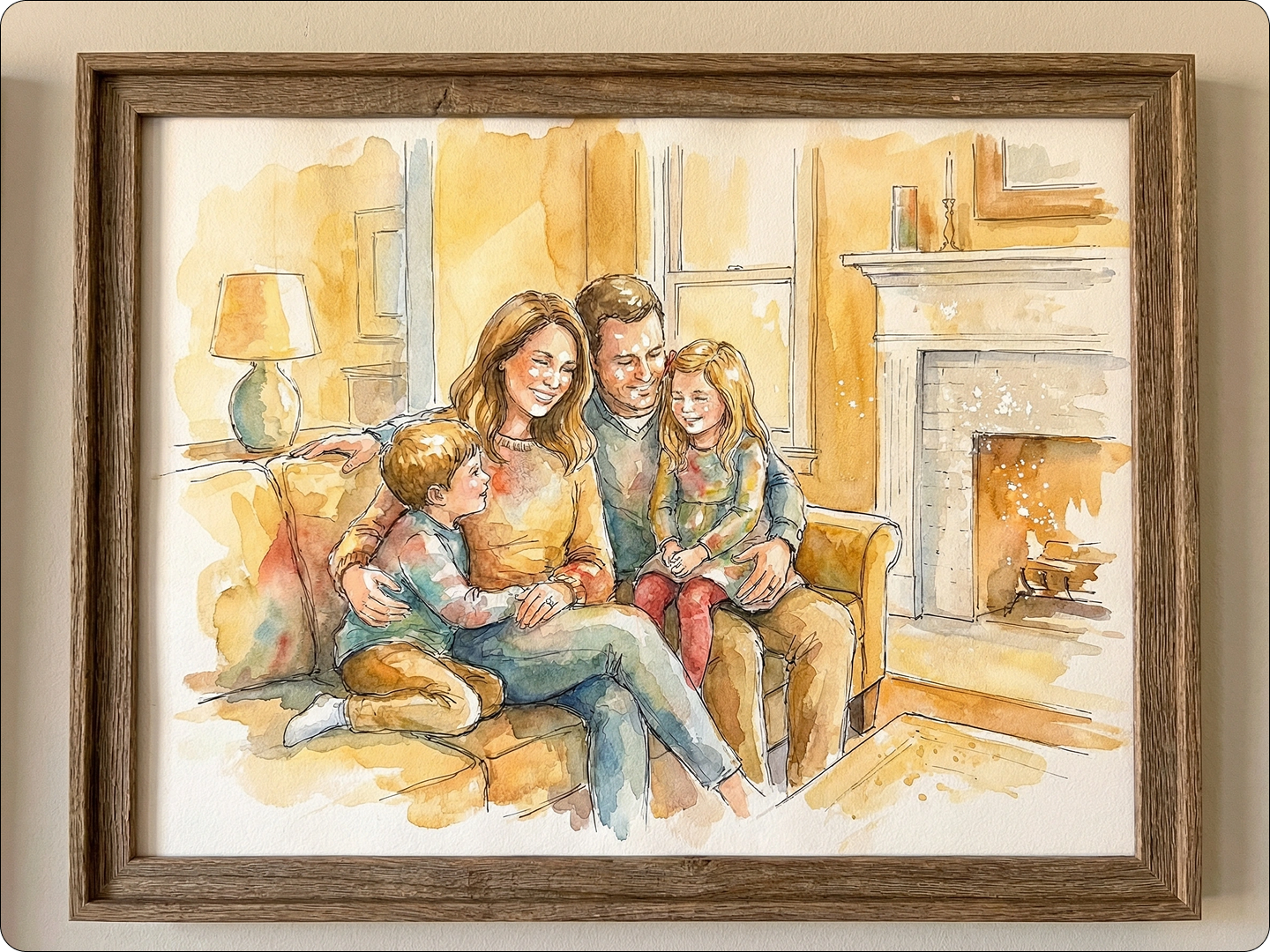
Enhance Social Media Posts
Make your feed stand out with watercolor versions of travel photos or daily moments. Fit them to platforms using Social Media Image Resizer.
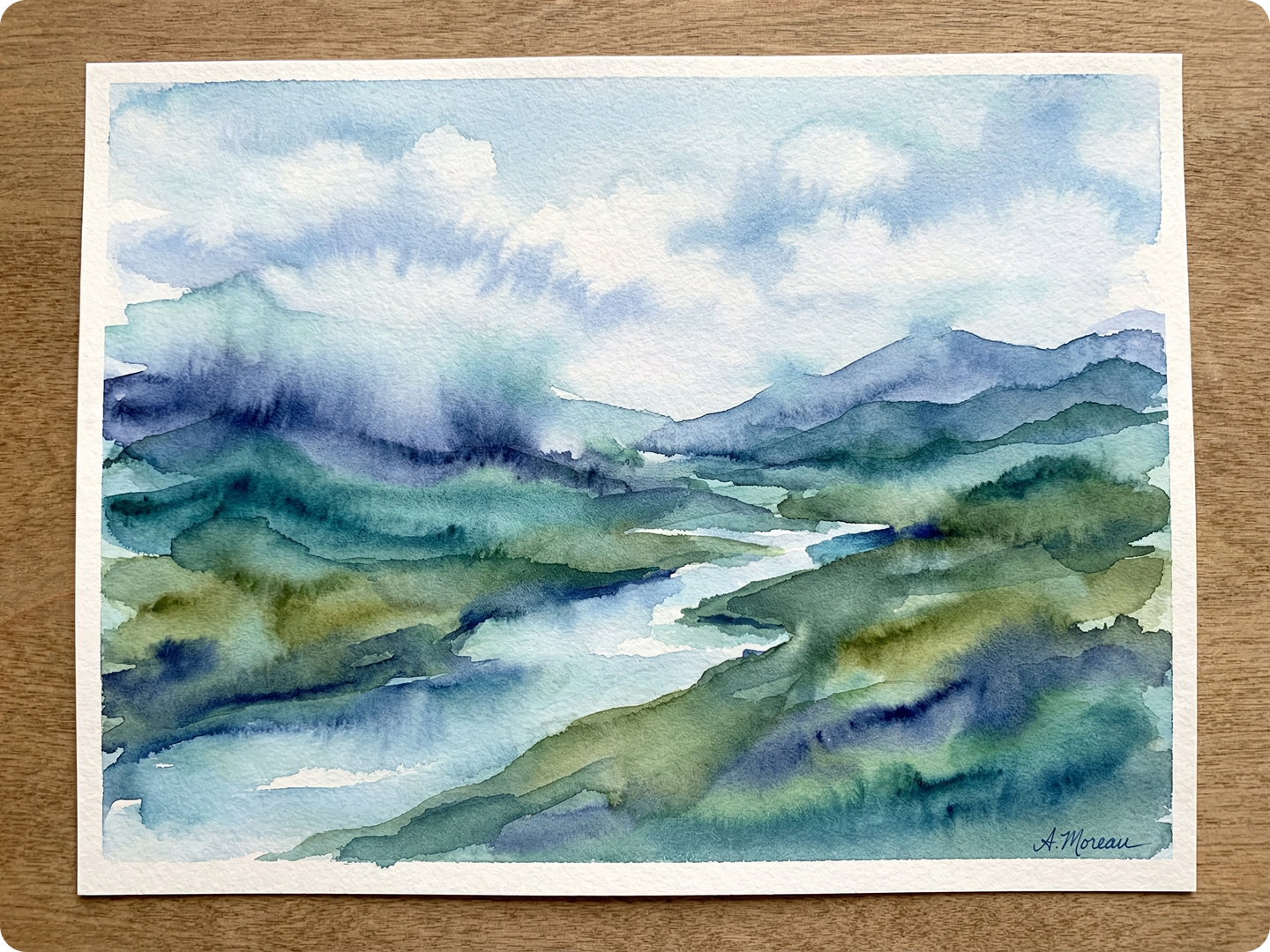
Preserve Pet Memories
Turn photos of your pets into watercolor art. Capture their personality with soft tones or bold accents. Frame them or use as phone wallpapers.
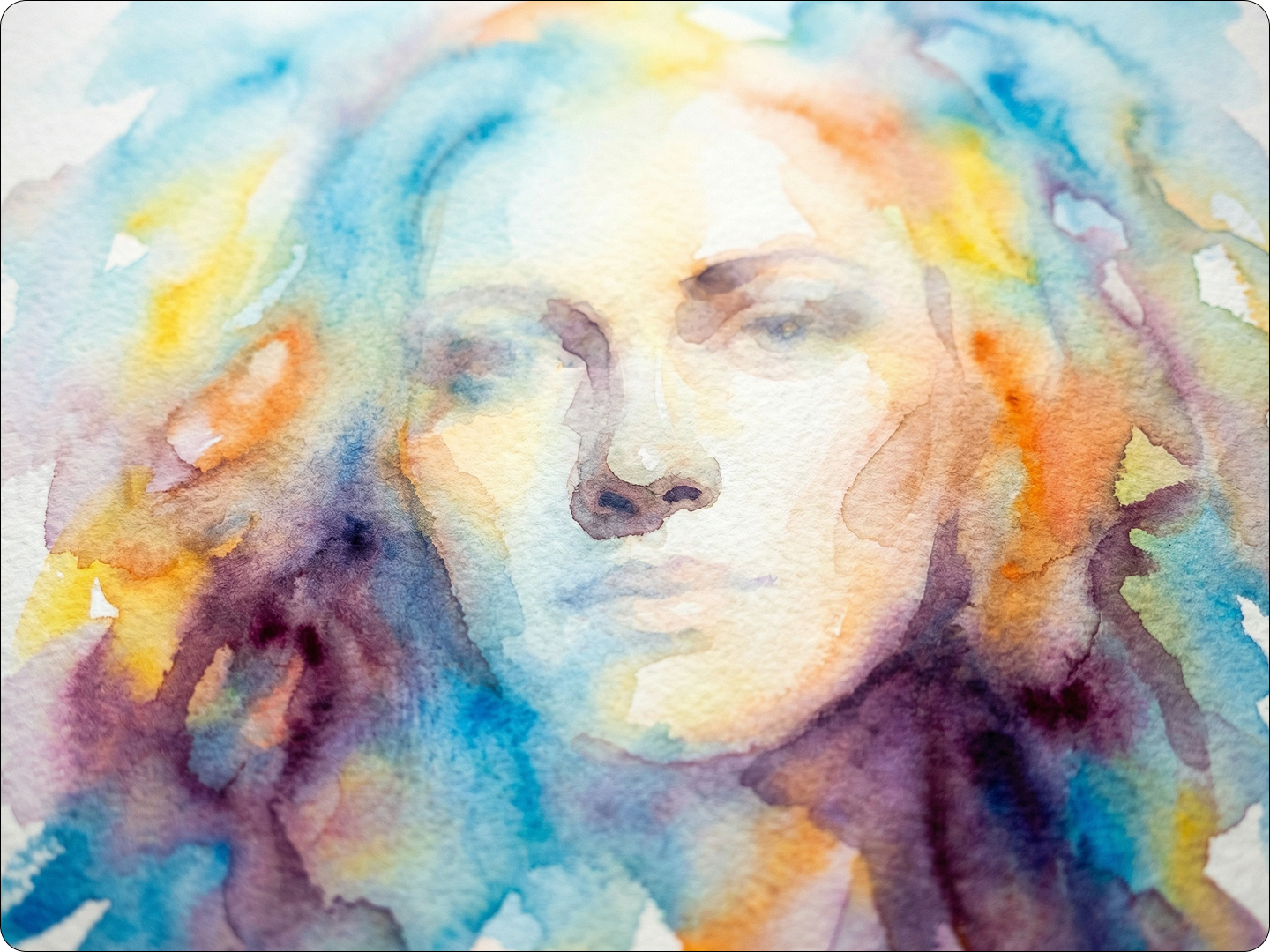
Create Art for Small Businesses
Design watercolor logos or product images for cafes, boutiques, or Etsy shops. Maintain a cohesive brand look. Pair with Graphic Design AI for full branding kits.
FAQ
Will the watercolor effect hide small details?
No. The AI preserves key details while adding watercolor textures—faces and landmarks stay recognizable.
Can I adjust the intensity of the effect?
Yes. Mention "light wash" or "heavy texture" in your prompt to control how strong the effect is.
What types of photos work best?
All types. Landscapes with sky and water look stunning, as do portraits and still-life shots.
How long does it take to generate?
Most images process in 4-7 seconds. Higher resolution photos may take a bit longer.
Can I use the art commercially?
Yes. You can use generated watercolor art for business materials, merchandise, or online sales.
Do I need art skills to use this tool?
No. The AI handles all the technique—just upload a photo and describe what you want.
What Our Users Said
Perfect for Home Decor
I turned our wedding photo into a watercolor print. It’s now framed above our couch. Guests always ask where we got it.
Sarah ChenInterior Designer
Great for My Etsy Shop
I use this to create watercolor versions of customer photos for custom cards. Orders have doubled since I started offering it.
Mike JohnsonSmall Business Owner
Easy to Use
I’m not artistic, but this tool made my dog’s photo look like a professional watercolor. It’s my new phone background.
Lisa RodriguezTeacher