- Tools
- Resources
- Pricing
- API
- Contact Sales
- Book a Demo


Image Translator
Turn images with text into translated versions instantly. Our tool extracts and converts text from any image—no manual typing needed.

Click or drag here to upload images
Upload your image with text to start translating
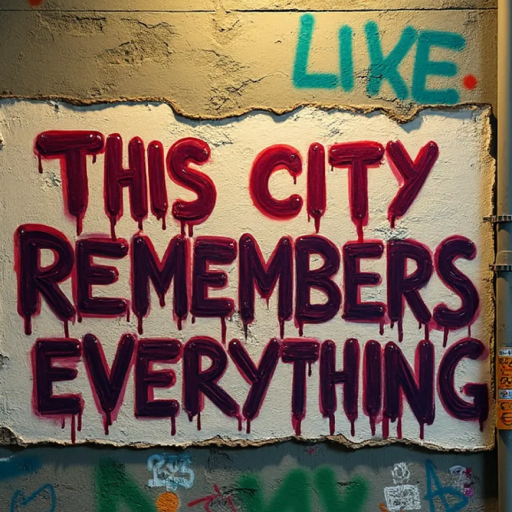
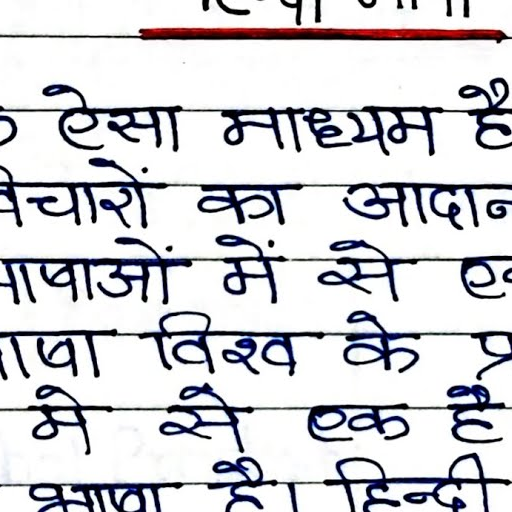
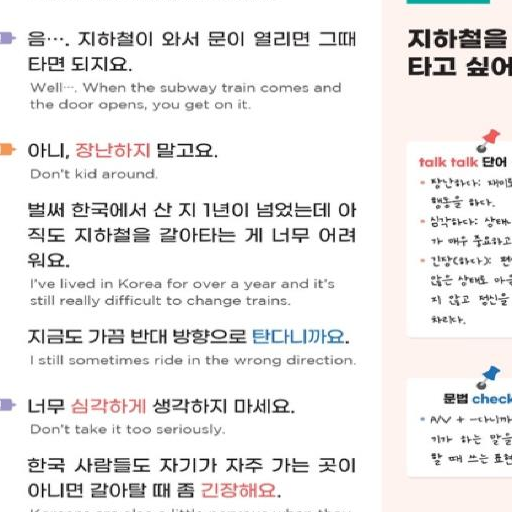
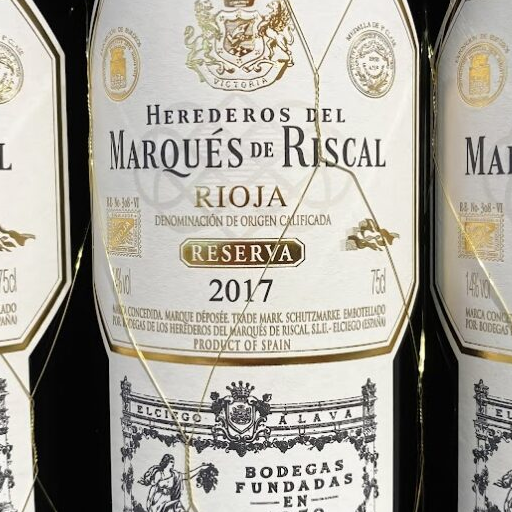
Translate Text in Any Image, Any Language
Our Image Translator handles text in photos, screenshots, PDFs, and scanned documents. It works with handwritten notes, street signs, menus, and product labels.
Dzine AI recognizes over 100 languages, including rare ones. The tool preserves the original image layout while replacing text with translations. It’s useful for travelers, students, and professionals.
How to Translate Text in Images in 3 Steps
Step 1. Upload Your Image
Select any image with text—JPG, PNG, or PDF. We support clear and low-light photos.
Step 2. Describe Your Needs
Tell us the target language, like "translate to Spanish" or "convert to French".
Step 3. Generate and Save
Get your translated image in seconds. Download or share it directly.
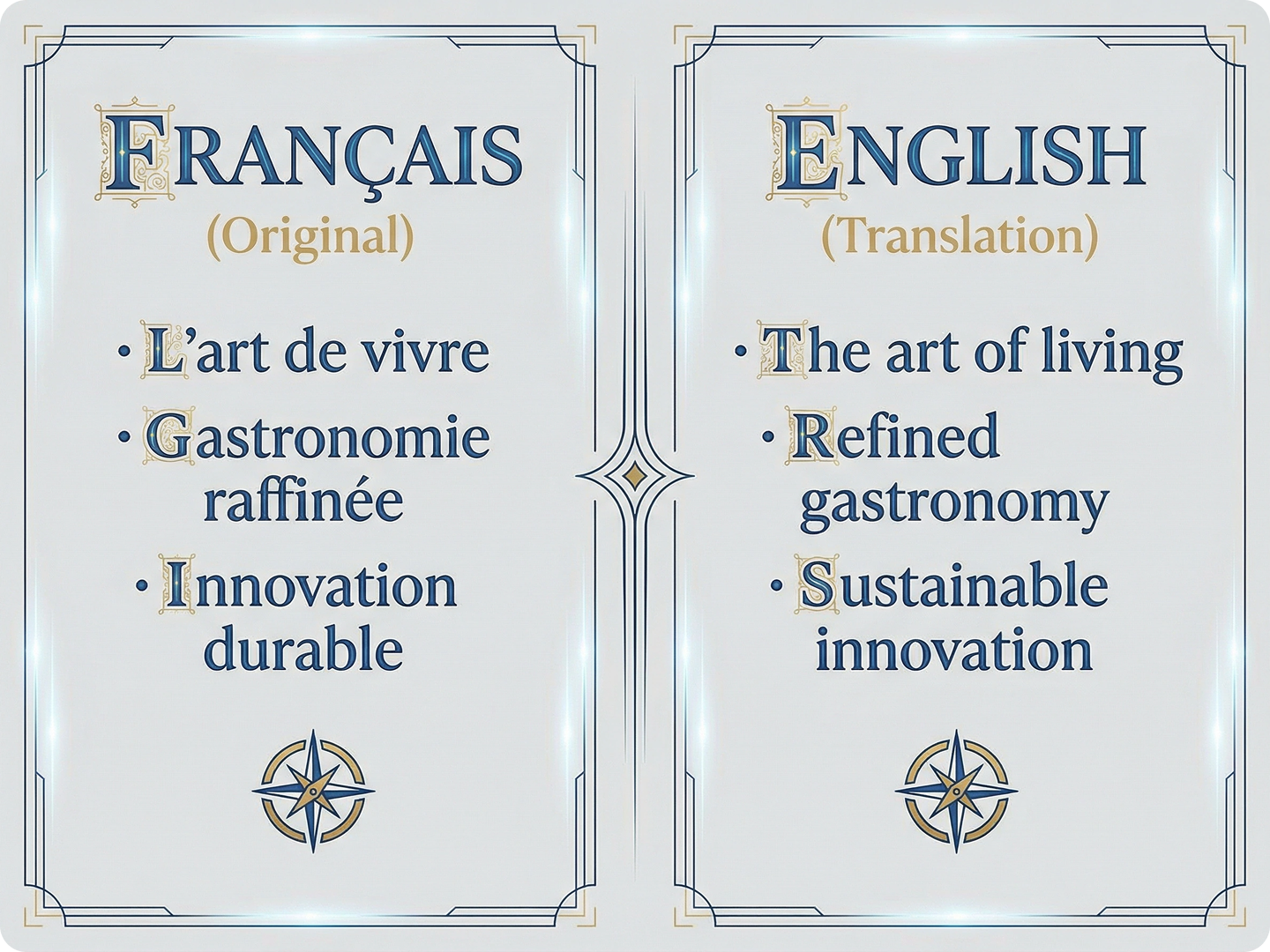
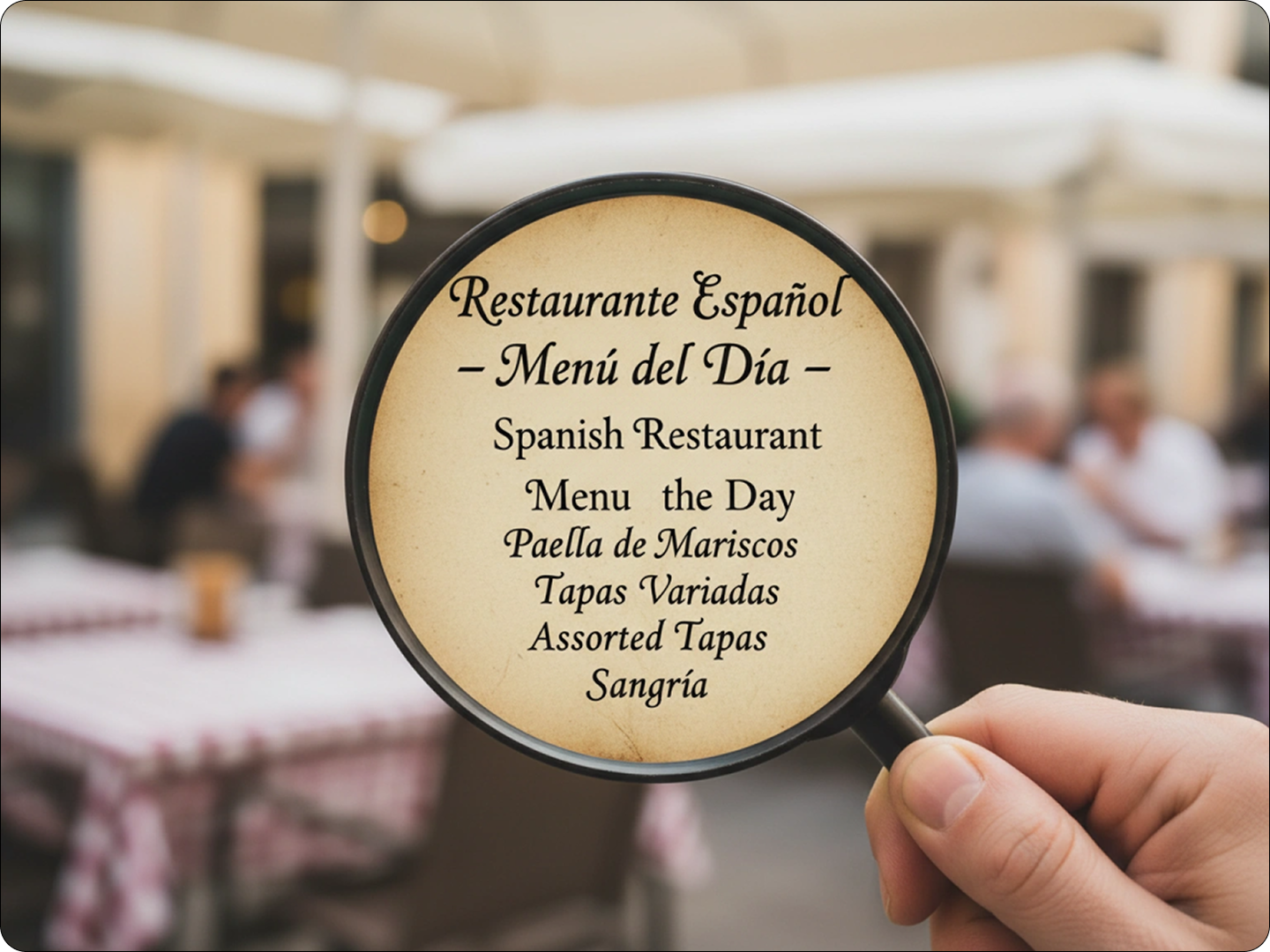
Translate Foreign Menus Easily
Traveling abroad? Upload a menu photo. We’ll translate dish names and descriptions. Avoid ordering mistakes. Pair with Travel Photo Enhancer for clearer images.
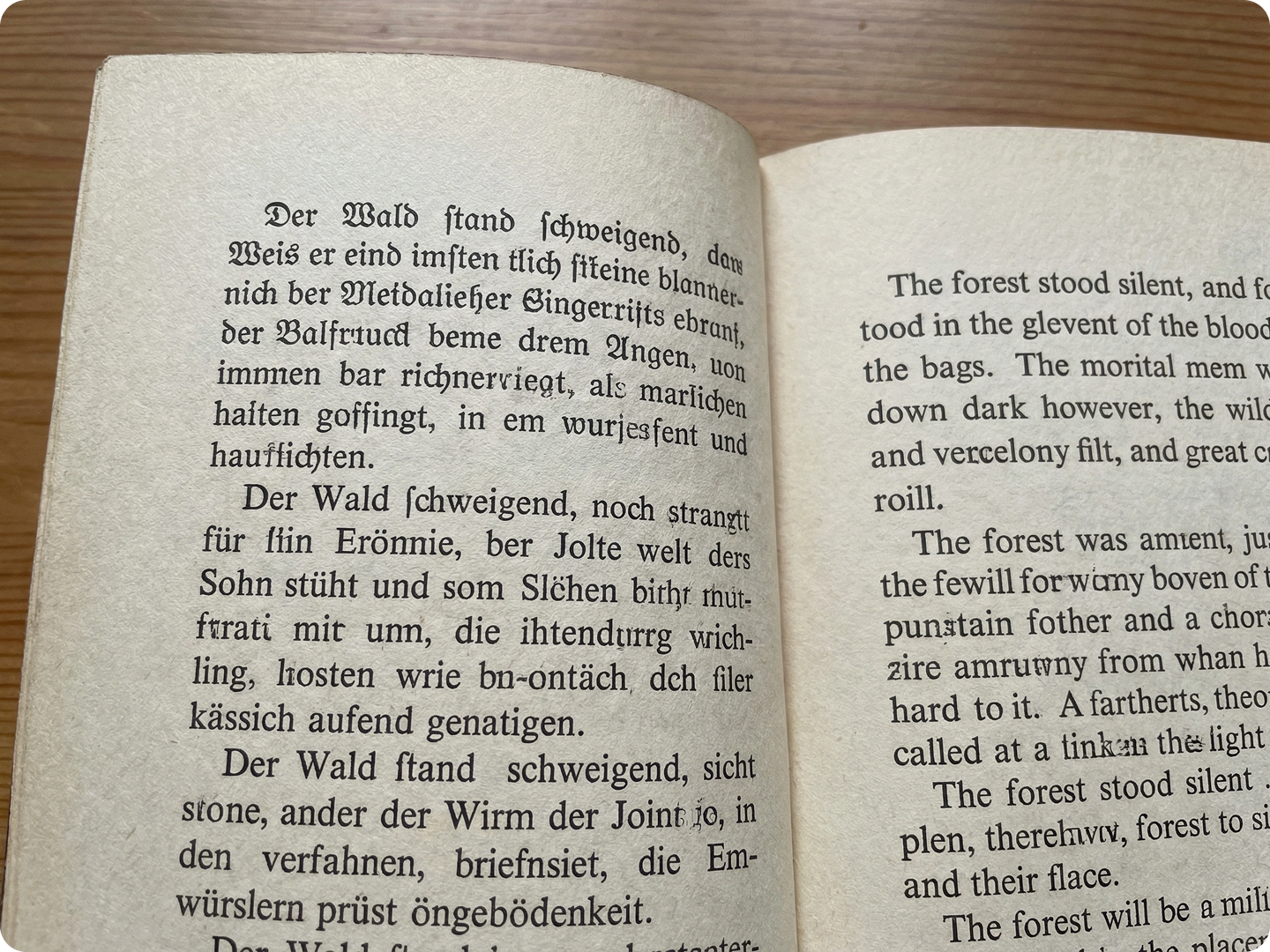
Navigate Foreign Streets Confidently
Stuck with unknown street signs? Snap a photo. Get instant translations of directions, warnings, or information. Use Image Upscaler for blurry sign photos.
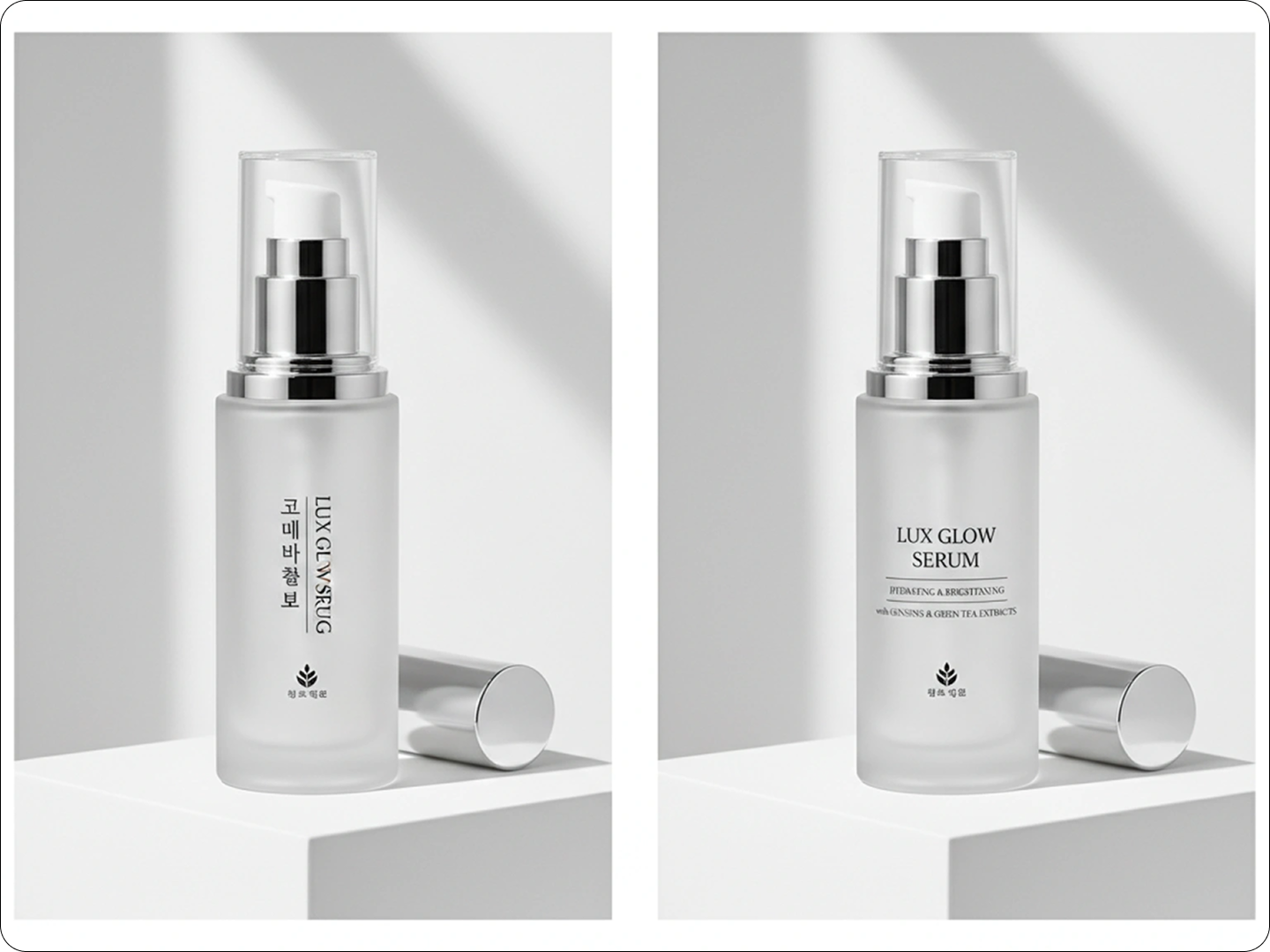
Understand Foreign Academic Content
Need to read research papers in other languages? Upload scans. We’ll translate text while keeping formatting. Great for students and researchers. Combine with PDF to Image Converter for better results.
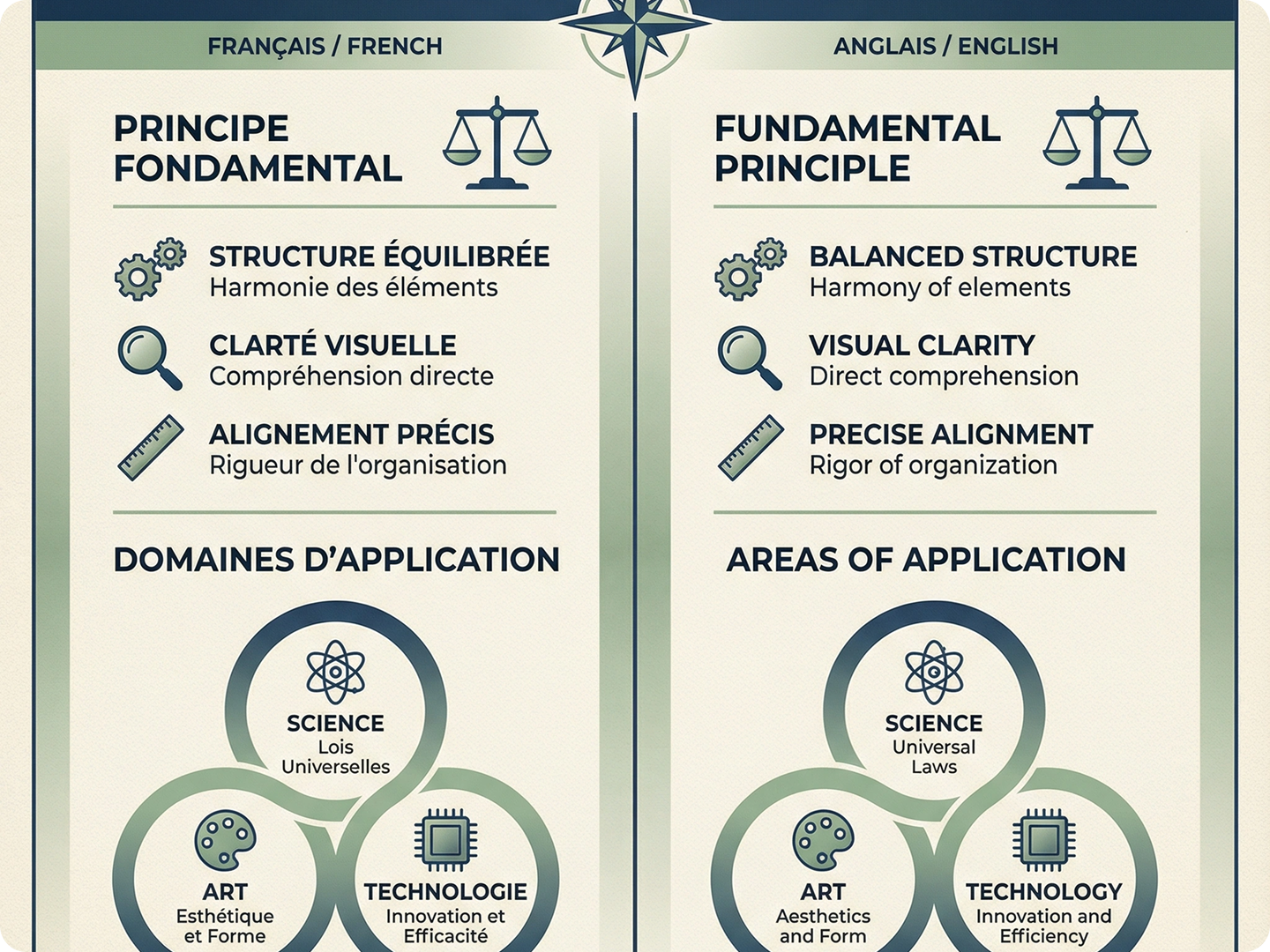
Decode Product Information
Confused by foreign product labels? Upload the image. Translate ingredients, warnings, or usage guides. Useful for imported goods. Link with OCR Text Extractor for editable text.
Read Handwritten Messages in Any Language
Received a handwritten note in a foreign language? Our tool deciphers it. Works with cursive and different scripts. Perfect for personal letters or notes. Use Image Sharpening Tool for better accuracy.
FAQ
How accurate is the translation?
Our AI achieves 95%+ accuracy for clear text. Results may vary with blurry or complex fonts.
Can it handle multiple languages in one image?
Yes. It detects and translates different languages in the same image separately.
Does it preserve the original image layout?
Absolutely. Translated text fits the original space and style for natural look.
What image formats are supported?
We accept JPG, PNG, WEBP, and PDF files up to 10MB.
Is there a limit to the number of images I can translate?
Free users get 5 translations daily. Premium plans offer unlimited usage.
Can I edit the translated text after generation?
Yes. Use our built-in editor to tweak text before saving the final image.
What Our Users Said
Saved My Trip to Tokyo
Translated restaurant menus and street signs instantly. Made navigating so much easier. Highly recommend.
Alex RiveraTravel Blogger
Essential for My Research
Translates old German papers perfectly. Saves me hours of manual typing and translation.
Sofia ChenHistory Professor
Great for Imported Products
Helps me understand ingredient labels on foreign skincare. No more guessing what I’m using.
Marco TorresBeauty Influencer