- Tools
- Resources
- Pricing
- API
- Contact Sales
- Book a Demo


Photoshoot AI Online Free
Skip the studio, photographer, and editing hassle! Use Dzine’s Photoshoot AI to reimagine your photos: change outfits, swap backgrounds, adjust hair color, and create professional-grade shots in seconds, 100% online for free.

Click or drag here to upload images
Try to generate a photoshoot with one of them!
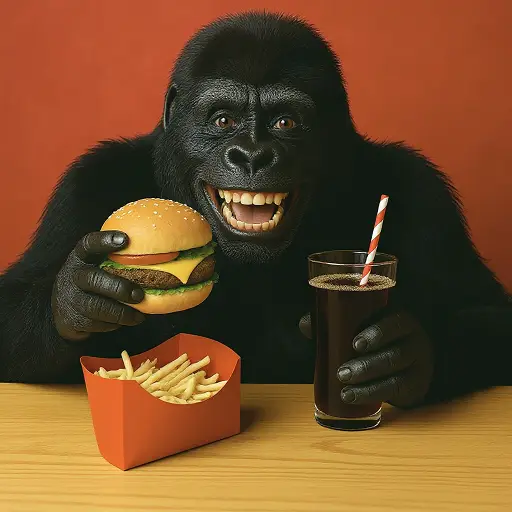
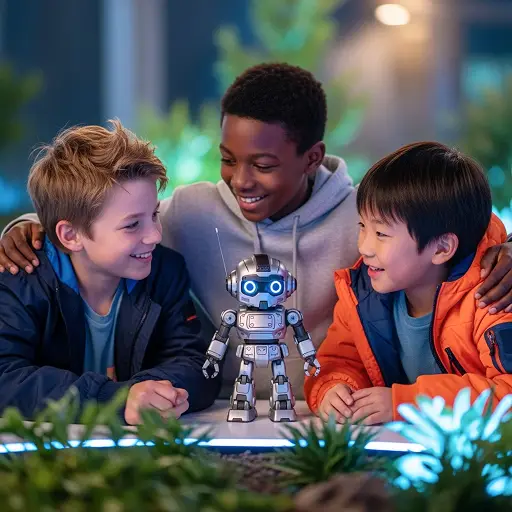
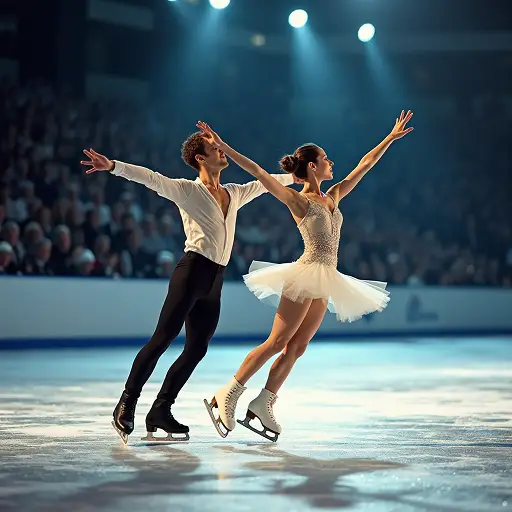
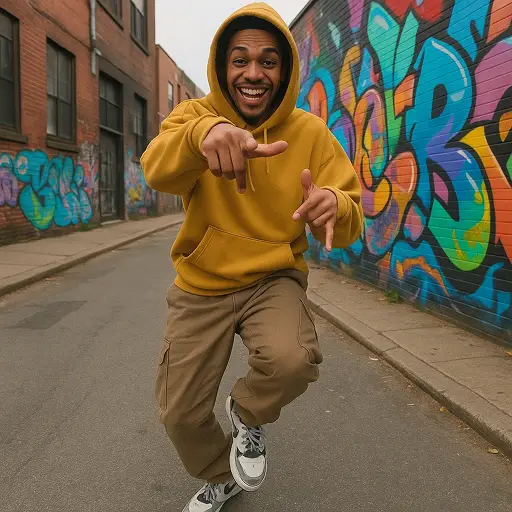
Conduct Free AI Photoshoots Online — No Studio Required
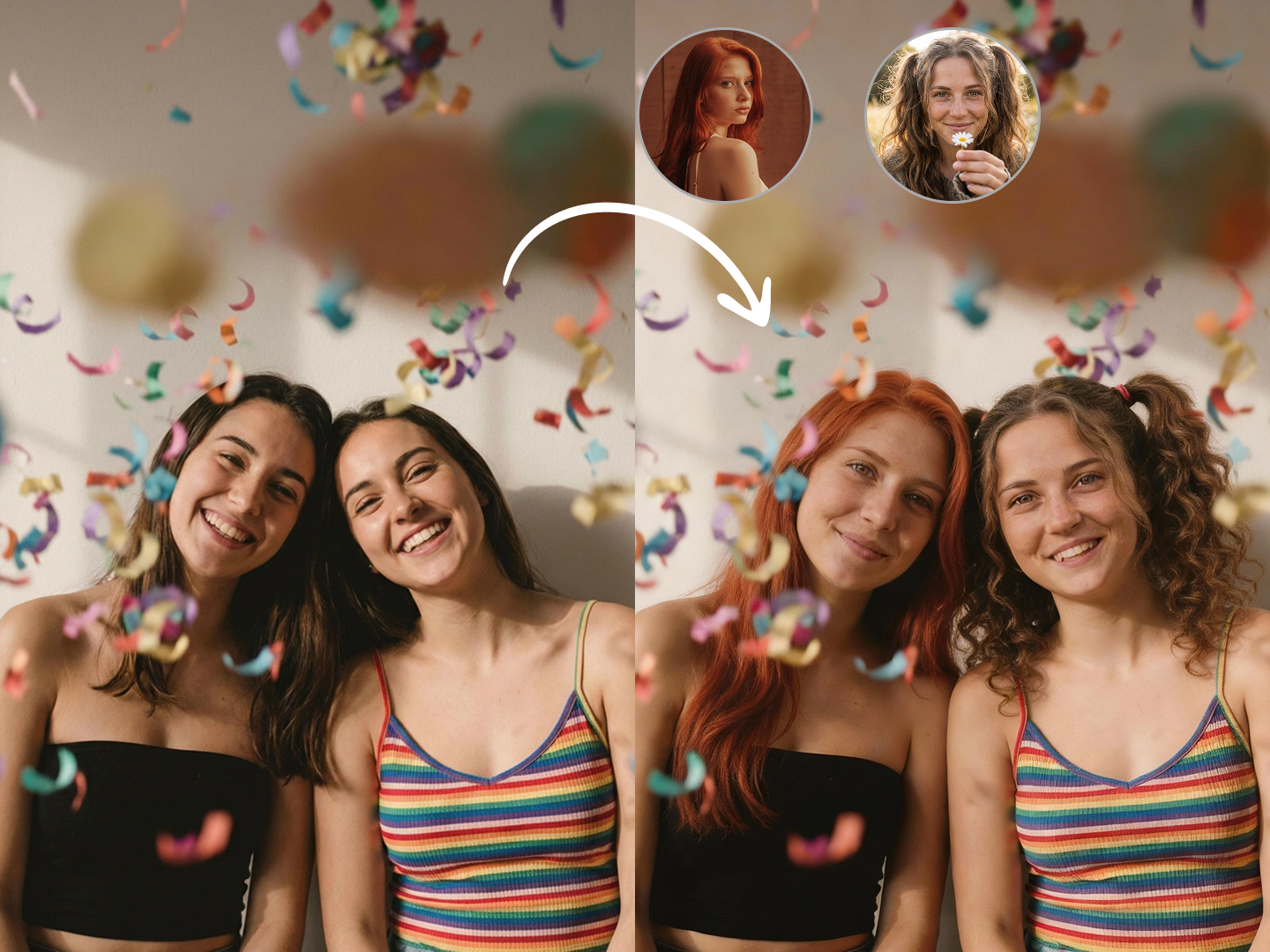
Dzine Photoshoot AI is built for real-life use cases, not artificial-looking results. Simply upload a photo (selfie, full-body, or portrait), and our AI will realistically transform it—swap outfits, change hair color, replace backgrounds, and match lighting to create a cohesive, studio-quality result.
Whether you need a holiday card, social media post, or professional headshot, our tool delivers natural-looking, high-resolution shots without the cost or effort of a physical photoshoot.
How to Conduct a Professional Photoshoot
Step 1. Upload Your Photo
Select a clear JPG/PNG photo (selfie, full-body, or portrait—single or group shots work) as your base.
Step 2. Describe Your Vision
Choose a style from our list: 3D, Cartoon, Anime, etc and type a prompt to define your look (e.g., "quinceañera gown, ornate ballroom background").
Step 3. Generate & Download
Click "generate" and Dzine will create a realistic photoshoot in 10 seconds or less. Download the image in your preferred resolution and format.
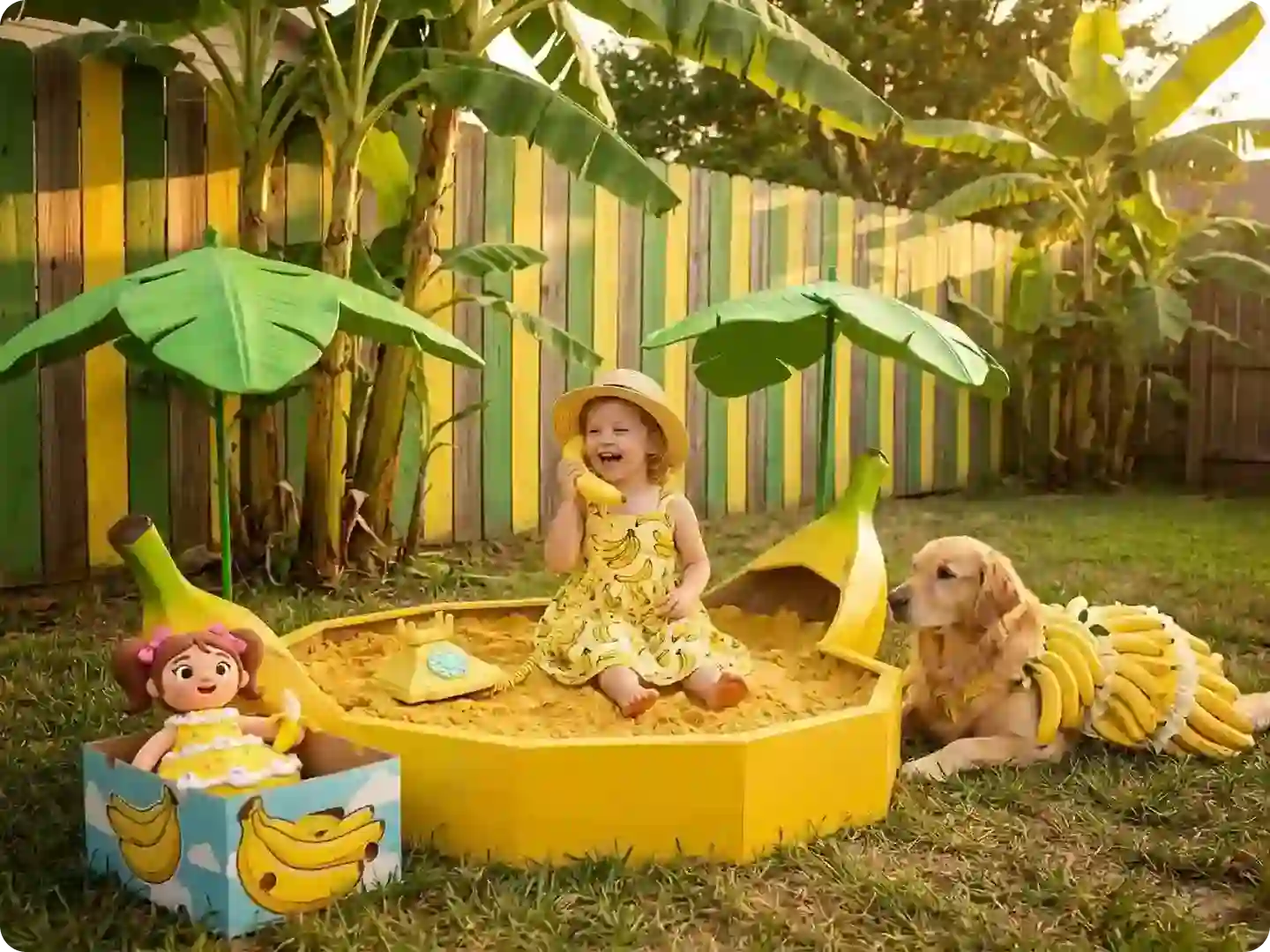
Social Media Feed Upgrade
Turn casual selfies into eye-catching AI photoshoot content for Instagram, TikTok, LinkedIn, dating apps, creator profiles, and portfolio pages — all while keeping a consistent personal style.
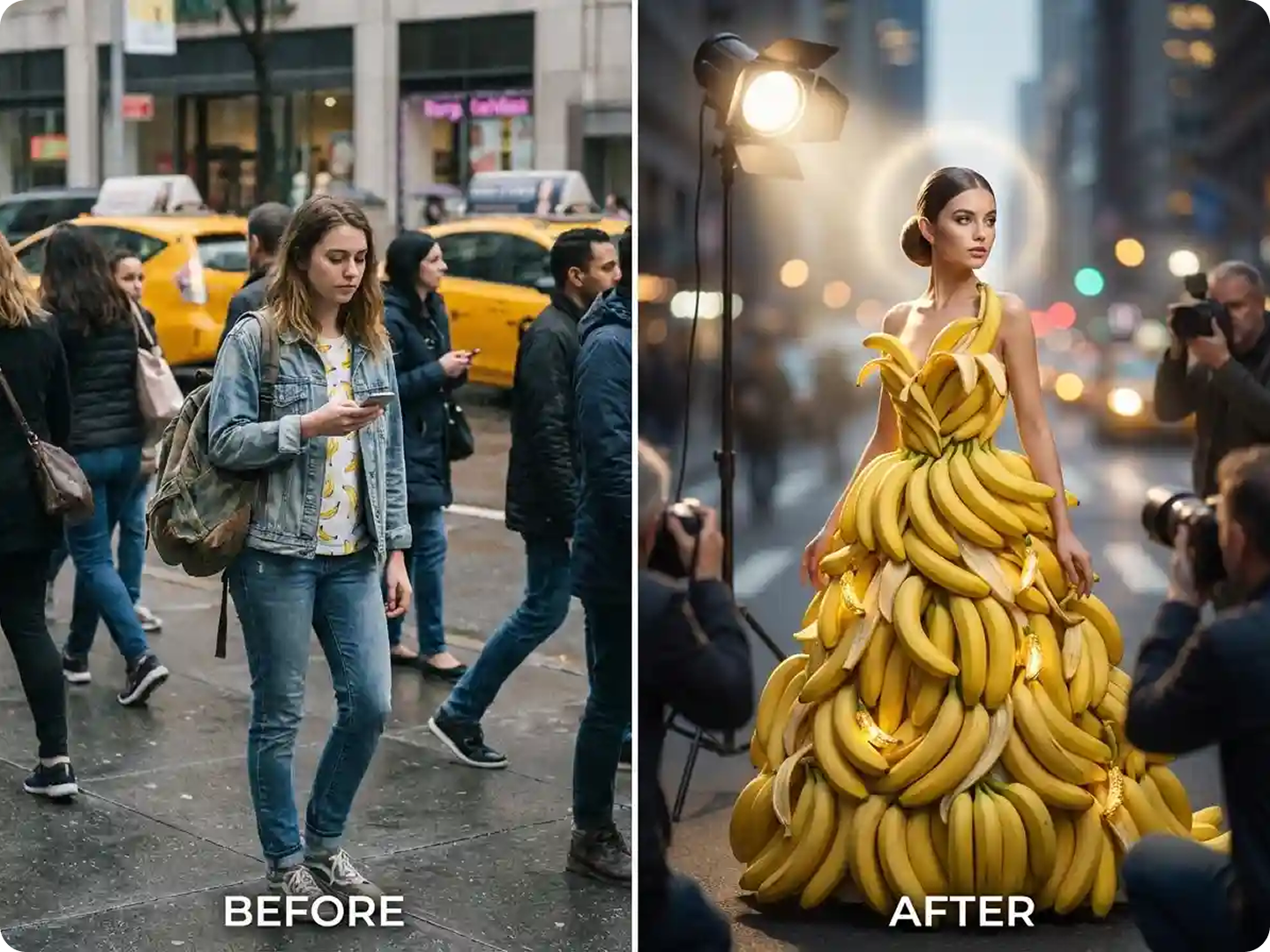
Outfit, Dress, and Style Changes Made Simple
With Dzine Photoshoot AI, you can try different looks using the same image. Create professional outfits for work, casual looks for social media, or creative styles for special occasions. The AI adapts clothing textures, folds, and shadows so outfits blend naturally with your body.
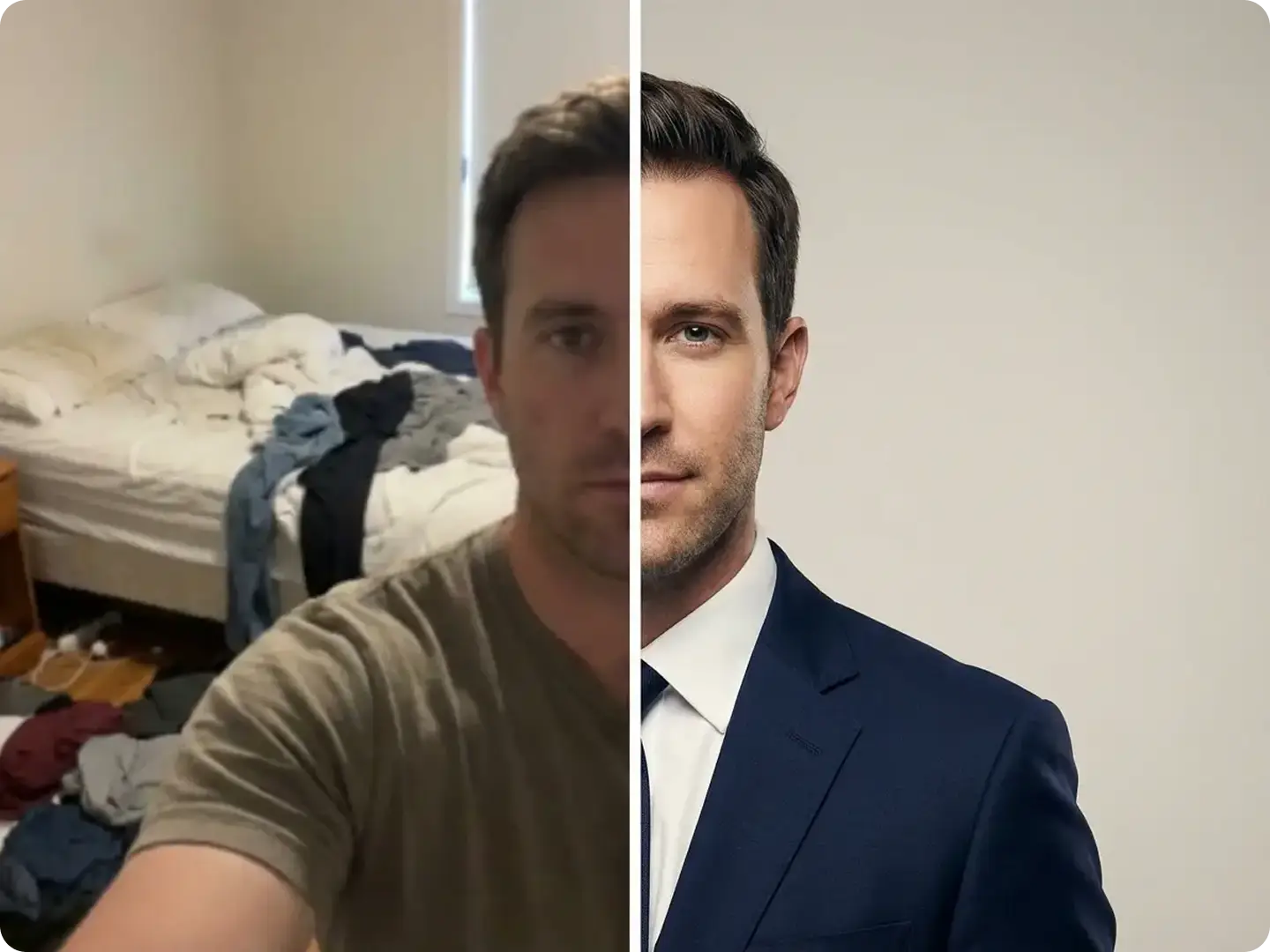
Professional Headshots & Portfolios
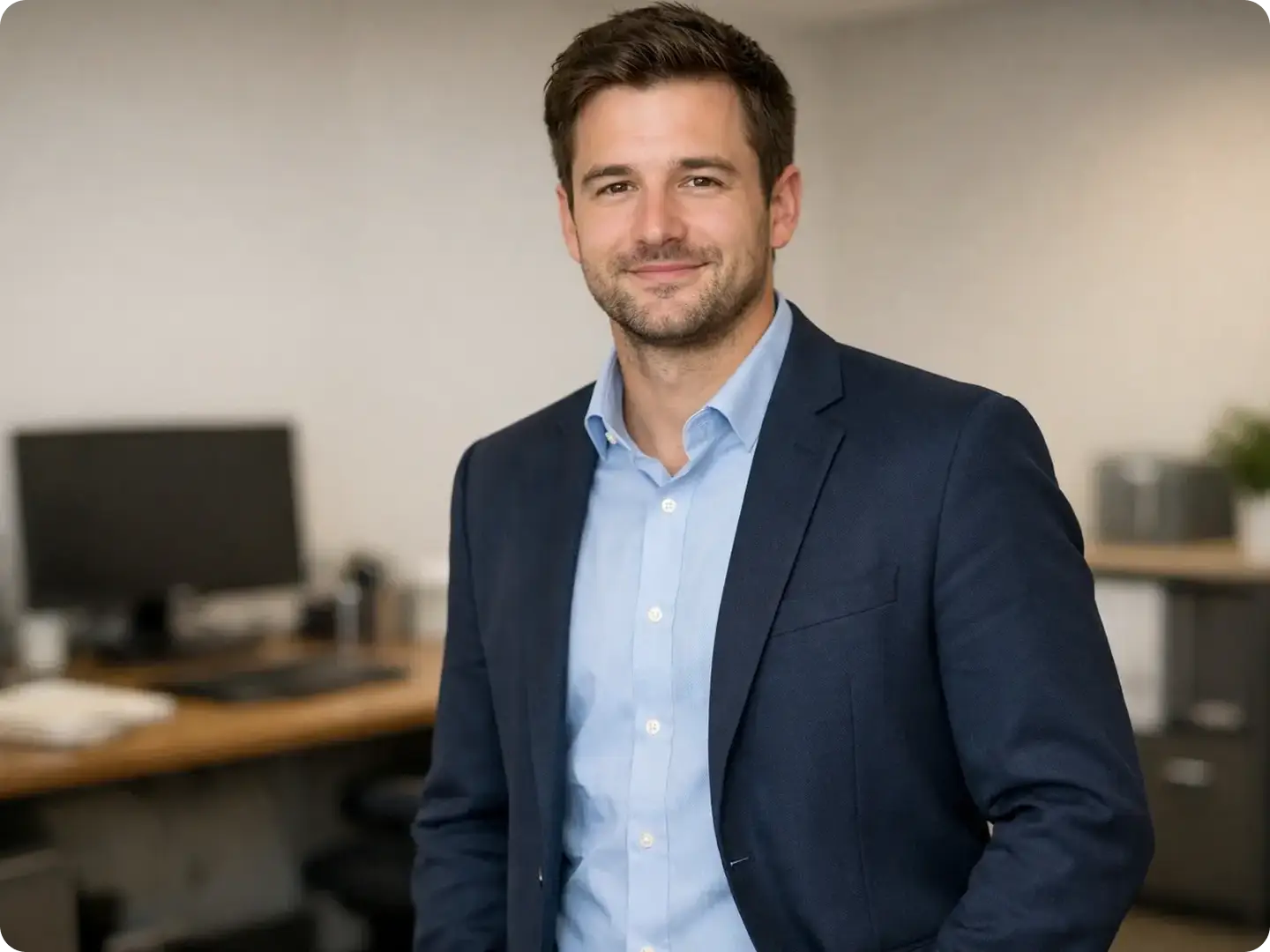
Generate crisp, well-lit corporate headshots or portfolio photos for resumes, client pitches, or LinkedIn. Our AI matches office lighting and formal attire for a polished look.
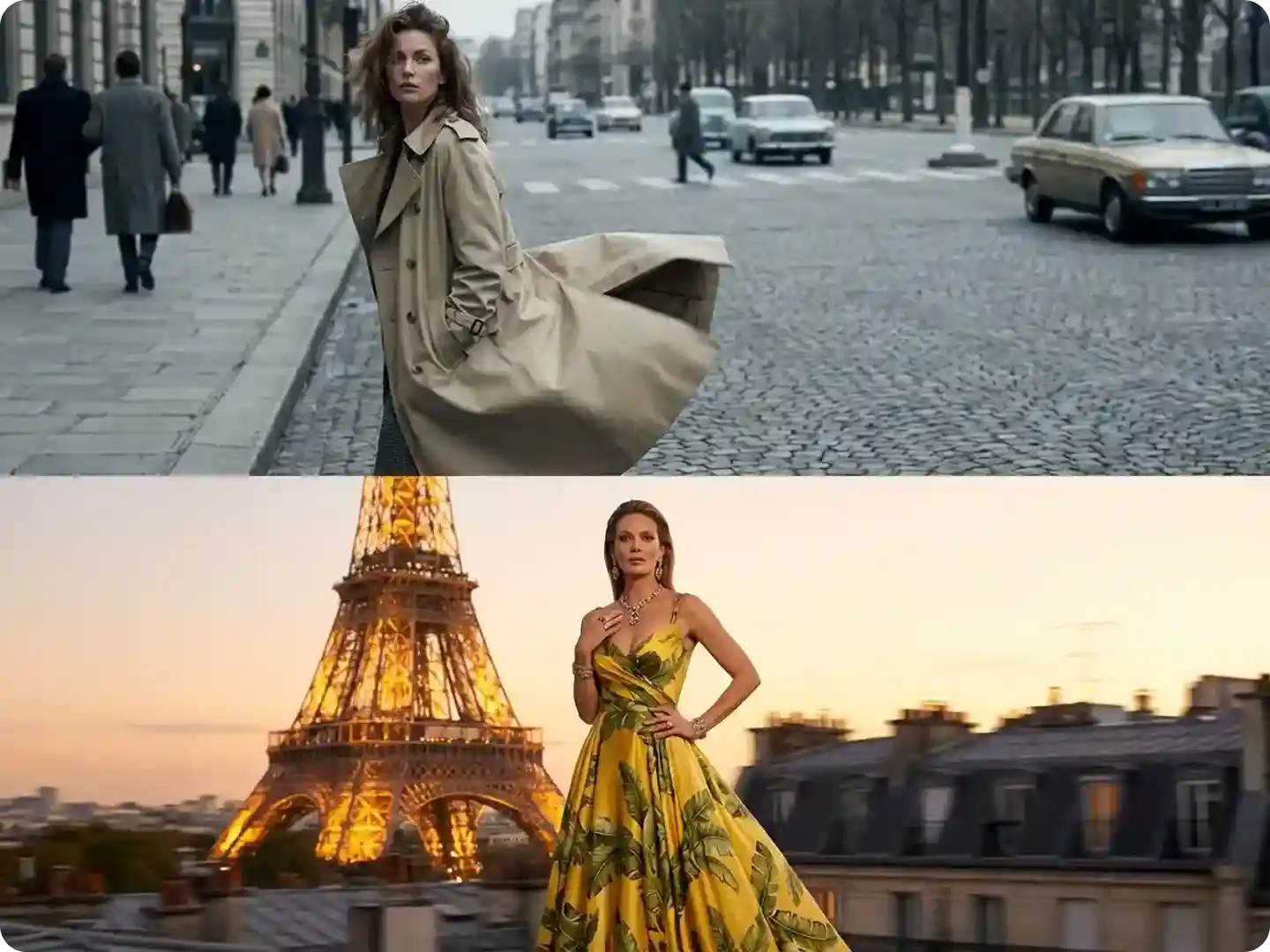
Travel Photos without the Trip
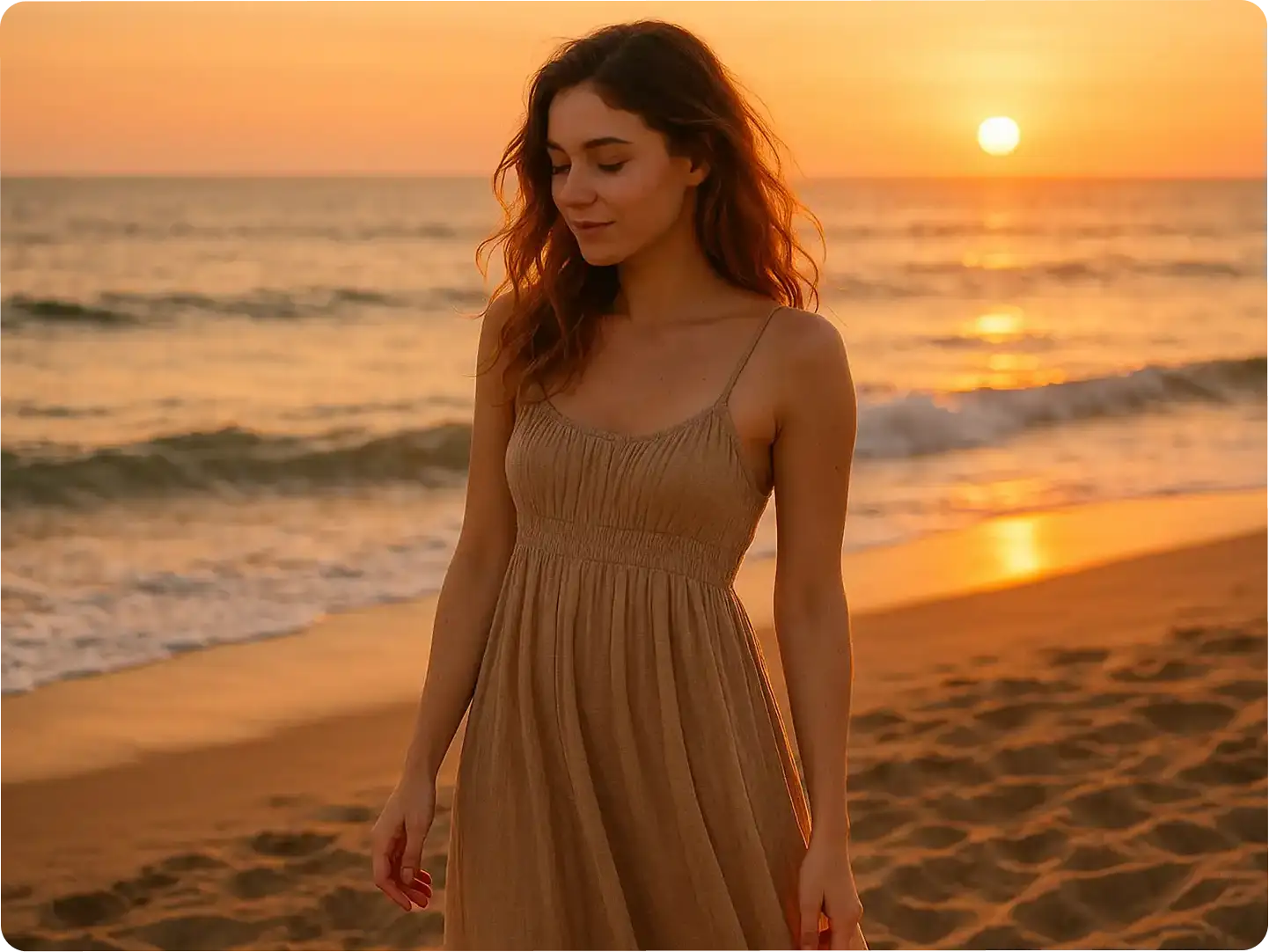
Turn a backyard photo into a "vacation shot" at the Eiffel Tower, Taj Mahal, or beach sunset. Our AI background changer makes travel-style photos possible from anywhere.
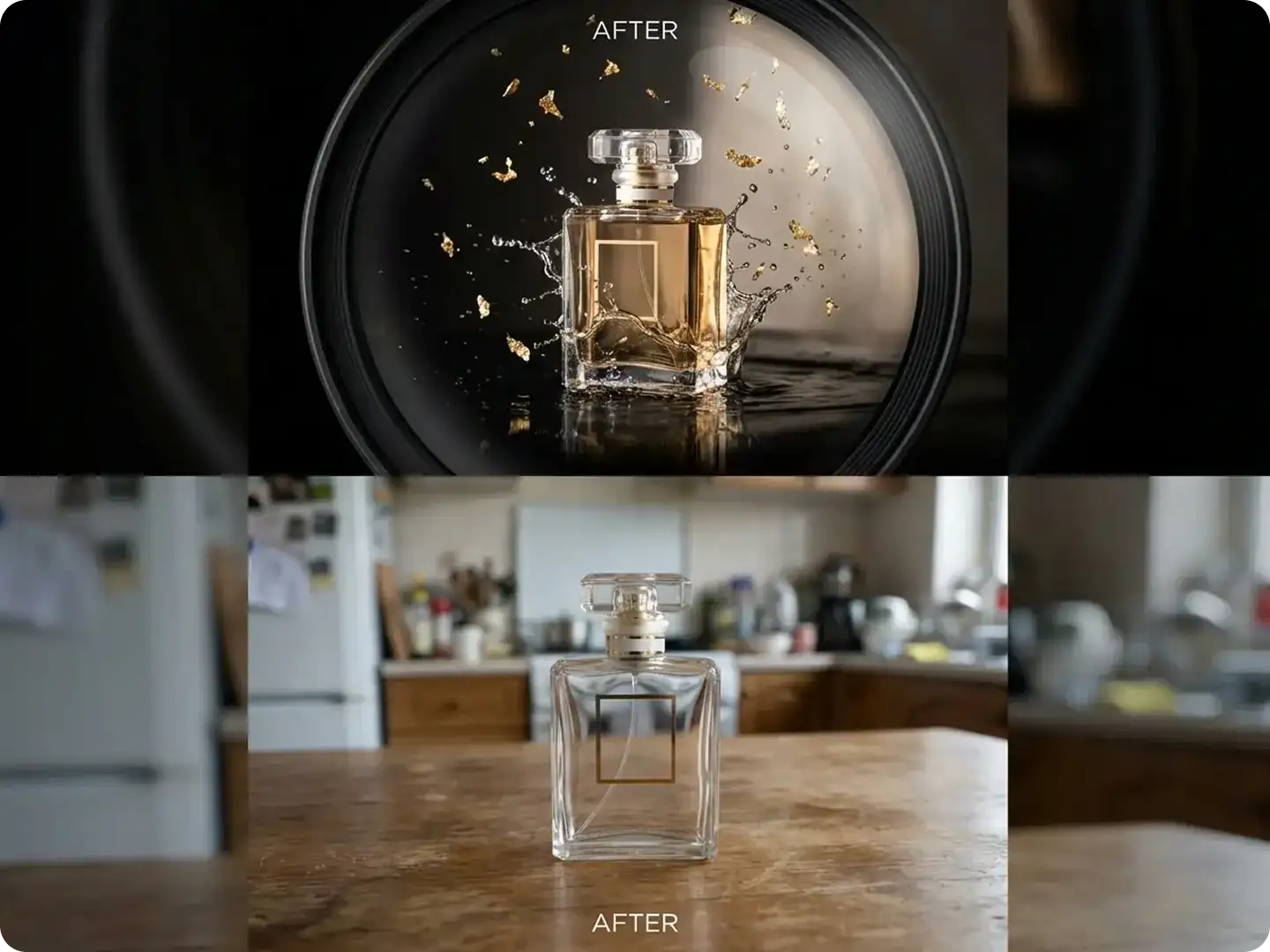
Background and Environment Transformation
Dzine lets you replace backgrounds while keeping lighting and perspective consistent. From studios and offices to beaches, cityscapes, and seasonal environments, you can choose from numerous backgrounds that feel realistic and context-aware.
Create Your Special Photoshoots!
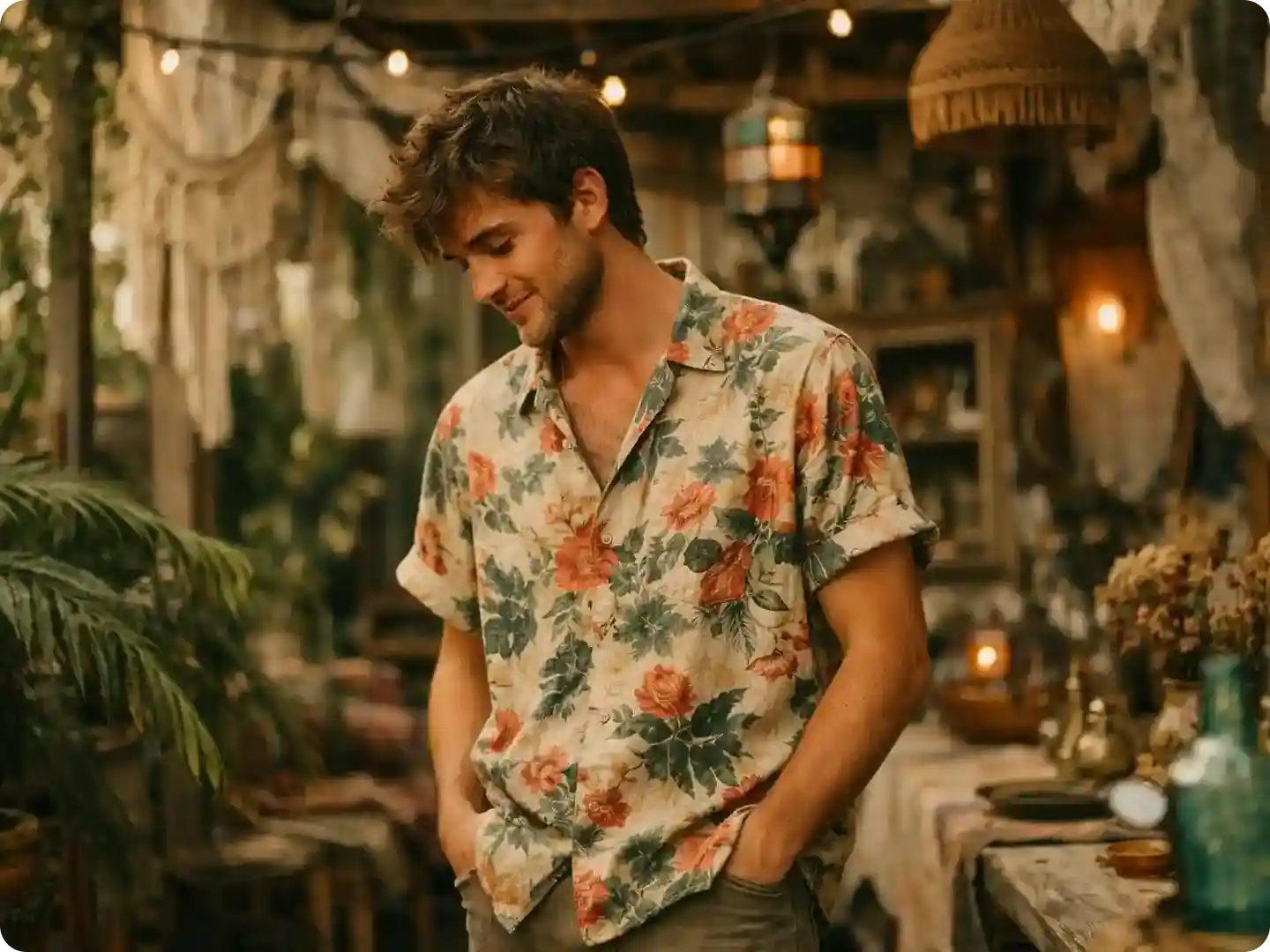
Explore real examples of how users transform their photos with Dzine’s Photoshoot AI, from cultural events to professional headshots, every shot is generated in seconds with zero studio setup.
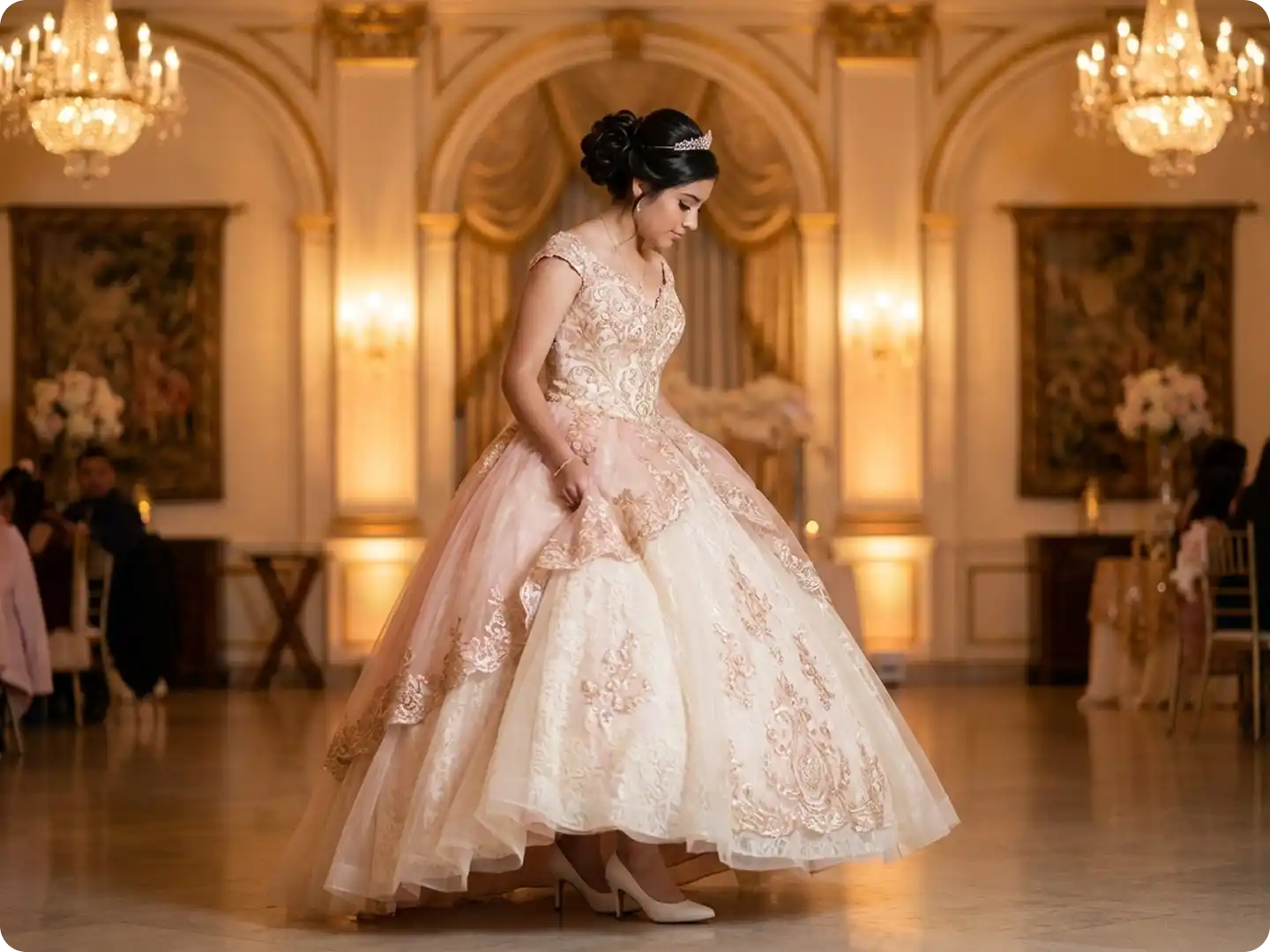
Stunning Quinceañera Portraits
Create memorable Quinceañera photos with ornate gowns, elegant ballroom settings, and soft lighting.
Try now for free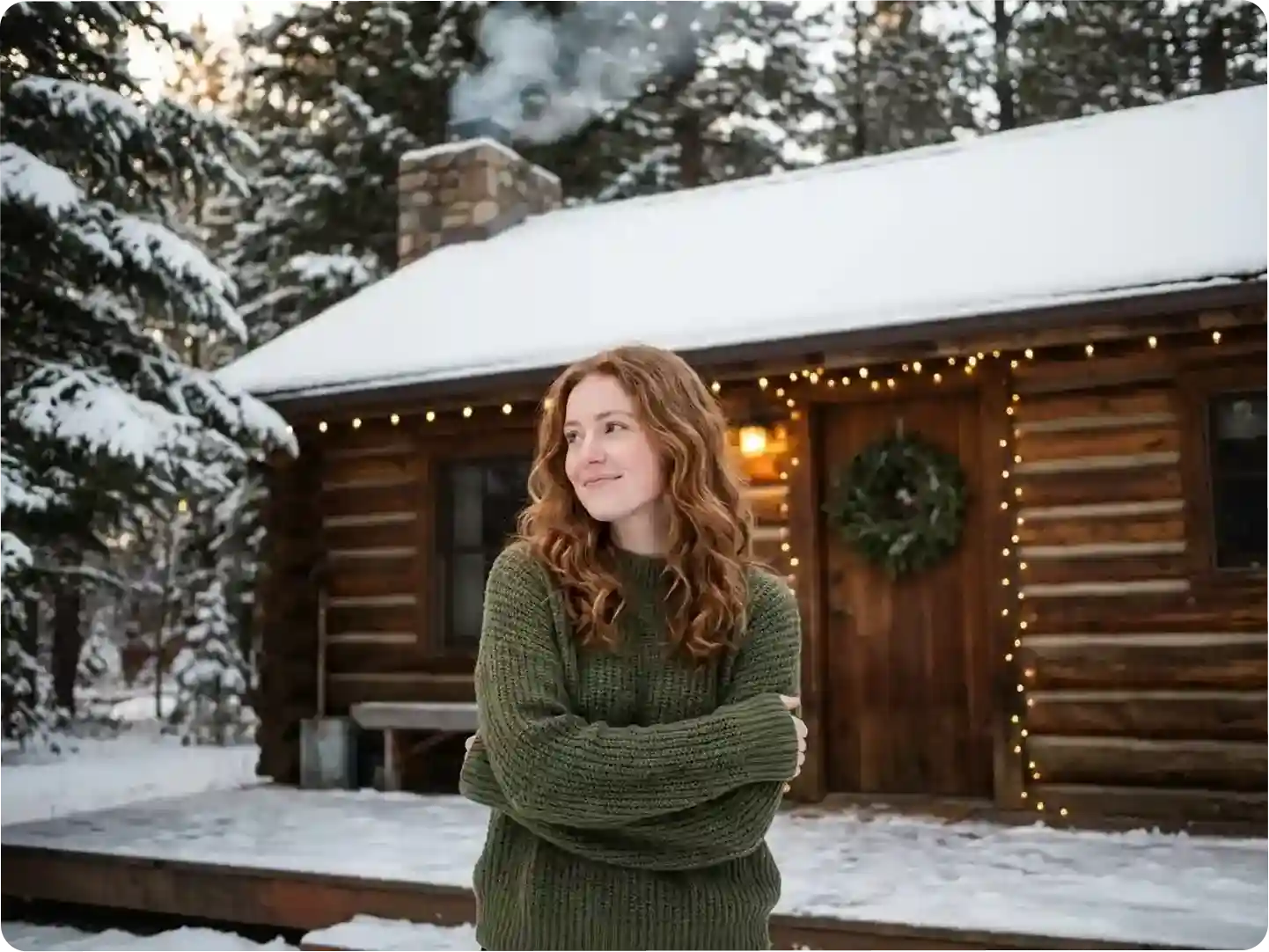
Why Dzine’s Photoshoot AI Stands Out

Hyper-Realistic Results
AI doesn’t overlay— it generates elements (outfits, hair, backgrounds) that match your photo’s lighting and texture for natural, believable shots.

Free to Get Started
Conduct AI photoshoots online free—no subscriptions or hidden fees for basic features.

Quick Generation
Skip hours of studio time—get a professional photoshoot in 10 seconds or less.

GDPR-Compliant Privacy
We never store your photos or use them for training—your data stays secure.

Endless Style Options
50+ presets + custom prompts cover seasonal, cultural, professional, and creative looks.

No Skills Required
Upload a photo, choose a preset or type a prompt—no photography or editing experience needed.
Watch and Optimize Your Design!
More Dzine Tools for Your Photoshoot


What Our Users Said About Photoshoot AI
Saved Me Hundreds on Holiday Photos
I used the AI background changer to turn a living room selfie into a Christmas cabin shot—looks better than the $300 studio photos I got last year.
Maria GonzalezStay-at-Home Parent
Perfect for My Fitness Brand
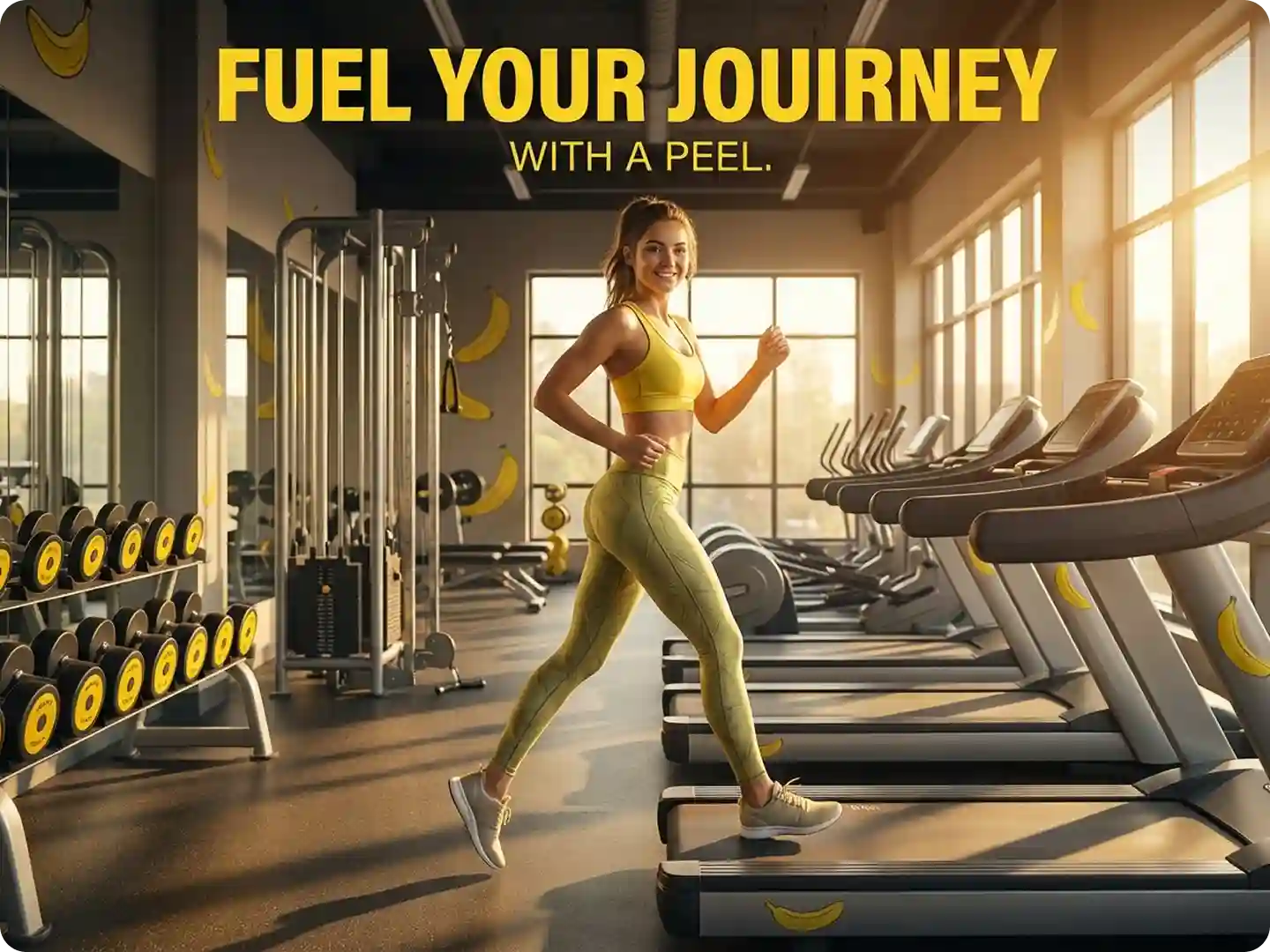
The AI outfit changer let me test 10+ sportswear looks on my base photo—cut my photoshoot time from 2 days to 10 minutes.
Jake MillerFitness Brand Owner
Professional Headshots Without the Cost
As a freelancer, I needed a corporate headshot fast. Dzine’s AI turned my casual selfie into a polished shot that got me 3 new clients.
Lisa ChenFreelance Writer
FAQ
What is an AI photoshoot?
An AI photoshoot is a tool that transforms a regular photo into a studio-quality shot: it generates new outfits, hair colors, and backgrounds while matching lighting to create a natural, cohesive result—no photographer needed.
Is Photoshoot AI free to use?
Yes! You can conduct AI photoshoots online free with basic presets and prompts. Premium features (high-res downloads, advanced editing) are available for a small fee.
Can I upload photos with sunglasses, hats, or masks?
Yes—our AI works with most accessories, though very dark sunglasses may slightly reduce hair/face transformation accuracy.
Does Photoshoot AI work with group photos?
Absolutely—our AI can transform outfits, hair, and backgrounds for single or group shots (up to 5 people) in one go.
Will the AI change my pose in the photo?
No—our AI preserves your original pose while changing outfits, hair, and backgrounds to keep the shot true to your original photo.
Can I edit my photoshoot after generation?
Yes—use our AI Image Editor to retouch faces, adjust colors, or tweak details to perfect your shot.