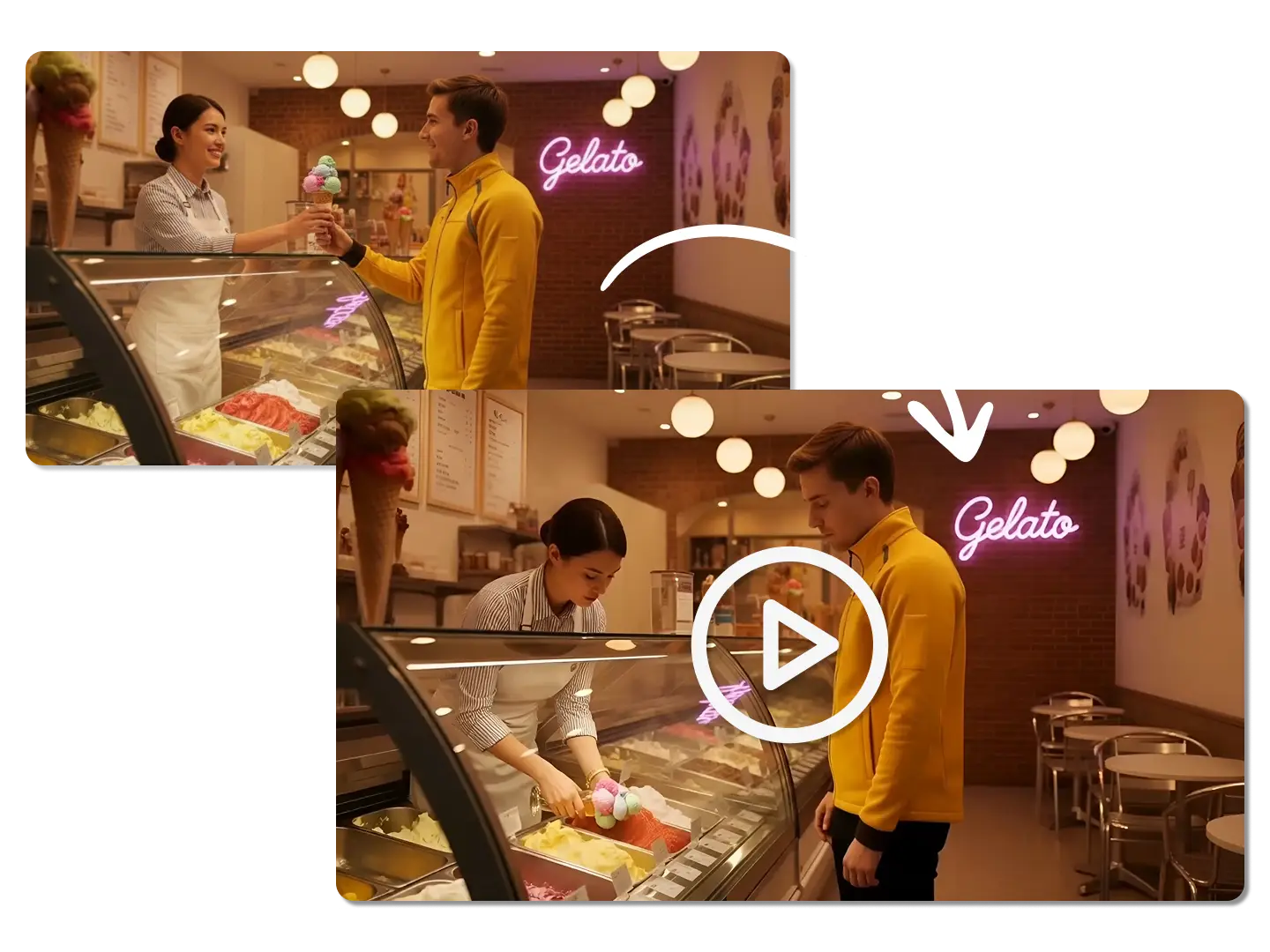
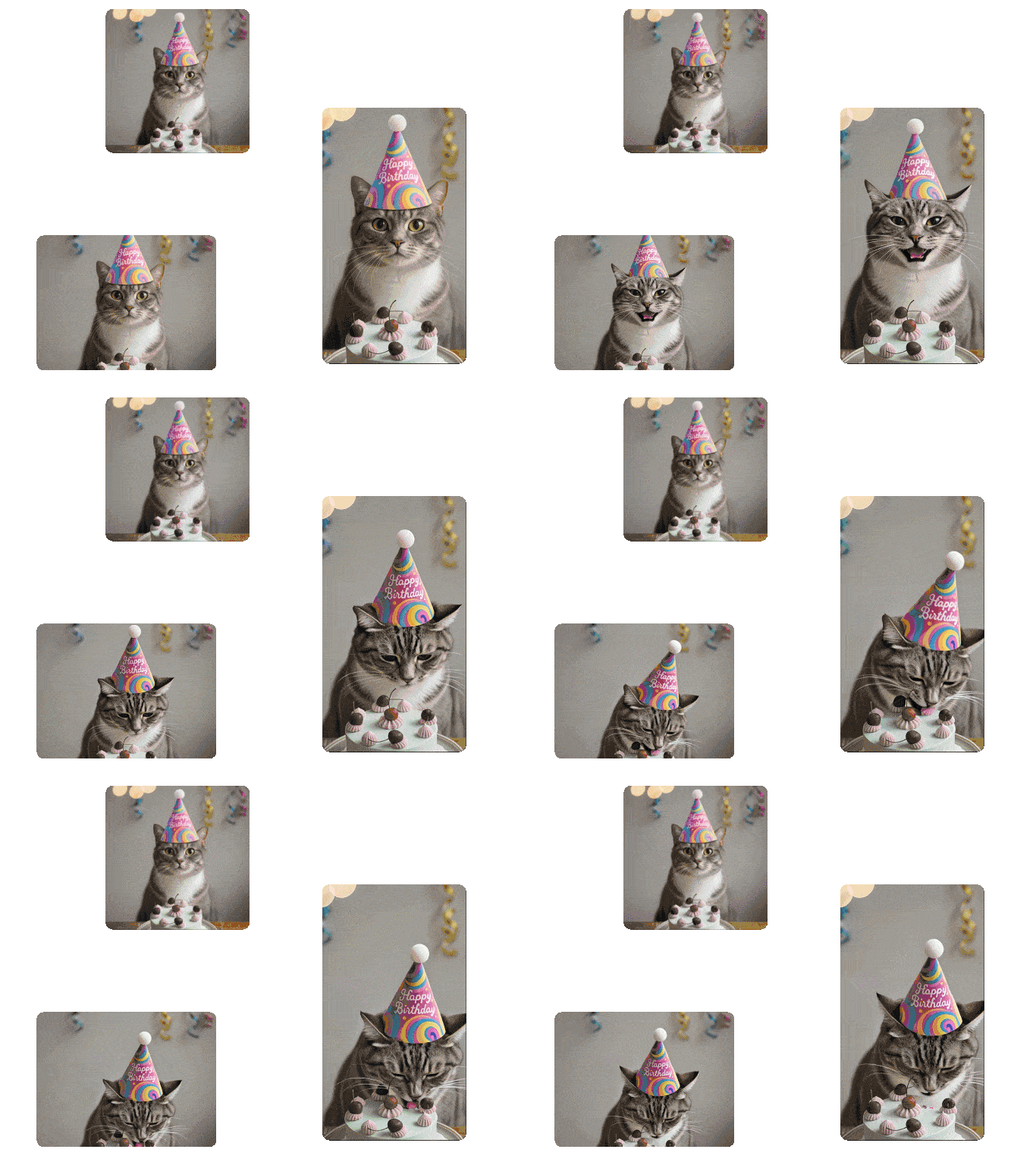
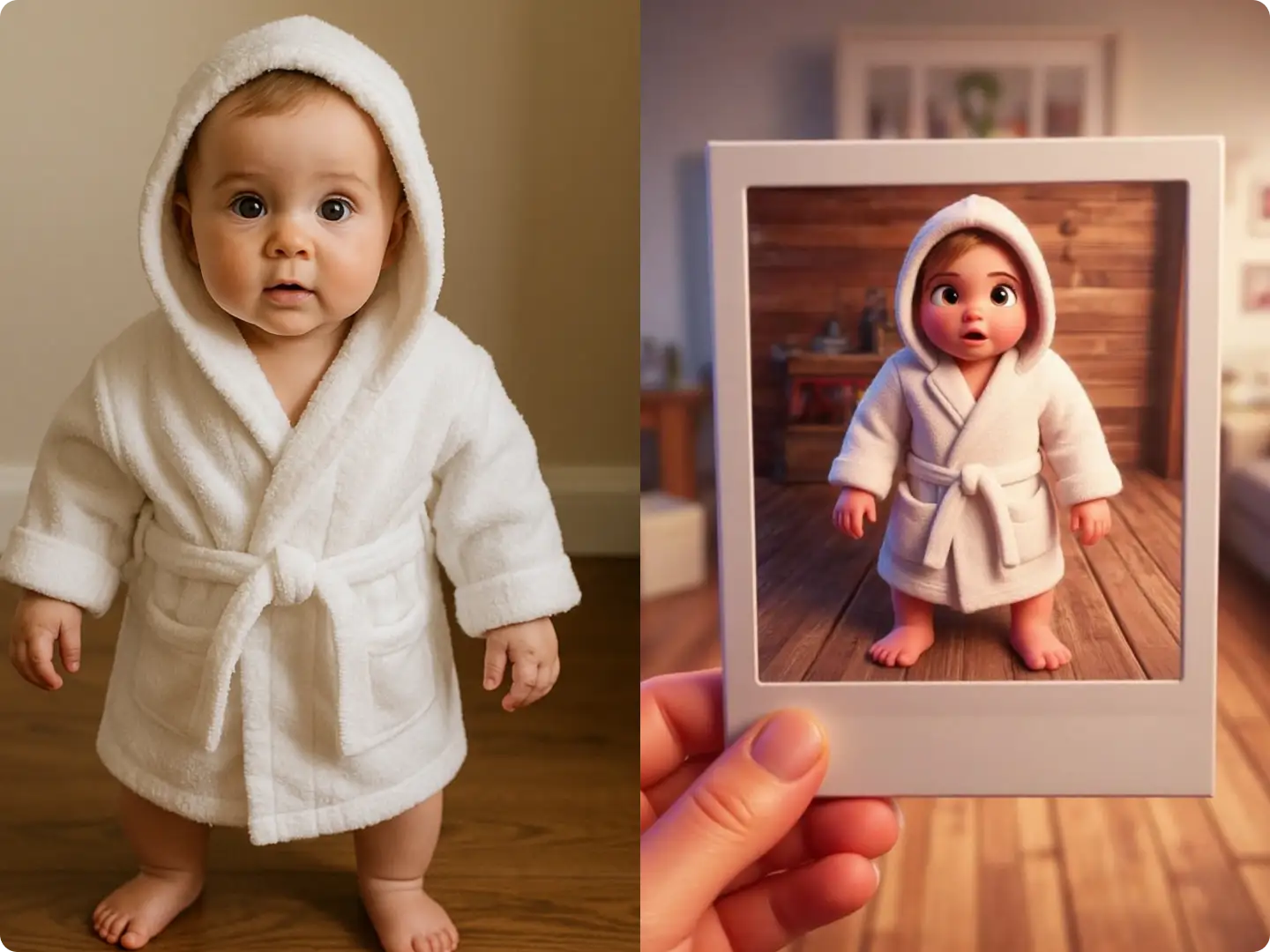
Using the Time Freeze effect to bring motion to still environments — adding energy, movement, and storytelling impact in just seconds. Start creating your own Time Freeze scenes and make every moment feel alive.
Core Subject: A young Black female superhero with super-speed abilities, presenting a confident, agile, and powerfully imposing presence.
Character Design: Clad in a modern, sleek red superhero suit made of form-fitting tech fabric; with short hair or a high ponytail, an athletic build, and a focused facial expression.
Environment: A bustling modern urban street, lined with coffee shops, pedestrians, crosswalks, and roadside parked vehicles, brimming with the authentic vibe of daily city life.
Time State: Time is abruptly frozen, with every person suspended mid-action in their original movement: some mid-step while walking, some sipping coffee, others looking at their phones.
Main Action: Only the female protagonist retains the ability to move at super speed. She dashes and weaves rapidly through the city streets in a full sprint.
Action Sequence: In this time-frozen world, she executes the following seamless sequence of actions at super speed. Throughout the entire sequence, everything around her remains completely static; only her figure carries dynamic motion blur, lightning-like energy trails, and dissipating particle effects from her afterimages, creating an extreme visual contrast with the motionless environment:
She picks up a freshly brewed hot latte with intact, undissipated milk foam from the coaster on an outdoor coffee table, while the steam from the cup remains suspended mid-air in a frozen mist.
As the traffic light turns green and vehicles are poised to start, she dashes across the crosswalk, scoops up a stray puppy stranded in the middle of the road, and carries it to the opposite side of the street to save it from being hit.
She makes a sharp right-angle turn mid-dash, instantly arrives at the street corner, passes by an elderly man reading a newspaper on a bench, and glances at the news.
She doubles back at imperceptible speed, casually knocking over a flower pot that blocks her path.
Power Effect: Lightning-shaped energy trails and pronounced high-speed motion blur are generated as she moves, accompanied by airflow effects from the slicing of the air, and dissipating particle effects from her bodily afterimages, all dominated by red particle and lightning elements.
Character & Environment Interaction: The entire sequence unfolds within approximately 0 to 1.5 seconds of normal time flow. Throughout the process, the surrounding crowd remains completely frozen, coffee droplets suspended in mid-air, and vehicles locked in their original positions, to create a definitive time-freeze visual effect.
Cinematography: Cinematic dynamic camera movement follows the character in motion, with a subtle handheld camera feel, interspersed with occasional low-angle tracking shots and high-speed side follow shots.
Visual Style: Hollywood superhero film aesthetic, with realistic lighting and shadows, cinematic color grading, and an intensely dramatic atmosphere.
Camera Settings: 35mm cinema lens, shallow depth of field, realistic shadows, high dynamic range (HDR) lighting, and authentic lens flare.
Quality & Rendering: Hyper-realistic style, 4K cinematic image quality, rich and intricate details, high contrast, high dynamic range, and blockbuster-level visual fidelity.
Head to Dzine’s "AI Video" tool, upload your reference image, or simply enter your prompts.
Step 2: Set Video Generation Parameters
Choose from our AI models Kling 3.0 or Seedance 2.0, then configure video resolution (up to 4K), freeze duration (1-10 seconds), style (cinematic, vibrant, minimalist), and enable audio generation for realistic sound matching.
Step 3: Generate & Download the Video
Click the Generate button to create your high-quality time-frozen video instantly. Download the result—no watermarks, no usage limits, and optimized for social media, ads, or professional use.
Turn "Random" Video Generation into "Precise" Creation
Most text-to-video tools rely on AI interpretation, which often produces results that don’t match your vision. Any Frame to Video lets you place each key frame exactly where you want it on the timeline, removing guesswork and ensuring your video aligns with your expectations.
Lower Creation Barriers — Start from Any Frame
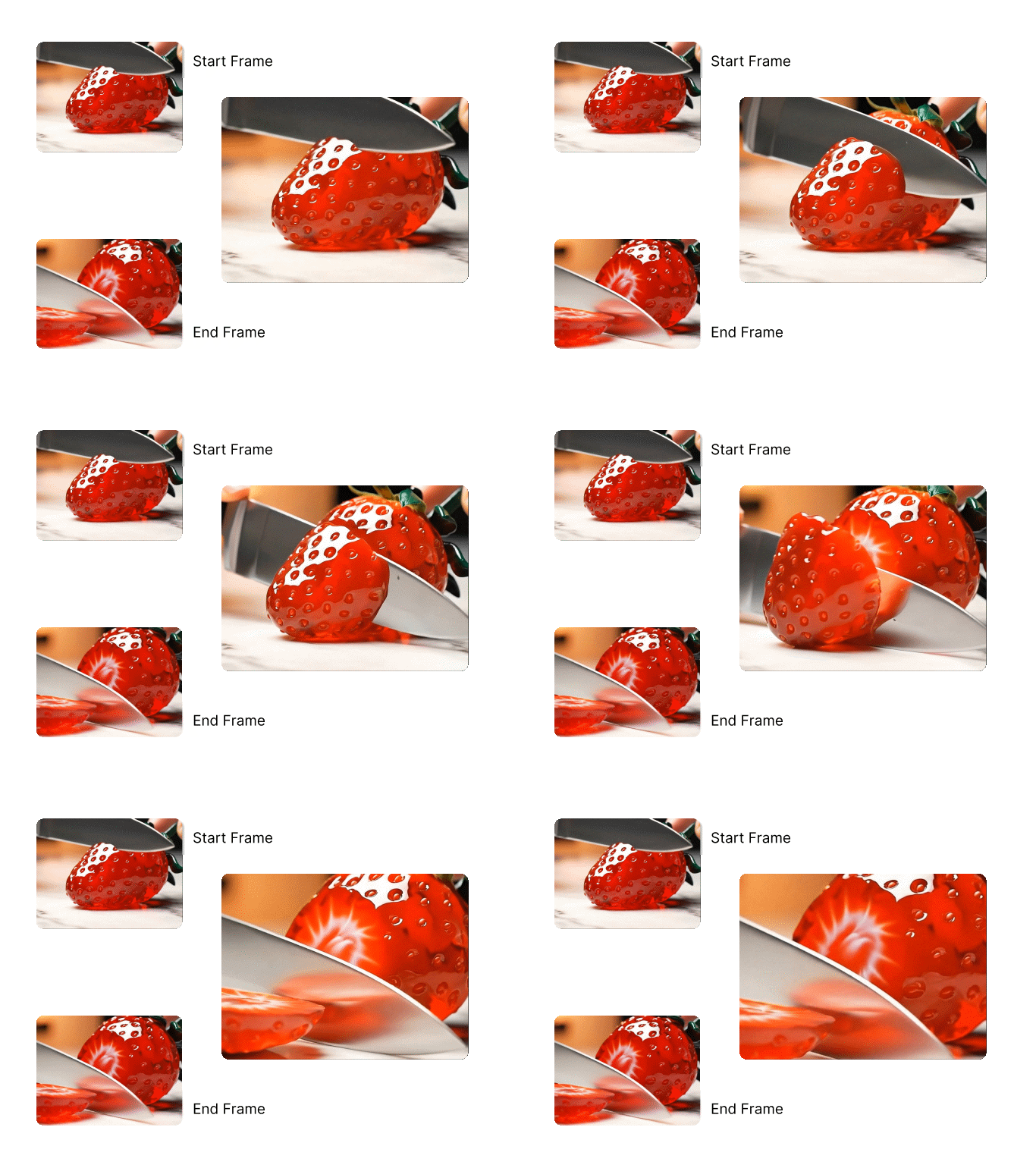
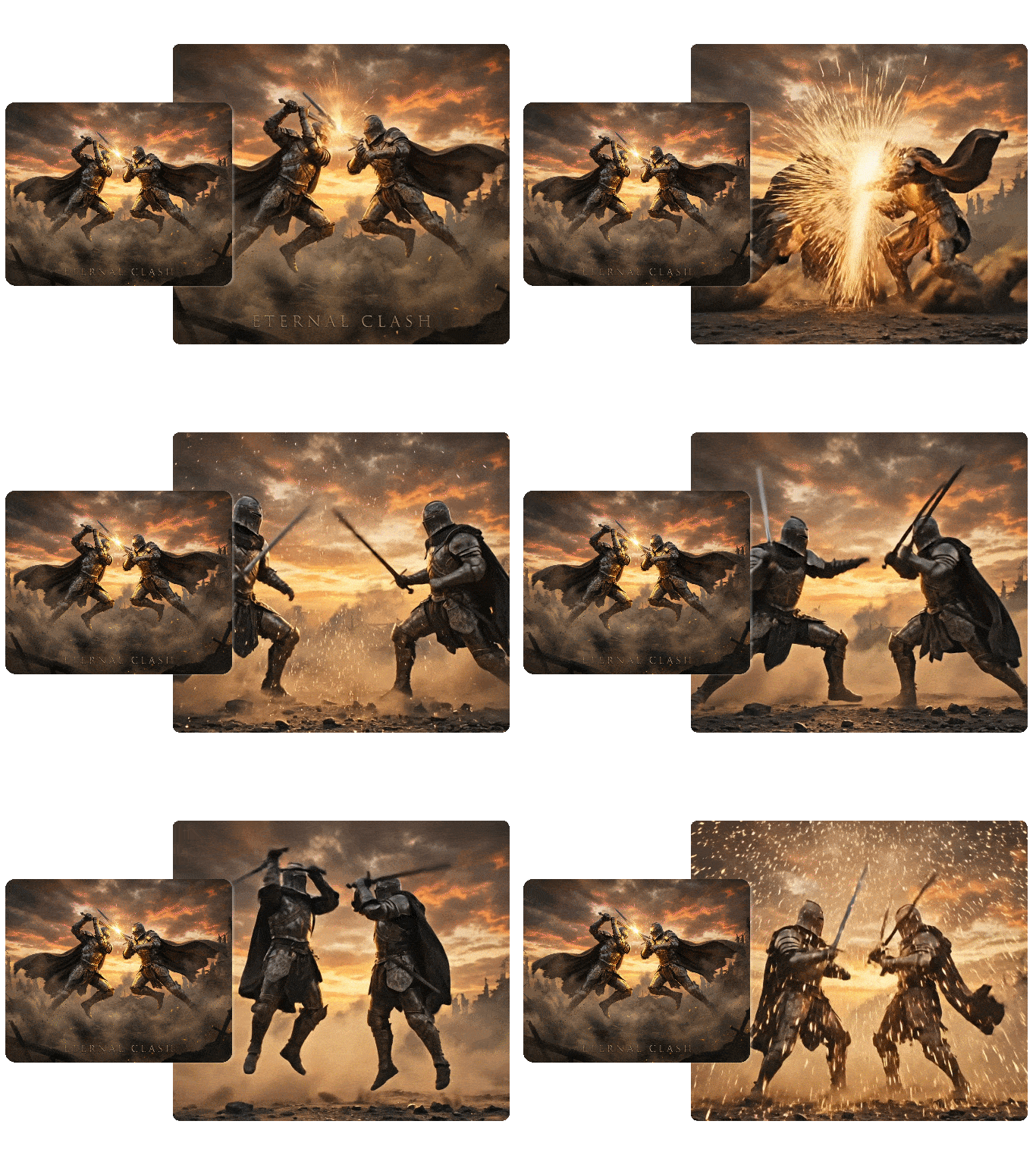
No need to design full start/end frames upfront. Dzine supports Start Frame and End Frame to Video workflow, which can let you generate videos from middle frames — just pick 1-6 key moments, set their timeline positions, and create a video with natural content progression.
Balance Creativity with Reliable Results
Take control of your video’s structure using key frames, then refine style, camera angles, or atmosphere with text prompts. This approach gives you creative freedom while keeping results predictable — much more stable than purely text-driven video generation.
Maintain Consistent Character Animation
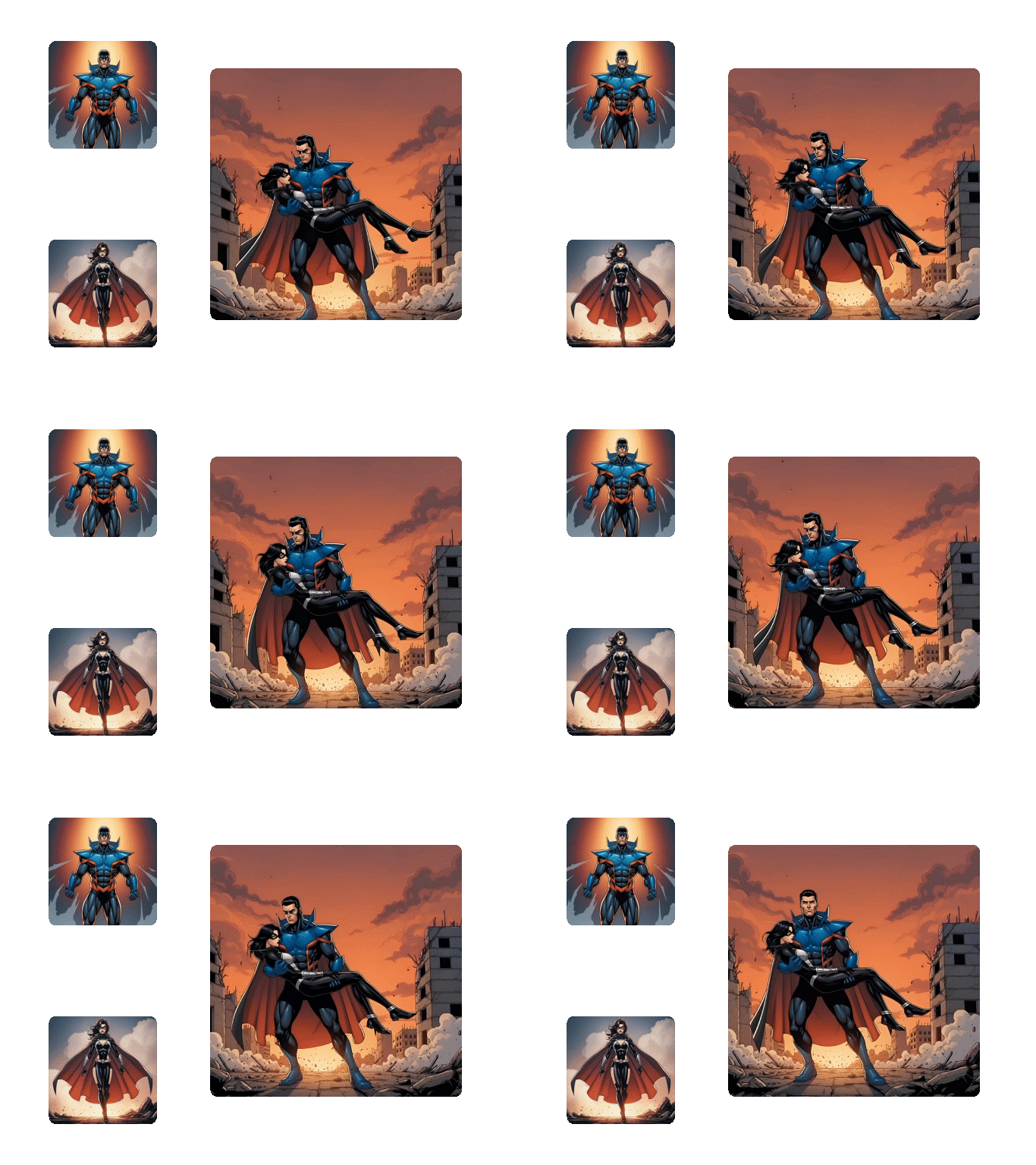
Dzine’s reference-based video AI ensures you with consistent characters throughout complex sequences. Perfect for animators and storytellers, it preserves appearance, expressions, and motion across scenes — ideal for short films, series, or interactive experiences.
Animate a Single Image Across Multiple Shots
You can easily transform a single static image into a captivating video for TikTok, X, or Instagram. Combine with our Lip Sync AI to add expressive facial movements and bring your content to life.
Why Dzine Stands out in Creating Time Freeze Videos
AI-Powered Natural Time Freeze
Our AI analyzes motion and frames to create seamless, natural time-stopped effects—no choppy transitions or unnatural blurs, unlike basic video editors.
Up to 4K High-Resolution Output
Freeze time in videos with 4K resolution—perfect for large displays, professional ads, or print-ready frozen frames that retain every detail.
Audio Generation & Sync
Enable audio generation to match frozen frames with realistic sound effects or background music—make your time-frozen videos more immersive and engaging.
100% Free (No Watermarks/Limits)
Freeze time in unlimited videos, download high-quality results—no subscriptions, hidden fees, or watermarks on your final content.
Instant Generation (Under 10 Seconds)
Skip long rendering times—our AI generates time-frozen videos in seconds, ideal for time-sensitive projects like social media posts or last-minute ads.
GDPR-Compliant & Private
We never store your original or edited videos—all processing is local, protecting your personal and commercial content at every step.
What Our Users Said
Game-Changer for E-Commerce Ads
I use Dzine’s Time Freeze tool to freeze time on product details in my Shopify ads—zooming into frozen frames highlights quality, and my click-through rate has jumped 30%! It’s free, fast, and way better than expensive video editors.
Emily ChenE-Commerce Store Owner
Perfect for Viral TikTok Content
As a content creator, I freeze time on funny and dramatic moments for my TikTok reels. Dzine’s AI makes the time stops look cinematic, and the instant generation lets me post content faster—my follower count has grown 50% in a month!
James WilsonSocial Media Creator
Essential for Wedding Videography
I freeze time on key wedding moments like the first dance and ring exchange—Dzine’s tool preserves every detail in 4K, and couples love the timeless clips. Pairing it with AI Video Enhancer makes the footage even more stunning.
Sofia RodriguezWedding Videographer
FAQ
What is Dzine’s AI Time Freeze Tool?
Dzine’s AI Time Freeze tool is a free online tool that lets you freeze time in any video to create cinematic time-stopped effects. Powered by advanced AI, it delivers natural, high-resolution results for social media, ads, and creative projects.
Is Dzine’s Time Freeze Tool free to use?
Yes! Our Time Freeze tool is 100% free with unlimited video processing, high-resolution downloads, and no watermarks—no subscriptions or hidden fees to freeze time in your videos.
What video formats does the Time Freeze tool support?
We support all major video formats: MP4, MOV, and WebM. Upload any video in these formats to freeze time on key moments effortlessly.
Can I customize the duration of the time freeze effect?
Absolutely. You can set the freeze duration from 1 to 10 seconds, and adjust resolution (up to 4K) and style to match your creative vision—our AI adapts to your exact needs.
Can I use time-frozen videos for commercial purposes?
Yes! You can use videos created with our Time Freeze tool for personal or commercial use (e.g., e-commerce ads, social media marketing, branding) as long as you comply with our terms of service.
How is Dzine’s Time Freeze Tool better than other video editors?
Dzine offers AI-powered natural time freeze effects, 4K output, instant generation (under 10 seconds), audio sync, and 100% free use with no watermarks—unlike generic editors that limit features or degrade quality.
Master Video Creation Features | Dzine AI Tutorial