


Click or drag here to upload images
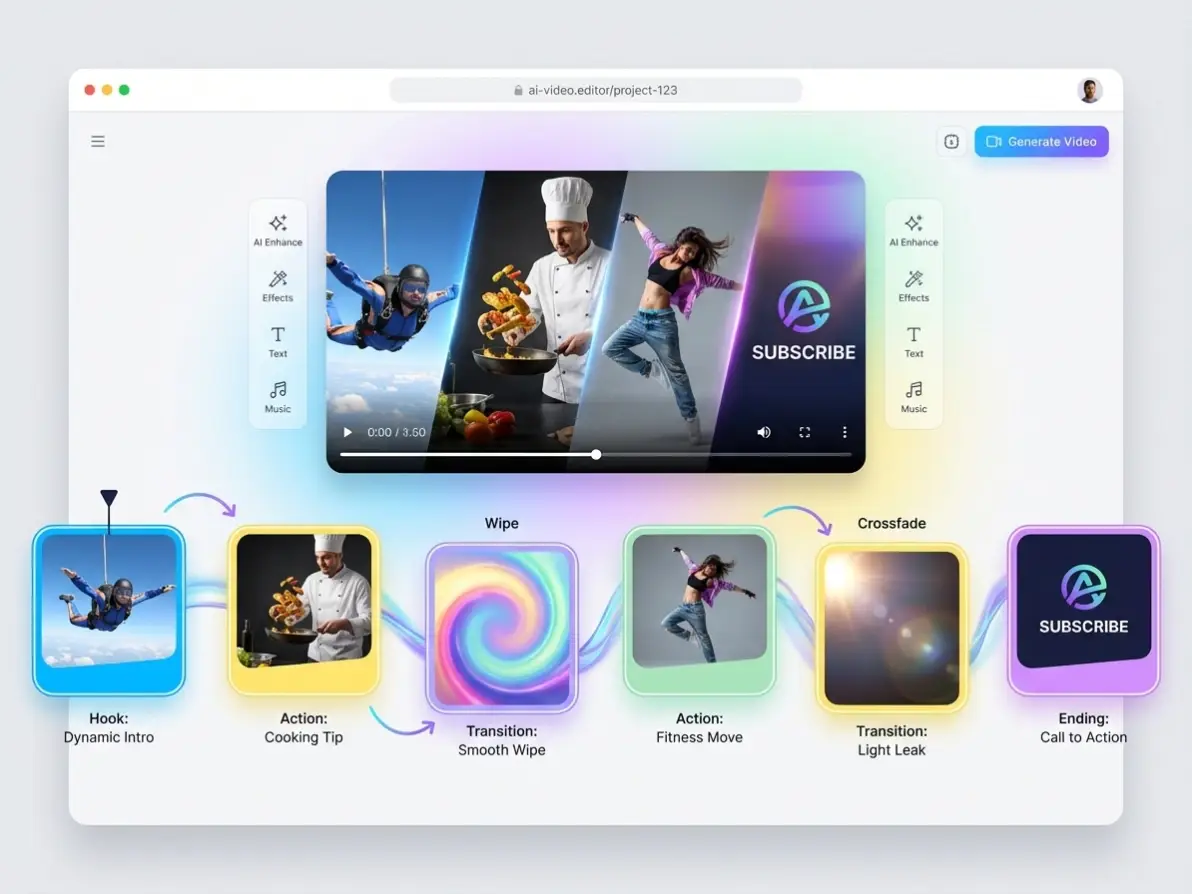
Create Scroll-Stopping Social Videos from Key Frames
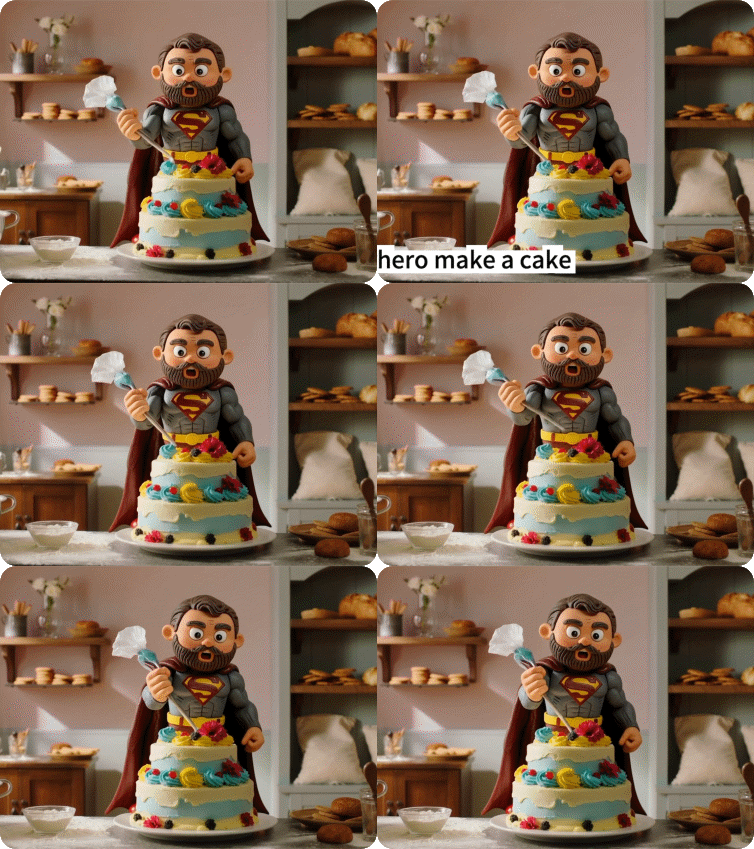
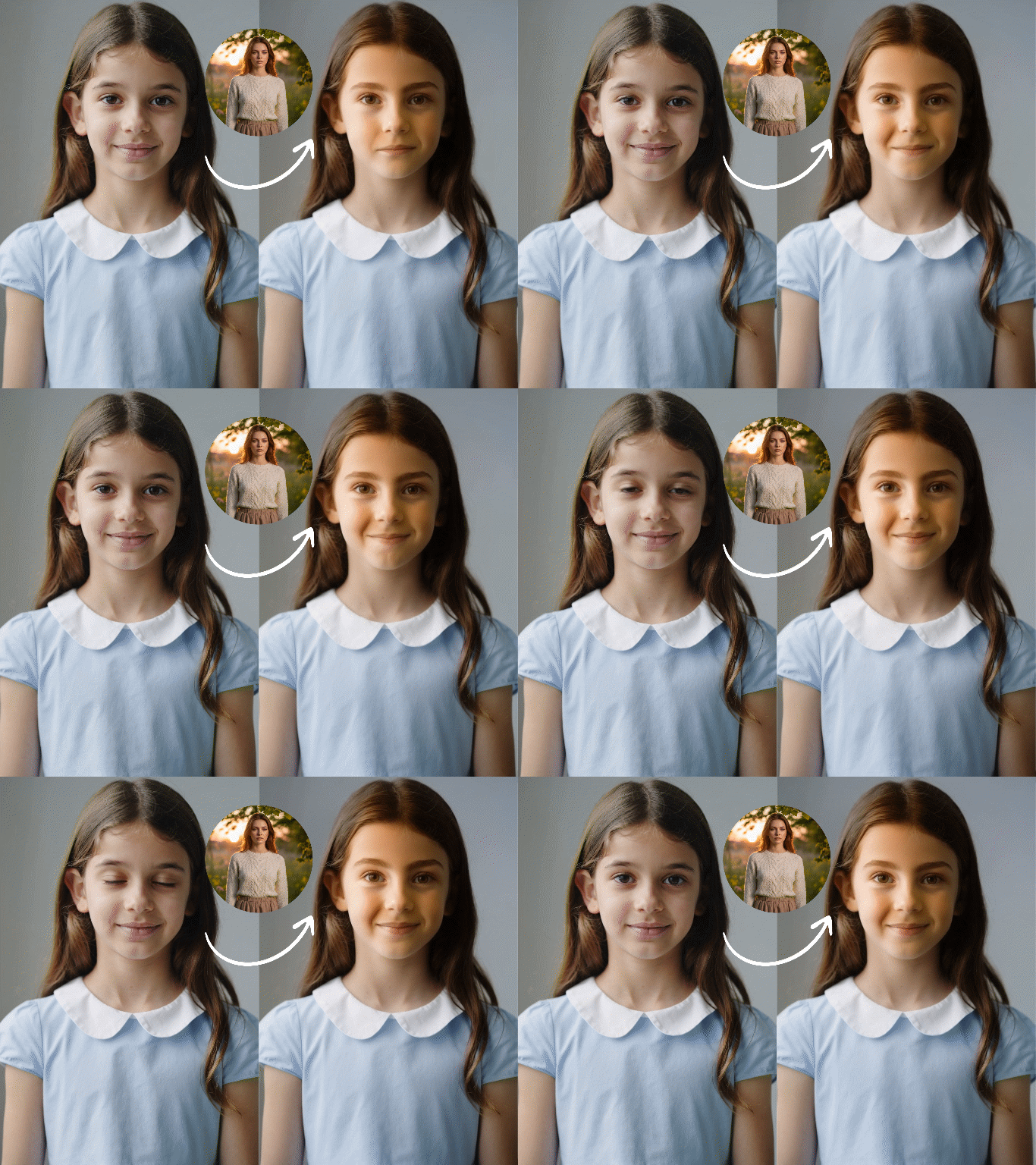
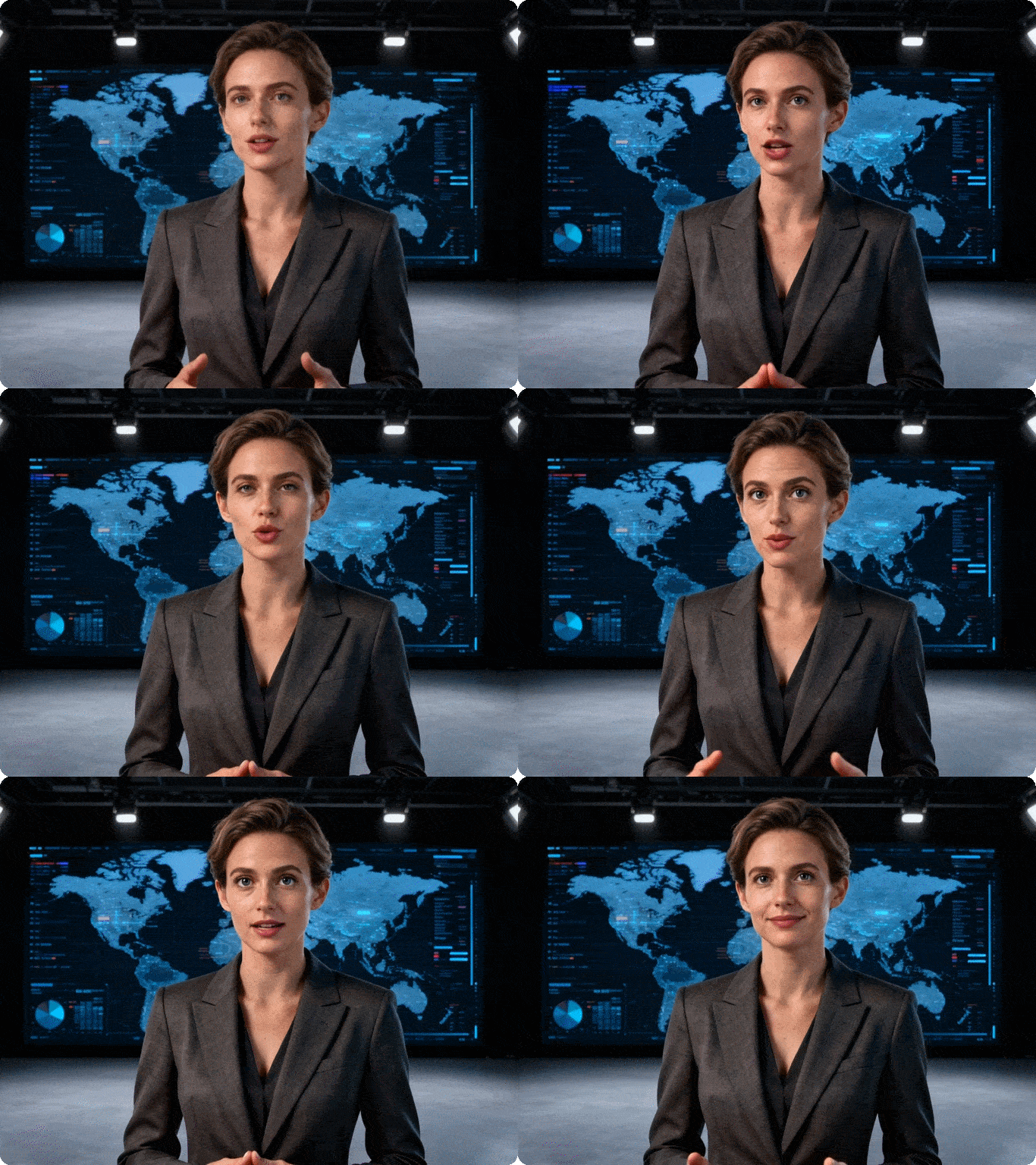
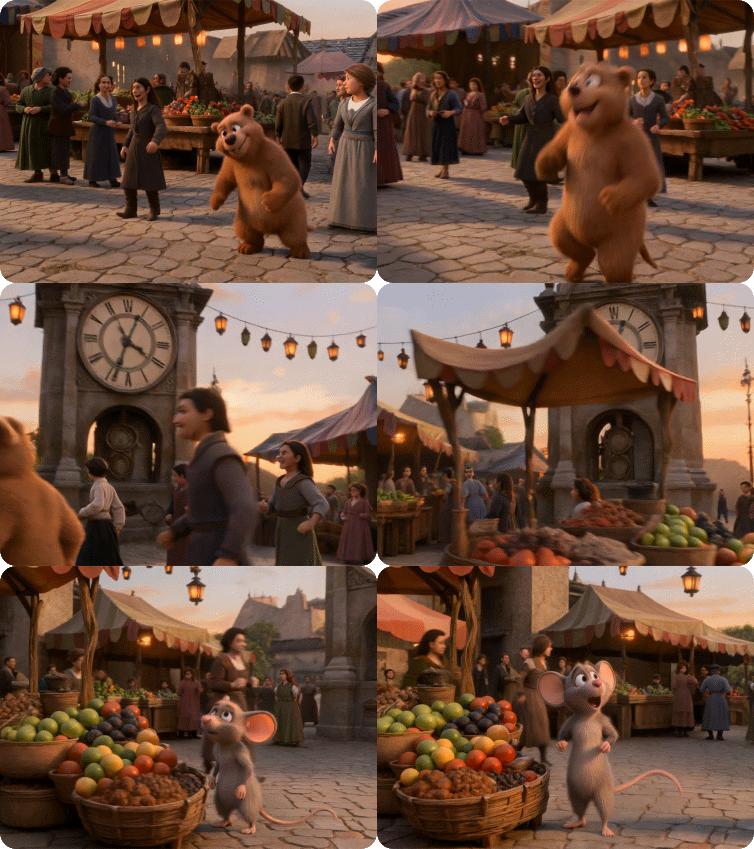
Turn multiple images into engaging short-form videos using frame to video AI. Set key moments for hooks, transitions, and endings — perfect for TikTok, Reels, and YouTube Shorts with full timeline control.
Try now for free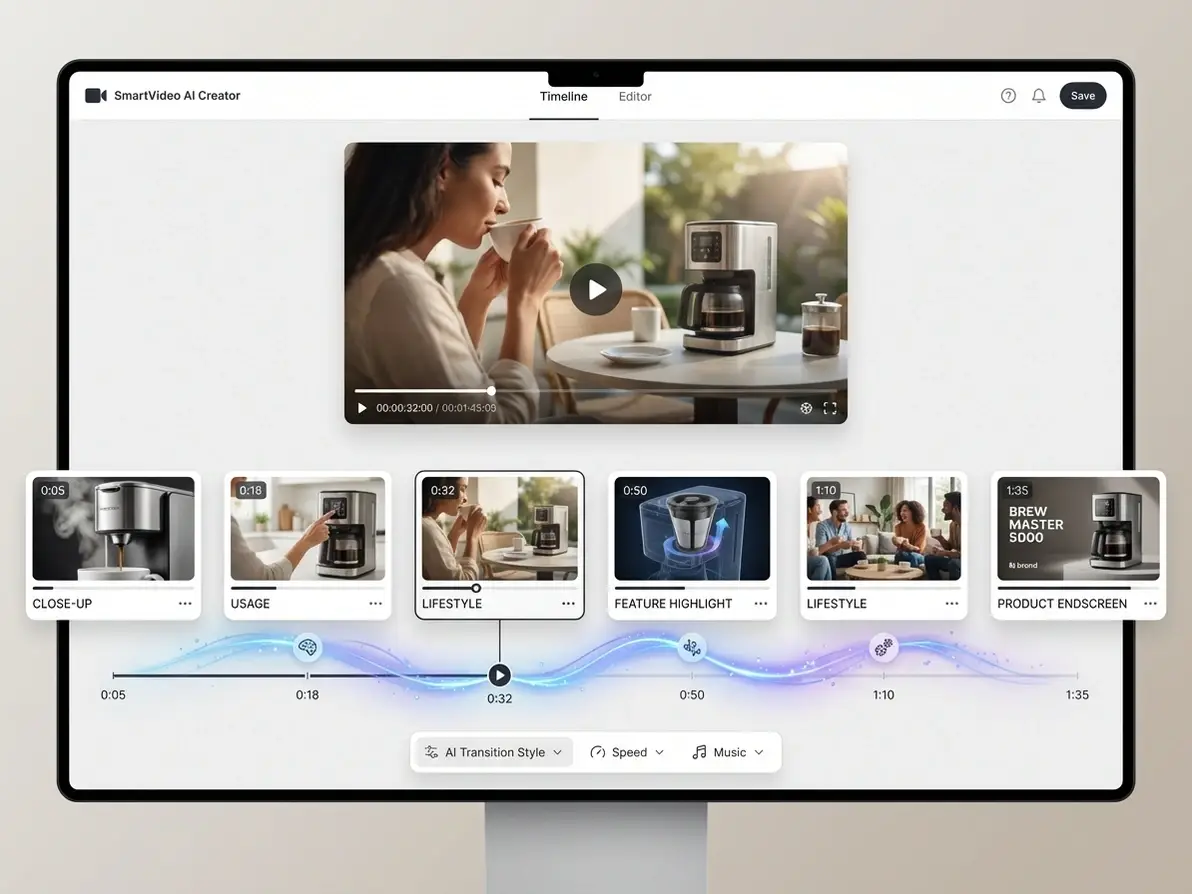

Precise Timeline Control
Set key frames at exact time points to lock in your video’s structure — eliminate random AI-generated results.

Flexible Frame Upload
Upload local files, drag-and-drop, or select from your canvas — add up to 6 frames for full creative control.

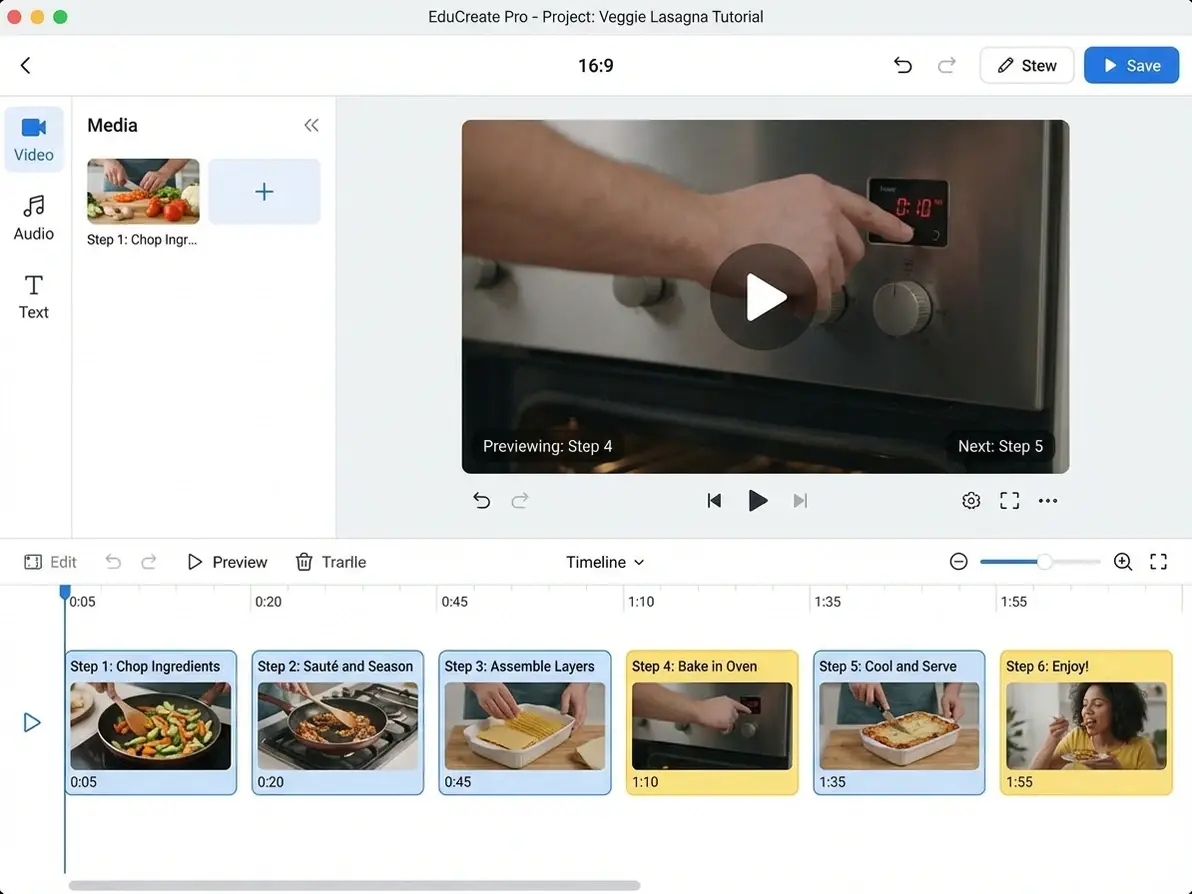
Intuitive Frame Adjustment
Swap, drag, preview, and reposition frames — edit like a pro without learning complex editing software.

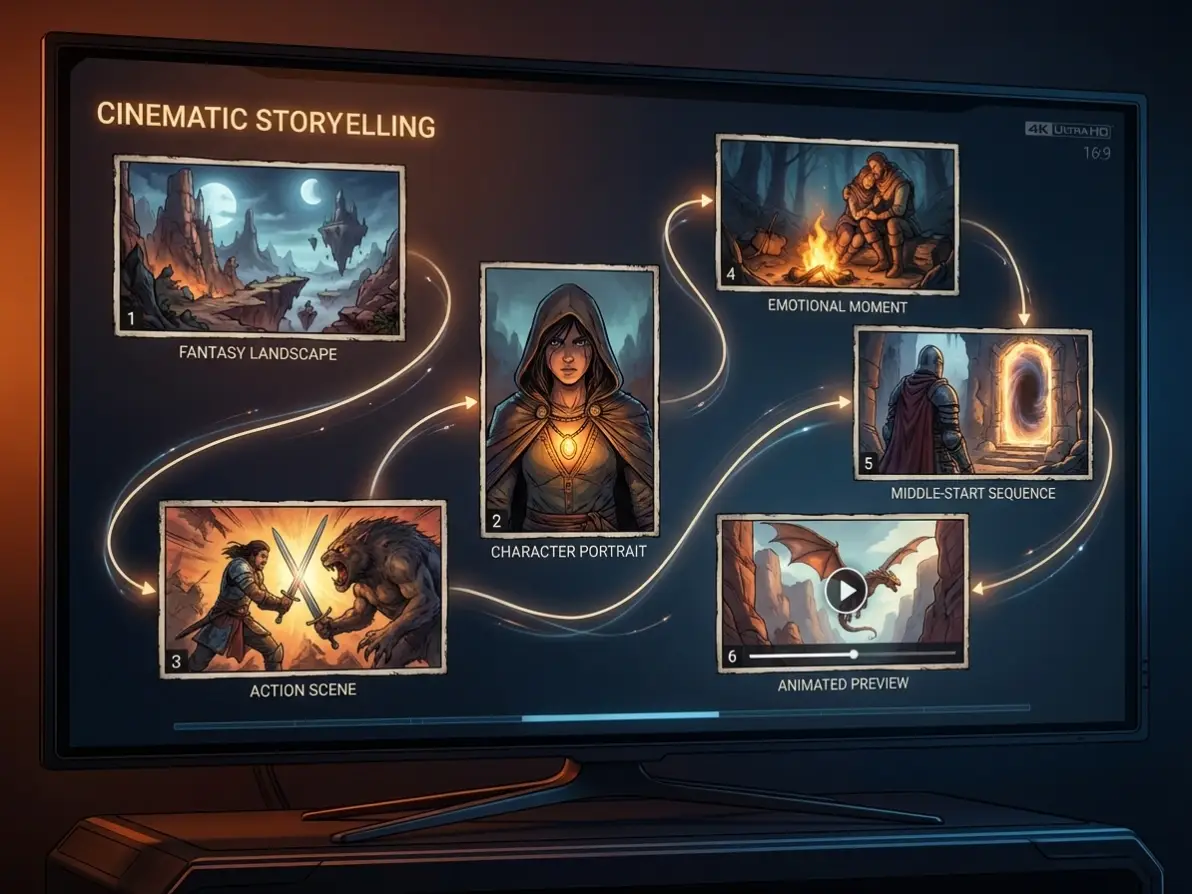
Creative Freedom + Stability
Use frames for structure and prompts for style — get predictable results with room for creative expression.

Low Creation Barrier
Start from middle frames (no full start/end design needed) — reduce trial and error and speed up creation.

Free to Try
Access core frame-to-video features with no cost — upgrade only for higher volume or advanced controls.