- Tools
- Resources
- Pricing
- API
- Contact Sales
- Book a Demo


Twitch Profile Picture
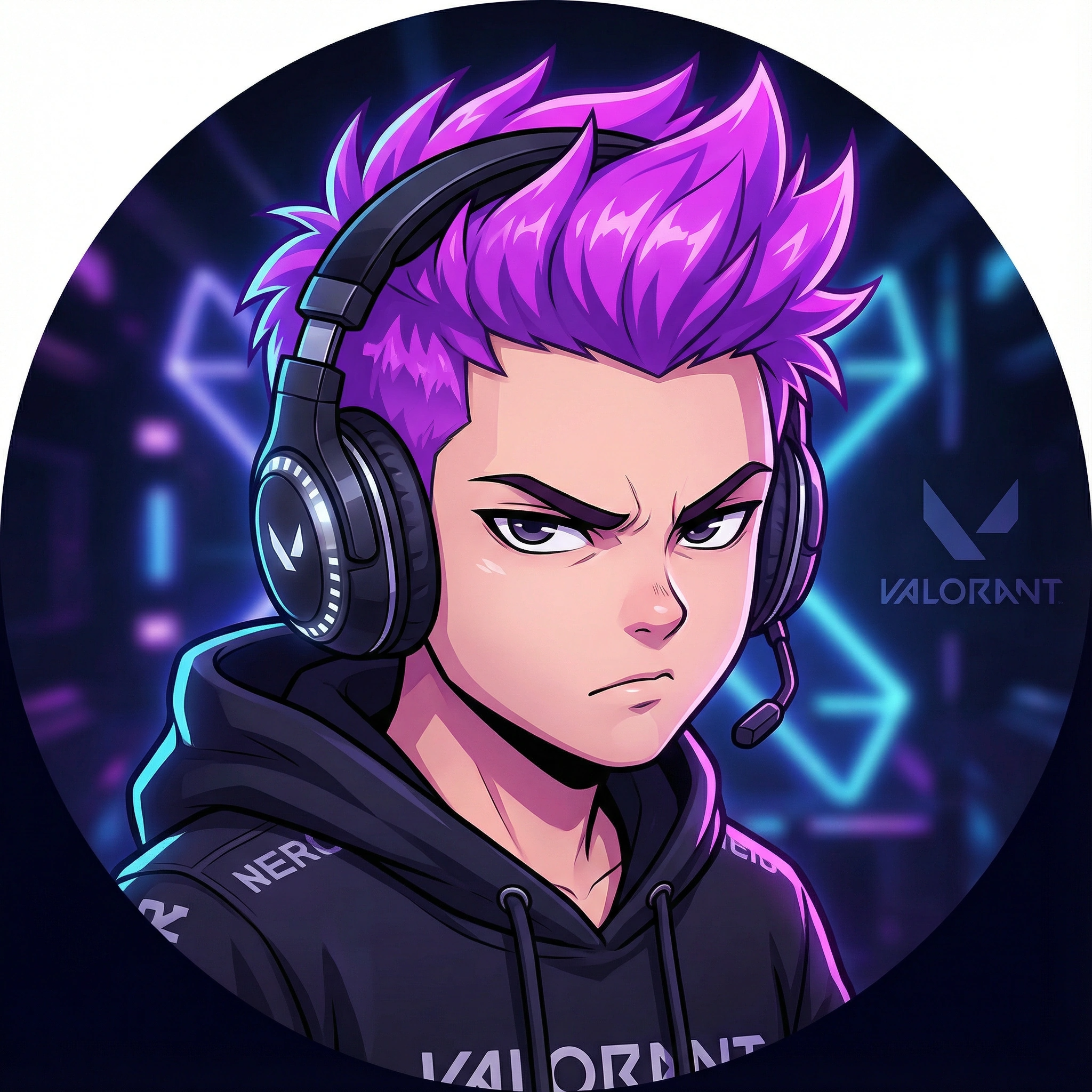
Dzine's Twitch Profile Picture Maker helps you craft eye-catching avatars. Describe your gaming style, personality, or brand, and our tool generates designs that fit Twitch's dimensions. No design experience required.
Need ideas? Try these twitch profile picture prompts.
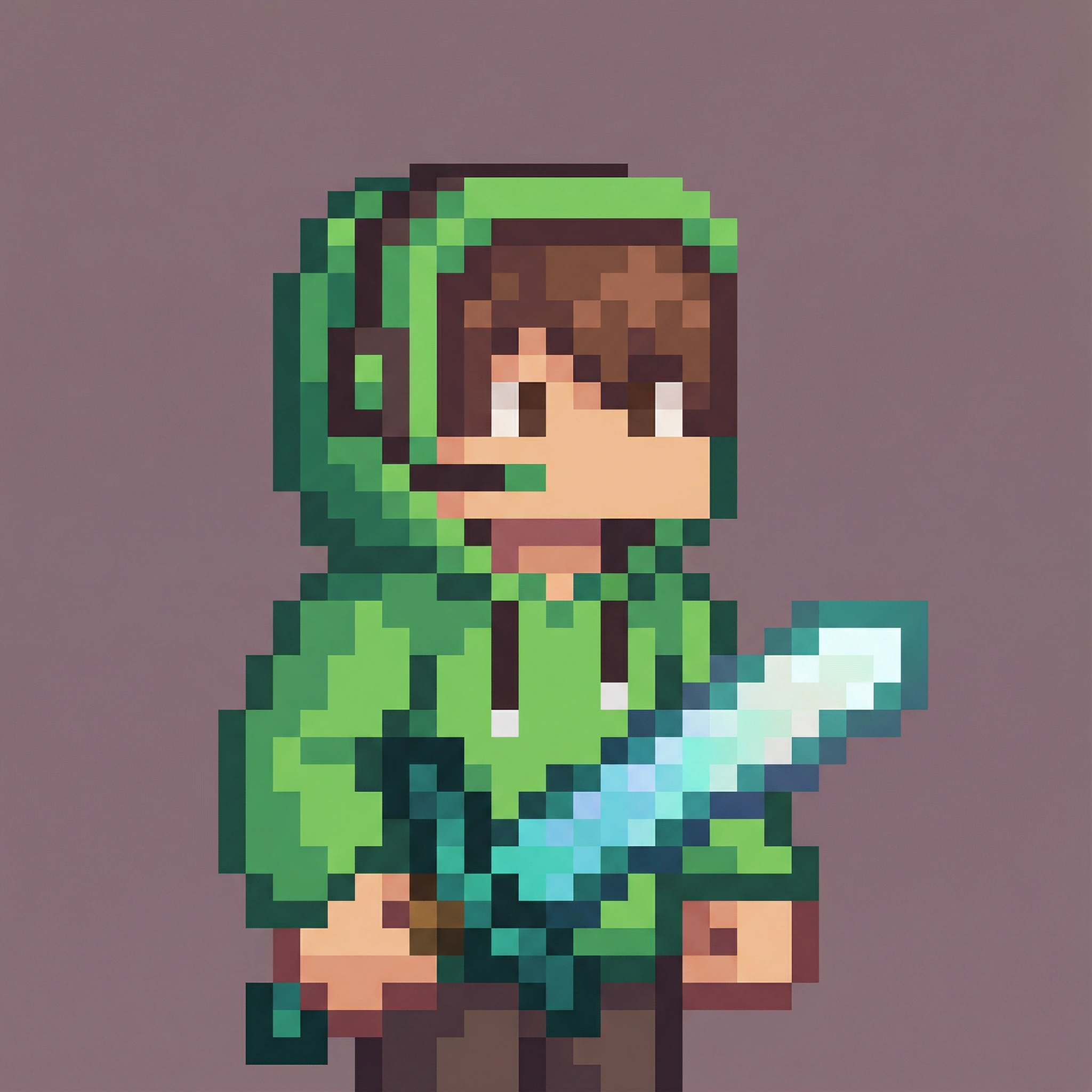
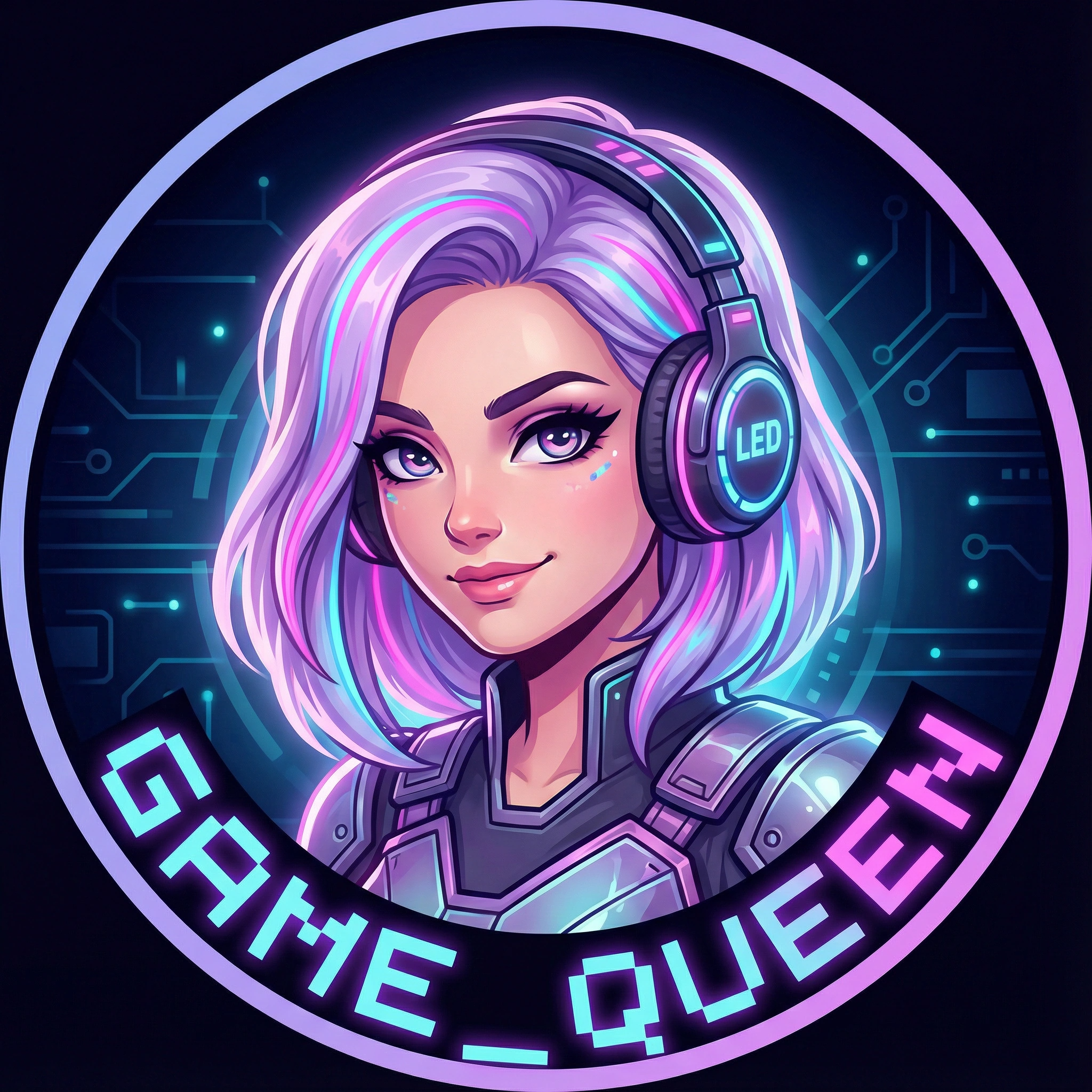
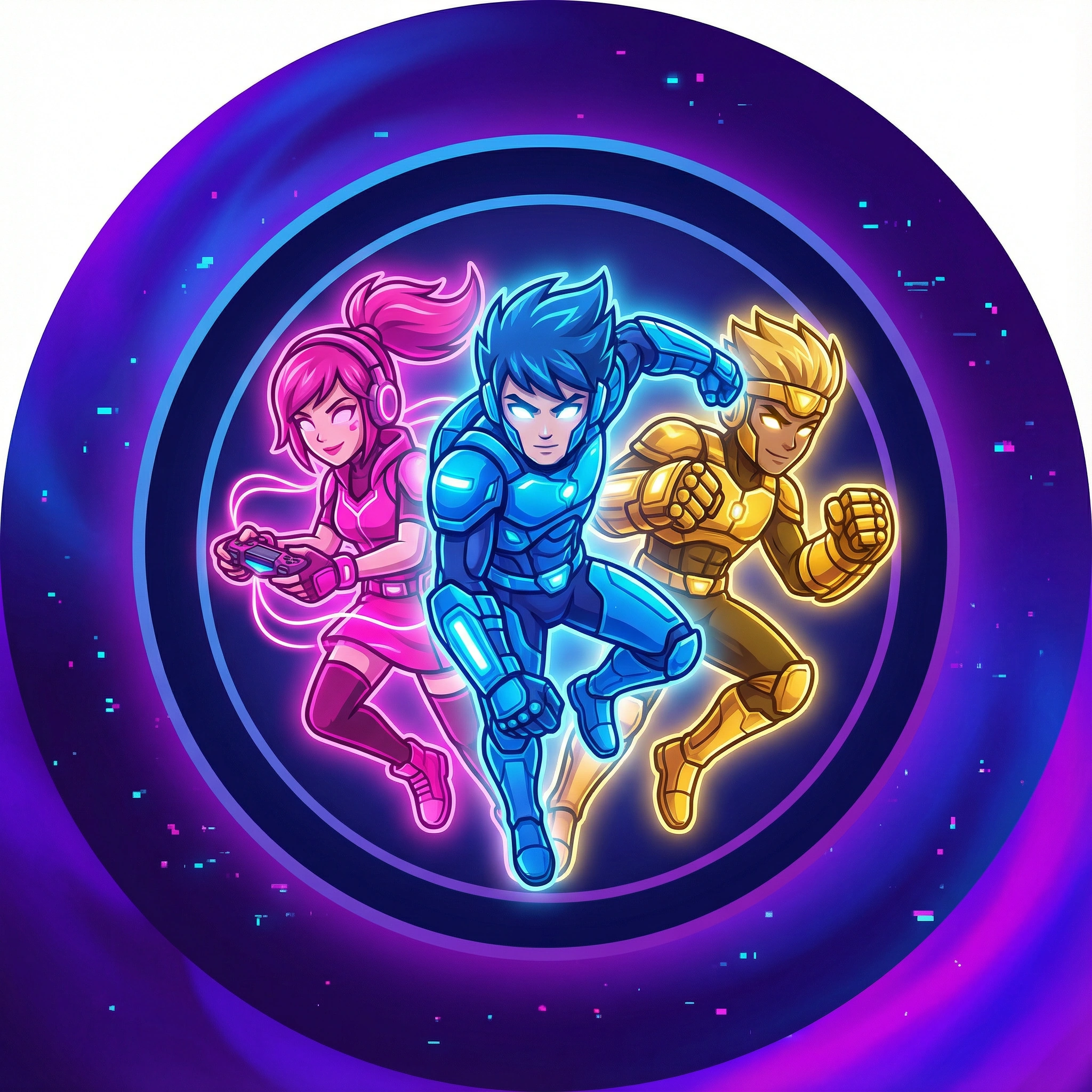
Make Your Twitch Channel Stand Out Instantly
Your profile picture often makes viewers click, follow, and remember you. With our Twitch Profile Picture Maker, you get instant access to AI-powered styling, smart branding tools, and creator-ready templates designed specifically for streamers. Create gaming avatars, cartoon portraits, pro-grade headshots, or personalized symbols that match your channel theme perfectly.
Skip the designer fees and the long creation process—our tool helps you produce a clean, consistent, and professional look in seconds. Whether you want to boost credibility, build a recognizable presence, or differentiate yourself from thousands of streamers, this is the fastest way to craft a PFP that truly stands out.
How to Generate Your Twitch Profile Picture
Step 1. Choose a Model
At the beginning, please choose a model for your image generating. Dzine provides numerous models like: Midjourney, Vidu Q2, Grok, etc.
Step 2. Input Your Thoughts
Tell us about your gaming focus, personality, preferred colors, and key elements. Include your style: "Cartoon profile picture, FPS streamer, red hair, gaming glasses, cyberpunk elements."
Step 3. Generate the Picture
Click the "Generate" and adjust details like "make the colors brighter" and generate again until it's perfect.
Competitive Gamers
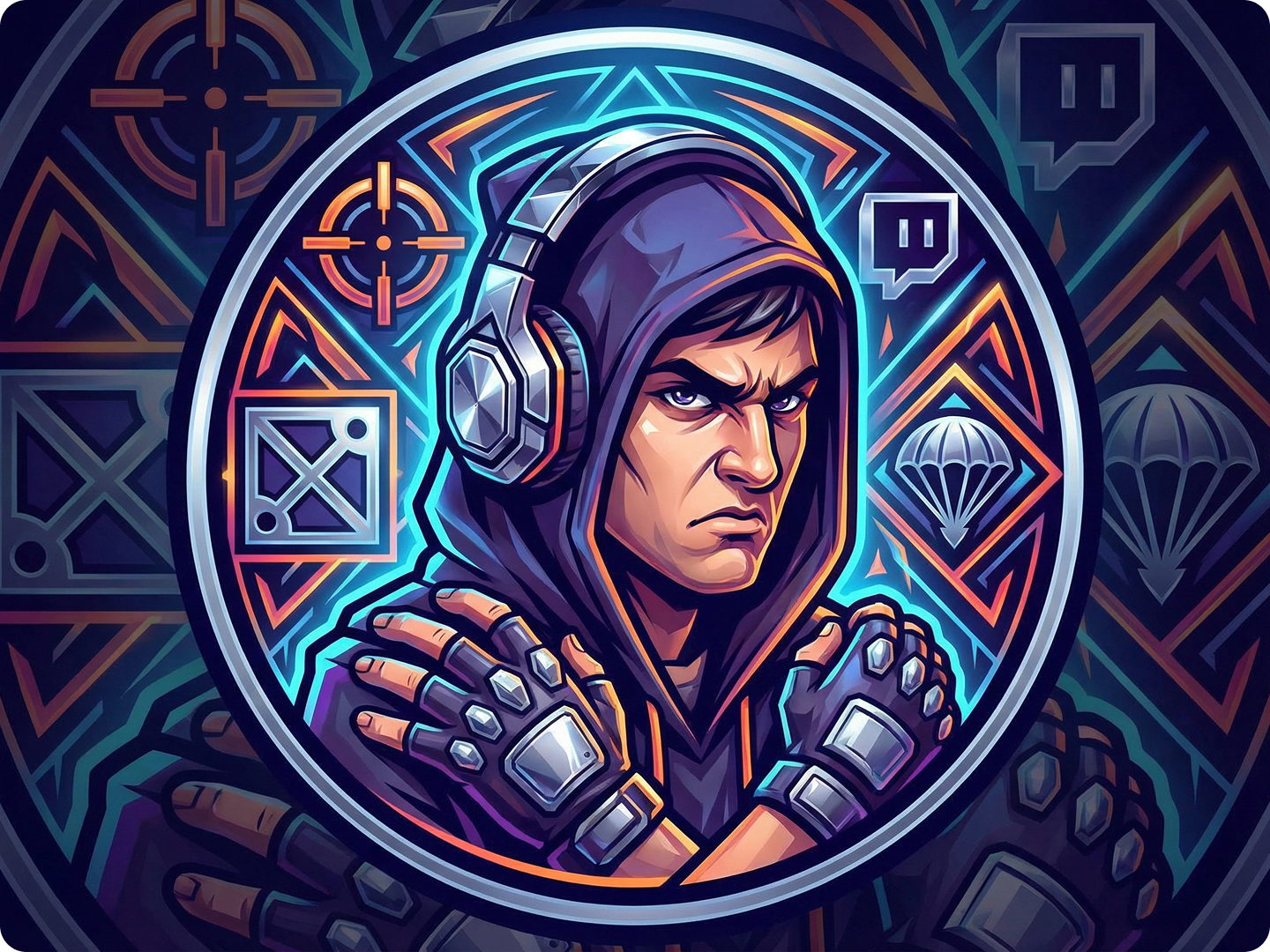
Competitive gamers need profile pictures that show intensity and skill. Create designs with sharp lines, bold colors, and gaming gear. Include symbols of your main game.
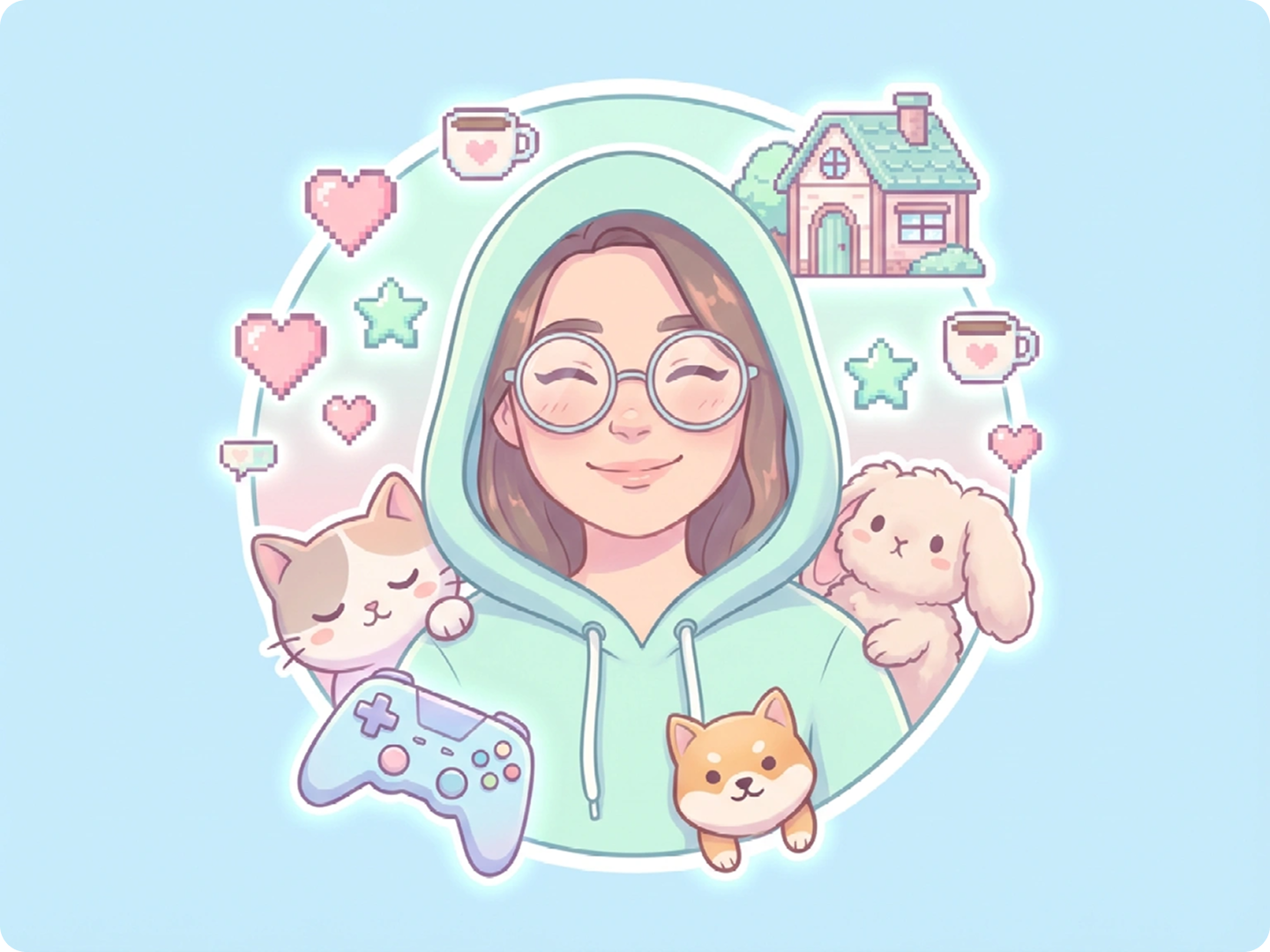
Casual Streamers
Casual streamers thrive on approachability. Design profile pictures with friendly expressions, soft colors, and elements from your favorite games. Show your personality.
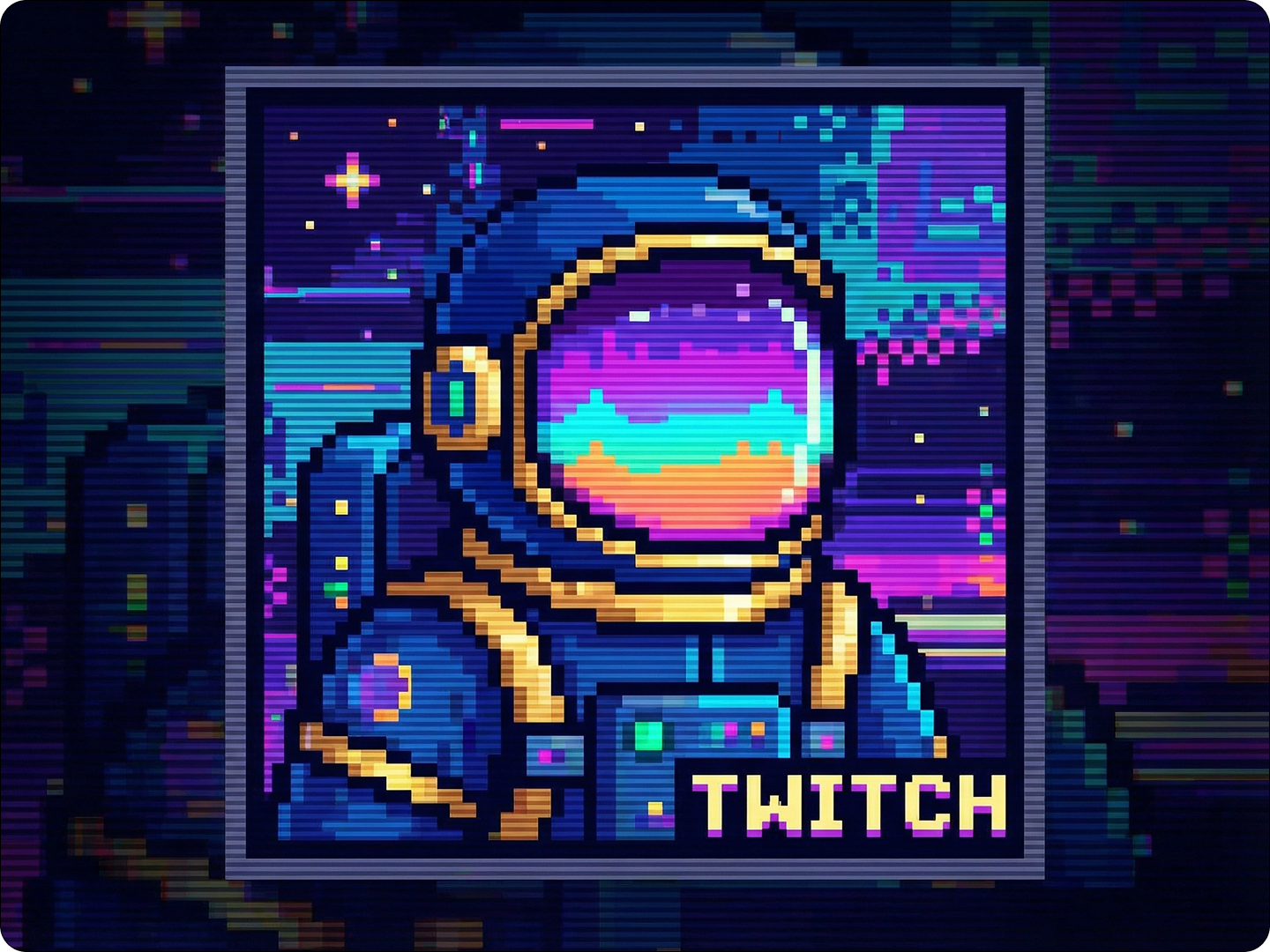
Themed Channels
Themed channels need cohesive visuals. Create profile pictures that match your channel's theme—whether it's retro gaming, horror, or fantasy. Maintain consistency.
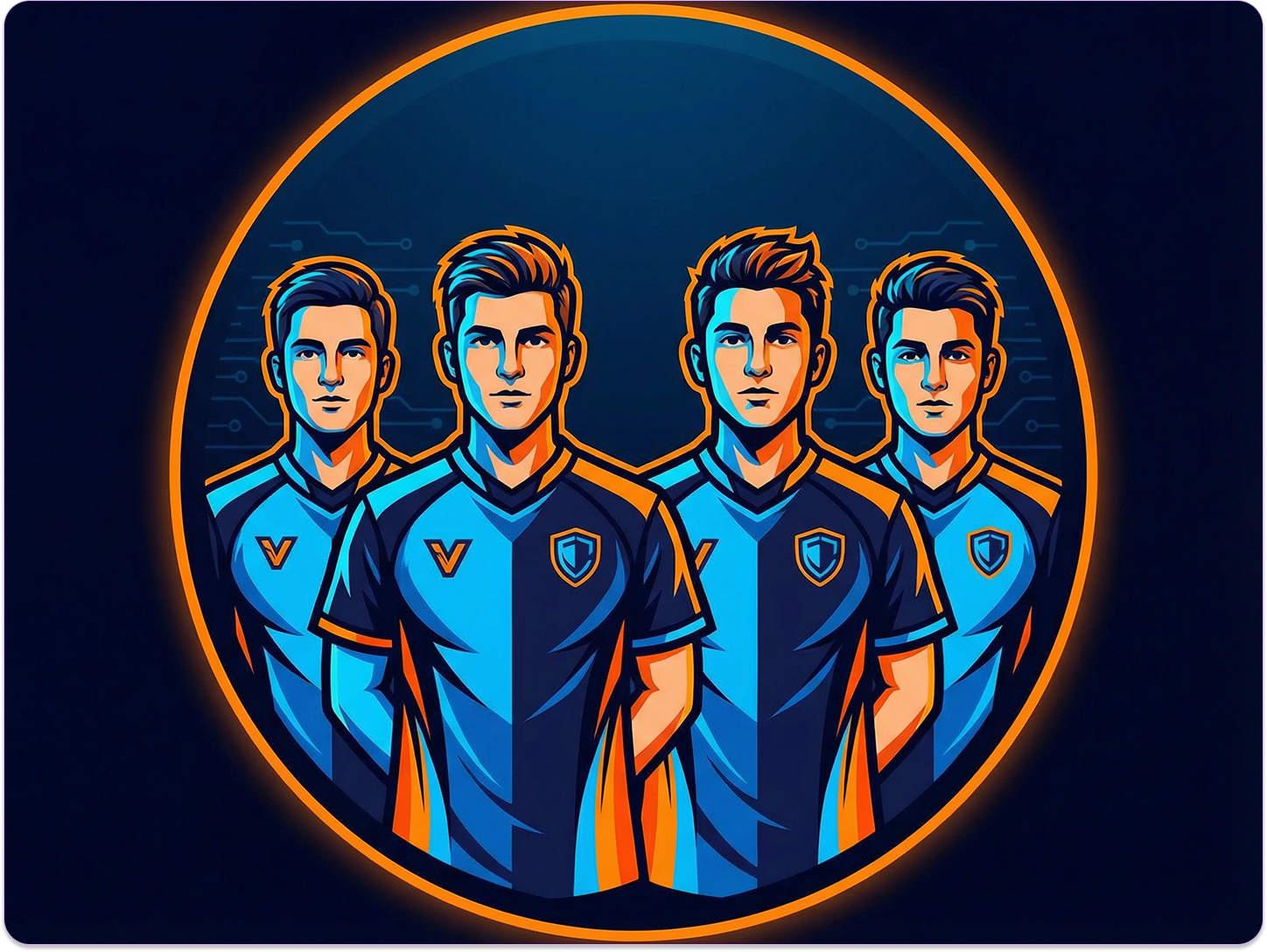
Esports Teams
Esports teams need unified branding. Design profile pictures that include team colors and logos. Keep a consistent style across all members' profiles.
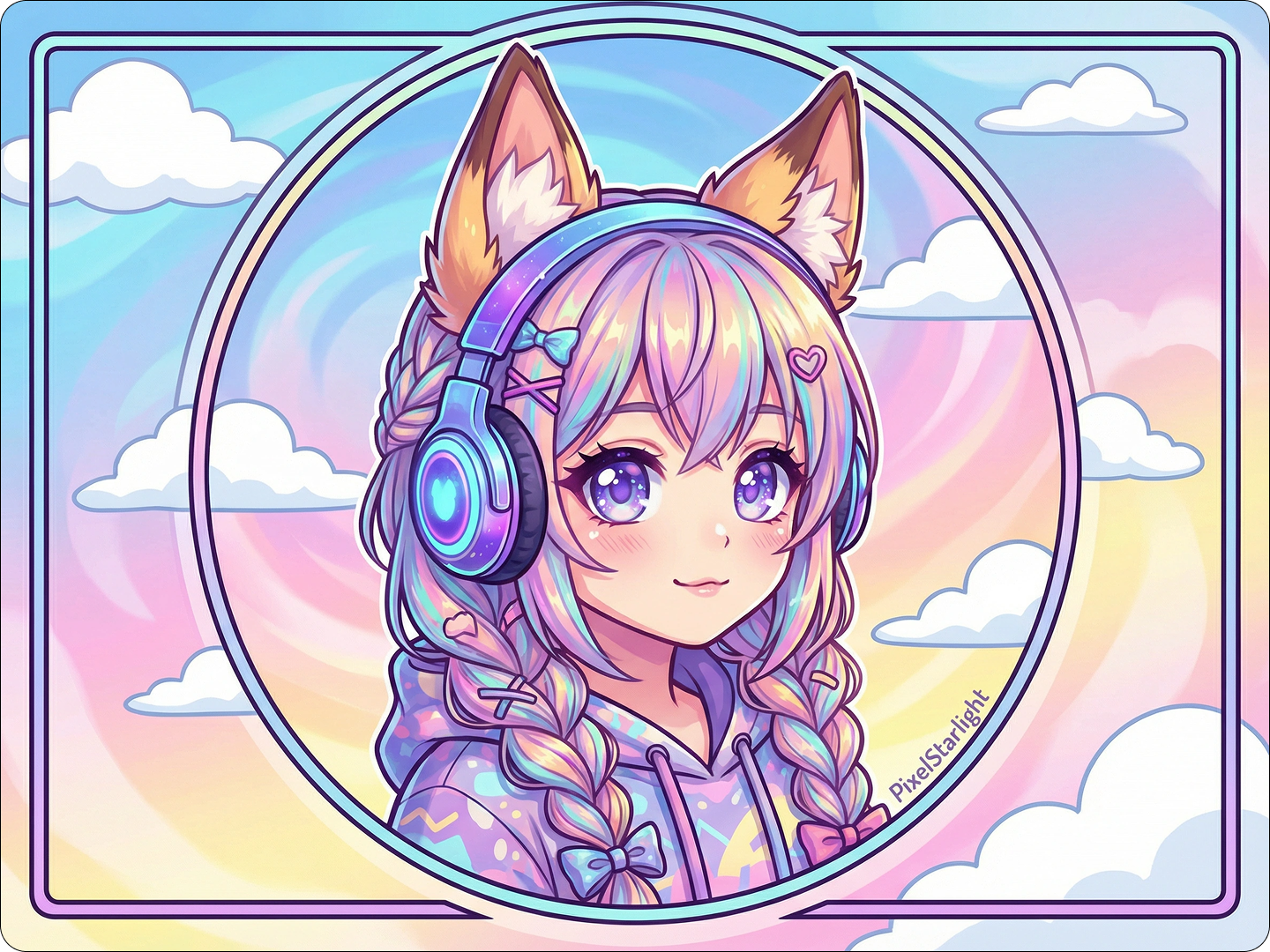
VTubers
VTubers need profile pictures that match their virtual personas. Create designs that reflect your character's appearance and personality. Include signature accessories.
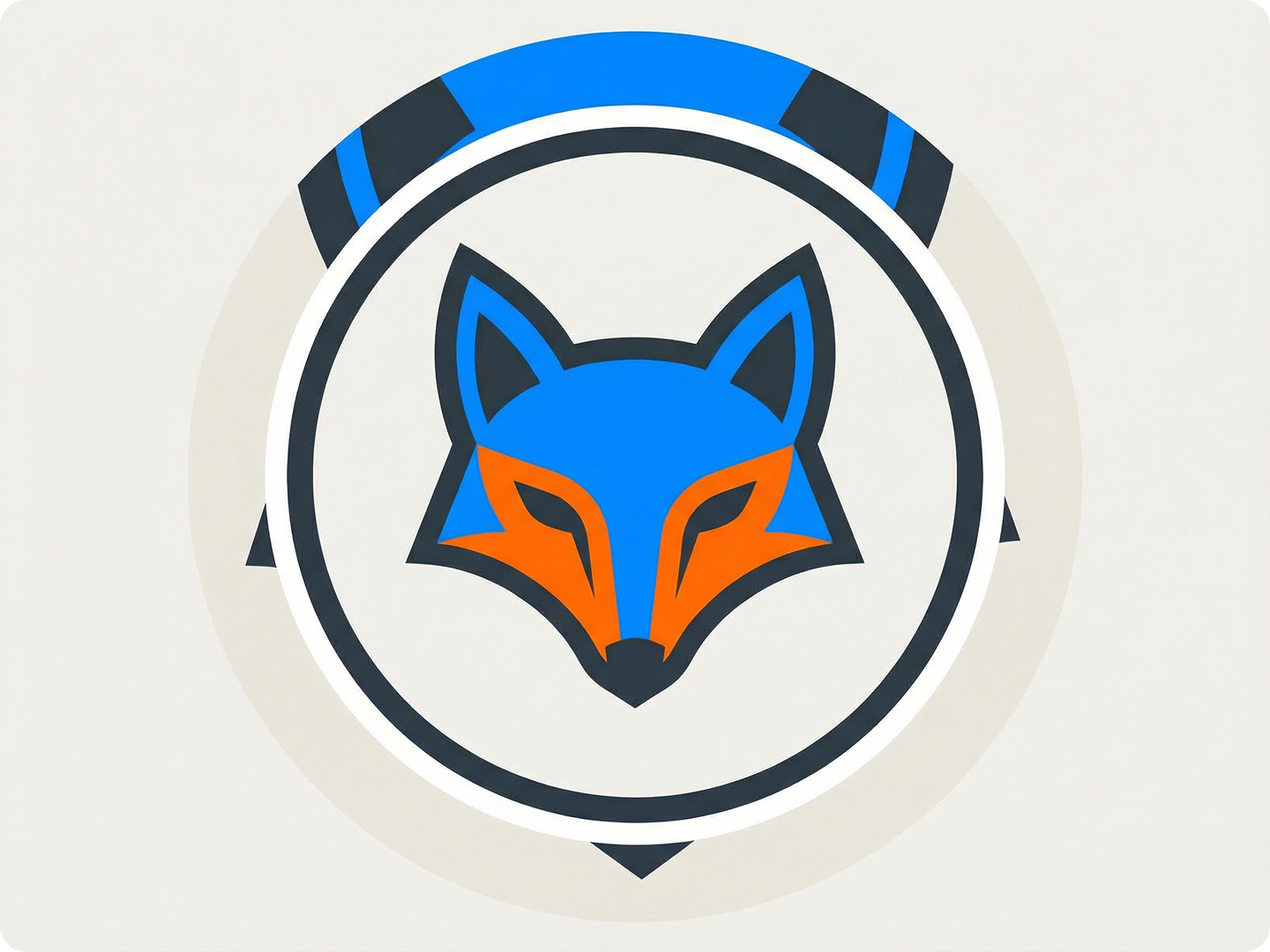
Content Creators
Content creators need versatile profile pictures. Design images that work across Twitch, social media, and merchandise. Keep key elements recognizable at small sizes.
FAQ
Will my profile picture look good in all Twitch locations?
Yes. Our designs follow Twitch's 256x256 pixel specification. They remain clear in chat, profiles, and notifications. Key details stay visible even at small sizes.
Can I include my channel name in the profile picture?
Absolutely. Mention it in your description, like "add 'NightGamer' text in bottom corner." Our tool integrates text naturally with the design.
Are the generated profile pictures free to use commercially?
Yes. All generated profile pictures can be used on your Twitch channel and related merchandise at no cost. Commercial use is permitted without additional fees.
How do I make sure my profile picture stands out in chat?
Include high-contrast colors and distinct shapes. Mention this in your description, like "bright blue hair against dark background for chat visibility." Our tool adjusts accordingly.
Can I match my profile picture to my Twitch banner?
Yes. Generate your profile picture first, then use our Side by Side Photo tool to create a coordinated banner. Mention the same color scheme in both descriptions.
How many variations can I generate?
You can generate as many variations as needed. Refine your description with specific details each time to get closer to your ideal design.
What Our Users Said About
Boosted My Follower Growth
I updated my Twitch profile picture using Dzine. In a month, my follower count increased by 30%. Viewers said it made my channel look more professional.
Alex RiveraFPS Streamer
Perfect for Non-Designers
I'm not creative, but Dzine made it easy. I described my gaming style, and got a profile picture that perfectly represents my channel.
Sarah JohnsonCasual Minecraft Streamer
Helped Our Team Look Cohesive
Our esports team used Dzine to create matching profile pictures. Fans notice the consistency, and it's strengthened our brand identity.
Marcus ChenEsports Team Manager