- Tools
- Resources
- Pricing
- API
- Contact Sales
- Book a Demo


Youtube Banner Maker
Dzine's Youtube Banner Maker lets you craft eye-catching channel headers. Describe your vision, and our tool generates professional designs that fit YouTube's exact dimensions. No design experience required.
Need ideas? Try these youtube banner prompts.
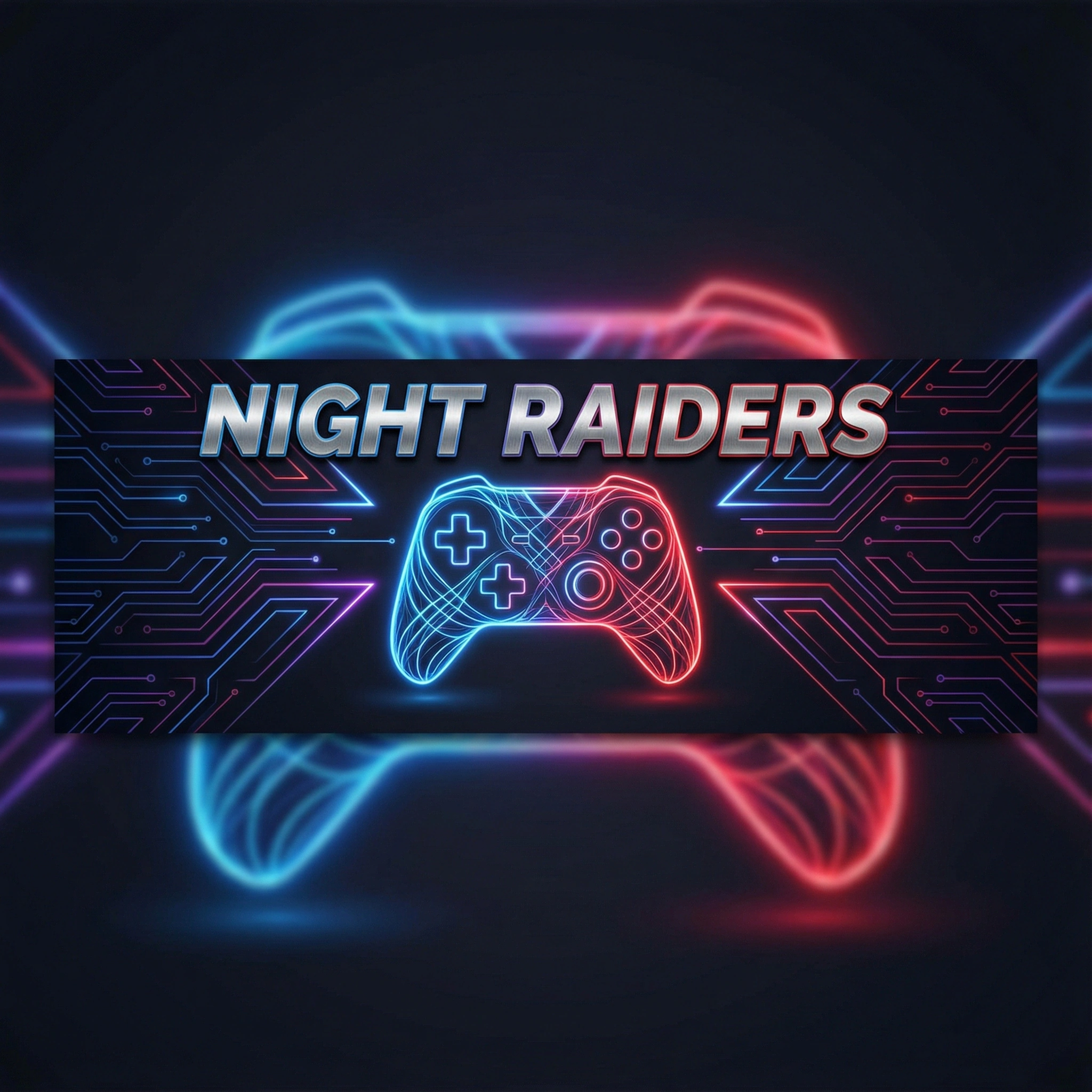

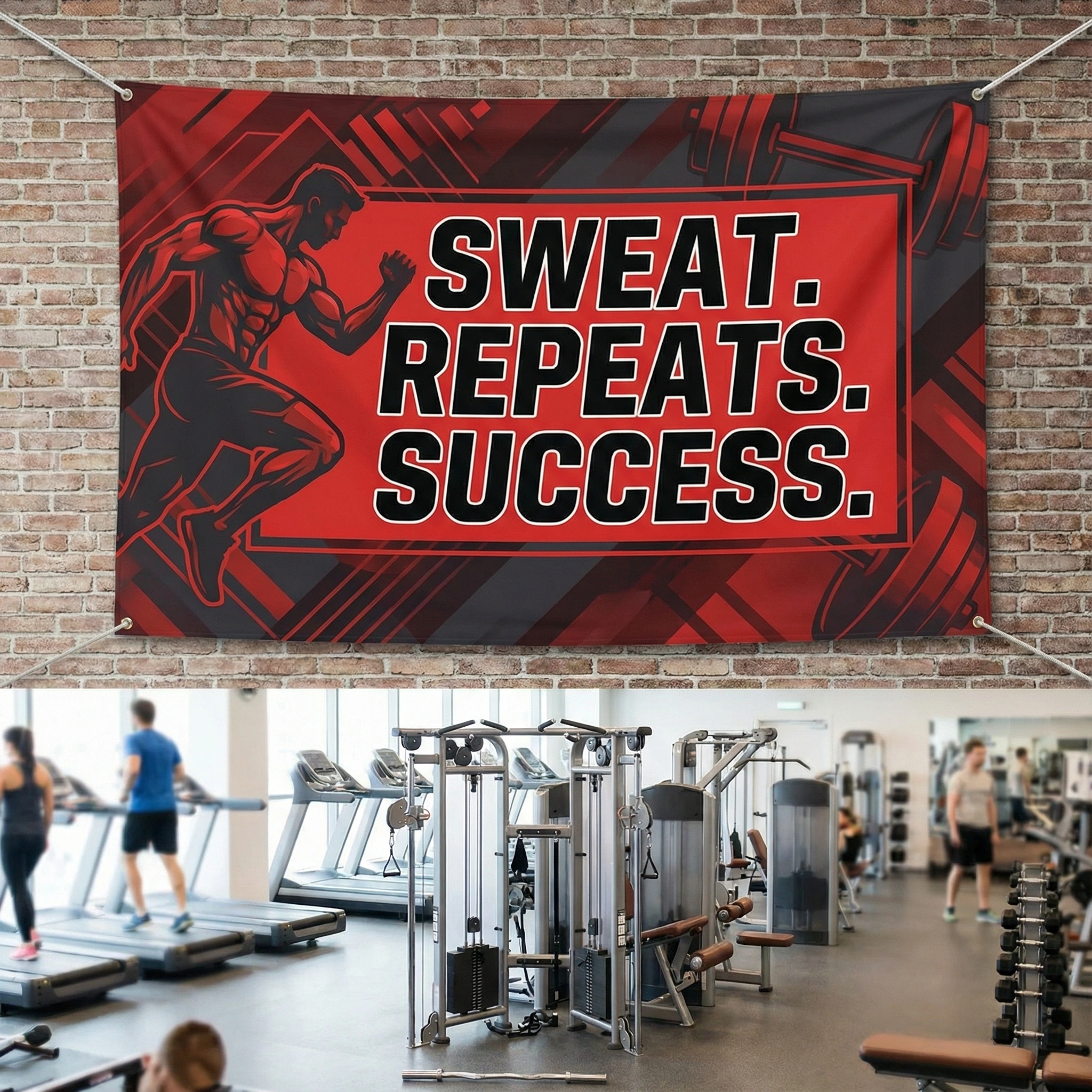
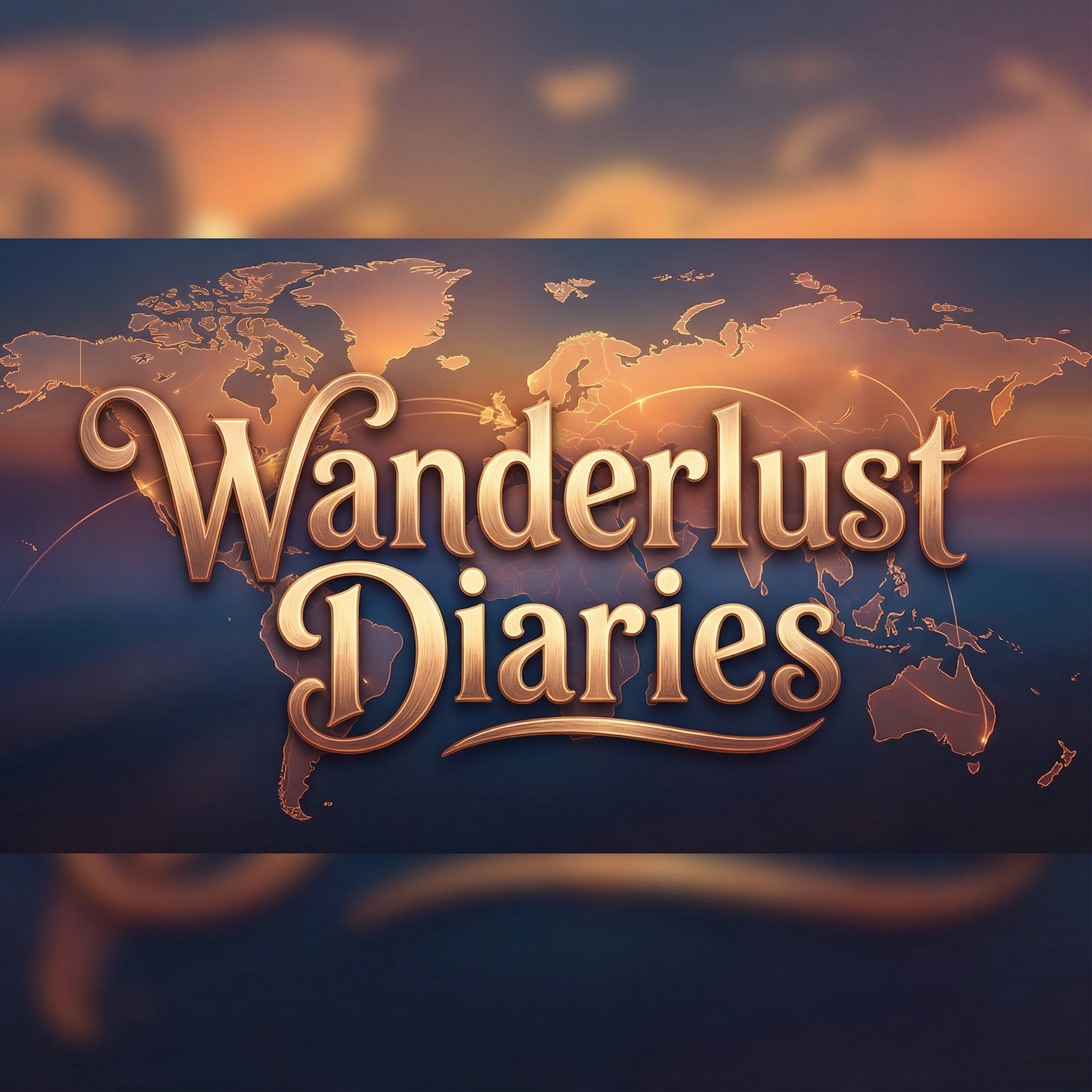
Make Your YouTube Channel Stand Out in Seconds
Your YouTube banner is the first thing viewers see. It needs to grab attention and tell your channel's story. Our Youtube Banner Maker simplifies this. Describe your niche, colors, and key elements. Mention your channel name or a tagline. We handle the rest. The tool creates designs optimized for YouTube's 2560x1440 pixel requirement. They look great on all devices. Pair your banner with edits from our AI Image Editor for final tweaks.
How to Generate Your YouTube Banner
Step 1. Choose a Model for Your Niche
Pick from models tailored to gaming, beauty, education, or other genres. General options like Google Imagen 4 work too.
Step 2. Describe Your Vision with Text
Tell us about your channel theme, colors, and key elements. Include your channel name: "Tech review banner, blue and silver, smartphone imagery, 'Tech Talk Daily'."
Step 3. Generate and Refine
Click to generate. Adjust details like "make the text larger" and generate again until it's perfect.
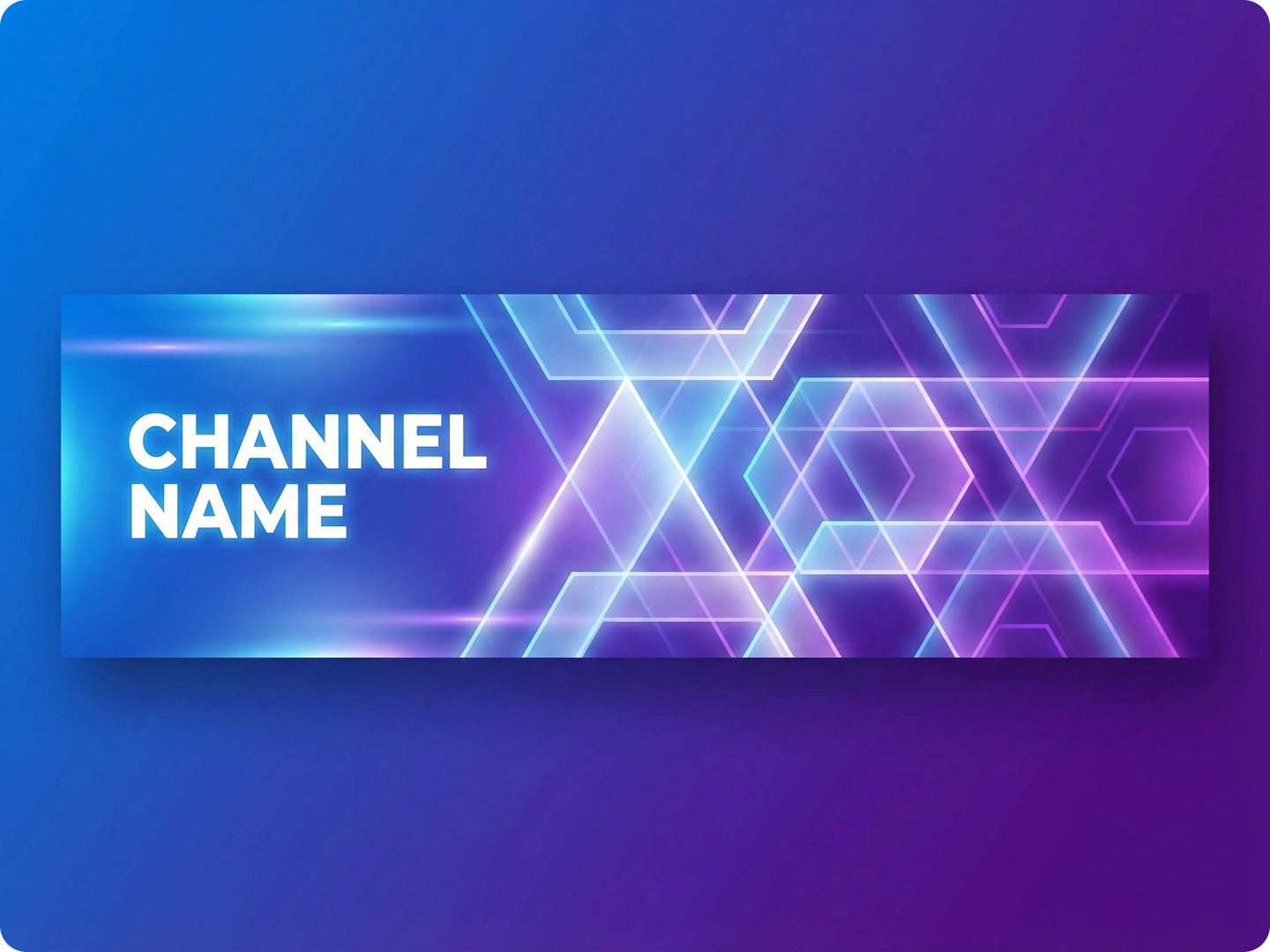
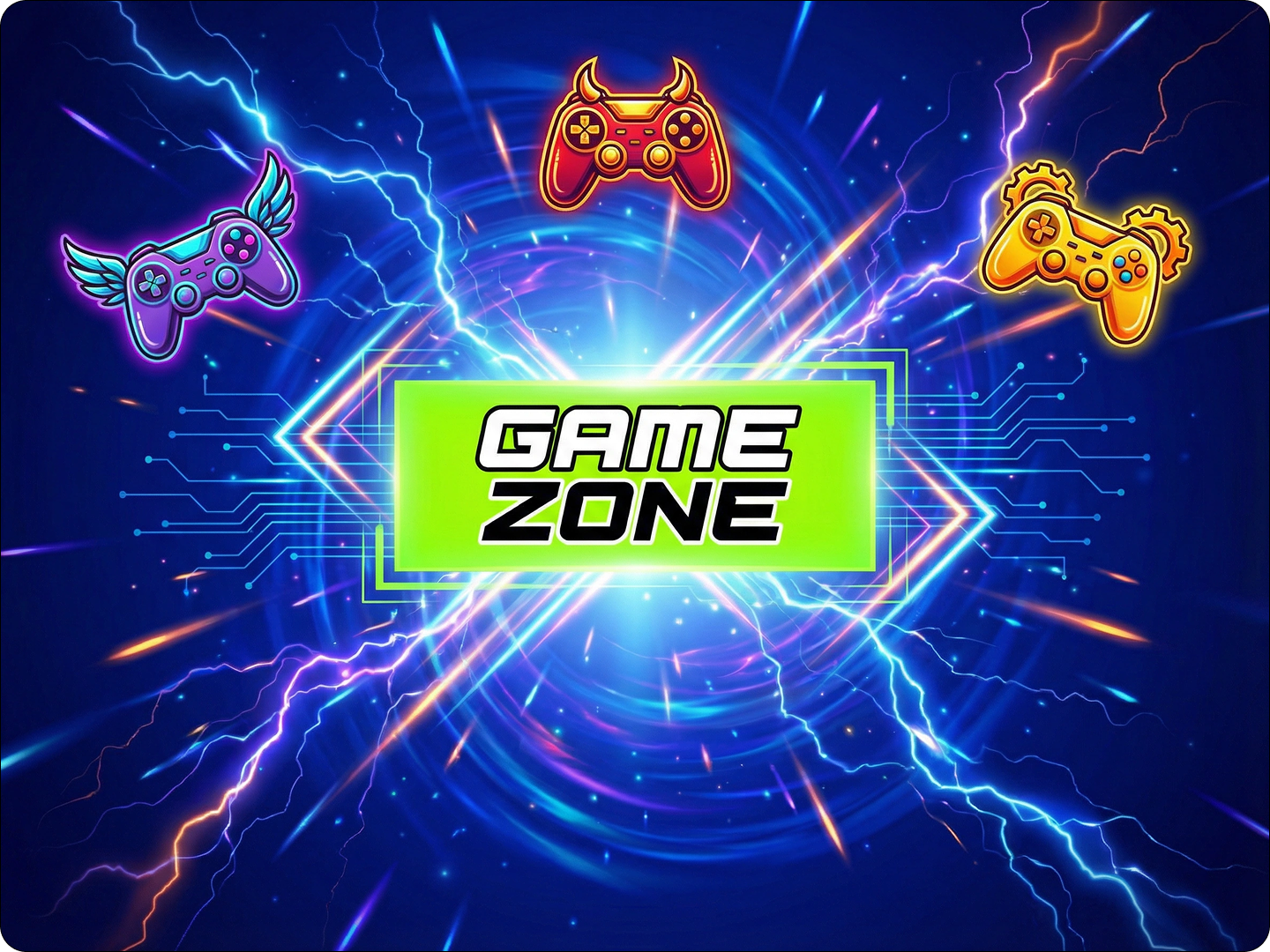
Design Banners for Gaming Channels
Gaming audiences respond to bold visuals. Create banners with game characters, controller icons, or pixel art. Use vibrant colors or dark, moody tones to match your game genre. Include your streaming schedule or latest game focus. Our tool ensures text stays readable even on mobile.
Craft Headers for Educational Channels
Educational channels need clear, trustworthy designs. Use clean layouts with relevant imagery—microscopes for science, books for literature. Add your expertise, like "PhD in Physics" or "10 Years Teaching." Soft colors work best for keeping viewers focused on your content.
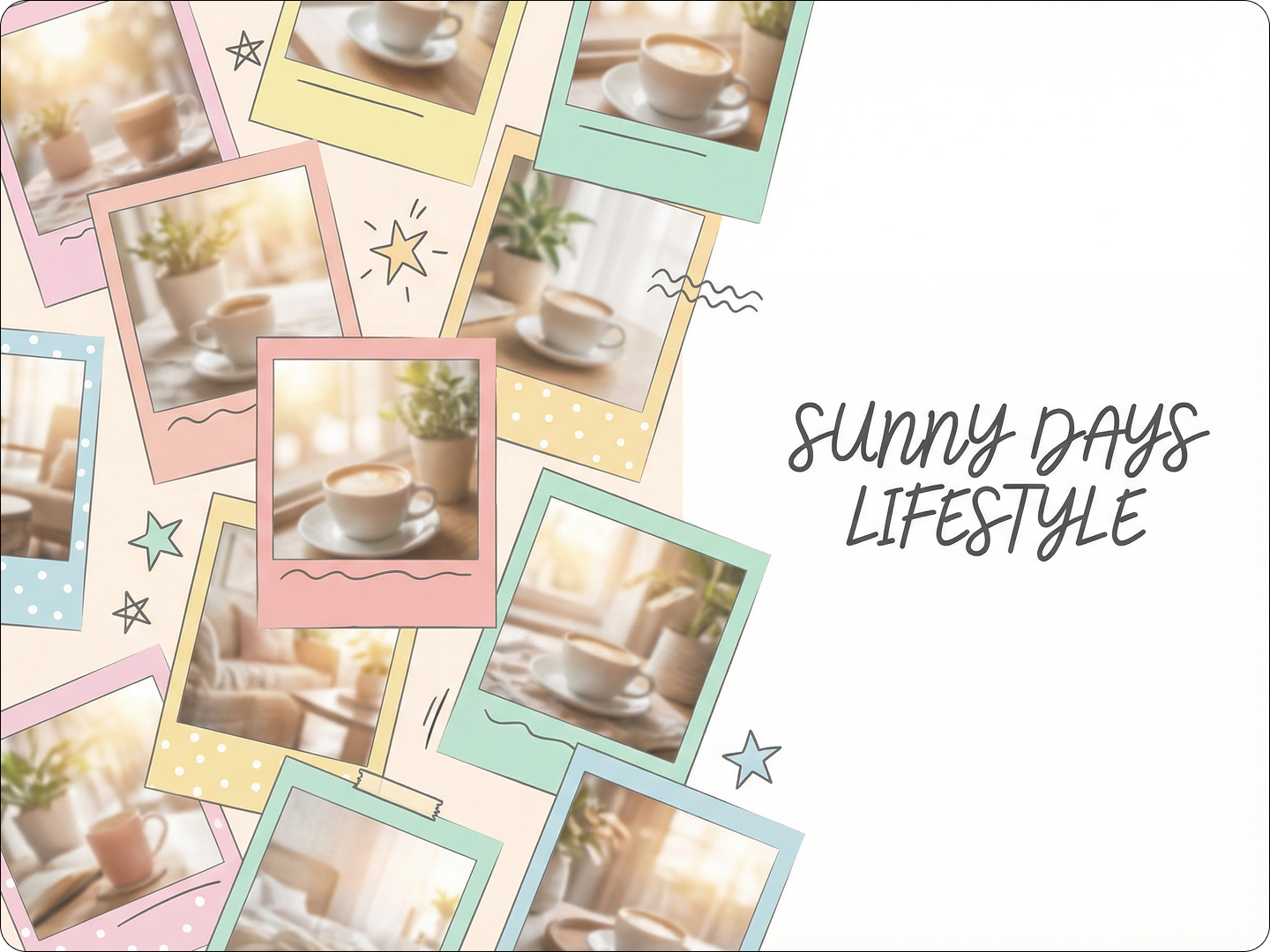
Create Banners for Beauty and Fashion Channels
Beauty audiences love visually appealing designs. Use soft pastels or bold hues that match your brand. Include product flat lays, makeup palettes, or fashion sketches. Add your signature catchphrase or latest series title, like "Makeup Mondays" or "Seasonal Styling."
Develop Headers for Business and Marketing Channels
Business channels need professional, polished banners. Stick to your brand colors and include logos. Add elements like graphs, laptops, or handshake icons. Mention your focus—"Digital Marketing Tips" or "Small Business Growth." Keep the design clean and uncluttered.
Make Banners for Fitness and Wellness Channels
Fitness audiences seek energy and motivation. Use dynamic colors like red or orange. Include workout equipment, active poses, or nature backgrounds for outdoor fitness. Add your specialty: "Yoga for Beginners" or "HIIT Workouts." Inspirational quotes fit well here.

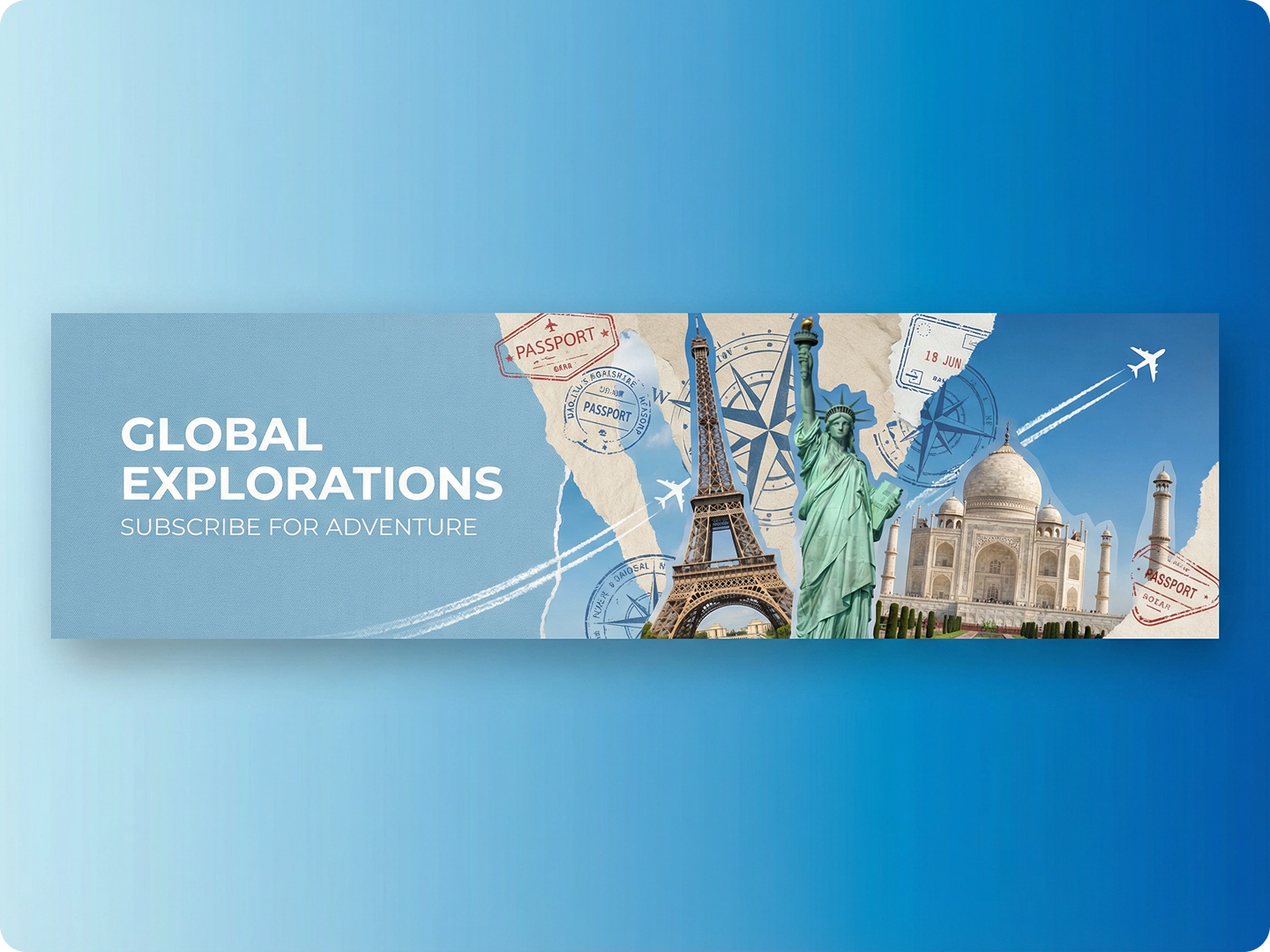
Design Headers for Travel and Vlog Channels
Travel channels thrive on wanderlust. Use scenic imagery—mountains, beaches, city skylines. Include your travel style: "Backpacking Adventures" or "Luxury Getaways." Add a world map element or suitcase icon. Warm sunset tones or vibrant blues work best.
FAQ
Will my banner fit all devices?
Yes. Our designs follow YouTube's 2560x1440 pixel spec. They look sharp on desktops, mobiles, and TVs. Text and key elements stay visible across all screens.
Can I include my channel logo?
Absolutely. Mention your logo in the description, like "add circular logo in top left corner." Our tool integrates it naturally with the design.
How many designs can I generate?
There’s no limit. Generate as many versions as you want. Experiment with different styles until you find the right one.
Do I need to know design terms?
No. Use simple language. Instead of "serif font," say "classic-looking text." The AI understands everyday descriptions.
Can I update my banner later?
Yes. Save your design details and revisit them anytime. Adjust elements to match new content or rebranding.
Are the banners royalty-free?
Yes. All generated banners can be used on your YouTube channel without additional fees. Commercial use is permitted.
What Our Users Said About
Boosted My Channel Growth
I run a tech review channel. The banner from Dzine got viewers commenting on how professional my channel looked. Subscribers increased 30% in a month.
Raj PatelTech YouTuber
Saved Hours of Design Work
As a fitness coach, I hate designing. I described my needs, got a perfect banner in 5 minutes. It matches my brand perfectly.
Sarah JohnsonFitness Instructor
Made My Small Channel Look Big
I’m a hobbyist baker. My new banner makes my channel look like a professional operation. Viewers stay longer now.
Carlos MendezHome Baker
![Fix 3 Common Nano Banana Pro Issues [11 Solutions]](https://www.dzine.ai/blog/wp-content/uploads/2025/11/Untitled-20251124-154719-8903-660x470.png)