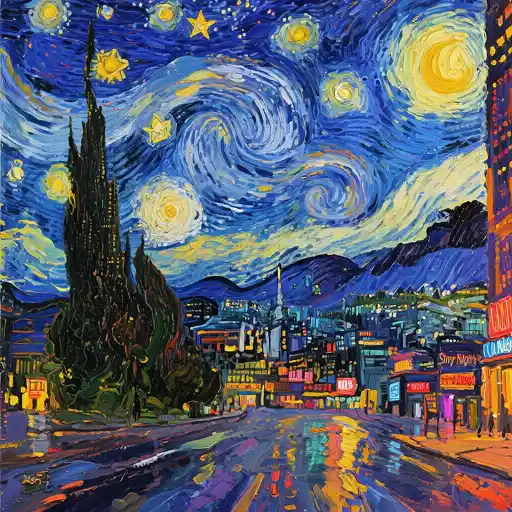
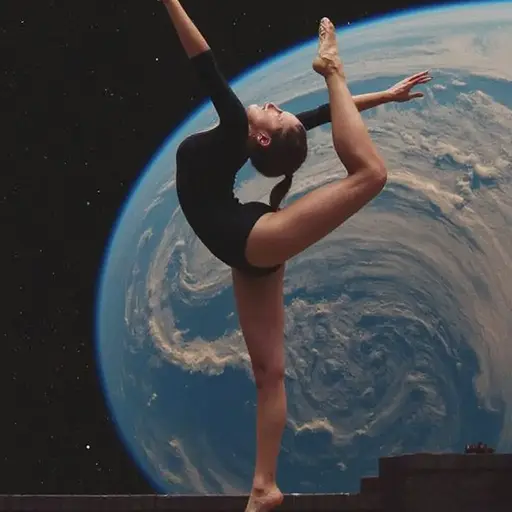
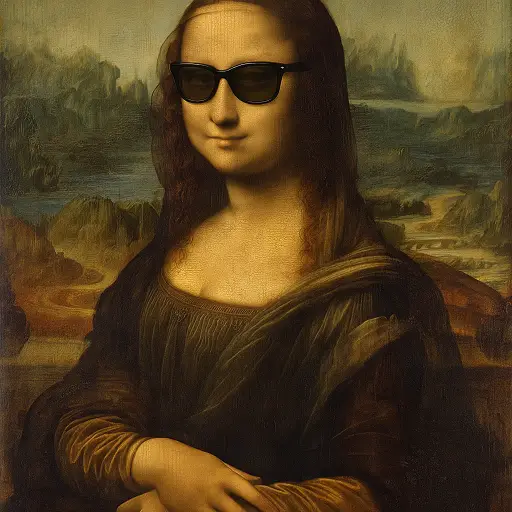
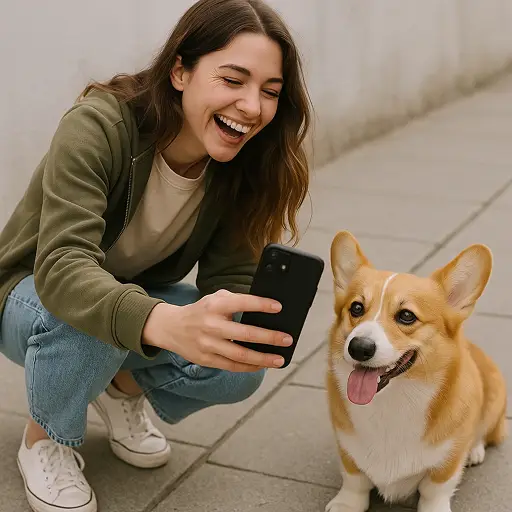
Kling 2.0 is Kuaishou Technology's AI model that transforms text prompts and static images into cinematic-quality videos. Compared to Kling 1.6, it delivers sharper prompt adherence, more fluid motion dynamics, richer visual aesthetics, and a built-in Multi-Elements Editor for flexible scene editing. Try Kling 2.0 on Dzine now.
Kling 2.0 - The AI Video Model Built for Cinematic Realism
Kling 2.0 Master is a major upgrade in Kuaishou's video generation lineup. It combines a deeper semantic understanding engine with 3D Spatiotemporal Joint Attention, letting you generate 1080p videos from text or images with natural motion, dramatic expressions, and consistent visual style.
This isn't just a quality bump. Kling 2.0 introduces directorial-level prompt control - you can describe sequential actions in a single prompt and the model executes them in order. Complex transitions like a character moving from laughter to sudden anger, a cityscape shifting from dawn to dusk, or an object in mid-flight with motion blur are all handled with high fidelity. On Dzine, you can access the Kling 2.0 AI video generator alongside Kling 2.1, Kling 2.5 Turbo, and Kling 3.0 - all in one place.
How to Use Kling 2.0 on Dzine
Step 1: Upload Image or Enter Your Prompt
Go to Dzine's Chat Editor. Upload a reference image with motion instructions, or describe your scene directly as a text prompt.
Step 2: Select Kling 2.0 as the Model
From the model list, choose Kling 2.0. Set your preferred aspect ratio (16:9, 9:16, or 1:1) and video duration (5 or 10 seconds).
Step 3: Generate Your Video
Click Generate. Preview the result, then download your watermark-free file — ready for social media, marketing, or creative projects.
Prompt Accuracy That Reads Like a Director's Brief
Kling 2.0 understands complex, multi-step instructions without simplification. You can specify exact camera angles, emotional states, sequential character actions, and environmental details - all in one prompt. The model interprets the instruction as a whole and executes it with high fidelity, reducing the number of attempts needed to get the result you're after. This is the clearest upgrade from Kling 1.6, where complex prompts often produced only partial results.
Motion That Looks Physically Real
Character movement in Kling 2.0 supports a wider range of motion than previous versions. Actions are smoother, transitions between movements are more fluid, and physics-based behaviors - like inertia, weight transfer, and collision response - hold up during extended sequences. The model preserves fine details during complex actions, meaning hands, faces, and body proportions stay accurate even in fast-moving scenes.
Edit Without Leaving the Platform
Kling 2.0 generates video with richer surface detail, more accurate lighting, and stronger color consistency across frames. Cinematic expressions are more vivid - characters convey emotion through subtle shifts in micro-expression, not just exaggerated movements. Style consistency is preserved across both text-to-video and image-to-video workflows, so the visual language you establish in your prompt carries through to the final output.
1080p Output with Over 60 Style Options
The Multi-Elements Editor is Kling 2.0's most practical new feature for production workflows. Using text or image inputs, you can add, swap, or delete visual elements within a generated video. Change a product in a demo. Replace a scene's background. Introduce a new character. The editor gives you granular control over video content at the element level, making it easier to adapt, iterate, and repurpose videos across different contexts.
How Kling 2.0 Compares to Other Kling Models
Feature
Kling 1.6
Kling 2.0
Kling 2.1
Kling 2.5
Kling 3.0
Max Resolution
1080P
1080P
1080P
1080P
4K
Max Video Length
10s
10s
10s
10s
15s
Frame Rate
30fps
30fps
30fps
30fps
60fps
Prompt Adherence
Good
Enhanced
Advanced
High
Top-tier
Motion Dynamics
Upgraded
Better fluidity
Wider range
Physics-accurate
Hyper-realistic
Visual Aesthetics
1080p sharp
Cinematic grade
Refined
Film-level
Broadcast
Multi-Elements Editor
No
Yes
Yes
Yes
Yes
Style Options
Standard
60+ styles
Extended
Rich
Full range
Native Audio
No
No
Partial
No
Yes
Text-to-Video
Yes
Yes
Yes
Yes
Yes
Image-to-Video
Yes
Yes
Yes
Yes
Yes
Start/End Frame
Yes
Yes
Yes
Yes
Yes
Best For
Social content
Cinematic editing
Marketing & social
Pro storytelling
Broadcast & film
Kling 2.0 Pricing on Kling Official Site
Plan
Price
Monthly Credits
Video Quality
Commercial Use
Free
$0
Limited daily credits
Standard
No
Starter
~$6.99/mo
~660 credits
Standard + Pro
Yes
Standard
~$15.99/mo
~3,000 credits
Standard + Pro
Yes
Pro
~$45.99/mo
~8,000 credits
Standard + Pro
Yes
Premier
~$92/mo
~18,000 credits
Standard + Pro + Master
Yes
Kling 2.0 Master mode consumes more credits per video than Standard mode. Pricing is subject to change — check Kling AI's official site for current rates. On Dzine, you can try Kling 2.0 for free with our 7-day trial.
Why Try Kling 2.0 on Dzine AI?
Multiple Top AI Models
Access Kling 2.0, Kling 2.5, Kling 3.0, Veo 3.1, and more — all from a single platform without switching between tools.
Simple Three-Step Workflow
Upload an image or type a prompt, choose your model, and generate. No timeline editing or video production experience needed.
7-Day Free Trial
Try Kling 2.0 for free on Dzine with full access to generation features — no credit card required to get started.
High-Quality Export
Download 1080p video files ready for social media, marketing campaigns, or client deliverables — no quality compression.
Watermark-Free Output
Export clean, watermark-free videos on paid plans — safe for commercial use, brand content, and client-facing work.
Browser-Based, No Install
Run Kling 2.0 directly in your browser on Dzine. No software downloads, no GPU required — works on any device.
What Our Users Said
Exactly What My Campaigns Needed
I've been using the Kling 2.0 AI video generator on Dzine for three months now. The prompt accuracy is the biggest change for me - I can write a detailed scene and it actually follows through. No more guessing which part of the prompt it's ignoring. For ad production, this saves hours of back-and-forth. The 1080p output goes straight into our delivery pipeline without any quality work needed.
Sarah MitchellCreative Director, Digital Agency
The Multi-Elements Editor Changed My Workflow
As a filmmaker working on a tight budget, the Kling 2.0 AI video generator is the most practical tool I've added in years. The Multi-Elements Editor alone justifies the subscription - I can generate a base scene and swap elements without re-rendering everything. The motion dynamics on characters feel grounded in a way that older models never managed. I use it for pre-vis every week now on Dzine.
James OkaforIndependent Filmmaker
Fast, Reliable, and Actually Cinematic
We needed a way to create how-to use Kling 2.0 content for our brand's training library without expensive production. Kling 2.0 on Dzine solved it. The model handles complex action sequences without drifting characters or broken motion — our instructional videos look polished and stay visually consistent across the full clip. The free trial was enough time to confirm it was the right fit before committing.
Priya NairLearning & Development Manager
Master Kling AI Video Creation | Dzine AI Tutorial
Yes. Dzine offers a 7-day free trial that gives you full access to the Kling 2.0 AI video generator - no credit card required. You can generate videos, test both Standard and Professional modes, and evaluate the output quality before subscribing to a paid plan.
What is Kling 2.0 and how is it different from Kling 1.6?
Kling 2.0 (also called Kling 2.0 Master) is Kuaishou's upgraded AI video model released in April 2025. Compared to Kling 1.6, it offers significantly better prompt adherence, more fluid motion dynamics, improved visual aesthetics at 1080p, and a new Multi-Elements Editor that lets you add, swap, or remove elements in your video using text or image inputs. Kling 1.6 was already strong for standard video generation - Kling 2.0 builds on that with directorial-level control and cinematic-grade output.
How do I use Kling 2.0 on Dzine?
Using Kling 2.0 on Dzine takes three steps. First, go to the AI Video generator and upload an image or write a text prompt describing your scene. Second, select Kling 2.0 from the model list and choose your aspect ratio and duration. Third, click Generate and download your 1080p video. No editing skills or prior experience needed - the whole process takes minutes.
What types of videos can I create with the Kling 2.0 AI video generator?
Kling 2.0 supports a wide range of video types - marketing ads, product demos, short films, social media content, educational explainers, fashion showcases, and more. It handles complex scenes like emotional transitions, dynamic lighting changes, action sequences, and artistic animations with over 60 visual style options. Both text-to-video and image-to-video workflows are supported.
Does Kling 2.0 support complex text prompts with multiple actions?
Yes. One of Kling 2.0's headline improvements is its ability to execute sequential actions from a single prompt. You can describe multi-step scenes - for example, a character walking, pausing, and reacting - and the model follows each instruction in order. This is a significant upgrade over earlier versions, which often dropped or blended steps when prompts became detailed.
What is the Multi-Elements Editor in Kling 2.0?
The Multi-Elements Editor is a video editing feature introduced in Kling 2.0. It lets you modify specific elements in a generated video using text or image inputs - without re-generating the entire clip. You can swap a character's clothing, replace the background, or add an object to the scene. This makes it much faster to iterate and customize video content for different use cases or campaigns.
How does Kling 2.0 compare to Kling 2.5 and Kling 3.0?
Kling 2.0 delivers strong cinematic quality at 1080p with enhanced prompt adherence and the Multi-Elements Editor — a solid choice for most marketing, social, and storytelling projects. Kling 2.5 Turbo builds on this with better motion physics and cinematic composition, while Kling 3.0 pushes further with true 4K output, 60fps, 15-second generation, and native audio. If you are starting out or working on standard-resolution content, Kling 2.0 is a capable and cost-effective option. You can access all three models on Dzine.