- Tools
- Resources
- Pricing
- API
- Contact Sales
- Book a Demo


Transparent Image Maker
Dzine can precisely remove the background from any image with a single click. With our transparent image maker and generator, you can convert any photo into a crisp PNG image for design, branding, or social media use.

Click or drag here to upload images
Upload any image or try one of them to remove its background.


Get Clean Transparent Images Without Editing Skills
Our transparent image maker uses advanced AI to detect and remove backgrounds accurately. It handles complex edges—like hair, fur, or intricate patterns—better than basic tools. The result is a smooth, natural-looking transparent image that works for any project.
Whether you need a logo with a transparent background for your website or a product photo for an online store, our tool delivers. It works on both simple and detailed images. No need to learn complicated software. Just upload, wait a moment, and download. You can also pair it with other tools like Favicon Generator or IG Pic Profile for a complete design workflow.
How to Create Transparent Images in 3 Steps
Step 1. Upload a Photo
Select any image from your device. Logos, products, and portraits work well.
Step 2. Remove the Background
With just 1 click of the "Background Remover," you can get a completely background-free image.
Step 3. Refine and Download
Now you can refine it with other features like transform 2D Image to 3D.
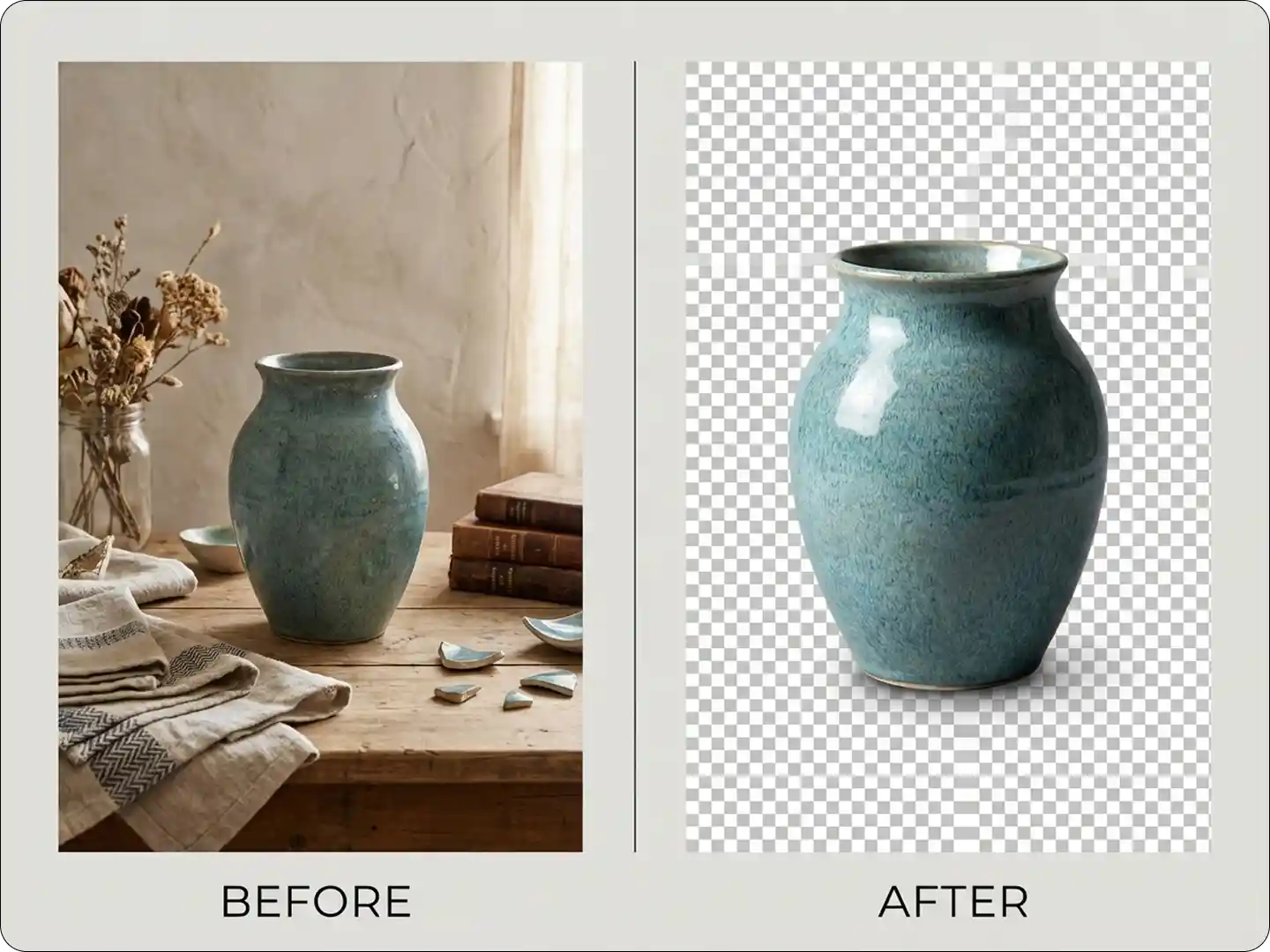
Enhance E-Commerce Product Listings
Transparent backgrounds make product photos look more professional. They let your items stand out on any website or marketplace. Use them in catalogs, social media ads, or email campaigns. Our tool ensures product edges stay sharp, even for items with complex shapes like jewelry or clothing.
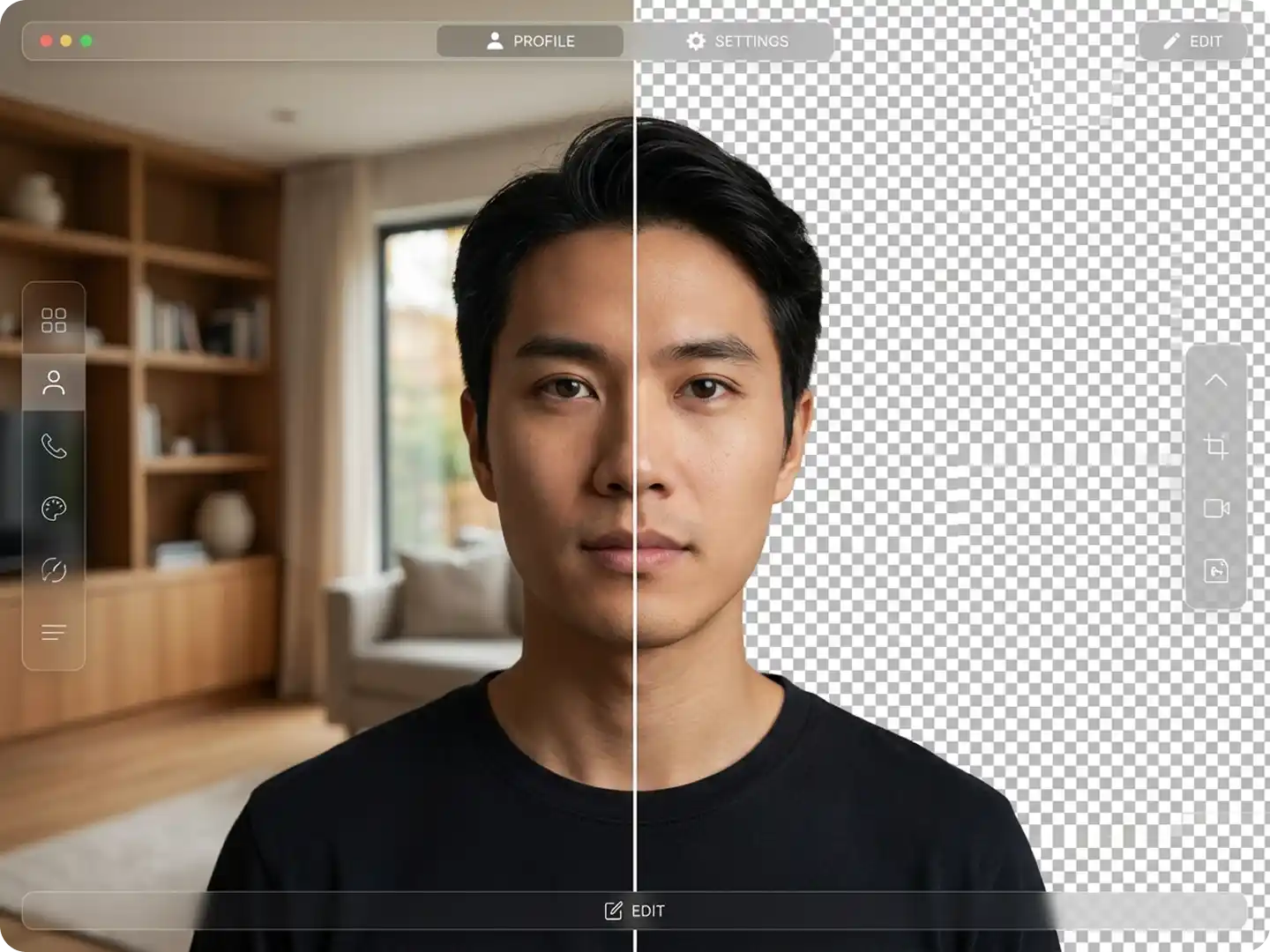
Clean Edges with Zero Effort
The transparent image generator detects subjects precisely. It can analyze hair, fur, and small details with pixel-level accuracy. No manual brushing. No rough outlines. Every cutout stays sharp and natural. It works beautifully on portraits, pets, accessories, and objects with delicate textures.
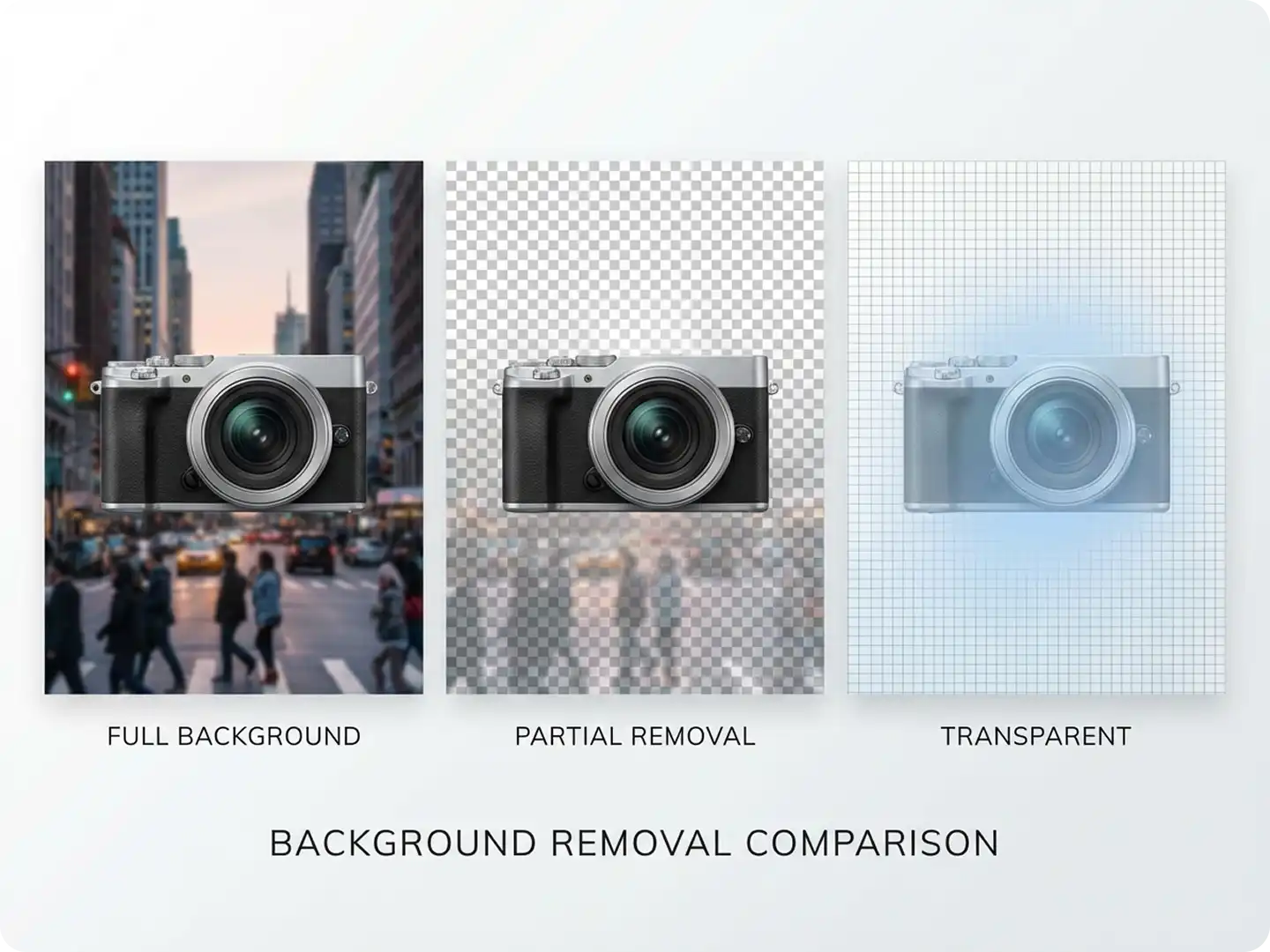
Upgrade Your Social Media
Creators love transparency. It lets you layer subjects on colorful backgrounds, patterns, gradients, or custom designs. Use Dzine’s transparent picture maker to build standout IG reels, TikTok covers, YouTube thumbnails, and carousel posts.
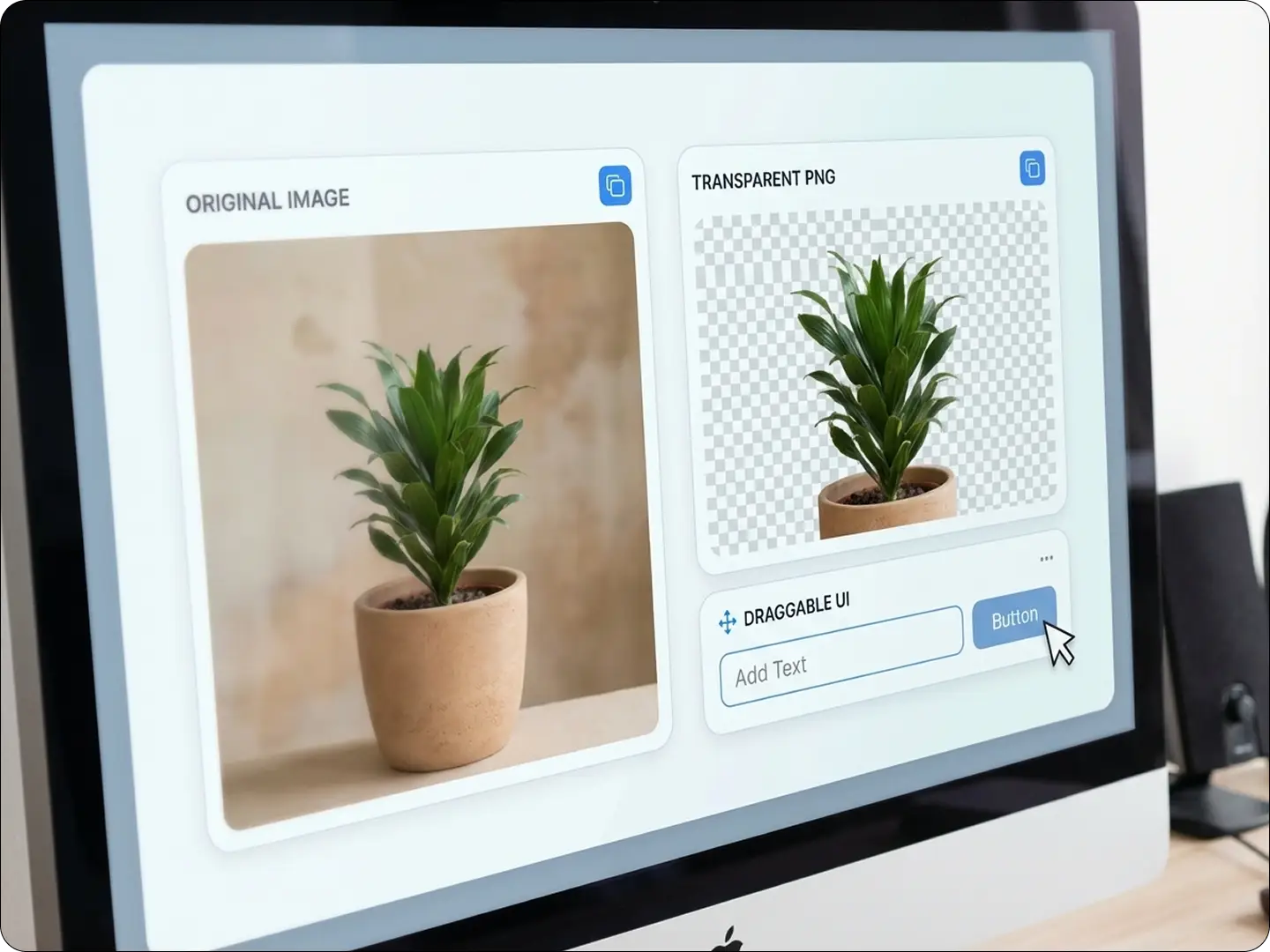
Fast, Simple, and Automatic
Speed matters when you're creating content. Dzine delivers instant background removal with a single click. No Photoshop skills. No complex workflows. Just upload → process → download.
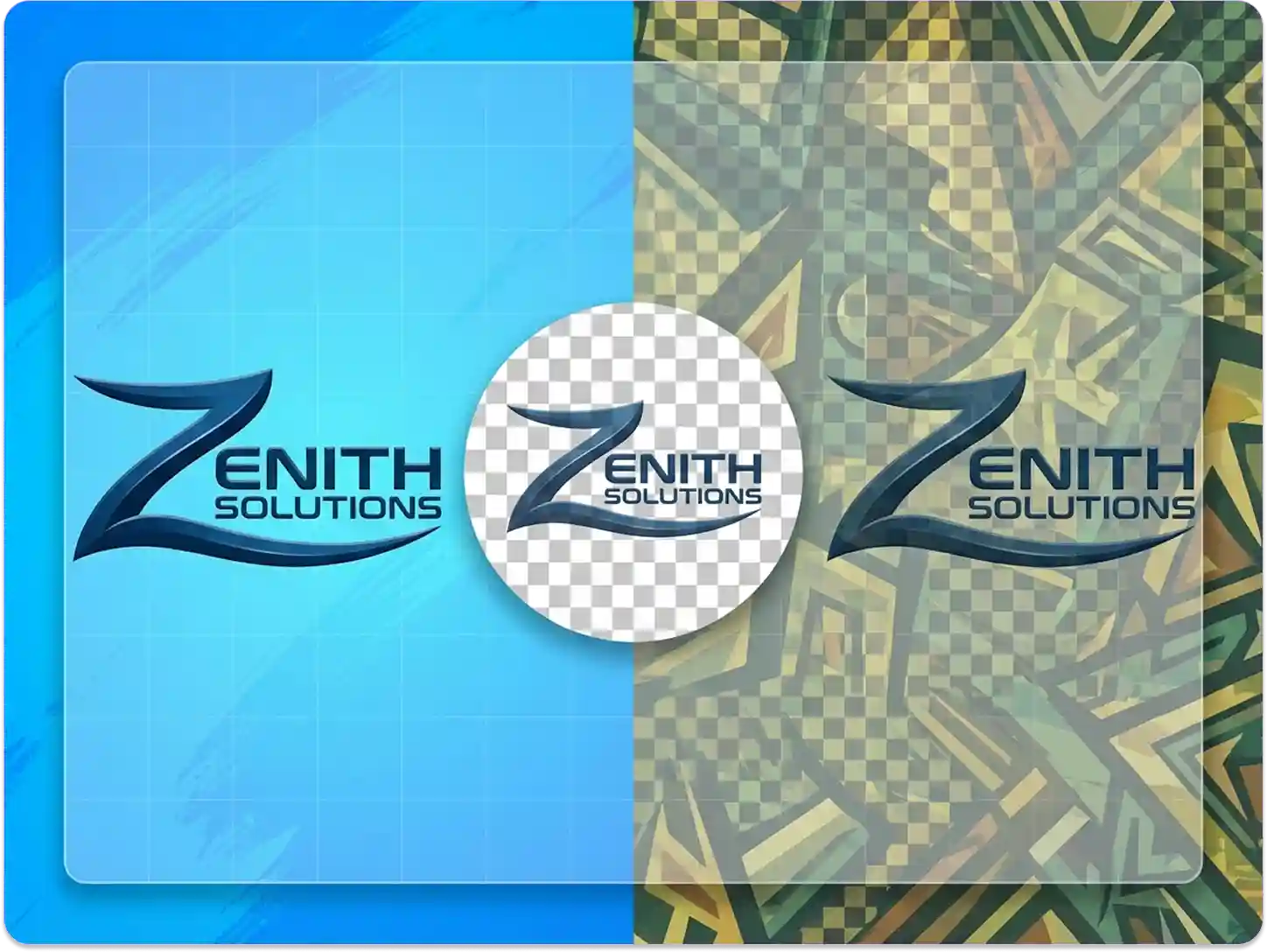
Prepare Images for Presentations
Transparent images make slideshows and reports look more professional. They blend into any slide background, avoiding the cluttered look of photos with white boxes. Use them in business meetings, school projects, or webinars. Our tool works quickly, so you can edit images minutes before your presentation.
FAQ
Can the tool handle images with complex backgrounds?
Yes. It works well with images that have busy backgrounds, including multiple colors or patterns. The AI accurately identifies the main subject.
What image formats can I upload?
We support JPG, PNG, and WEBP. The output is always a PNG, which preserves transparency.
Will the tool work on images with hair or fur?
Yes. It’s designed to handle fine details like hair, fur, or lace. Edges remain natural and smooth.
Can I adjust the transparency level?
No. The tool removes the background completely. For partial transparency, use our Image Editor after generating.
Is there a limit to image size?
Images up to 10MB are supported. Larger files may take slightly longer to process.
Can I batch process multiple images?
Yes. Upload up to 5 images at once. They’ll be processed separately, and you can download them individually.
What Our Users Said
Saved Me Hours of Work
I needed transparent backgrounds for 50 product photos. This tool did them all in minutes. The edges were cleaner than when I tried manually.
Emma WilsonOnline Store Owner
Perfect for My Student Projects
I use it to prepare images for class presentations. It’s so easy—even my classmates asked where I got it.
Jake ThompsonCollege Student
Great for Small Business Logos
My logo looks professional on business cards and social media now. No more paying designers for simple edits.
Lisa ChenFreelance Graphic Designer