- Tools
- Resources
- Pricing
- API
- Contact Sales
- Book a Demo


Favicon Generator
Dzine's Favicon Generator lets you craft unique site icons. Describe your brand, and our tool generates professional favicons that fit your websites. No design experience required.
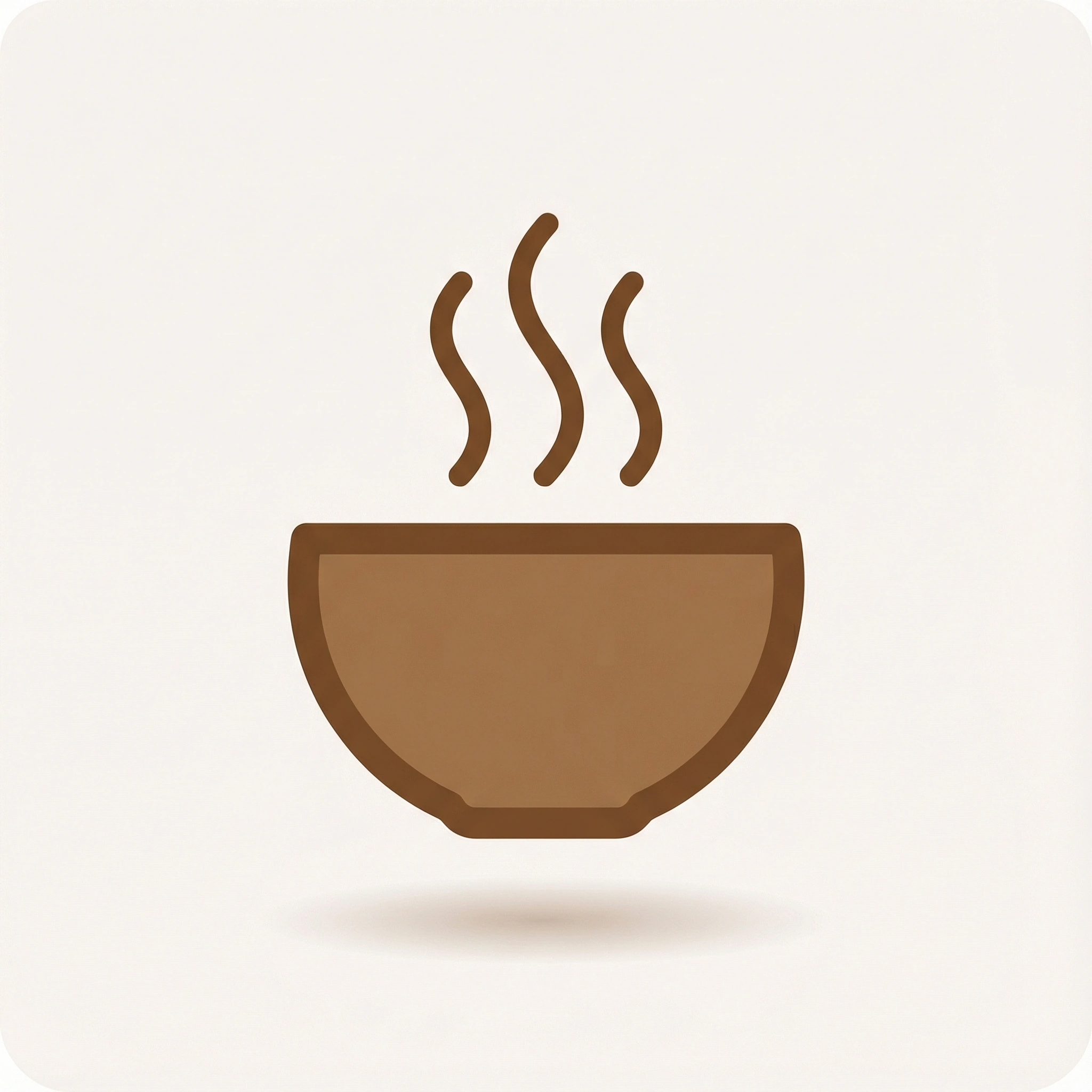
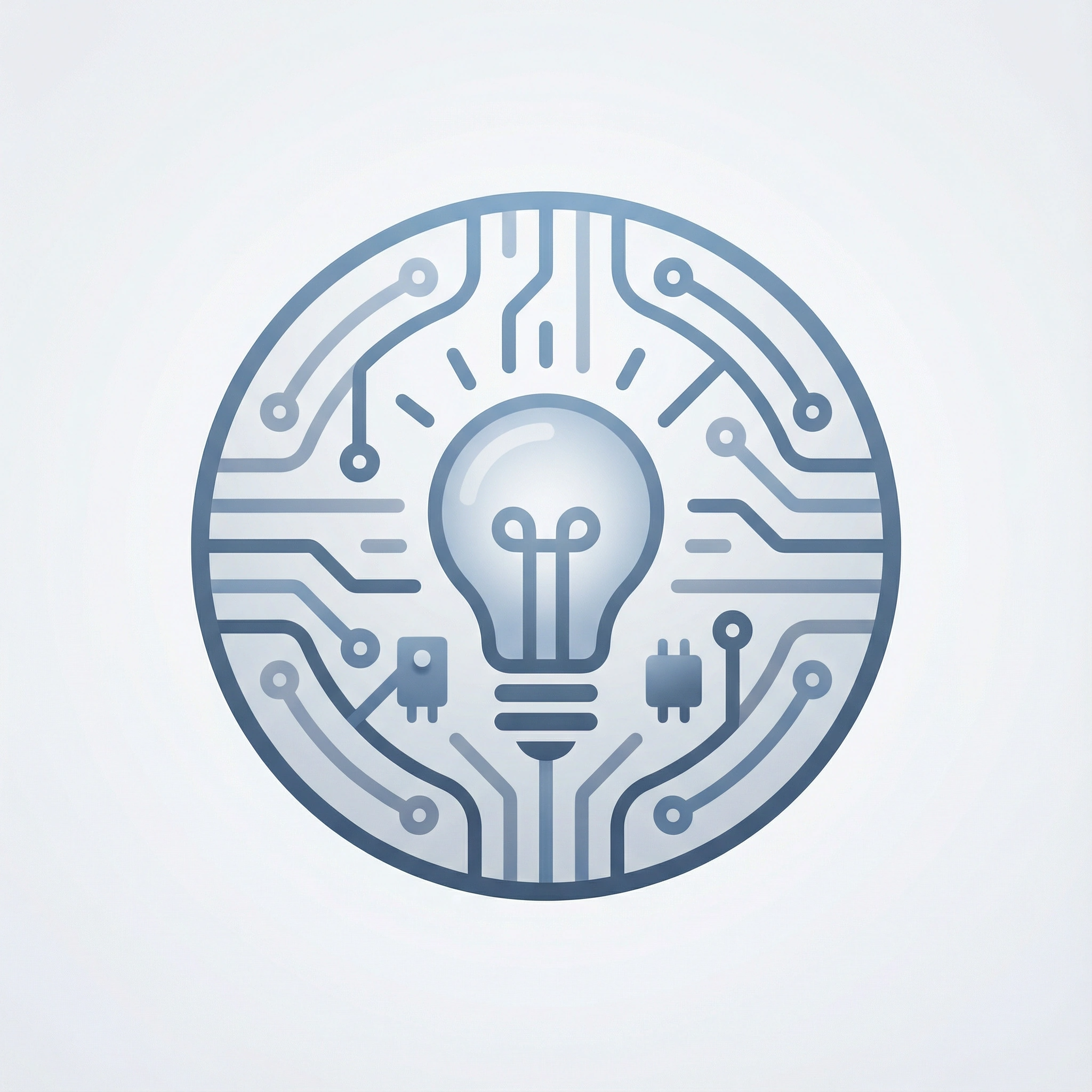
Need ideas? Try these favicon prompts.
Make Your Website Recognizable at a Glance
A favicon is more than just a small graphic; it's a unique identifier for your brand on every browser tab, in search results, and in bookmarks. Dzine's AI Favicon Generator creates professional-grade, scalable, and highly recognizable icons without any design experience.
Our AI analyzes your brand style to generate pixel-perfect, high-contrast designs that ensure clear visibility on all screens, from standard browsers to Retina displays. Whether you're launching a new website, rebranding, or testing multiple visual directions, Dzine provides fast, consistent, and highly customizable favicons to meet your needs.
From minimalist logos and geometric symbols to colorful mascots and creative shapes, our AI ensures your icons truly reflect your brand, helping your brand stand out among open tabs and enhance long-term user recall.
How to Generate Your Favicon
Step 1. Choose a Model for Your Brand
Pick from models tailored to business, creative, or tech niches. Besides, general options like Nano Banana Pro, ChatGPT and Midjourney could be your better choices.
Step 2. Describe Your Idea Using Words
Tell us about your brand theme, colors, and key symbols. Include your style: "Eco-friendly store favicon, leaf icon, green tones, simple design."
Step 3. Generate You Unique Favicons
Click to generate. Adjust details like "make the icon more rounded" and generate again until it's perfect.
Favicon Designs for E-Commerce Sites
Online stores need favicons that build trust. Use elements from your logo or best-selling products. Think shopping bags, price tags, or product silhouettes. Stick to your brand's color scheme for consistency. Our tool ensures the icon stays clear even in small sizes, helping customers find your site quickly in their tabs.
Icons for Bloggers and Content Creators
Bloggers need favicons that reflect their niche. Food bloggers might use a small fork or plate. Travel writers could opt for a tiny plane or compass. Keep it simple so readers recognize your site instantly. Our tool works with even the most specific ideas, turning them into clear, scalable icons.
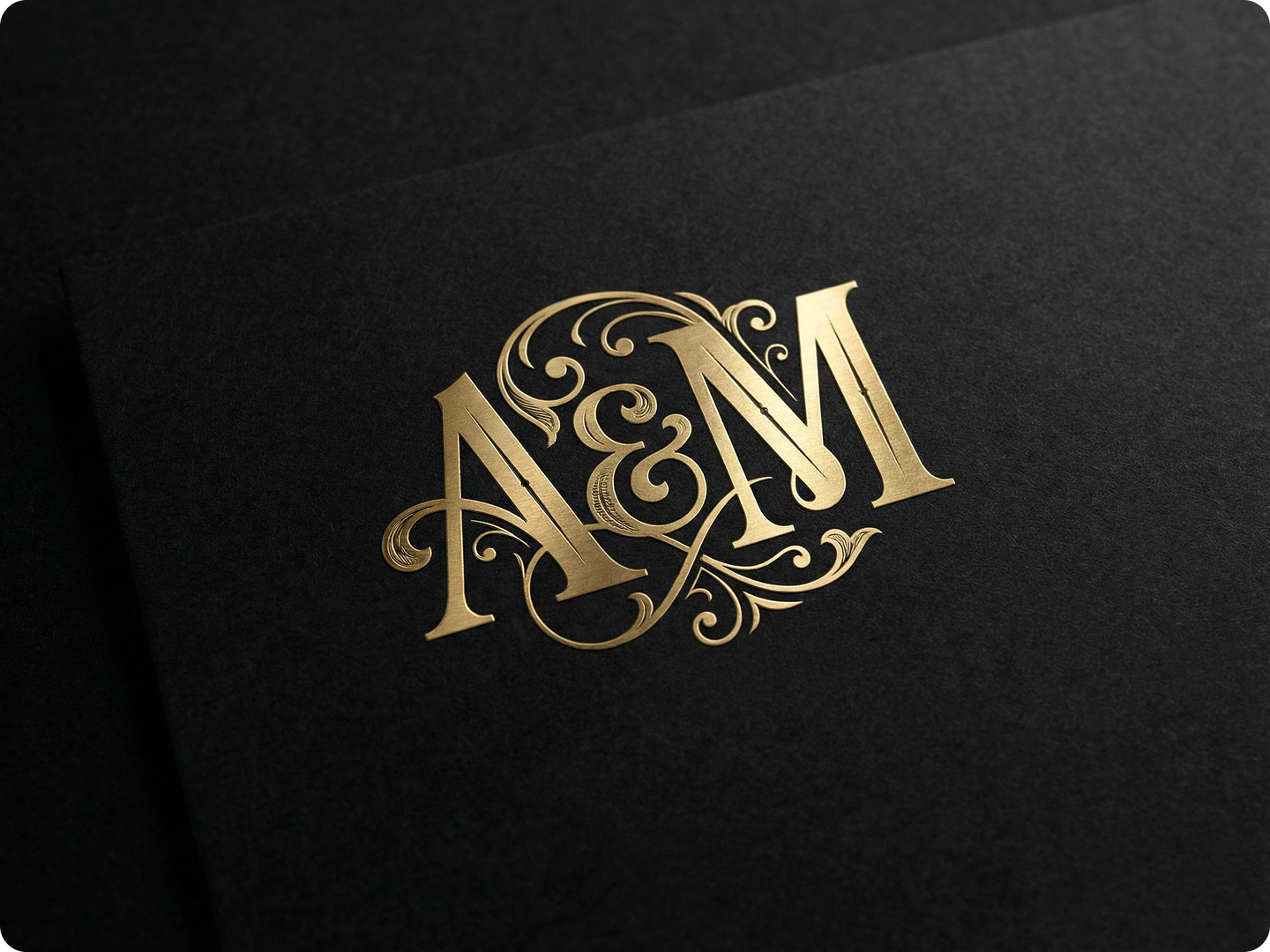
Professional Favicons for Business Websites
A company website's logo needs to project a professional image. Elements such as the company logo's initials, a simplified version of the brand identity, or industry-specific symbols can be used. For example, a law firm could use a miniature gavel, while a technology company could use a microchip.
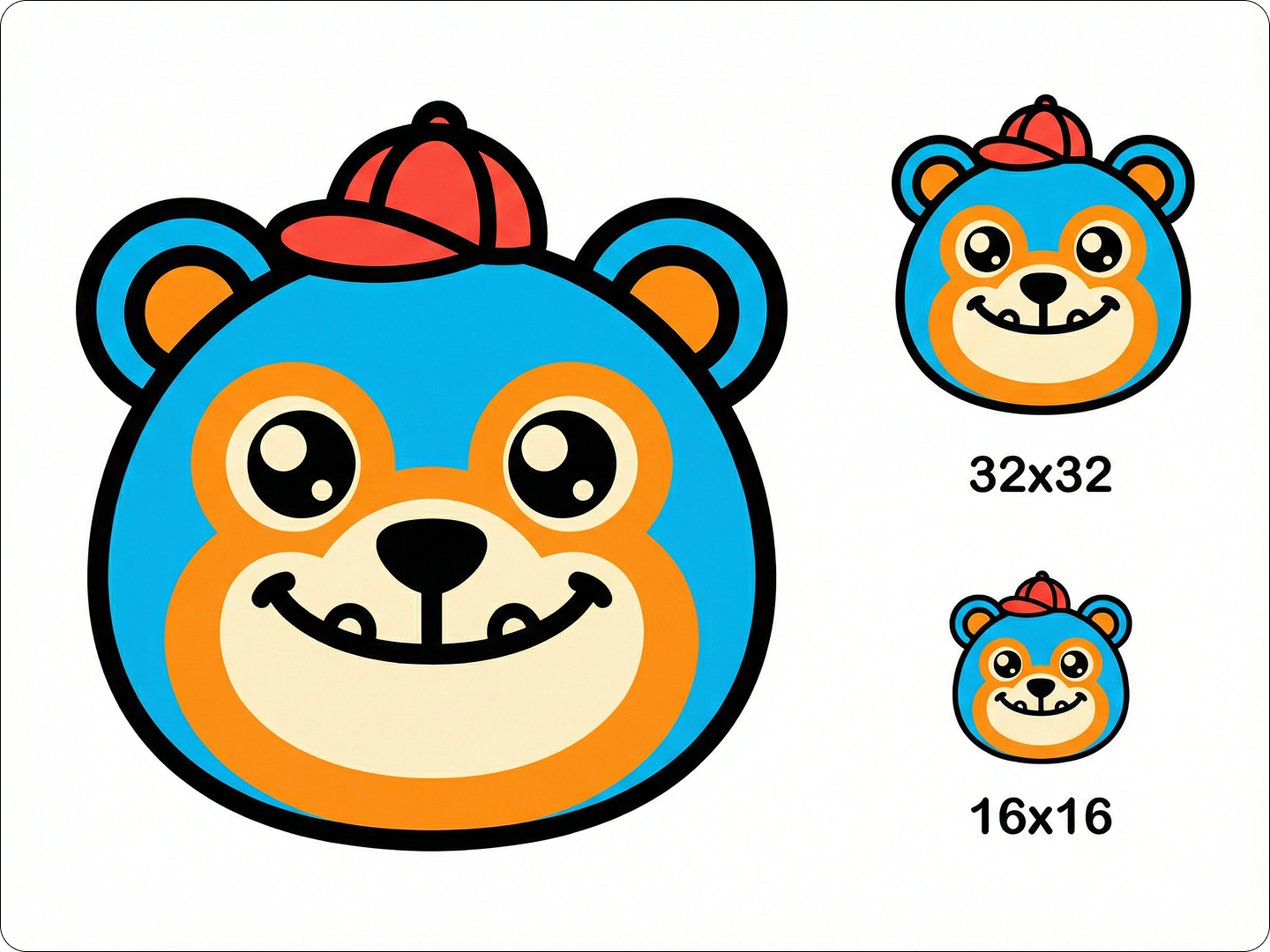
Creative Icons for Artists and Designers
Artists need favicons that showcase creativity. We typically use abstract shapes, brushstrokes, or simplified versions of artwork. Photographers can use small camera icons, while painters can choose a color palette. Dzine is able to transform complex concepts into simple, easily recognizable, and eye-catching icons.
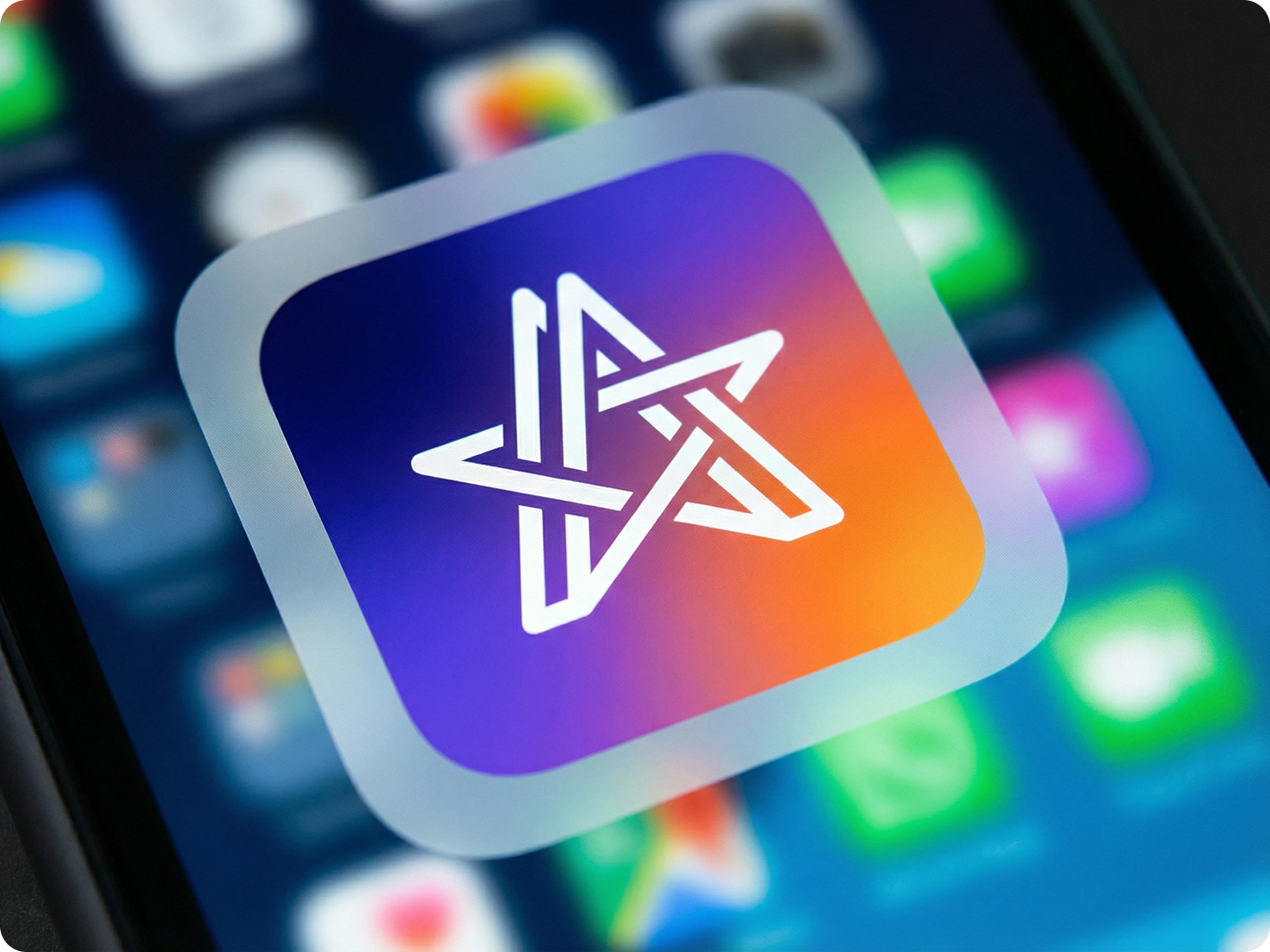
Favicons for Educational Platforms
Educational websites can use icons that symbolize learning, such as an open book, a graduation cap, or a pencil. They can also use colors that align with their brand—blue for trust and green for growth.
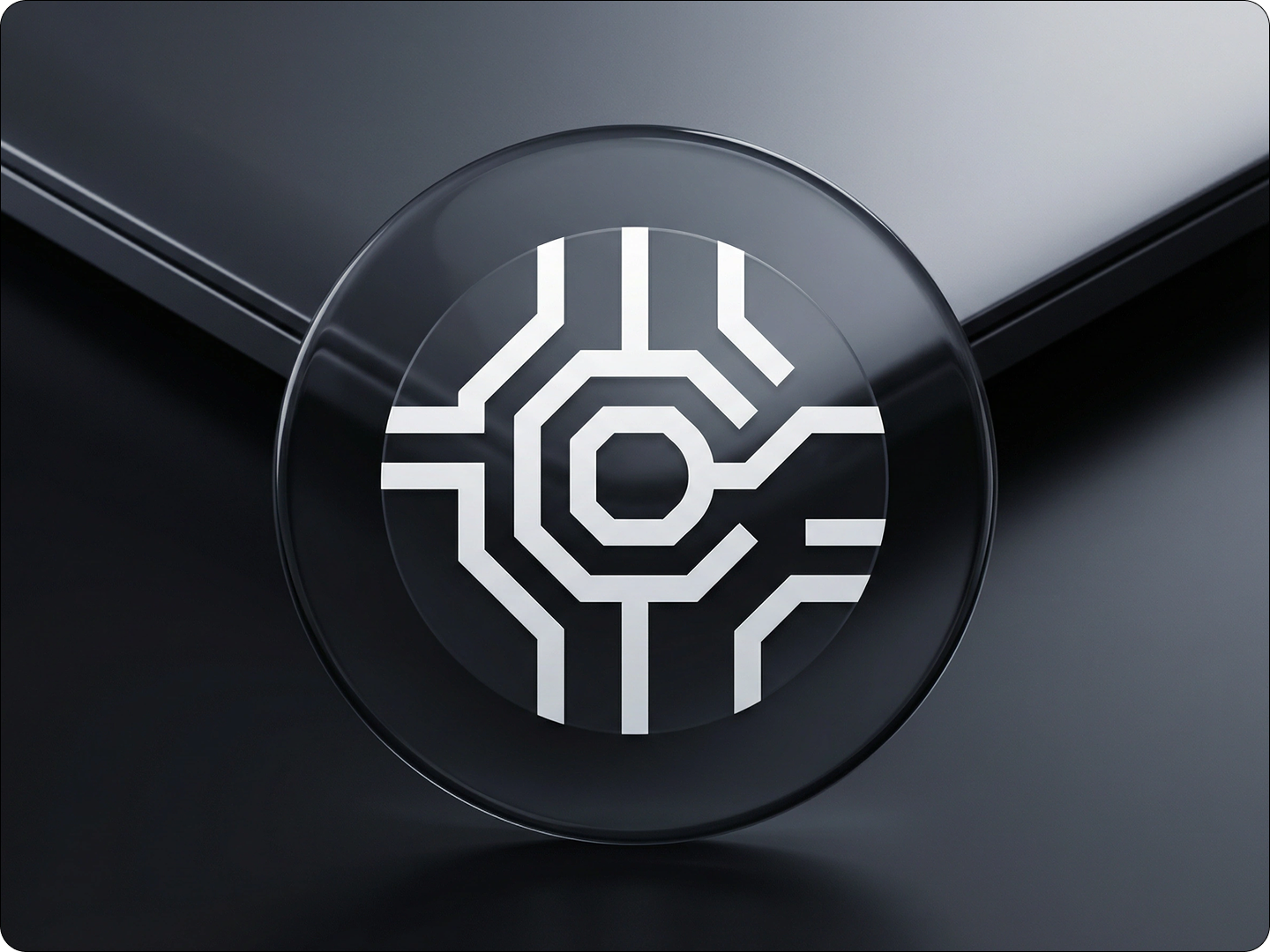
Icons for Nonprofit Organizations
Nonprofits need favicons that reflect their mission. Animal shelters might use a small paw print. Environmental groups could opt for a leaf or tree. Keep it simple and meaningful, so supporters recognize your site instantly. Our tool turns mission-driven ideas into powerful, tiny symbols.
FAQ
Will my favicon work on all browsers?
Yes. Our designs are compatible with Chrome, Firefox, Safari, and Edge. They meet all browser specifications for size and format.
Can I get multiple sizes of my favicon?
Absolutely. The generator provides icons in standard sizes (16x16, 32x32, 48x48, 128x128) for different uses.
Do I need to know technical terms to use the tool?
No. Use simple language. Instead of "RGB color mode," say "use the blue from my logo." The AI understands everyday descriptions.
Can I edit my favicon after generating it?
Yes. Use our AI Image Editor to adjust colors, shapes, or details after generation.
Are the favicons I create unique?
Yes. Each design is generated based on your specific description, ensuring your icon stands out from others.
Can I use the favicon for commercial purposes?
Yes. All generated favicons can be used on commercial websites, apps, and marketing materials without additional fees.
What Our Users Said About
Perfect for My Small Business Site
I run a local bookstore. The favicon from Dzine matches my logo perfectly. Customers mention recognizing my site instantly now.
Emily RodriguezSmall Business Owner
Saved Me from Hiring a Designer
As a blogger, I needed a favicon but didn't want to pay for a designer. Dzine made it easy—just described my niche, got a great icon.
Michael ChenTravel Blogger
Consistent Branding Across Platforms
Our nonprofit needed a favicon that worked everywhere. Dzine's generator gave us versions for our site, app, and social media.
Lisa WashingtonNonprofit Director