- Tools
- Resources
- Pricing
- API
- Contact Sales
- Book a Demo


Twitch Banner Maker
Create a professional Twitch banner in minutes. Customize colors, fonts, graphics, and layouts to build a channel presence that looks clean, bold, and uniquely yours. No design experience required.
Need ideas? Try these twitch banner prompts.
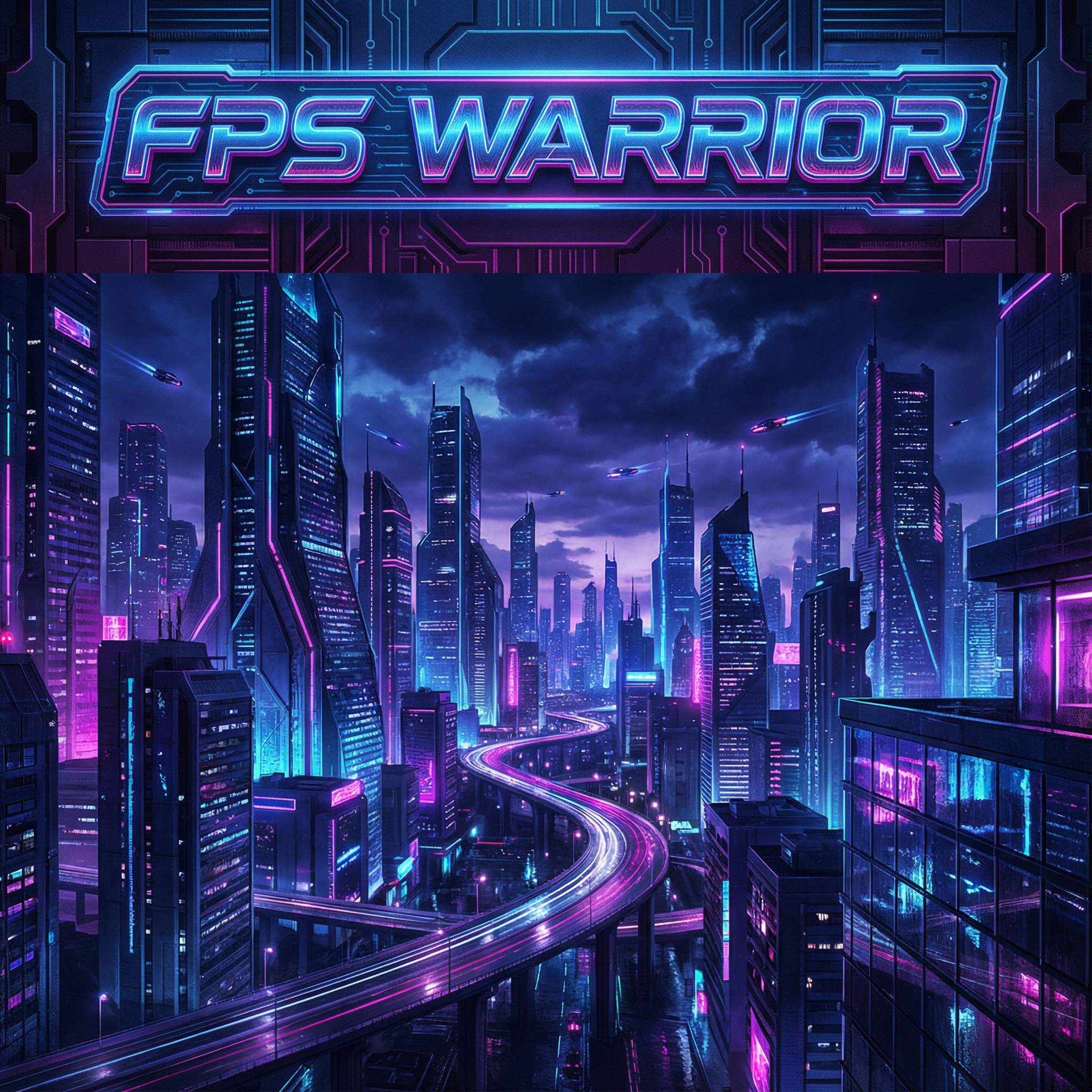
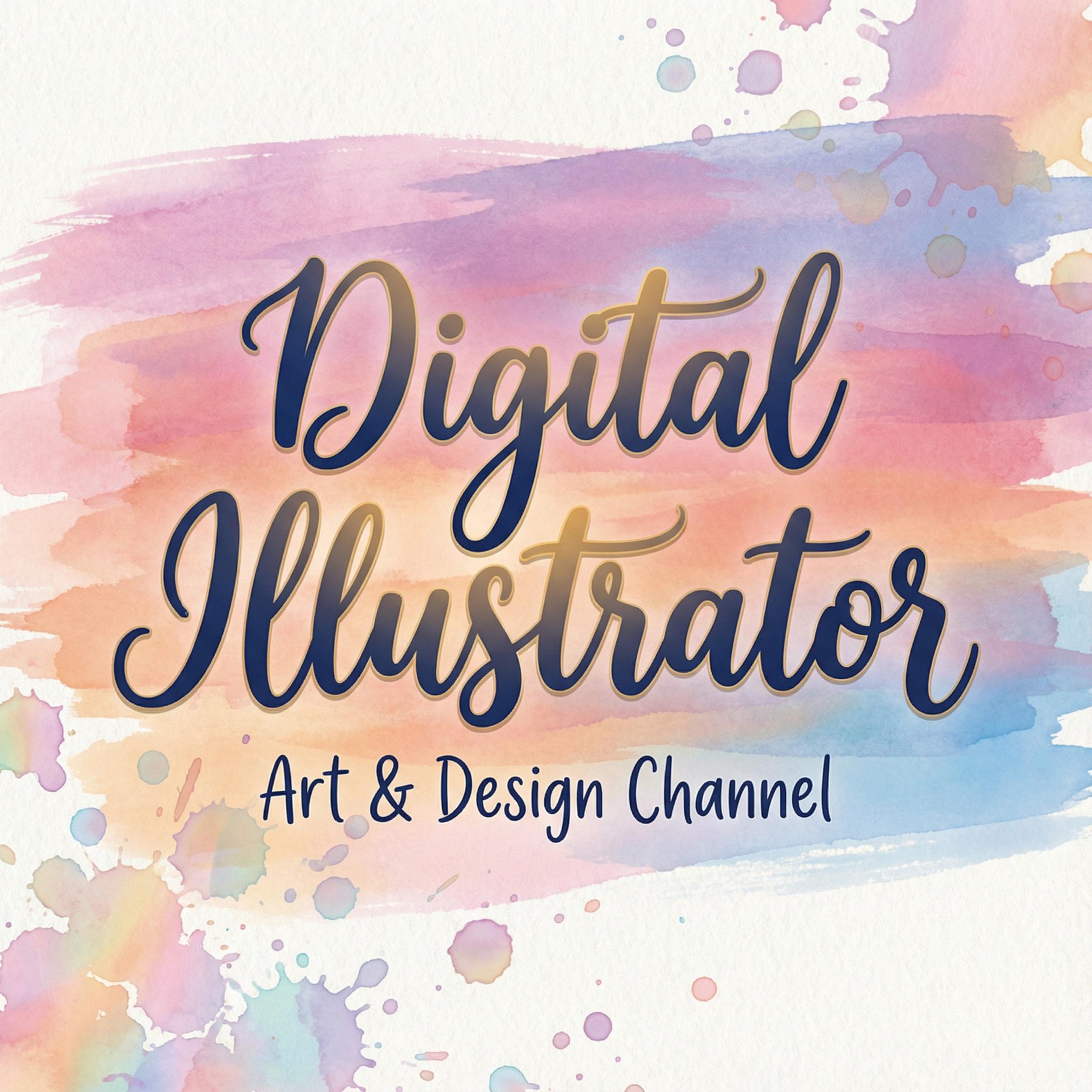
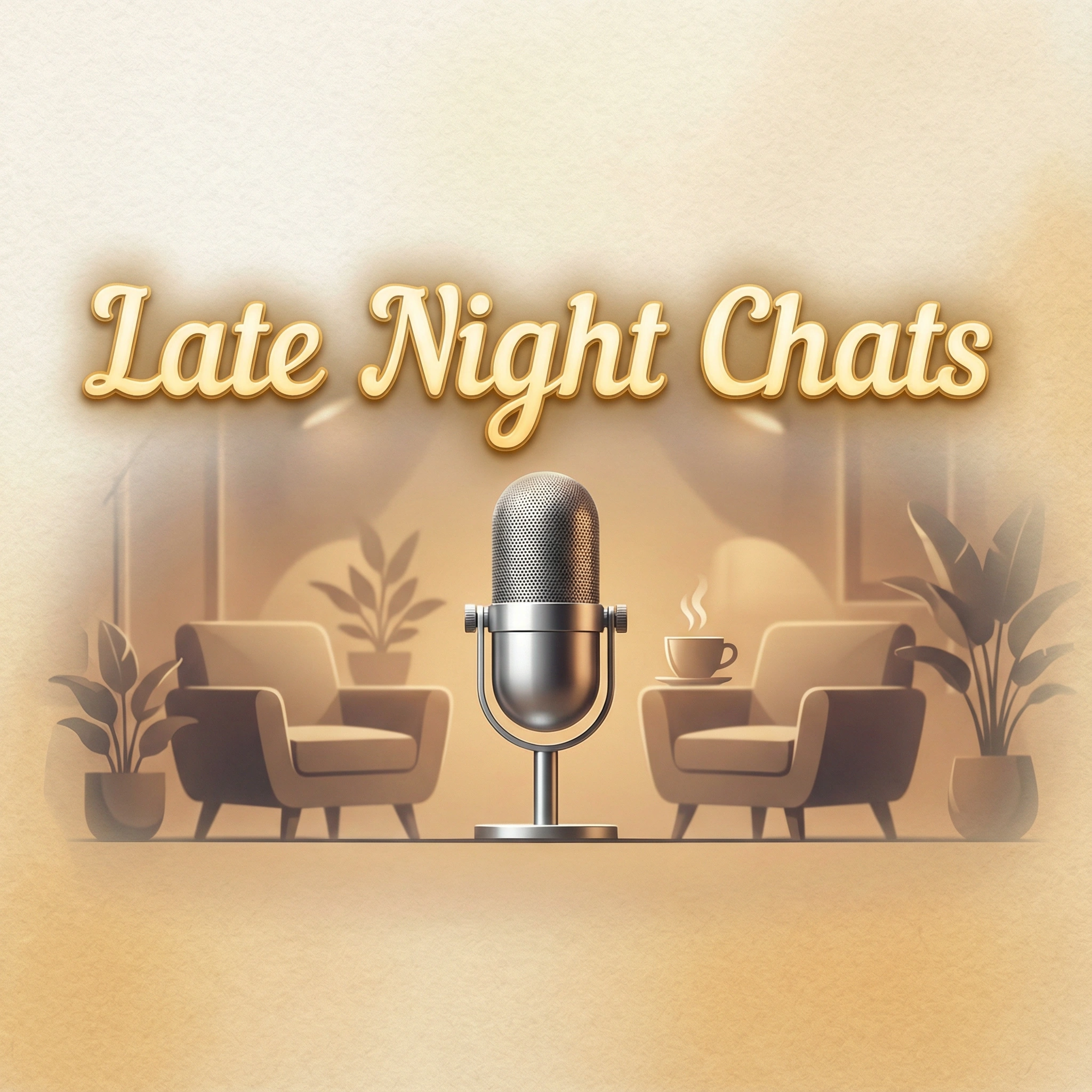
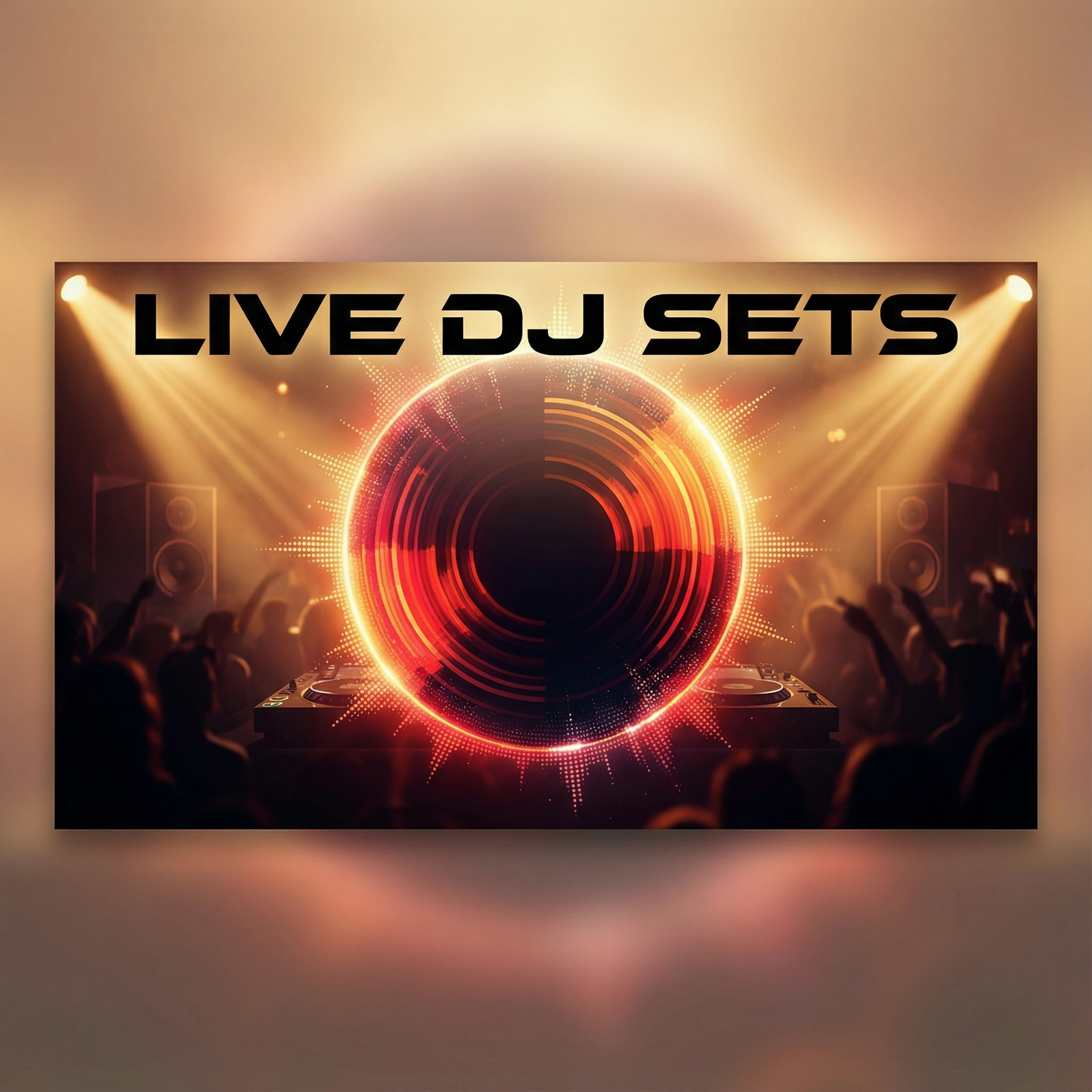
Build a High-Impact Twitch Banner That Grows Your Channel
A great Twitch banner drives recognition, strengthens your brand, and helps you stand out in a crowded streaming space. With our Twitch Banner Maker, you get instant access to professionally designed templates, AI-assisted customization, and brand-matching tools that eliminate guesswork.
Create banners that look polished, load perfectly across devices, and align with your channel’s identity — whether you stream gaming, IRL content, music, or special events. Fast, intuitive, and built for creators who want results, not design headaches.
How to Generate Your Twitch Banner
Step 1. Choose a Model
Pick from models like Nano Banana Pro, Seedream 4.1, Qwen, etc.
Step 2. Describe Your Idea
Tell us about your stream theme, preferred colors, and key elements. Include your name: "RPG stream banner, fantasy castle background, 'Epic Quests' text."
Step 3. Generate Results
Click to generate. Adjust details like "make the title brighter" and generate again until it's perfect.
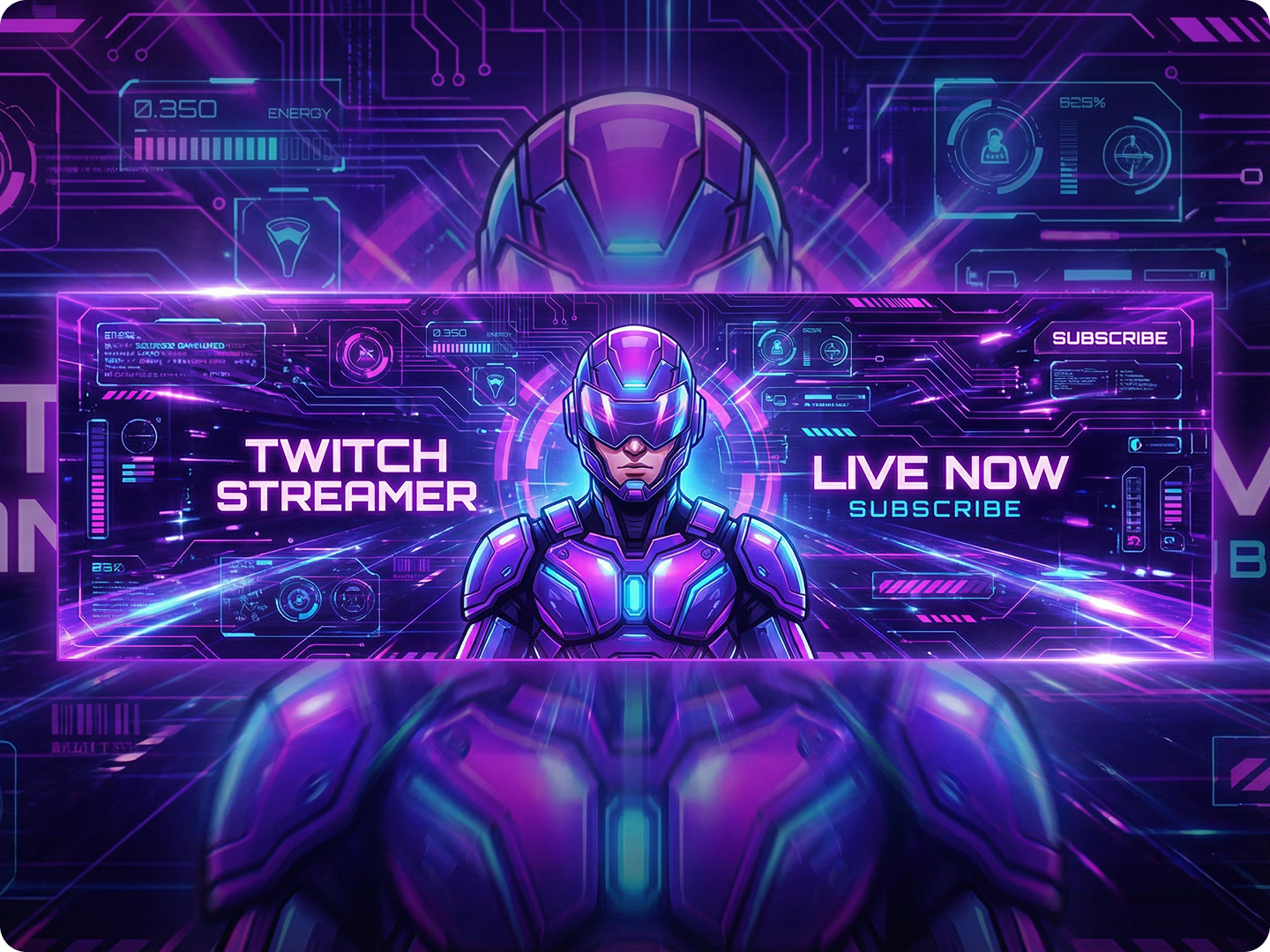
Gaming Twitch Banners
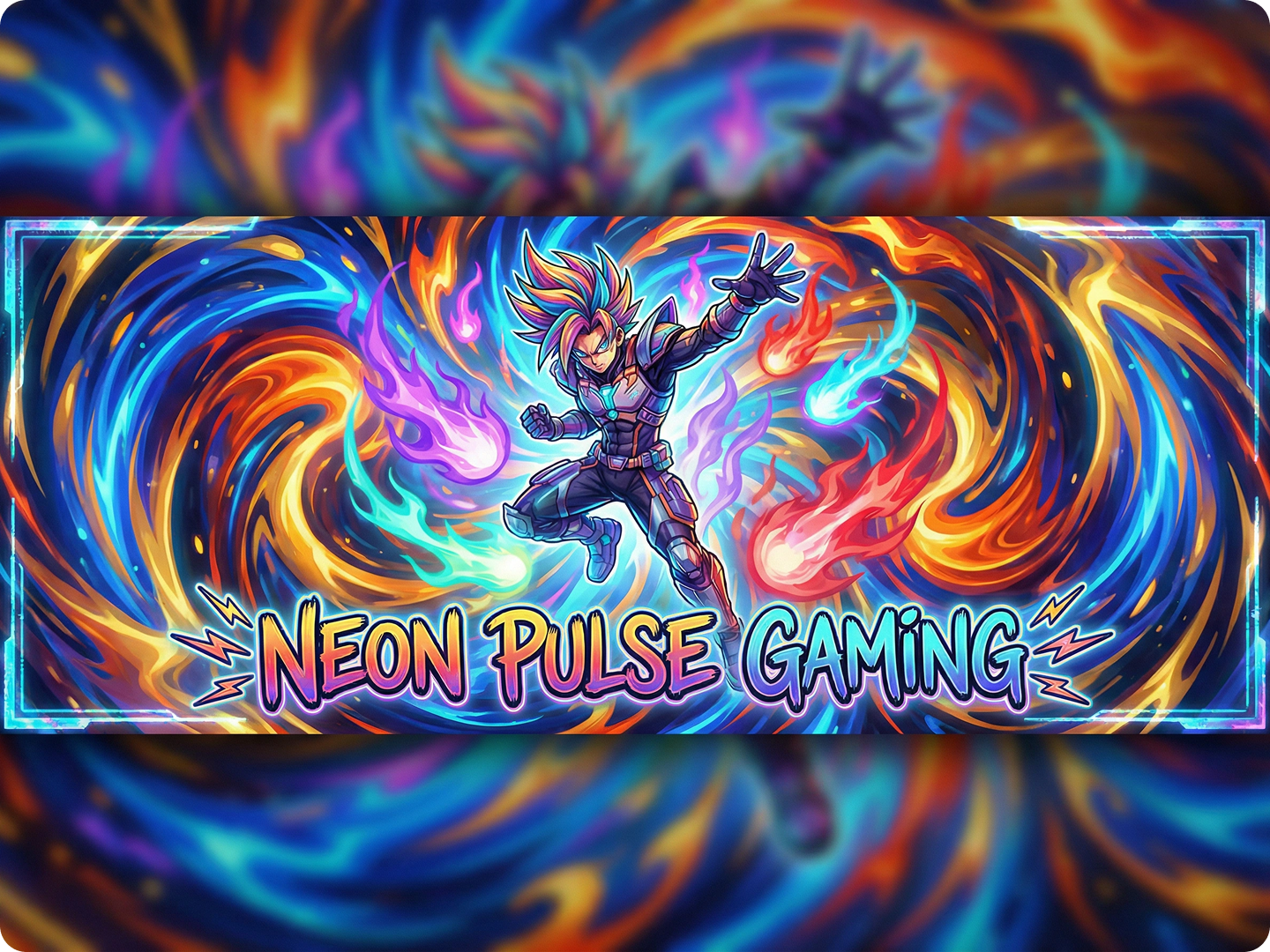
Gamers need banners that reflect their favorite titles and playstyle. Create headers with game-specific elements, character silhouettes, or genre motifs. Include your gamertag and main game.
Art and Creative Styles
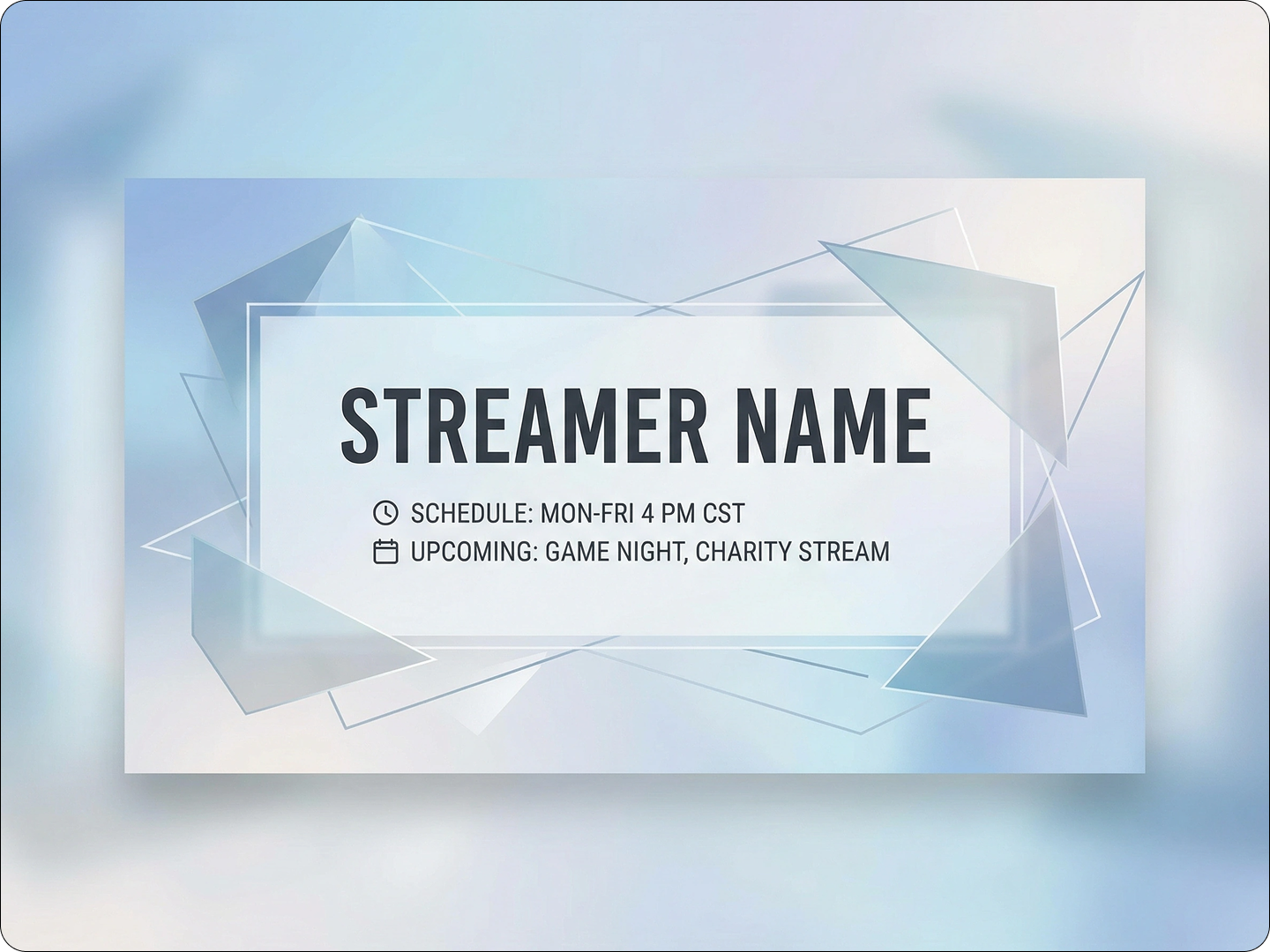
Artists need banners that showcase their style. Design headers with medium-specific elements like brushes, digital tablets, or canvas textures. Include your artistic focus.
Music and Performance
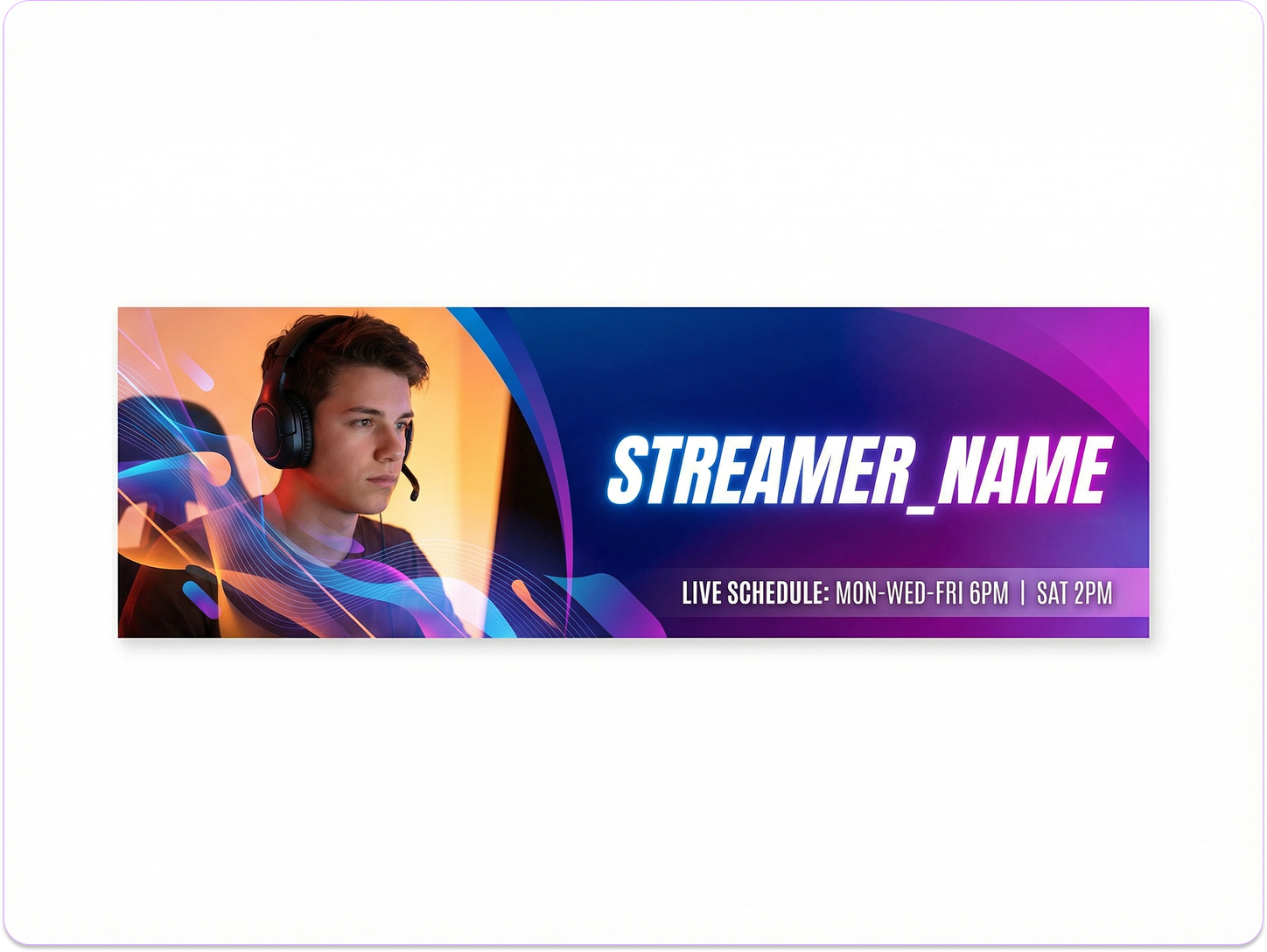
Musicians need banners that convey sound visually. Create designs with musical instruments, sound waves, or stage lighting. Include your genre or performance style.
Talk Show and Podcast
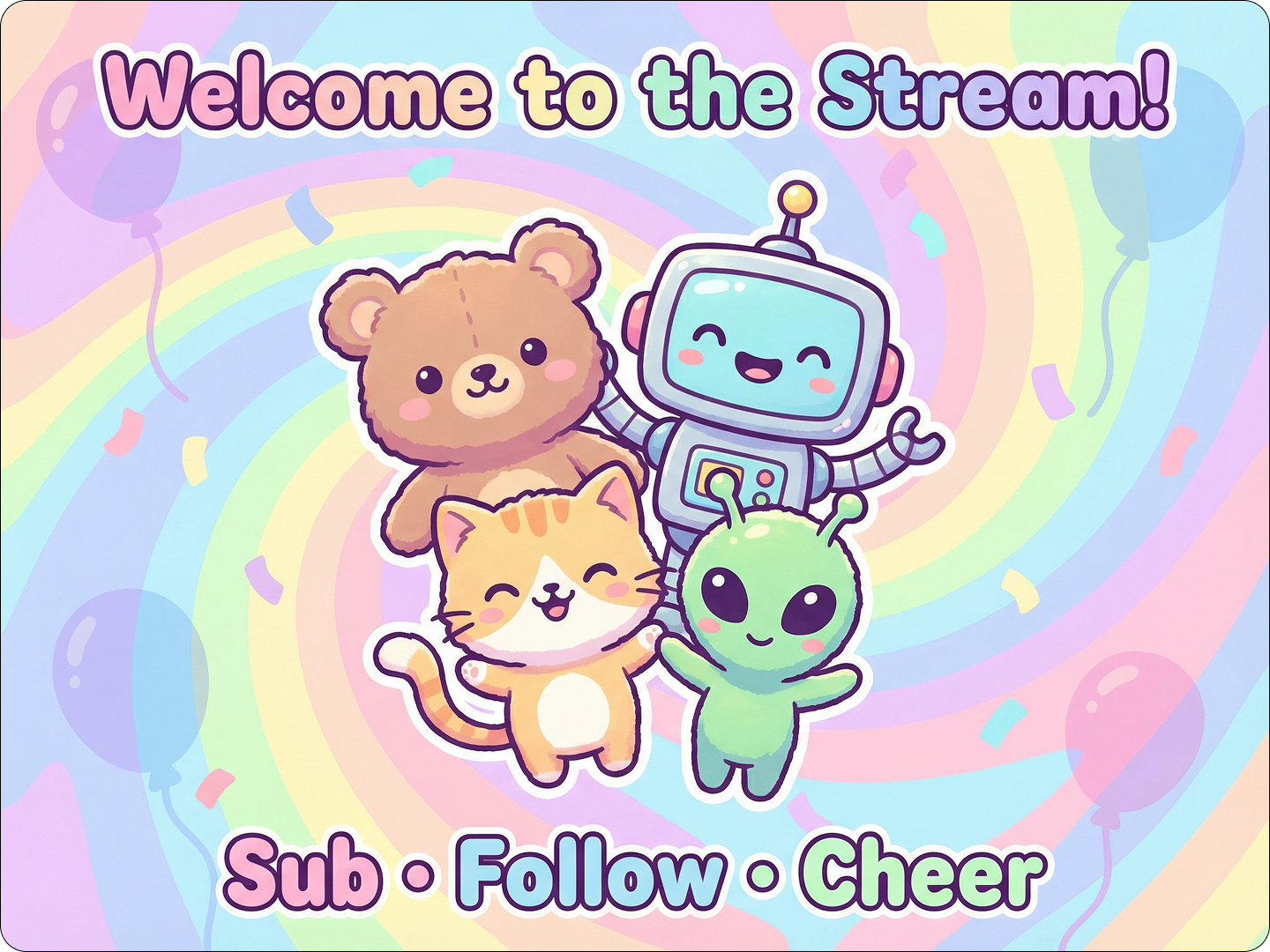
Talk hosts need banners that feel welcoming. Design headers with conversation elements, microphones, or audience silhouettes. Include your show's focus or vibe.
Esports Teams and Organizations
Teams need cohesive banners that display team identity. Create designs with team colors, logos, and squad names. Include tournament achievements or upcoming events.
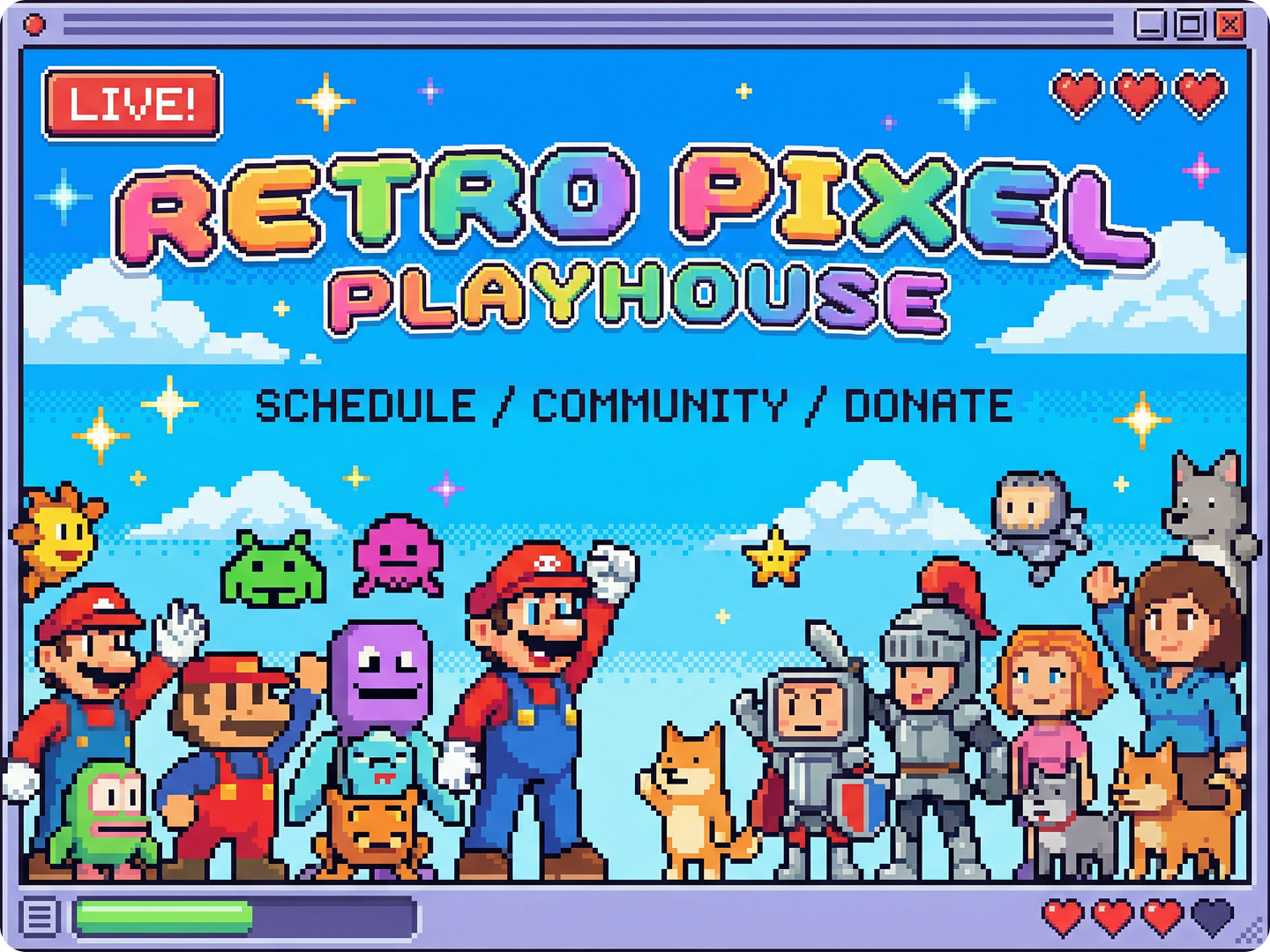
Variety Streamers
Variety streamers need versatile banners. Design headers that work across multiple content types. Use neutral backgrounds with interchangeable elements. Include your catchphrase.
FAQ
Will my banner fit Twitch's requirements?
Yes. Our designs follow Twitch's 1920x1080 pixel specification. Important elements stay visible in all viewing modes, including mobile and desktop.
Can I include my stream schedule in the banner?
Absolutely. Mention your schedule in the description, like "add weekly schedule: Mon/Wed/Fri 7PM EST." Our tool integrates text naturally.
Can I use my banner on other platforms too?
Yes. All generated banners work on Twitch and can be adapted for YouTube, Discord, or Twitter using our Side by Side Photo tool.
How do I make my banner match my logo?
Include your logo details in the description, like "match blue from logo, place logo in top right." Our tool analyzes and coordinates colors automatically.
Can I update my banner seasonally?
Yes. You can create holiday-themed or event-specific banners quickly. Save your favorite prompts to recreate or modify later with PixVerse V5.
Do I need design software to use the banner?
No. Our generated banners are ready to upload directly to Twitch. For extra tweaks, use our editing tools instead of complex software.
What Our Users Said About
Increased Channel Subscriptions
I made a new banner with Dzine. In a month, my subs went up 35%. Viewers said it looked more professional than my old one.
Alex RiveraFPS Game Streamer
Saved Hours of Design Time
As a full-time streamer, I don't have time for design. I described what I wanted, and Dzine gave me something better than I imagined.
Jamie ChenVariety Streamer
Helped Establish My Brand
My channel finally has a consistent look. New viewers comment on my banner, and it's helped me stand out in a crowded niche.
Marcus JohnsonMusic Producer Streamer