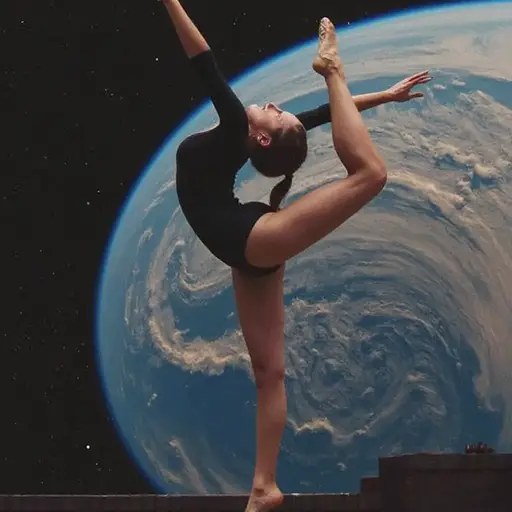
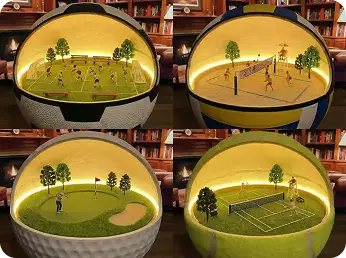
Flux.2 Klein is the speed-focused model in the Flux.2 family. It generates high-quality images in under 3 seconds while maintaining professional output standards. Unlike slower models that sacrifice speed for quality, Klein balances both. Try it now on Dzine today.
Click or drag here to upload images
Uploading via drag and drop
Try the free online Flux.2 Klein
Why Flux.2 Klein Fits Your Workflow
Flux.2 Klein is built for creators who need fast iteration. It has four editions - FLUX.2 klein 4B/4B Base and FLUX.2 klein 9B/9B Base. While Flux.2 Pro handles complex scenes and Flux.2 Flex offers maximum customization, Klein focuses on speed. It processes prompts in 2-3 seconds, making it perfect for rapid prototyping, social media content, and design exploration.
The model uses an optimized architecture that reduces computation time without losing detail. You get clean compositions, accurate colors, and proper object placement. Klein supports standard 1024x1024 resolution with options for aspect ratio adjustments. It integrates directly into Dzine's chat editor, allowing you to generate, edit, and export within seconds.
How to Use Flux.2 on Dzine
Step 1: Upload Your Image
Open the Text to Image or Image to Image tool on Dzine. Then, upload a single image or multiple images.
Step 2: Choose Flux.2 Model
Select the Flux.2 Klein or Flux.2 Pro or Flux.2 Flex and describe your desired image or edit using a clear text prompt.
Step 3: Preview and Download
Click the Generate button. After previewing the result, click Download to save your high-resolution creation.
What Can You Do with Flux.2 Klein
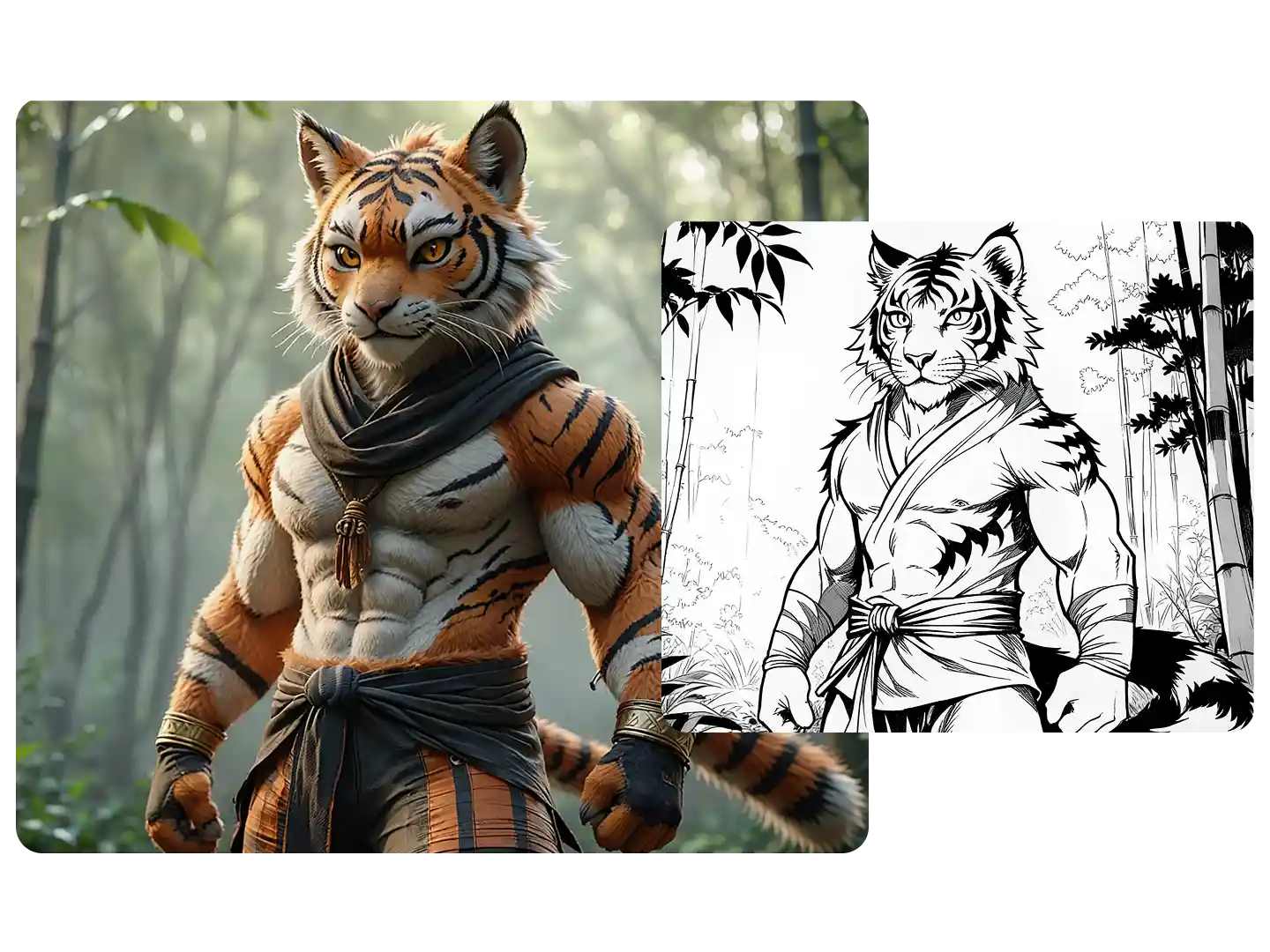
Change Styles
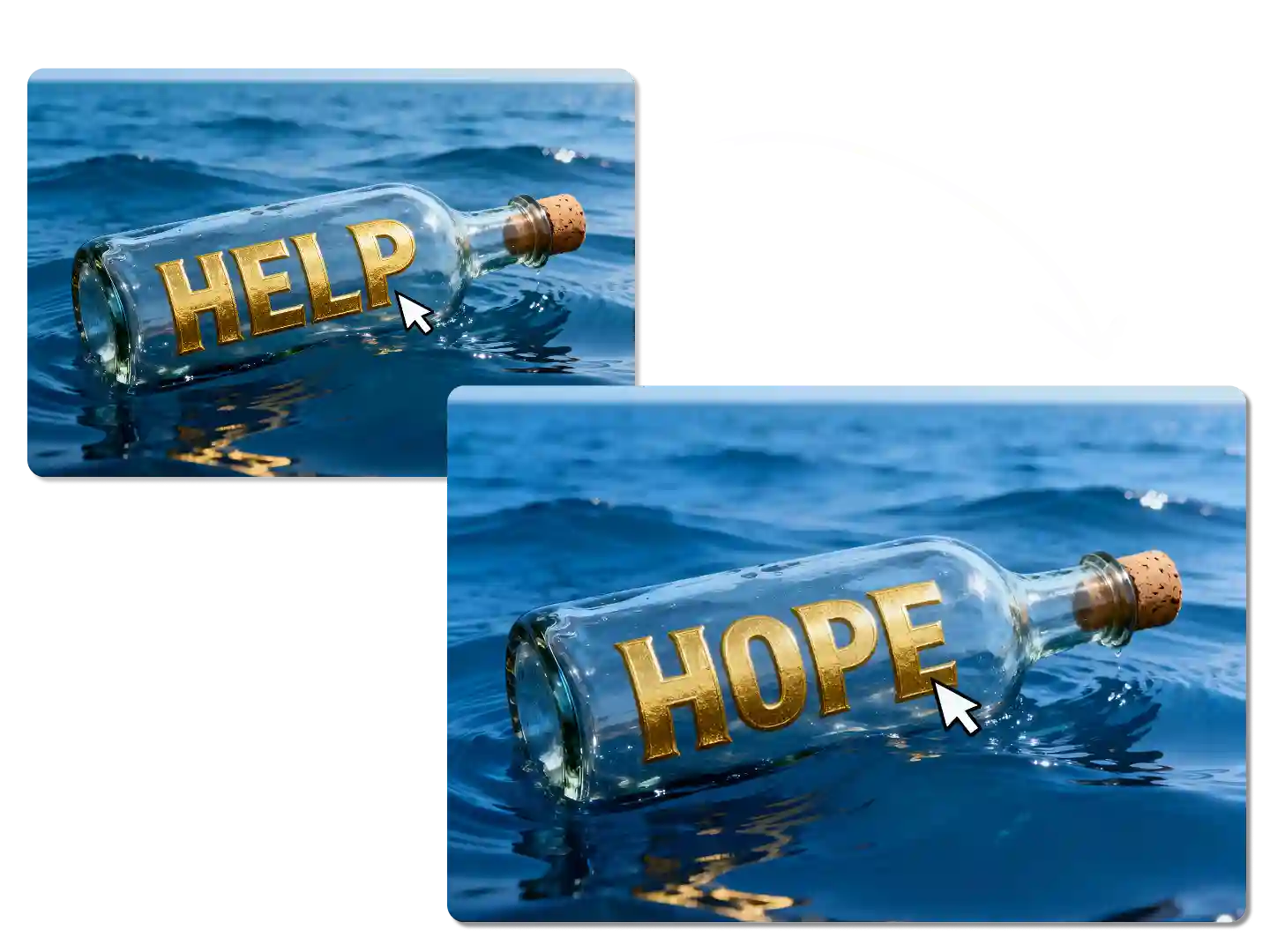
Edit Text in Image
Reference to Image
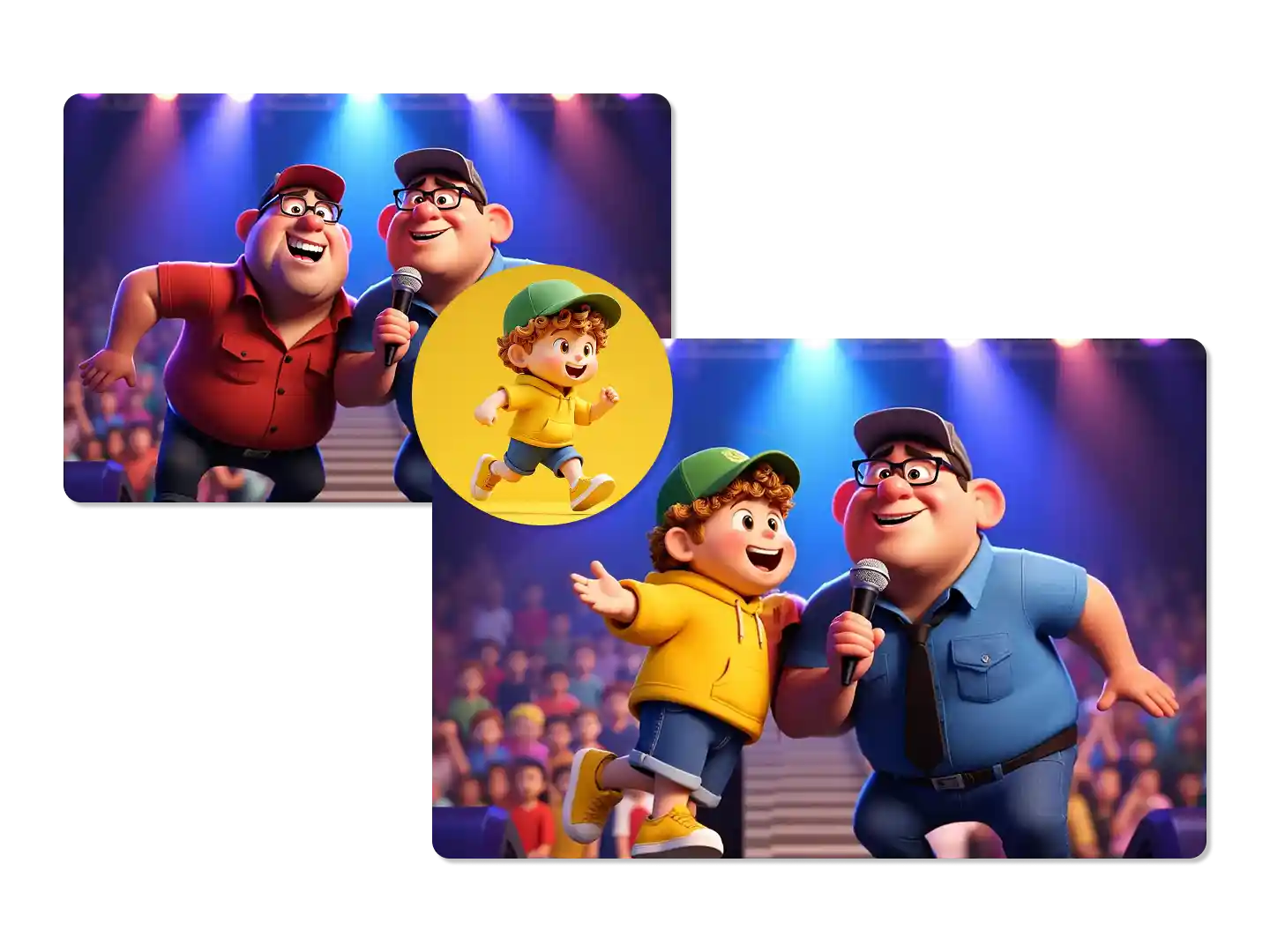
Mlti-Reference to Image
Multiple Editing
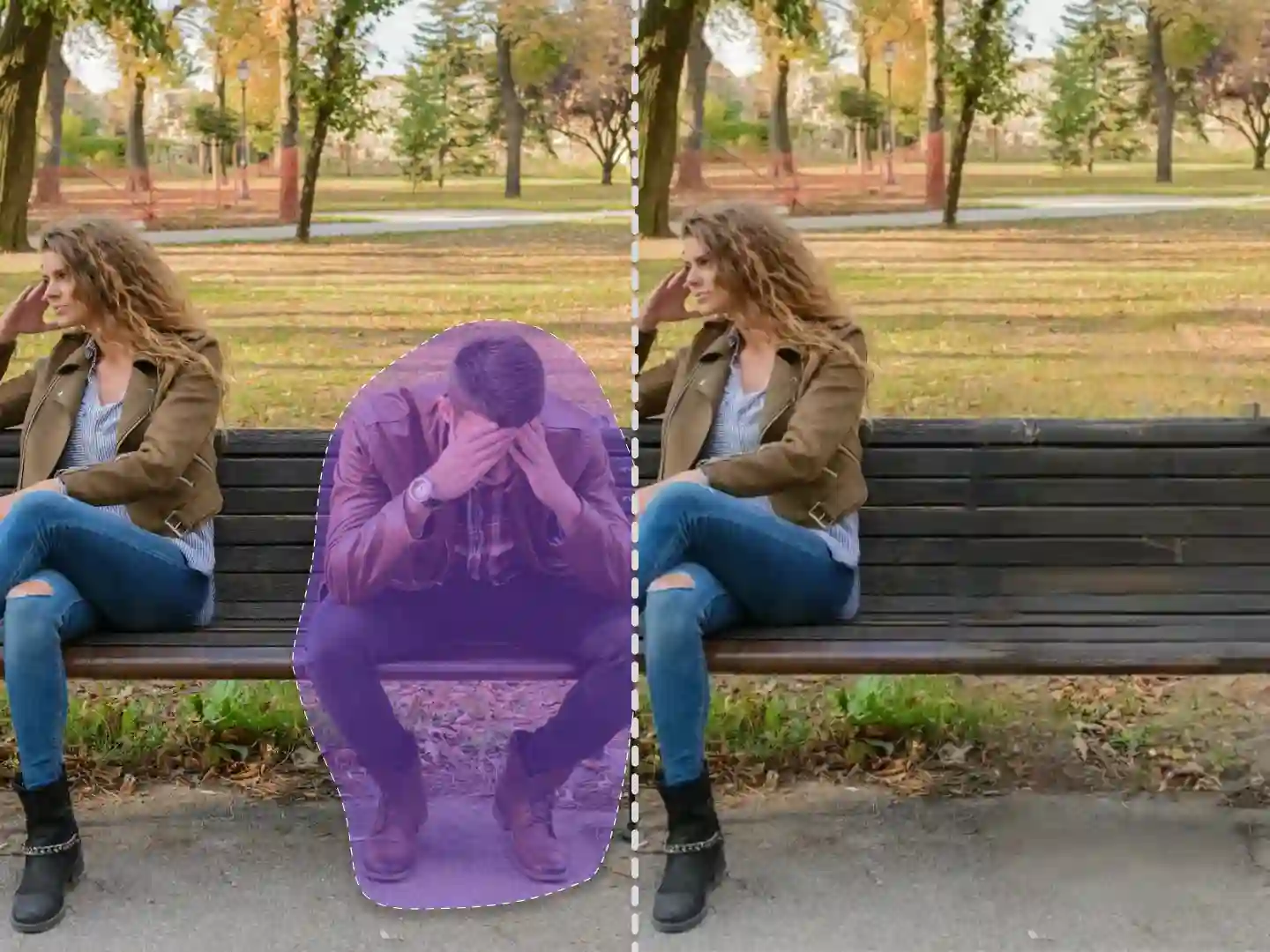
Remove Objects
Rapid Iteration for Design Exploration
Flux.2 Klein generates images in under 3 seconds. This speed lets you test multiple concepts quickly. Instead of waiting minutes per image, you can explore 20 variations in a minute. This is essential for client presentations, mood boards, and style testing.
Unmatched 4MP Photorealistic Output
The Flux.2 AI image generator produces images with a native resolution of up to 4 megapixels. This high-fidelity output ensures every detail, from skin texture to fabric weave, is rendered with stunning realism. Your creations are instantly ready for high-resolution displays and professional printing.
Clean Compositions Without Artifacts
Fast models often produce blurry edges or distorted objects. Flux.2 Klein maintains clean lines and proper proportions. The AI image generator handles subjects like product photography, portraits, and architectural renders without common artifacts. You get publication-ready images on the first try.
Accurate Color and Lighting Control
Flux.2 interprets color instructions precisely. Ask for "warm golden hour lighting" or "cool blue corporate tones," and the model delivers. This consistency makes it reliable for brand work where color accuracy matters. The Flux.2 AI image generator also handles gradient backgrounds and subtle lighting shifts effectively.
Supports Common Creative Styles
From photorealism to illustration, Flux.2 Klein adapts to various aesthetic requests. The model has been trained on diverse visual styles, including corporate, editorial, minimalist, and vibrant pop art. You can specify style keywords in your prompt, and Klein adjusts the output accordingly.
Effect Comparison: Flux.2 Klein vs Flux.2 Pro vs Z-image Turbo
Task 1: Generate Images
Prompt
Flux.2 Klein
Flux.2 Pro
Z-image Turbo
A cute anime girl happily enjoys a big bowl of noodles.
Task 2: Edit Images
Prompt: Add a bunch of balloons to her hand
I run a fashion brand and need fresh content daily. Flux.2 Klein generates product mockups in seconds. I can test different backgrounds and styles before committing to a photoshoot.
Sarah ChenFashion Brand Owner
Incredible Character Consistency for Graphic Novels
The character consistency in Flux.2 is incredible. I'm writing a graphic novel, and being able to generate my main characters in new poses without them changing their look saves me hours of work.
Sarah MillerIndependent Comic Artist
Professional Results Without Complex Settings
The zero-configuration quality of Flux.2 Pro means I get professional results instantly. No more tweaking complex parameters - just perfect images every time.
Flux.2 Klein is a speed-optimized AI image generator in the Flux.2 family. It generates professional-quality images in 2-3 seconds, making it ideal for rapid prototyping, social media content, and high-volume creative projects.
Is Flux.2 AI image generator free to use?
Yes, you can use the free online Flux.2 AI image generator on the Dzine platform. We offer a free tier that allows you to experience the core capabilities of this powerful model.
What's the difference between Flux.2 Klein, Flux.2 Pro, and Flux.2 Flex?
Flux.2 Klein focuses on speed with 2-3 second generation times. Flux.2 Pro handles complex scenes and higher detail requirements. Flux.2 Flex offers maximum customization for advanced users. Choose Klein when speed is the priority.
Can Flux.2 Klein maintain character consistency across multiple images?
Yes, one of the standout features of Flux.2 is its best-in-class character consistency. It can maintain the same character's appearance, clothing, and style across a sequence of different scenes and poses.
What kind of prompts work best with Flux.2?
Flux.2 performs especially well with clear, descriptive inputs. Be specific about character appearance, text content, style preferences, and scene details. For character consistency, include distinctive features in your prompts.
Do I need to adjust settings before generating images?
Not necessarily. Flux.2 Pro's zero-configuration design provides great results for most use cases. However, you can customize resolution and other advanced options for more control over your final output.