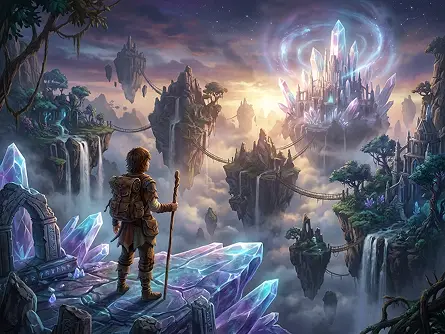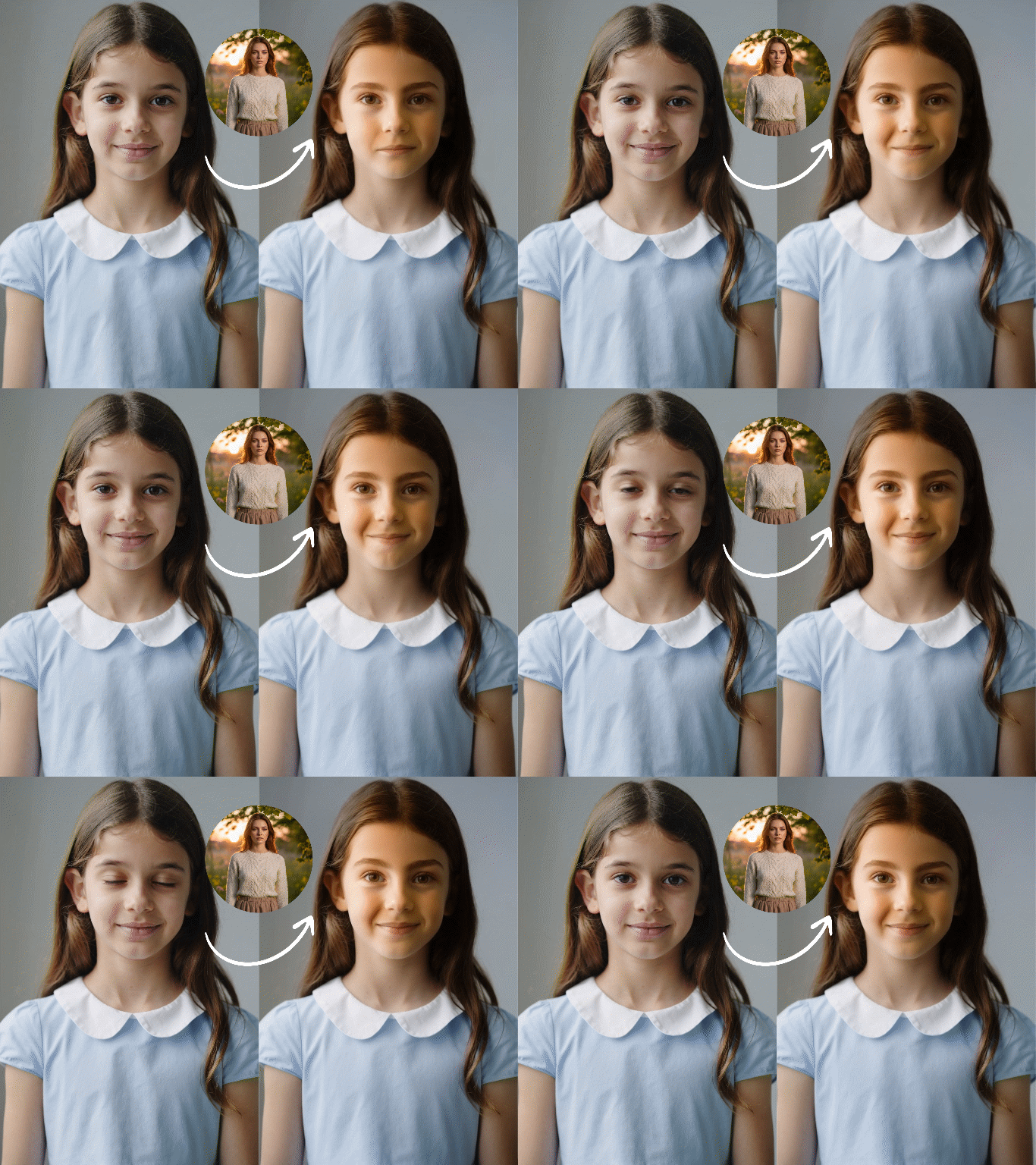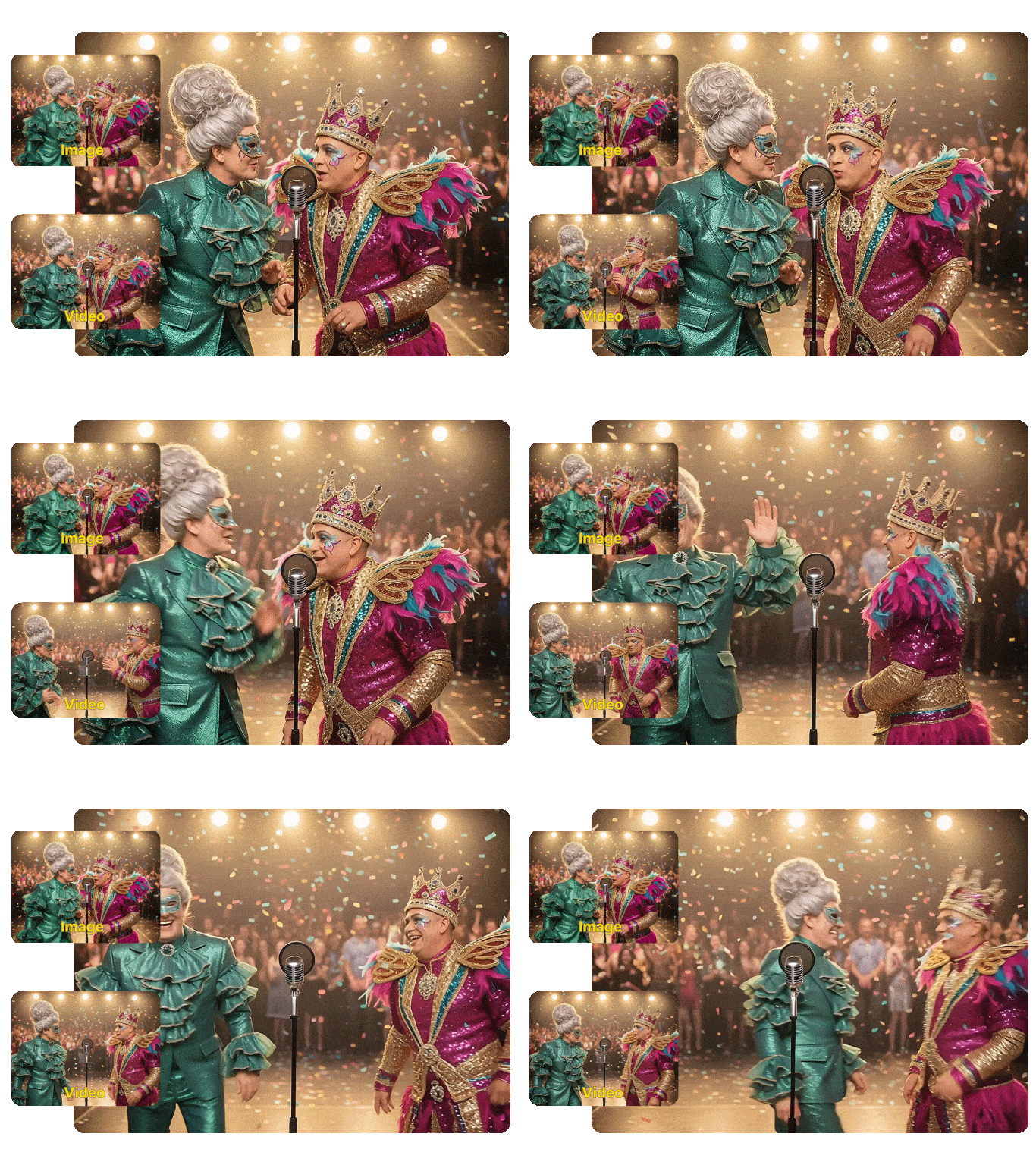
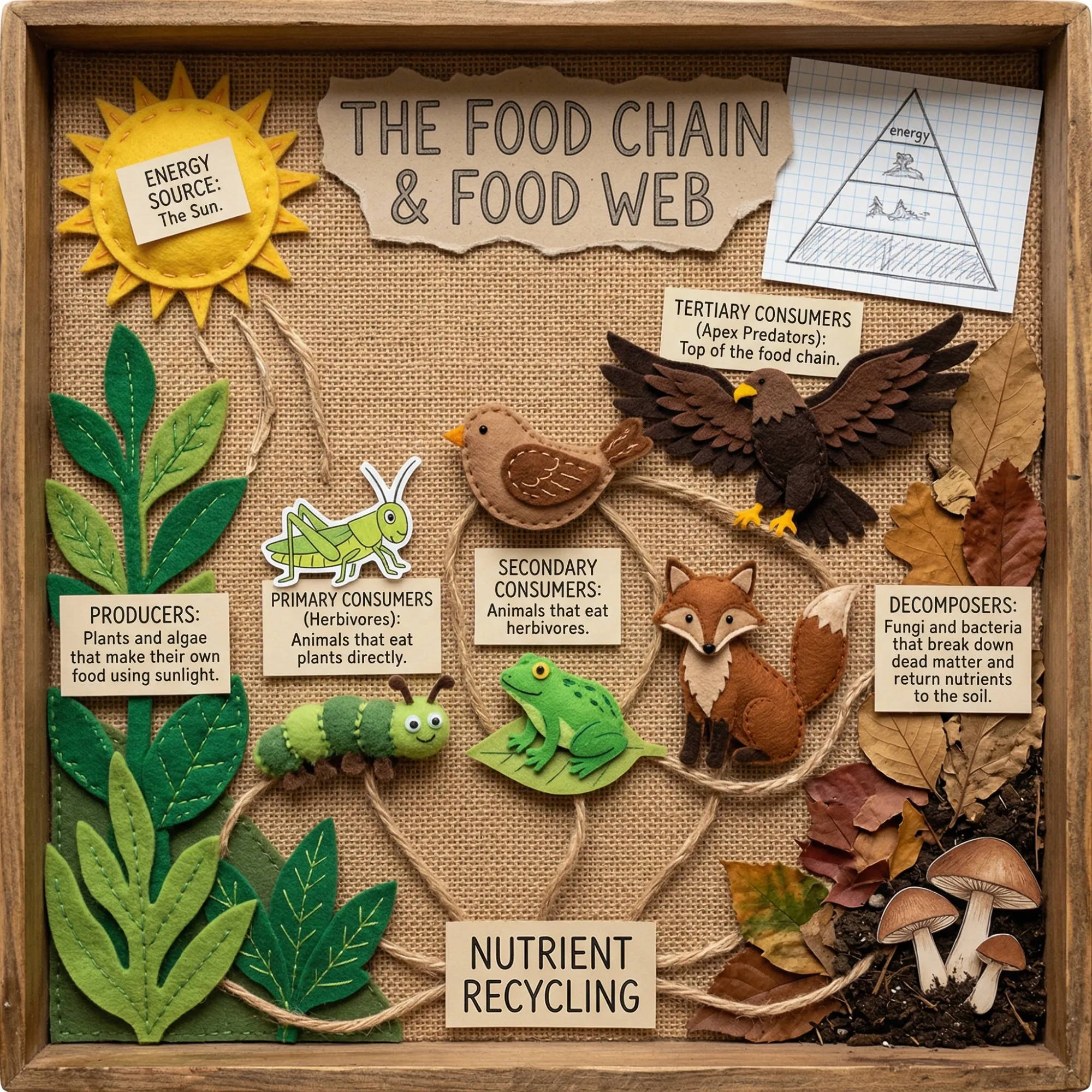
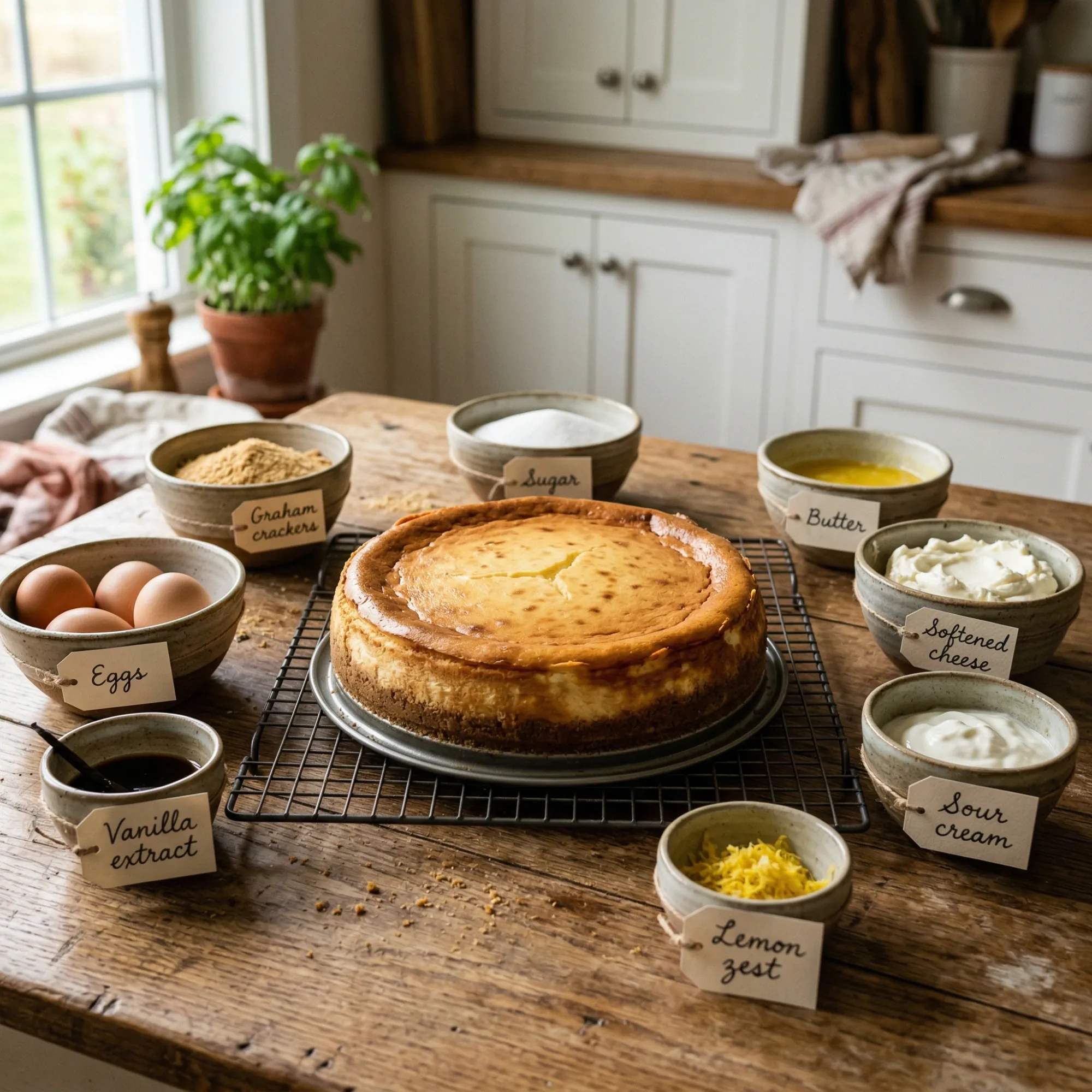
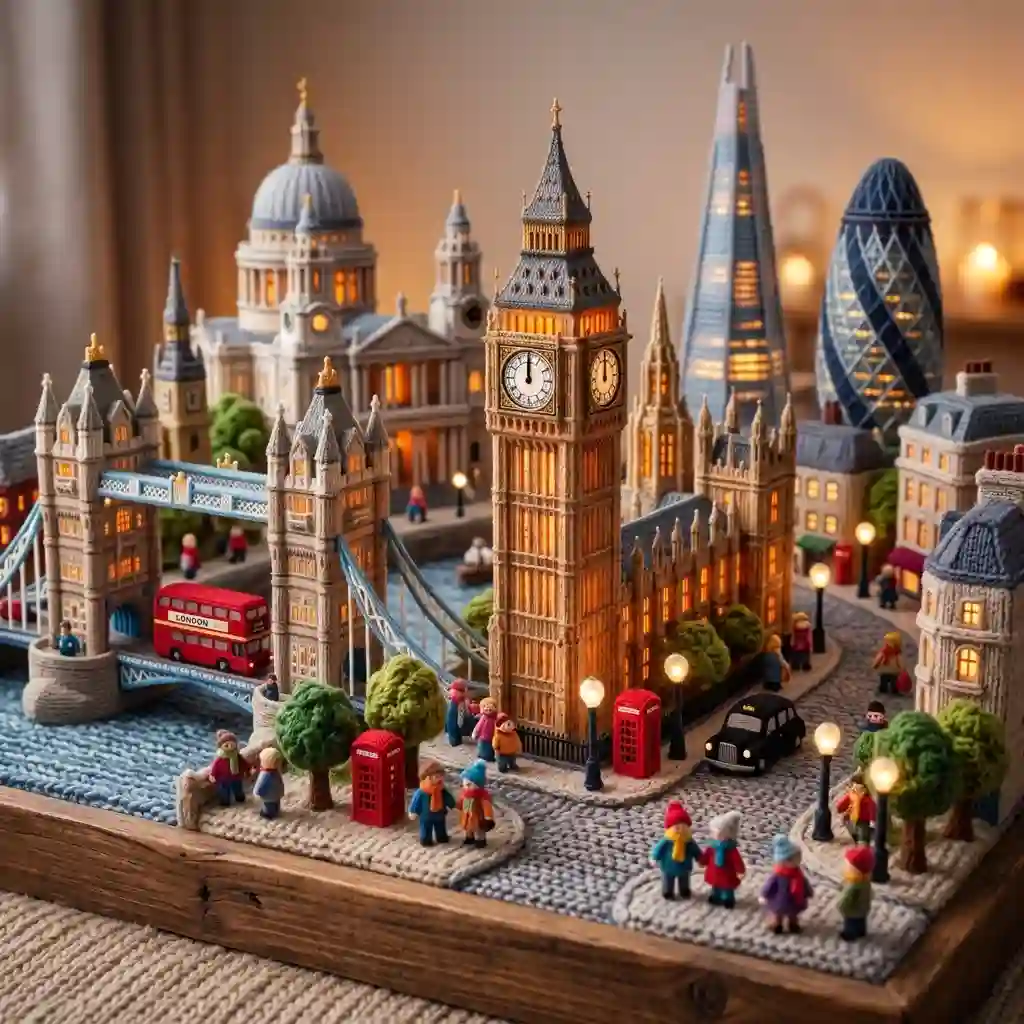
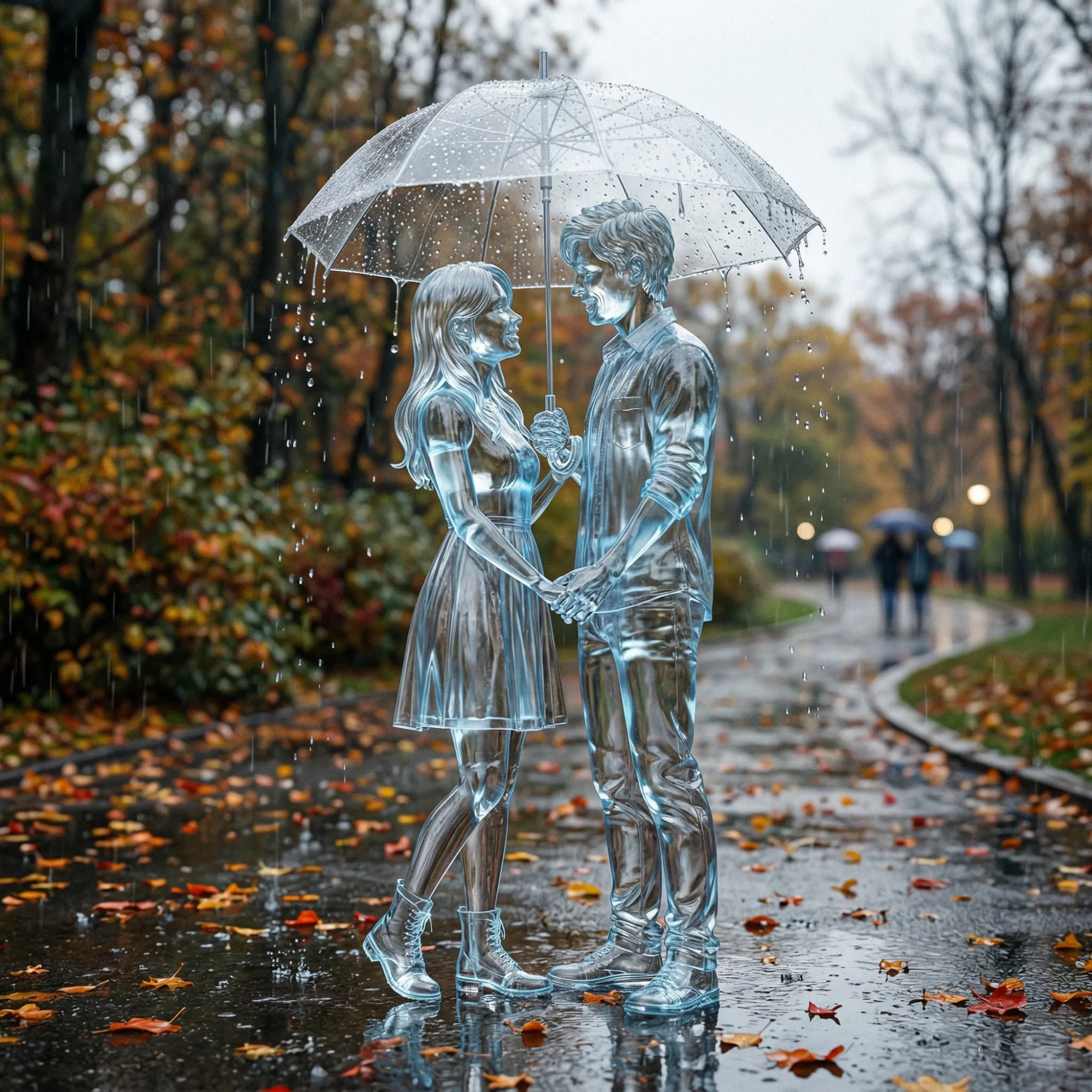
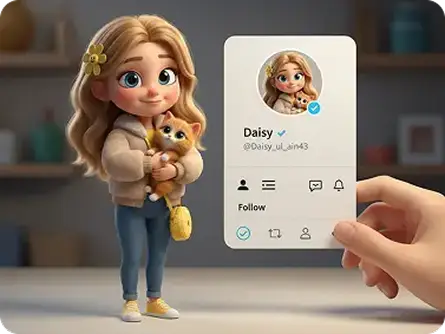
Grok Imagine 1.5 is xAI's fast, expressive image generation model built for creators who need precise, high-quality visuals from text. It handles detailed prompts, renders legible text inside images, and adapts to a wide range of styles - from photorealism to concept art. Now you can access the Grok Imagine 1.5 AI image generator on Dzine - no account with xAI required, no API keys, just type a prompt and generate.
No idea? Try these inspirations.


Most AI image generators require long prompt engineering just to get a usable result. Grok Imagine 1.5 works differently. It interprets the full meaning of your prompt, not just the keywords. The result is an image that reflects your intent across subject, style, composition, and lighting in one pass.
On Dzine, you access the Grok Imagine 1.5 AI text to image generator through a clean browser interface. Select the model, type your prompt, and generate. The model handles detailed multi-part descriptions, produces legible embedded text inside images, and supports multiple aspect ratios including 1:1, 16:9, and 9:16.
Open Dzine and go to the Chat Editor tool and select AI Image. Type a clear and descriptive prompt.
Choose Grok Imagine 1.5 from the model list. Set your preferred aspect ratio before generating.
Click Generate and preview your result. If the output matches your vision, click Download.

Grok Imagine 1.5 produces sharp, high-fidelity output from detailed text prompts. Textures, lighting, shadows, and surface materials all render with accuracy that holds at full resolution. For product photography, brand visuals, and editorial content where quality must be ready to publish, the output requires minimal post-processing.

One of the most common failure points in AI image generation is readable text. Grok Imagine 1.5 treats embedded text as meaningful content - not just texture. Posters, banners, social graphics, and UI mockups come out with legible, properly spaced typography.

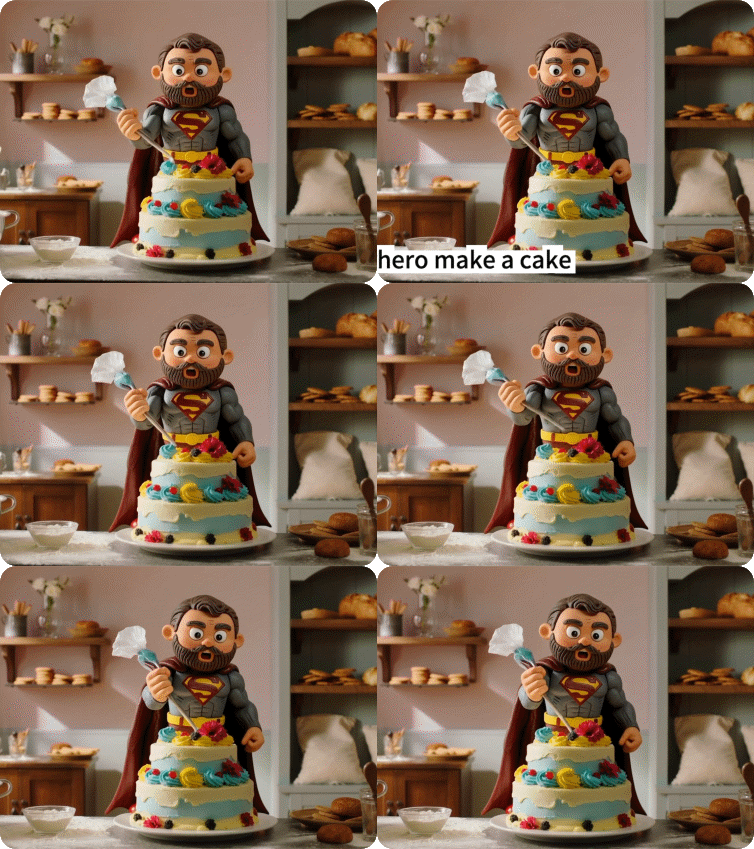
Grok Imagine 1.5 adapts to the style you describe - photorealism, concept art, flat illustration, editorial photography, cinematic renders, and more. There is no need to switch model presets between creative directions. Describe the style in your prompt and the model applies it together with your compositional instructions.

Grok Imagine 1.5 supports multiple aspect ratios - 1:1, 16:9, 9:16, 4:3, 3:4, and more. One prompt can produce visuals sized for Instagram, YouTube thumbnails, LinkedIn headers, or printed presentations without reshooting or cropping. For social media campaigns and e-commerce, this removes the most repetitive part of the visual production workflow.
From social graphics and campaign visuals to product renders and concept art - Grok Imagine 1.5 on Dzine handles creative tasks where speed, prompt accuracy, and output quality all matter.

Generate on-brand graphics, promotional visuals, and social assets quickly. Grok Imagine 1.5 handles embedded text, multiple aspect ratios, and expressive styles - so one prompt can cover Instagram, TikTok, and LinkedIn in a single session.
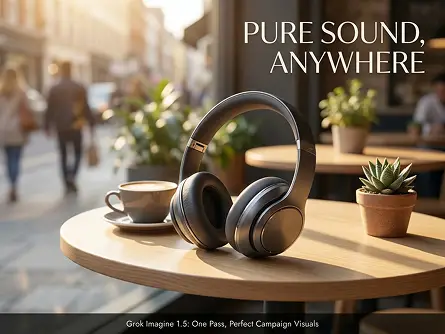
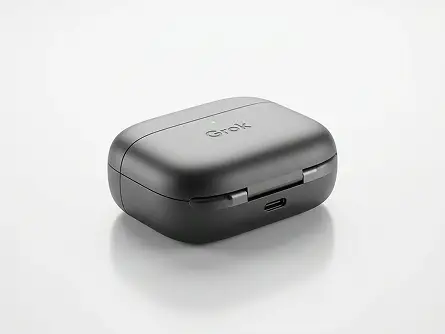
Grok Imagine Pro generates high-quality images in seconds, not minutes—perfect for meeting tight deadlines and scaling content creation.

Built on XAI’s Grok model, our generator understands nuanced prompts and reference images, delivering results that match your vision every time.

Download images in crisp 4K resolution—ideal for printing, large-format displays, and professional digital use across all platforms.

Choose from photorealism, anime, retro, cyberpunk, and more—Grok Imagine Pro adapts to any aesthetic you need for your project.

Intuitive Chat Editor interface makes Grok AI image generation accessible to everyone—no design or technical skills required.

All generated images are yours to use for business and commercial purposes—no extra fees or licensing restrictions.
I design promotional content for a retail brand and the biggest frustration with AI image tools has always been text. Every other model I tried would misspell the headline or warp the letters. With the Grok Imagine 1.5 AI image generator on Dzine, the text in my banners comes out clean and readable on the first try. I can generate a social ad with a product shot and a headline in one prompt. That used to take me three separate tools and a lot of manual cleanup.
Megan TsaiSocial Media Designer & Brand Creative
I work in product development and we need visual references at every stage — material exploration, packaging concepts, lifestyle shots. Before using Grok Imagine 1.5 on Dzine, I was spending half a day pulling together references from stock libraries. Now I describe what I need and generate it in under a minute. How to use Grok Imagine 1.5 took me about ten minutes to figure out on Dzine. The interface is clean and the model follows detailed prompts well enough to use the output directly in client decks.
Daniel RoeProduct Development Lead
I run a small creative studio and we cover everything from editorial illustration to e-commerce product photography. Most AI models have a default look that shows through regardless of the prompt. The Grok Imagine 1.5 AI text to image generator actually shifts style based on what I describe. I can go from cinematic photorealism to flat graphic design in the same session by changing a few words in the prompt. The aspect ratio flexibility is also genuinely useful - I can produce Instagram, LinkedIn, and thumbnail formats from one brief without any resizing.
Ines CarvalhoCreative Director & Studio Founder
Grok Imagine 1.5 is an AI image generation model developed by xAI. It is built on the Aurora autoregressive architecture and trained on xAI's Colossus supercluster - one of the largest GPU clusters in the world. The model generates high-quality images from text prompts, with strong performance on precise text rendering, multi-style outputs, and detailed compositional descriptions. On Dzine, you can access the Grok Imagine 1.5 AI image generator directly in your browser without any xAI account or API setup.
Open the Text to Image tool on Dzine. Enter a descriptive prompt - include your subject, composition, lighting, and preferred style. Select Grok Imagine 1.5 from the model list, set your aspect ratio, and click Generate. Preview the result and download when it matches your vision. No registration with xAI is required. The full workflow runs inside Dzine.
Midjourney and Stable Diffusion use diffusion-based architectures that denoise random data into an image guided by a text embedding. Grok Imagine 1.5 uses an autoregressive approach via xAI's Aurora engine, trained on significantly more compute. The practical difference: Grok Imagine 1.5 handles embedded text rendering more accurately, produces fast outputs without lengthy fine-tuning, and adapts more directly to detailed multi-part prompts. Midjourney remains stronger for highly stylized artistic outputs, while Grok Imagine 1.5 is stronger for accuracy, speed, and text-in-image workflows.
Grok Imagine 1.5 handles detailed, descriptive prompts well. Include subject, setting, lighting direction, material, mood, and style reference - for example, "a product shot of a white ceramic mug on a dark wooden surface, soft side lighting, editorial photography style." The model also works for shorter prompts, but its strengths become most visible when your brief is specific. For images that need readable text, include the exact wording in quotes within your prompt.
Grok Imagine 1.5 supports multiple aspect ratios including 1:1, 16:9, 9:16, 4:3, 3:4, and more. On Dzine, you can select your preferred ratio before generating. This makes it practical for producing social media posts, YouTube thumbnails, presentation slides, and portrait-format content from the same prompt without separate resizing steps.
Yes. Images generated with Grok Imagine 1.5 on Dzine can be used for commercial purposes on paid plans. Paid plans deliver watermark-free, high-resolution exports ready for client work, advertising campaigns, e-commerce listings, and brand content. The free trial gives you full access to test the model before committing to a plan.
Yes. Dzine offers a 7-day free trial that includes full access to the Grok Imagine 1.5 AI text to image generator. No credit card is required to start. After the trial, paid plans unlock watermark-free exports, higher-resolution output, and additional generation credits for heavier workloads.
Text rendering is one of the clearest strengths of the Grok Imagine 1.5 AI image generator. The Aurora model architecture treats text as structured content rather than visual texture - so headlines, labels, and typographic elements inside generated images come out legible and properly spaced. For workflows involving posters, banners, social ads, or any design where readable text matters, this is a meaningful advantage over most competing models.