
Kling AI Virtual Try On Video Generator

Transform static images into dynamic virtual try-on videos with Dzine’s Kling AI. Effortlessly dress real or AI-generated models in single/multiple garments, customize styles, and bring fashion visualization to life—no technical skills required.

Click or drag here to upload images
Uploading via drag and drop

Generate Virtual Try-on Videos using Kling AI with one of these

Elevate Fashion Visualization with AI

Dzine’s Virtual Try-On tool leverages the industry-leading Kling AI model to create fluid, natural clothing movements that traditional 2D tools can't match. Whether you are showcasing a new streetwear drop or an elegant evening gown, our AI ensures the fabric drapes, flows, and reacts perfectly to the model's body.

How to Create a Kling AI Virtual Try On Video

Step 1: Enter AI Video, Upload Image and Input Prompt

Navigate to Dzine’s "AI Video" on Dashboard, upload a model image (yours or pre-generated) and a garment photo, then write a prompt describing the desired motion or style.

Step 2: Select Kling, Configure Video Parameters

Choose one of the Kling models from the list, then set video resolution, duration, and try-on type (single/multi garment).

Step 3: Generate Virtual Try On Video

Click Generate — Dzine’s Kling AI will create a realistic video of the model wearing your chosen garments. Preview and download your watermark-free video instantly.

Single Garment Try On: Showcase Individual Pieces with Precision

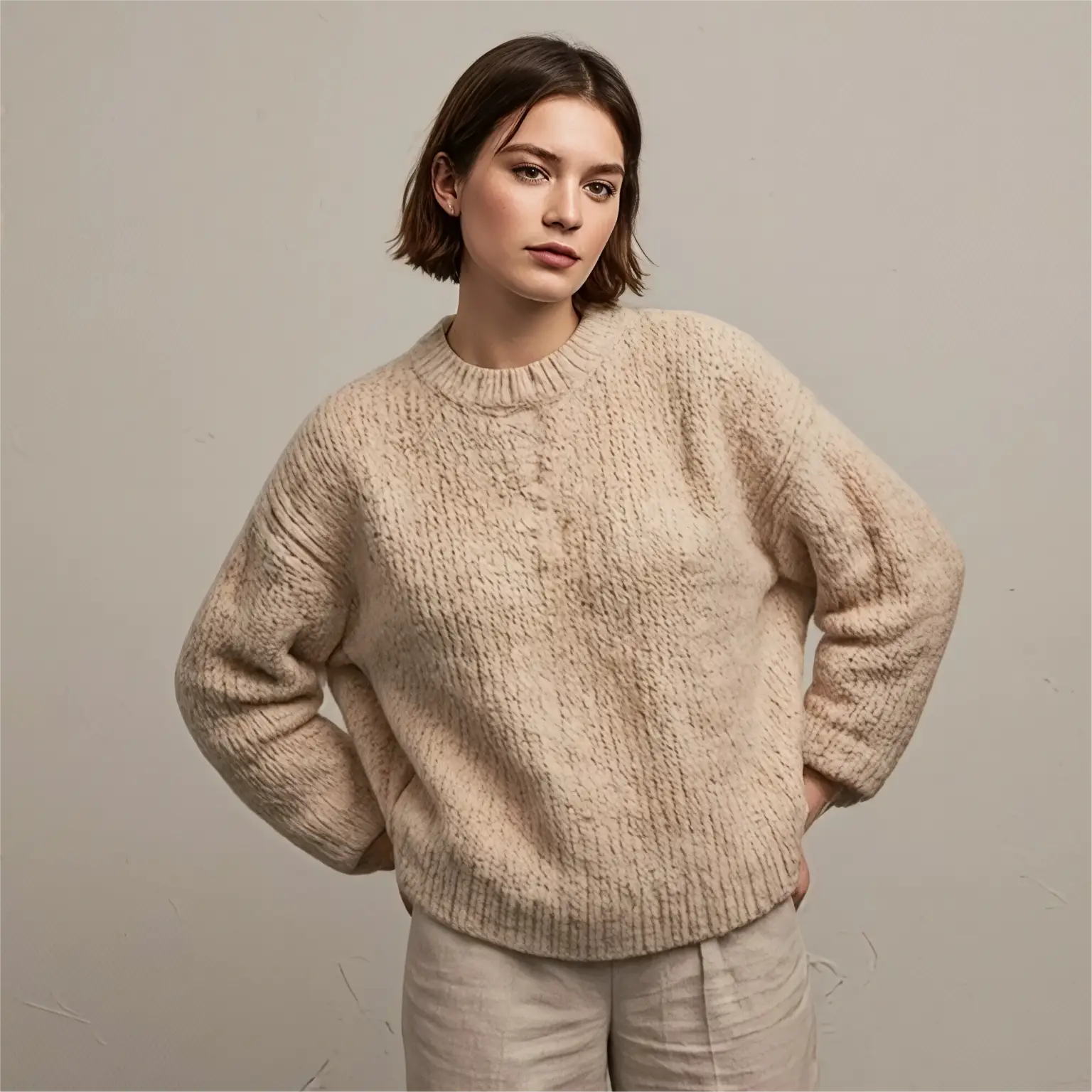
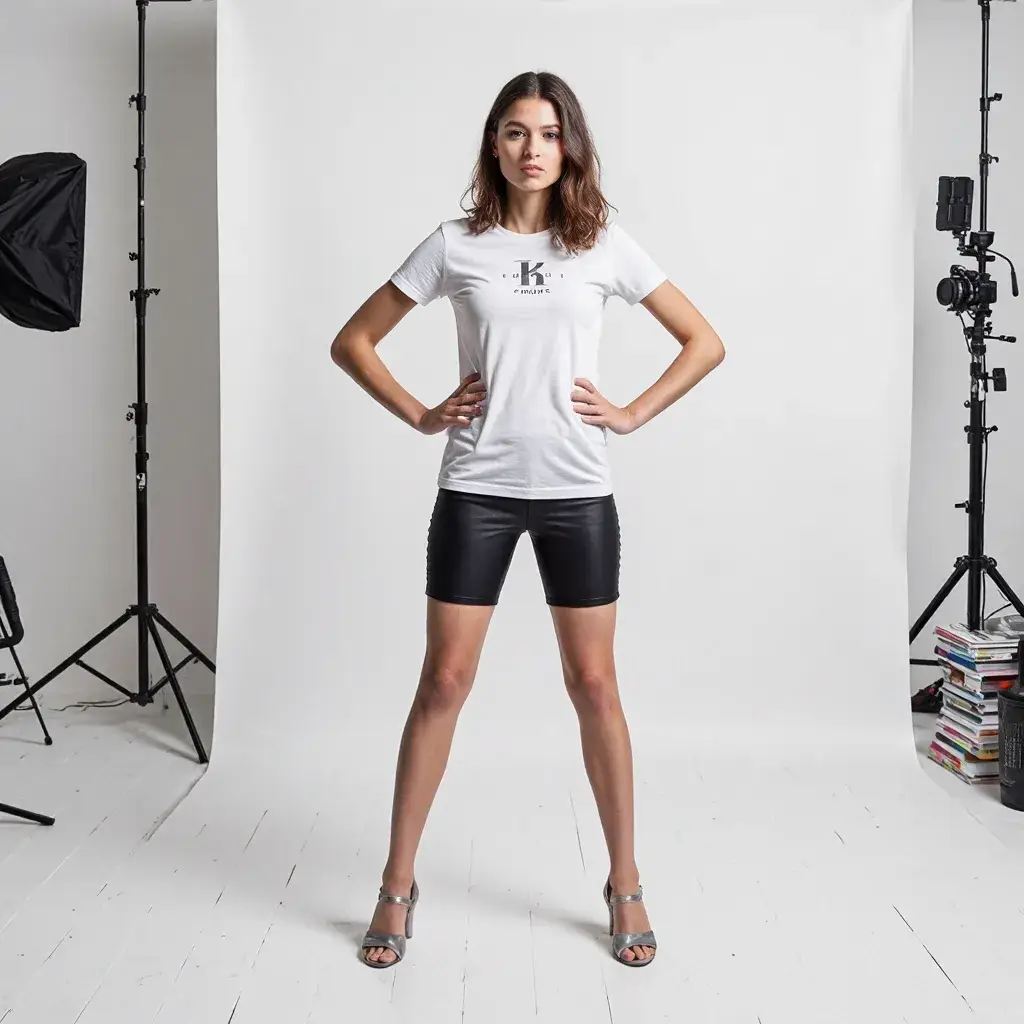
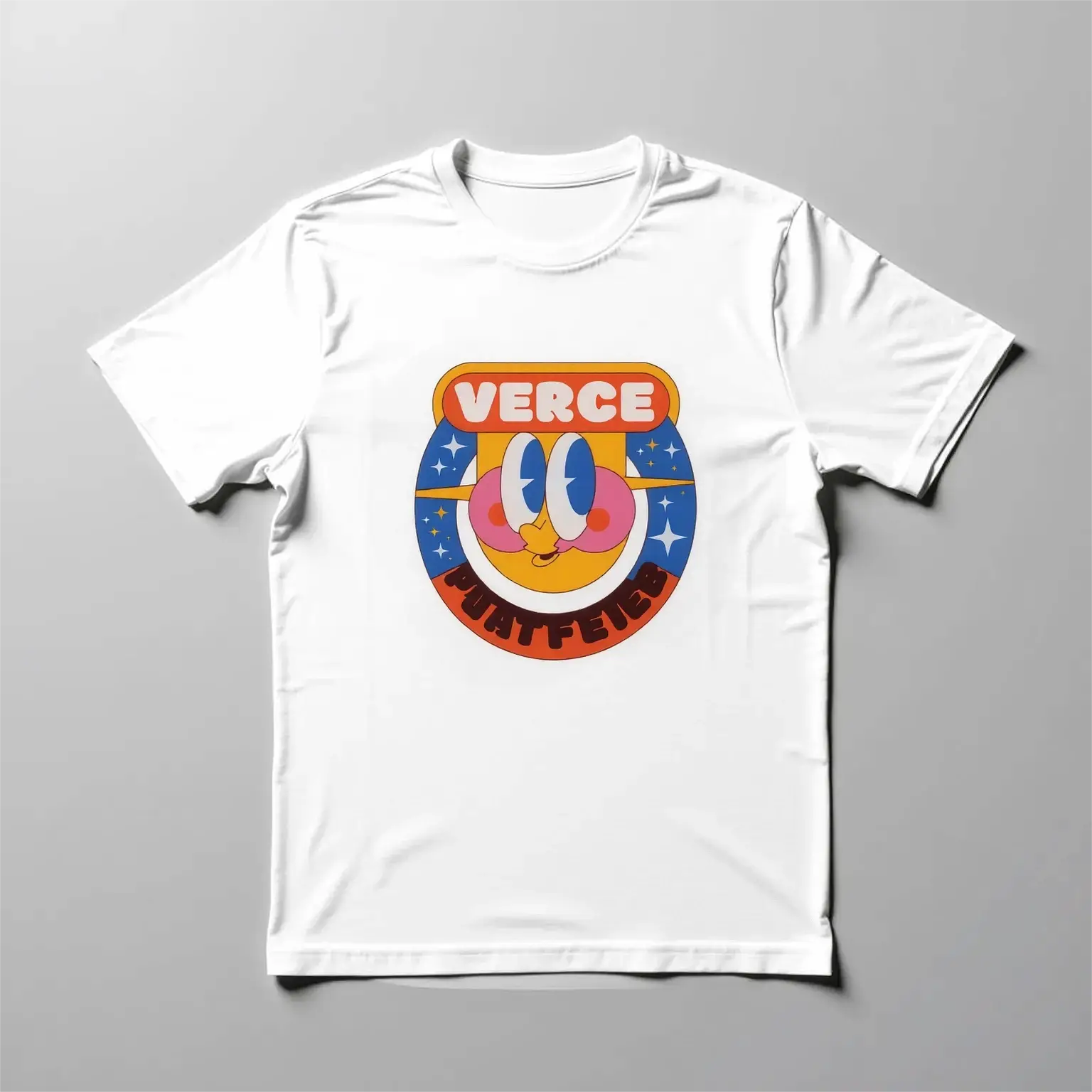
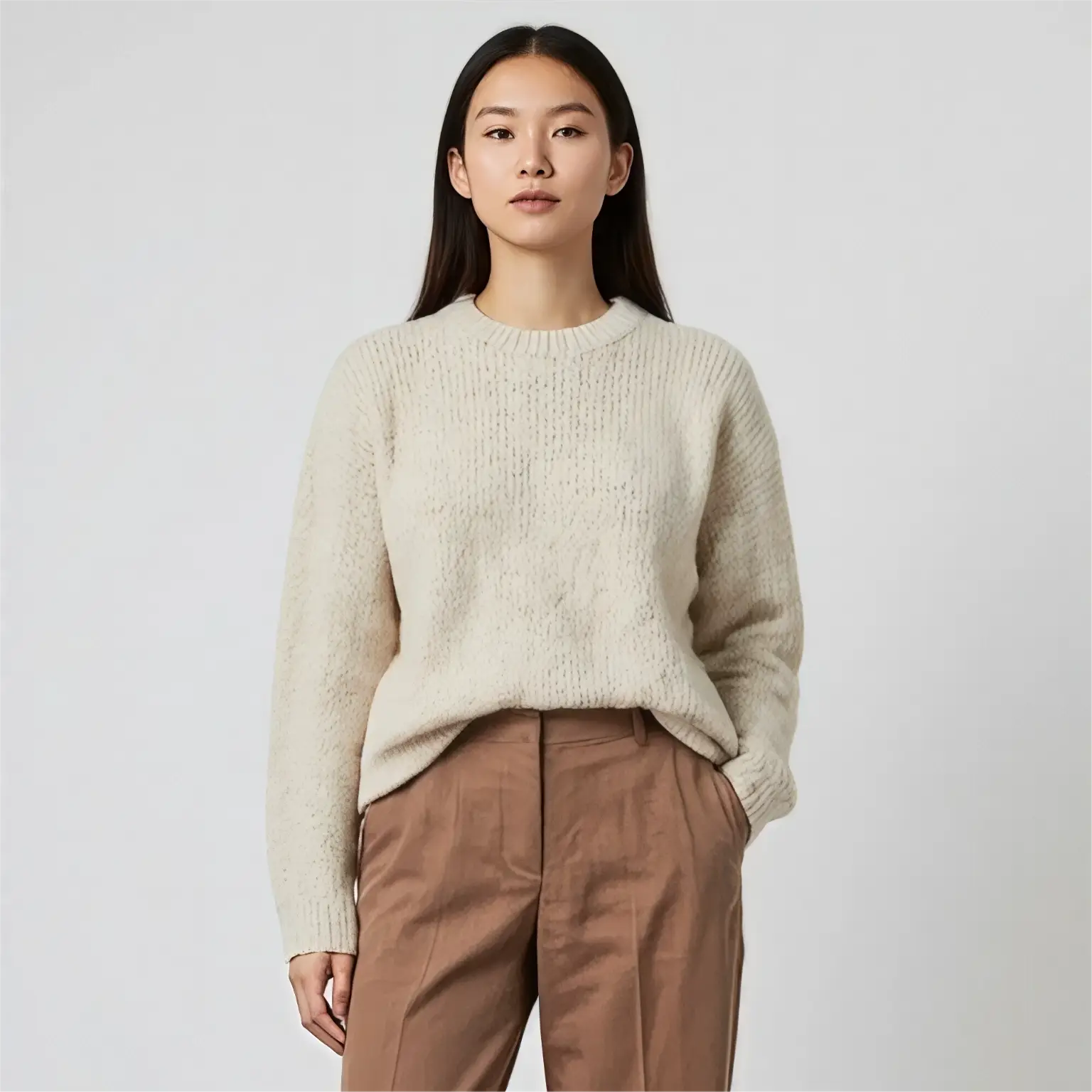
Dzine’s Kling AI Virtual Try On excels at animating single garments on models. Upload a high-quality image of a dress, suit, bodysuit, or accessory, pair it with a model photo (real or AI-generated), and our AI will create a seamless video of the model wearing the item. This feature is perfect for fashion brands highlighting core products or influencers showcasing statement pieces.

Garment ImageModel ImageOutput Video
GarmentModel

Multi-Garment Try On: Build Complete Outfits Dynamically

Go beyond single pieces with Kling AI’s multi-garment try-on feature on Dzine. Upload images of shirts, skirts, jackets, shoes, and accessories—our AI will combine them into a cohesive outfit on your chosen model and animate the full look. Ideal for creating lookbooks, styling tutorials, or e-commerce product bundles.

Top ImageBottom ImageShoe ImageOutput Video
TopBottomShoes

upload your own model for personalized try-on

Upload Your Own Model: Personalize Try-On Videos with Real Faces


Upload photos of yourself, customers, or even celebrity or historical figures to use as models in your virtual try-on videos. This feature is ideal for personal stylists, content creators, and brands looking to create relatable, personalized experiences that truly resonate with their audience.


high resolution virtual try-on video output

High-Resolution Output: Professional-Quality Videos for Every Use Case


All Kling AI Virtual Try-On videos on Dzine are generated in 1080p (or 4K with premium plans), delivering crisp and clear visuals for digital ads, e-commerce, or social media. Preserve fine details like fabric texture and fit accuracy—essential for fashion-focused applications.


Seamless Integration with Dzine’s Image to Video Tools


Kling AI Virtual Try-On integrates seamlessly with Dzine’s Image to Video, allowing you to add motion, camera movement, and even lip sync to your try-on videos. Transform static visuals into immersive, cinematic, and engaging content that stands out.


Why Choose Dzine’s Kling AI Virtual Try On?

Unmatched Realism

Unmatched Realism

Kling AI’s 3D spatiotemporal engine captures fabric movement and fit accurately, making virtual try-ons look indistinguishable from real footage.

One-Click Generation

One-Click Generation

Create professional try-on videos in minutes—no editing skills required. Upload images, set parameters, and generate high-quality content instantly.

Free Trial Available

Free Trial Available

Test Kling AI Virtual Try On with free credits on signup—no credit card needed. Experiment with styles before committing to a plan.

Customizable AI Models

Customizable AI Models

Generate models tailored to your brand’s aesthetic or use your own photos—no limits to creativity or personalization.

Watermark-Free Outputs

Watermark-Free Outputs

Download clean, commercial-use-ready videos with no watermarks—perfect for ads, social media, and e-commerce listings.

Cloud-Based Platform

Cloud-Based Platform

Create try-on videos directly in your browser—no software to download. Access Dzine from any device, anywhere.


What Our Users Said

Kling AI Virtual Try On Transformed My E-Commerce Brand

I used to spend thousands on photoshoots for new clothing lines. Now I upload garment images to Dzine’s Kling AI Virtual Try On, generate videos with AI models, and post them to my store. Conversion rates are up 30%—customers can see how pieces move, not just sit flat.

Emma CarterFashion E-Commerce Owner

Custom Models Make Brand Consistency Easy

As a stylist, I need to create consistent content for clients. Dzine’s AI model generation lets me build on-brand models for virtual try-ons, and the multi-garment feature lets me style full outfits in seconds. It saves me 10+ hours a week on content creation.

Marcus ReedProfessional Fashion Stylist

Realistic Motion Sets Dzine Apart

I tested multiple virtual try-on tools, but Dzine’s Kling AI is the only one that captures fabric movement accurately. The videos look like real footage, which makes my social media content way more engaging. Even with the free plan, the quality is unbeatable.

Sofia LopezFashion Influencer

Master Kling AI | Improve Your Video Generation

FAQ

What is Kling AI Virtual Try On on Dzine?

Kling AI Virtual Try On is a Dzine tool that turns static garment/model images into dynamic videos of models wearing chosen outfits. It supports single/multi-garment try-ons and custom/AI-generated models for realistic fashion visualization.

What file types are supported for upload?

Dzine accepts JPG, PNG, and WEBP images up to 10MB, with a minimum width/height of 300px. High-resolution, well-lit images yield the best virtual try-on results.

Can I use my own photos as models?

Yes. Upload images of yourself, customers, or any subject to use as models in your virtual try-on videos—perfect for personalized or brand-specific content.

Which Kling AI models support Virtual Try On?

Virtual Try On is available on Kling 1.5 and Kling 1.6 on Dzine. For higher resolution (4K) outputs, upgrade to our premium plan to access Kling 3.0 integration.

Is Kling AI Virtual Try On free to use?

Dzine offers free credits on signup for testing Kling AI Virtual Try On (no credit card needed). Paid plans unlock higher volume generation, 4K output, and advanced customization.

Can I use virtual try-on videos for commercial purposes?

Yes. All watermark-free videos generated on Dzine (free/premium plans) are licensed for commercial use—ideal for e-commerce ads, social media, and brand lookbooks.