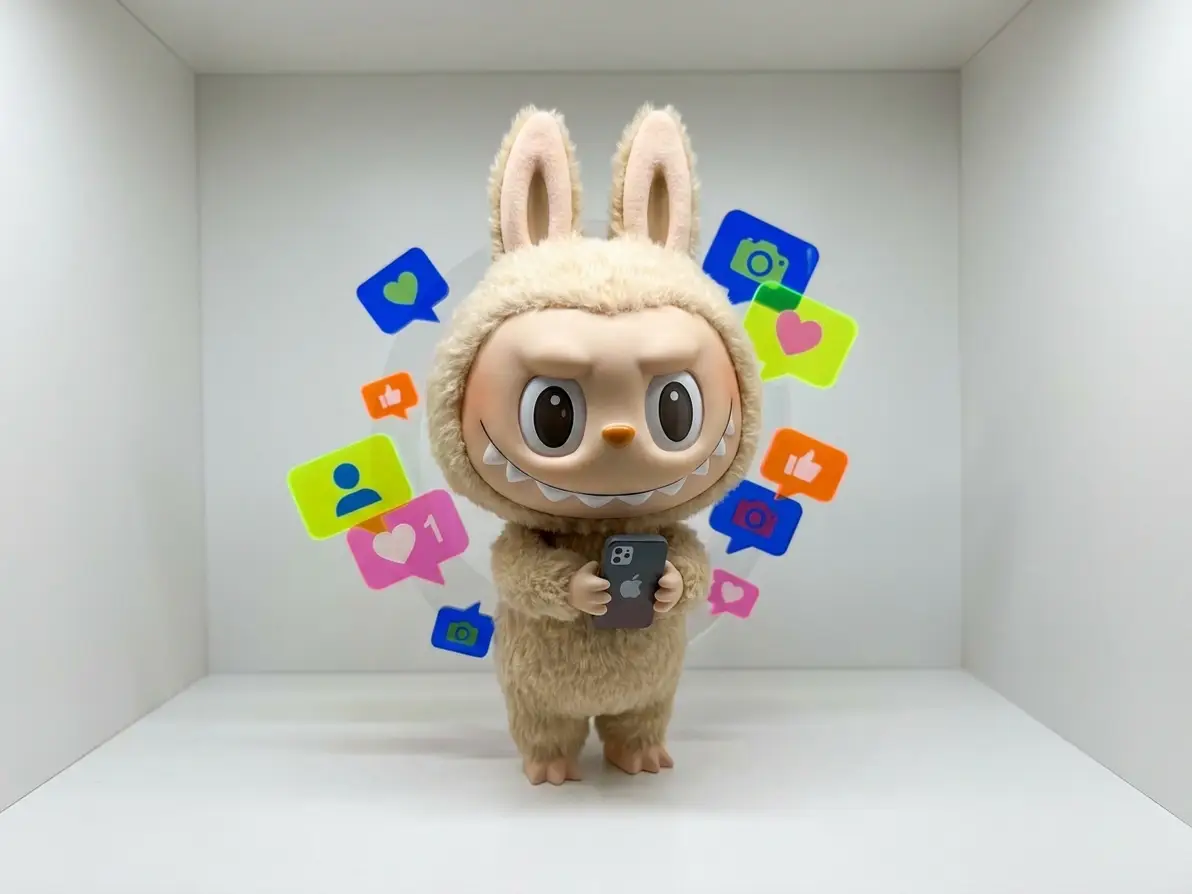
Labubu AI Generator

Create stunning, personalized Labubu artwork in seconds with Dzine’s free AI Labubu generator—turn text prompts, photos, or ideas into unique Labubu-style images and animation videos, no design experience required 100% free online.

Need ideas? Try these wonderful prompts.

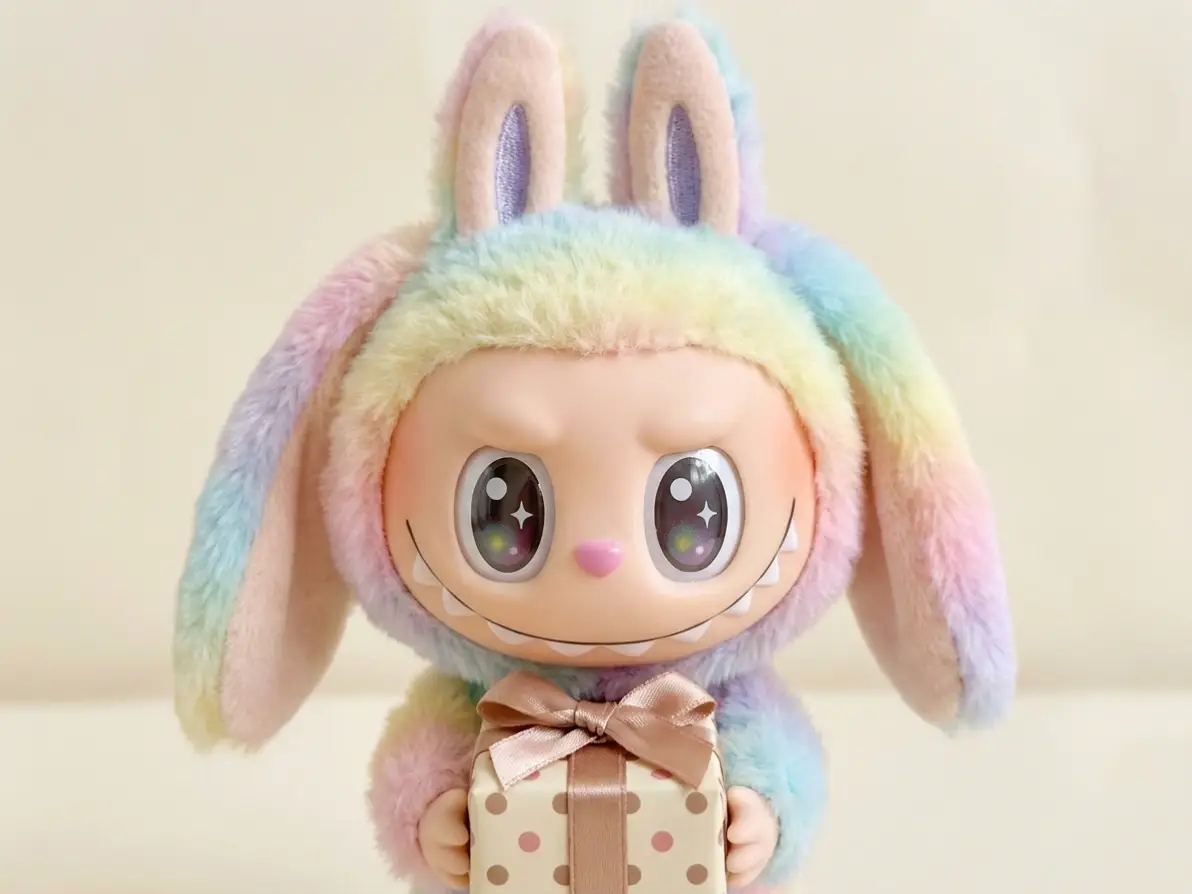
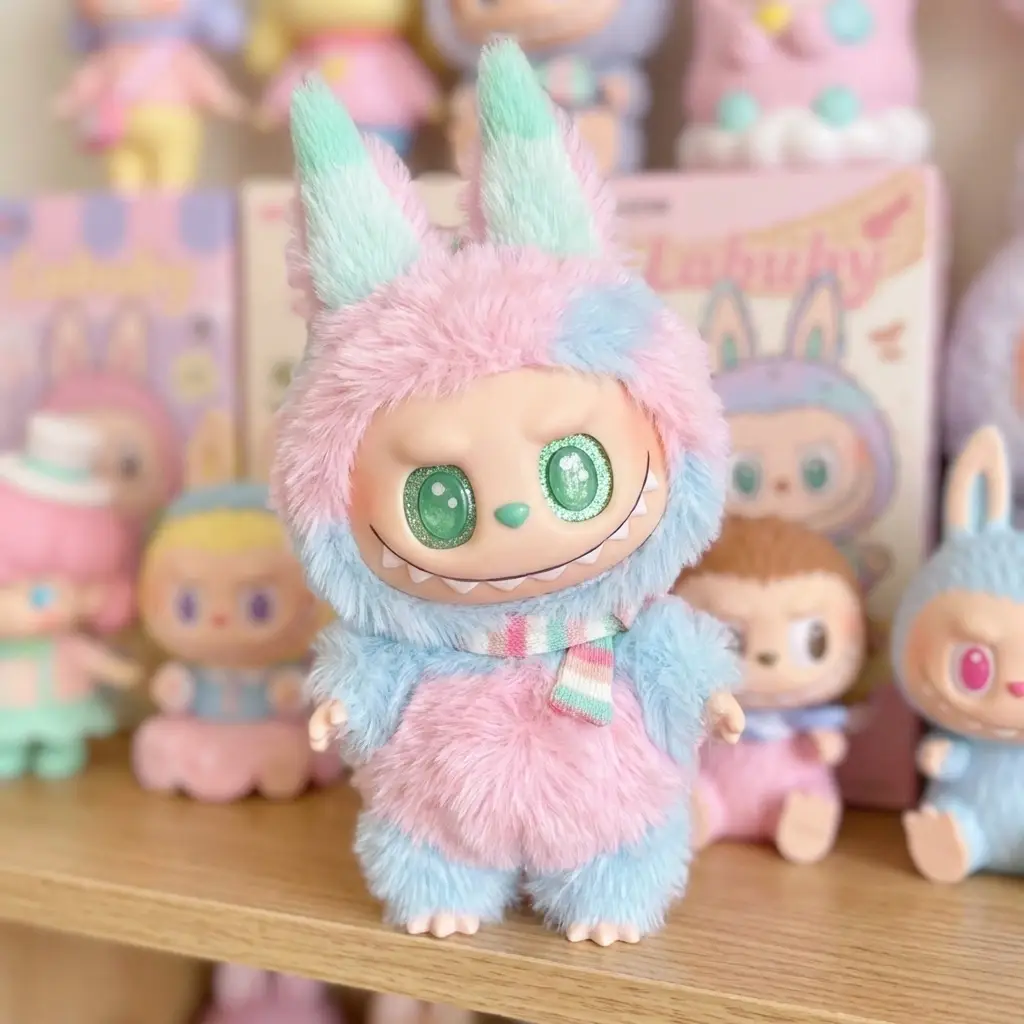
A mischievous Labubu-style character with fluffy fur, large sparkling eyes, long pointed ears, and a playful grin showing tiny teeth, standing in a cute pose
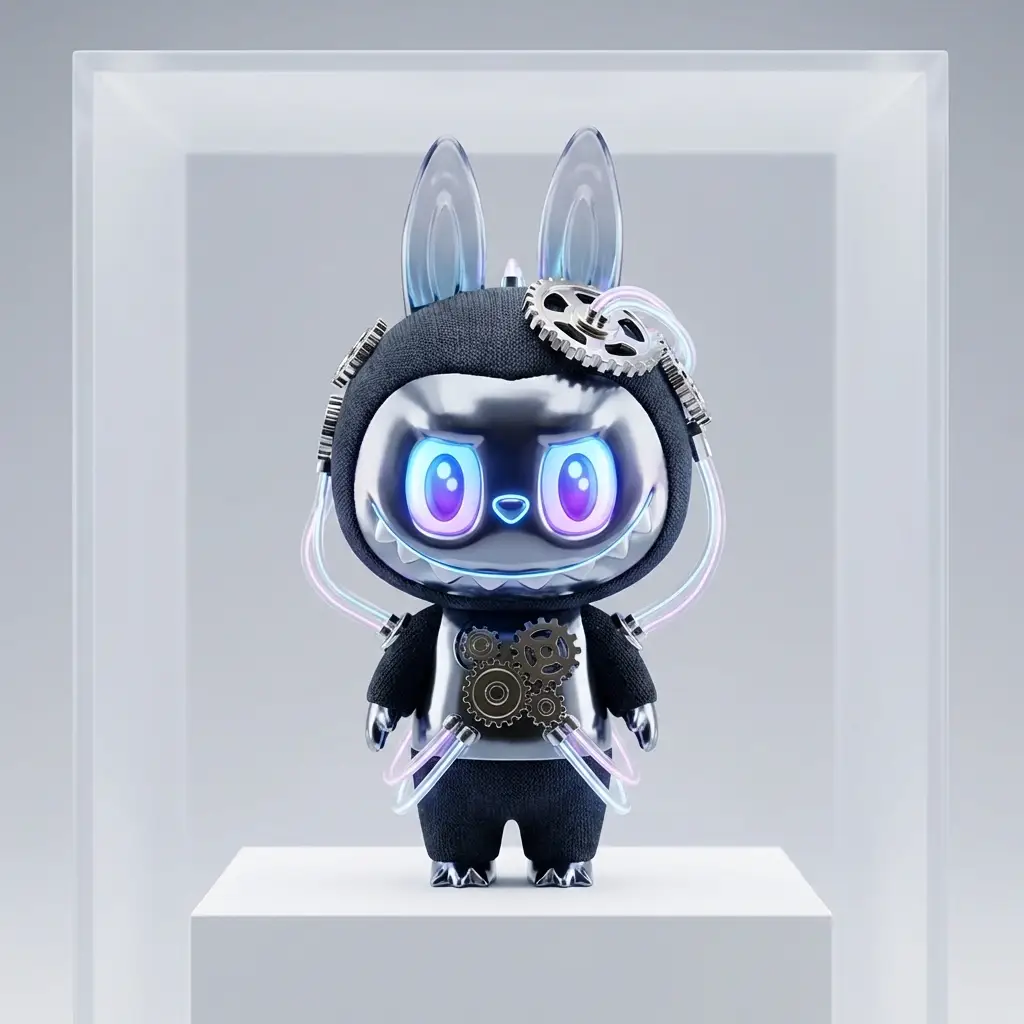
A futuristic Labubu-style creature with glowing neon eyes, long ears, and a playful mischievous smile, wearing subtle cyberpunk tech accessories, soft fluffy texture mixed with metallic elements
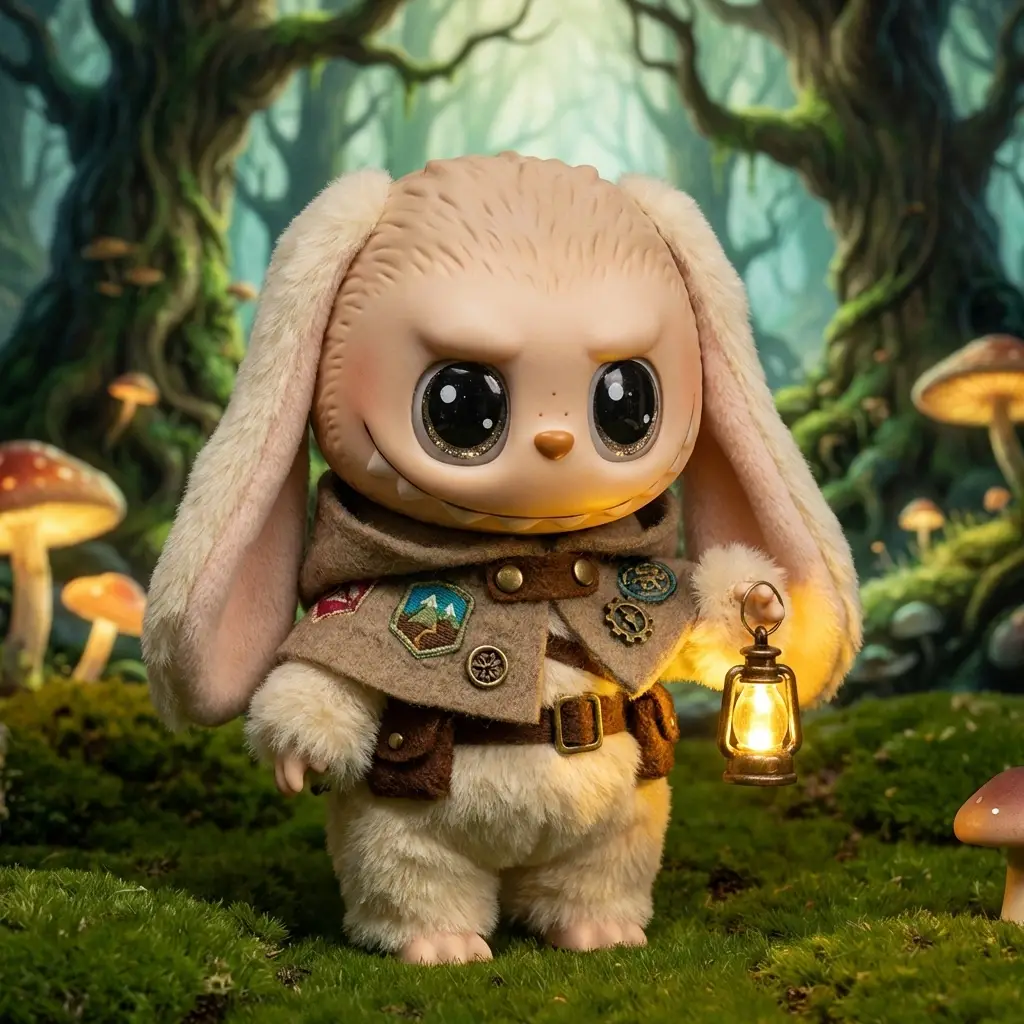
A fantasy Labubu-style character with big curious eyes and long ears, wearing a tiny adventurer cloak and carrying a small lantern, fluffy fur texture, magical forest aesthetic
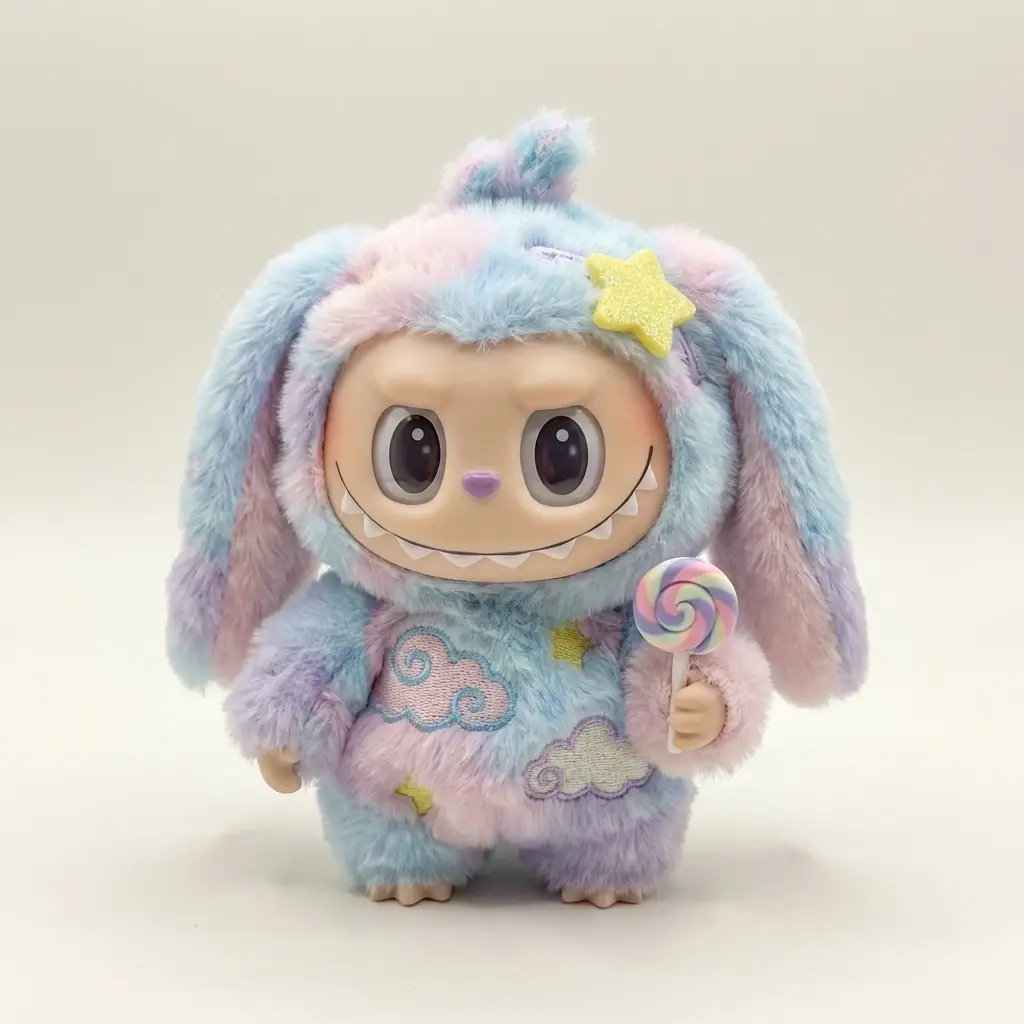
A Labubu character with its iconic big eyes, long rabbit-like ears, tiny sharp fangs, and mischievous grin, fluffy plush texture, pastel cotton-candy color palette, wearing a small star-shaped hair clip and holding a tiny candy

Unlock Limitless Labubu Creativity with AI-Powered Design

Dzine’s Labubu AI generator redefines how you create Labubu-themed art, whether you’re a collector, content creator, or fan of the iconic Labubu aesthetic. Our AI combines advanced image generation technology with Labubu’s signature style to deliver custom designs that match your vision—from whimsical Labubu characters to stylized Labubu animations. Unlike generic art generators, Dzine’s tool is optimized for Labubu’s distinct features, ensuring every creation stays true to the beloved character’s charm while adding your personal touch. Perfect for social media content, merch design, or personal collections, our Nano Banana Pro brings your Labubu ideas to life faster than ever before.

How to Generate Your Perfect Labubu Art in 3 Simple Steps

Step 1: Enter Text-to-Image Tool

Navigate to Dzine’s “Text-to-Image” feature to start your custom design journey.

Step 2: Select Model & Input Your Labubu Requirements

Choose the Nano Banana or Seedream and type in your details (e.g., "cute Labubu in a floral garden", "cyberpunk Labubu with neon accents") or upload a photo to convert it to Labubu style.

Step 3: Generate & Download Your Labubu Art

Click the Generate button — our AI will create high-quality Labubu designs in seconds. Preview, tweak, and download your favorite design for free.

Text-generated Labubu art

Create Labubu Art from Simple Text Prompts


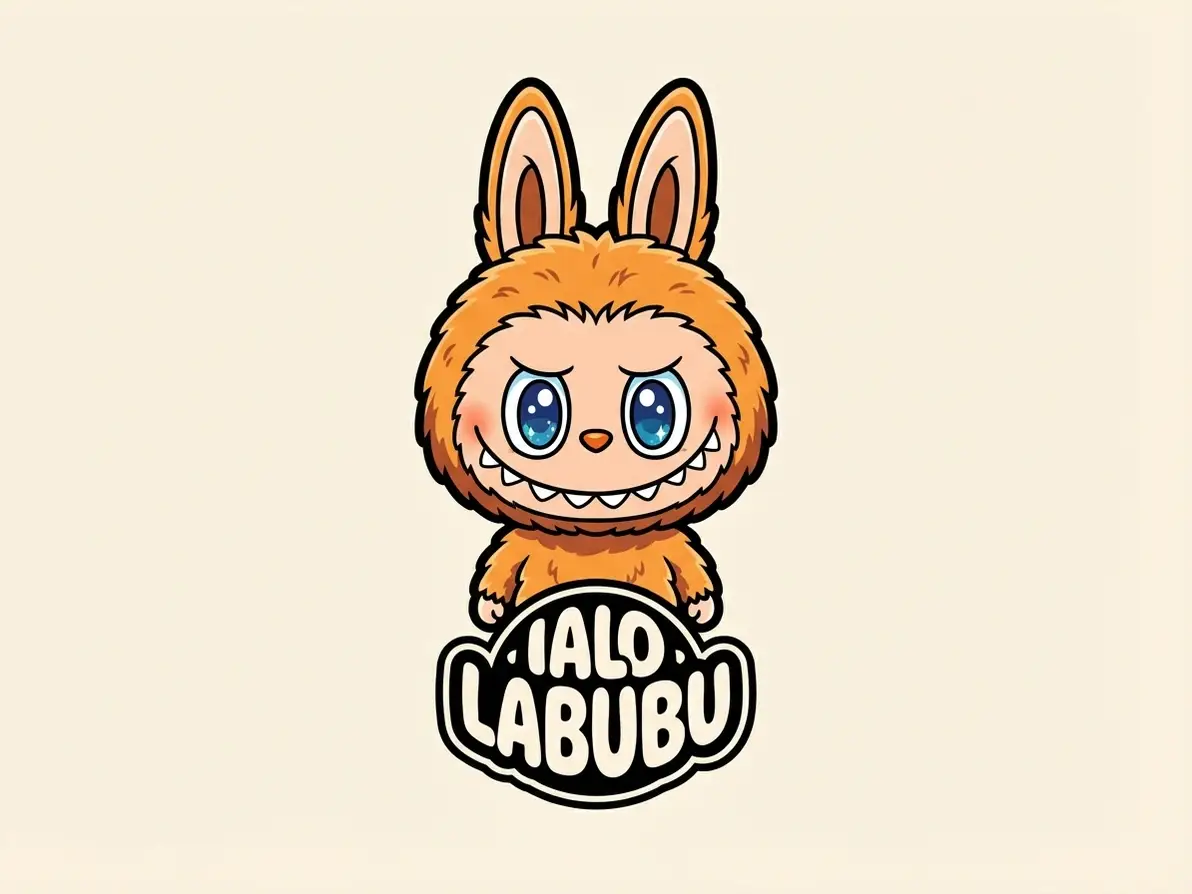
Dzine’s Labubu AI generator lets you turn any text description into a unique Labubu image — whether you want a playful Labubu in a fantasy setting or a minimalist Labubu design for merch. Our AI understands Labubu’s iconic features and style rules to ensure every text-generated piece stays authentic to the character’s charm, making it easy for anyone to create professional-looking Labubu art without drawing skills.


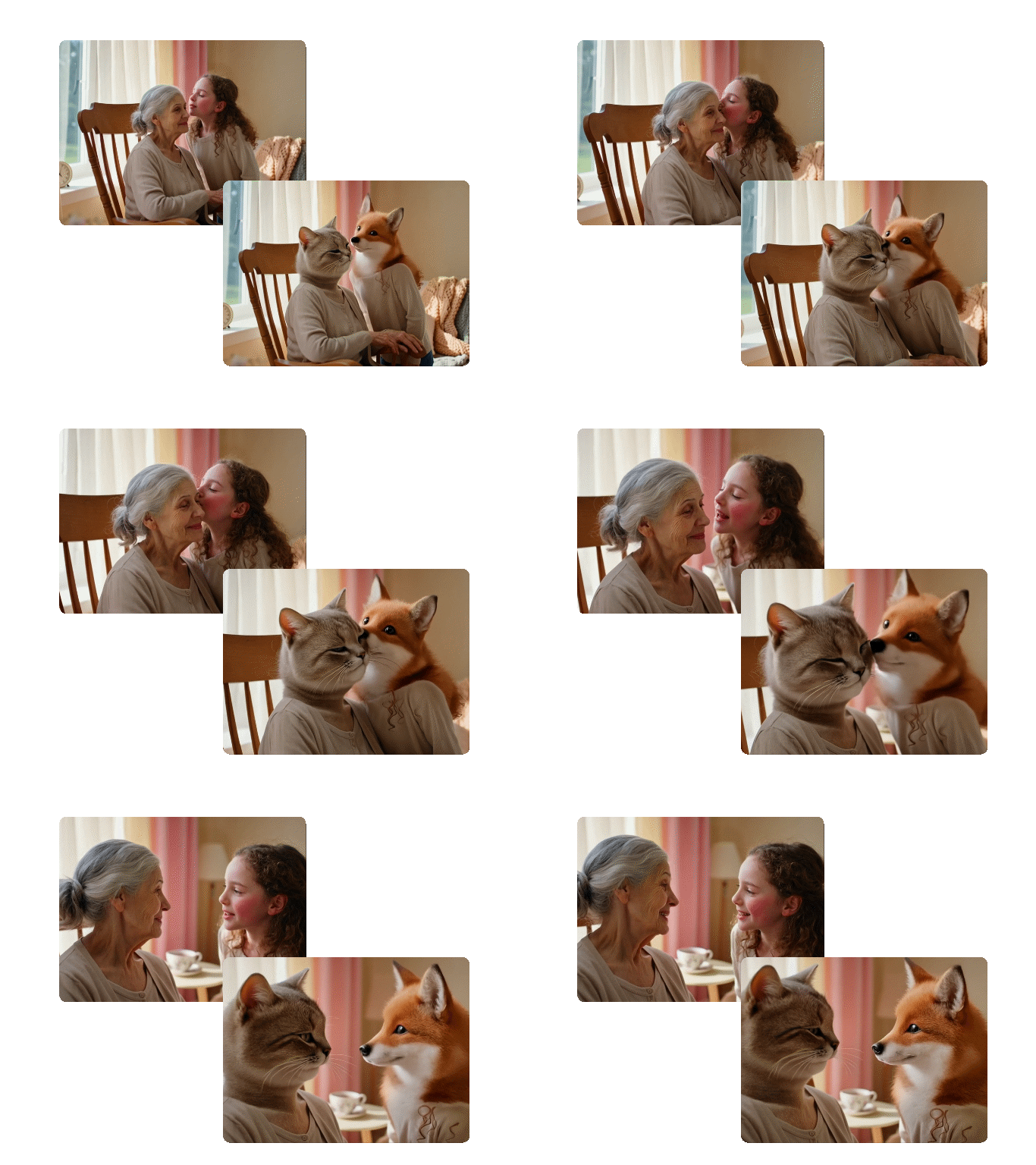
Photo converted to Labubu style with Dzine AI

Convert Your Photos to Labubu Style Instantly


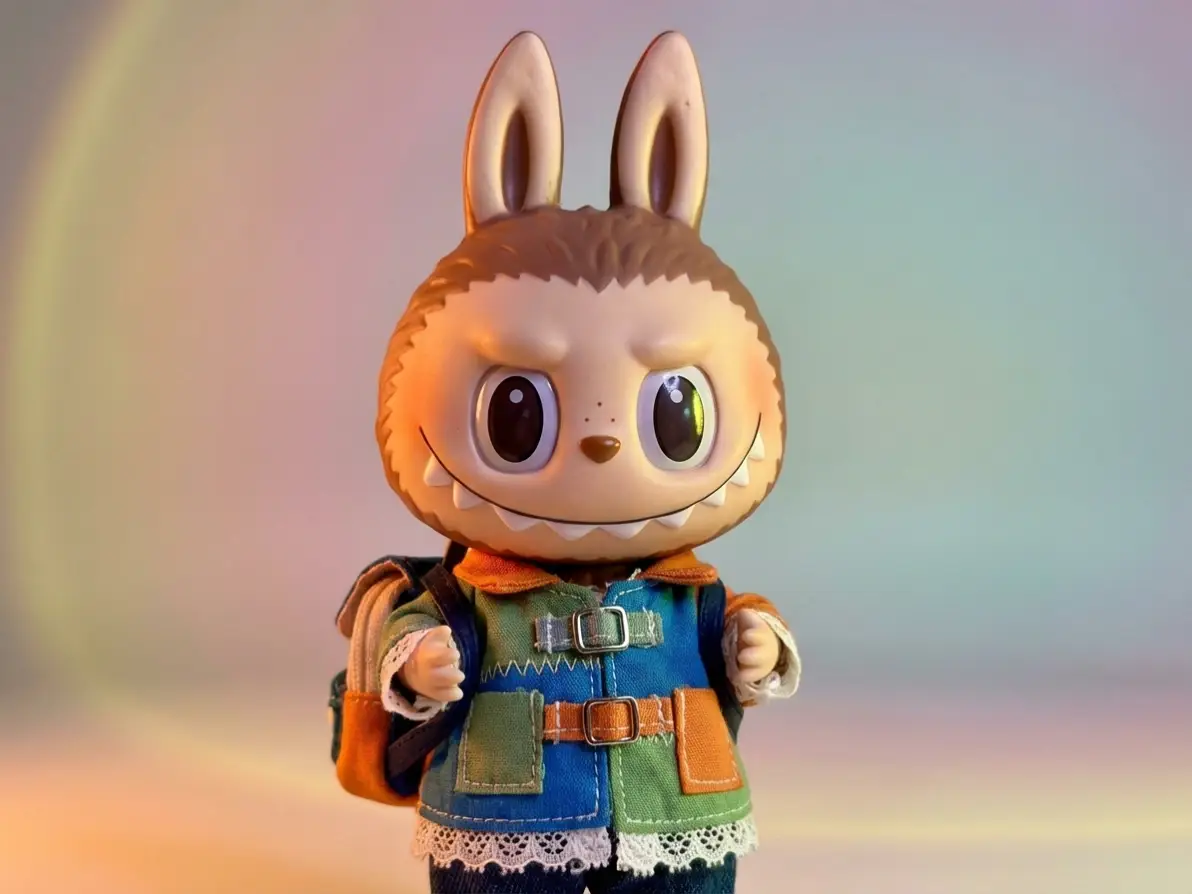
Transform your selfies, pet photos, or favorite images into Labubu-style artwork with our AI. Simply upload a picture, select the Labubu style, and our AI Image Converter adapts the image to match Labubu’s signature aesthetic—perfect for creating personalized Labubu merch or social media content that stands out.


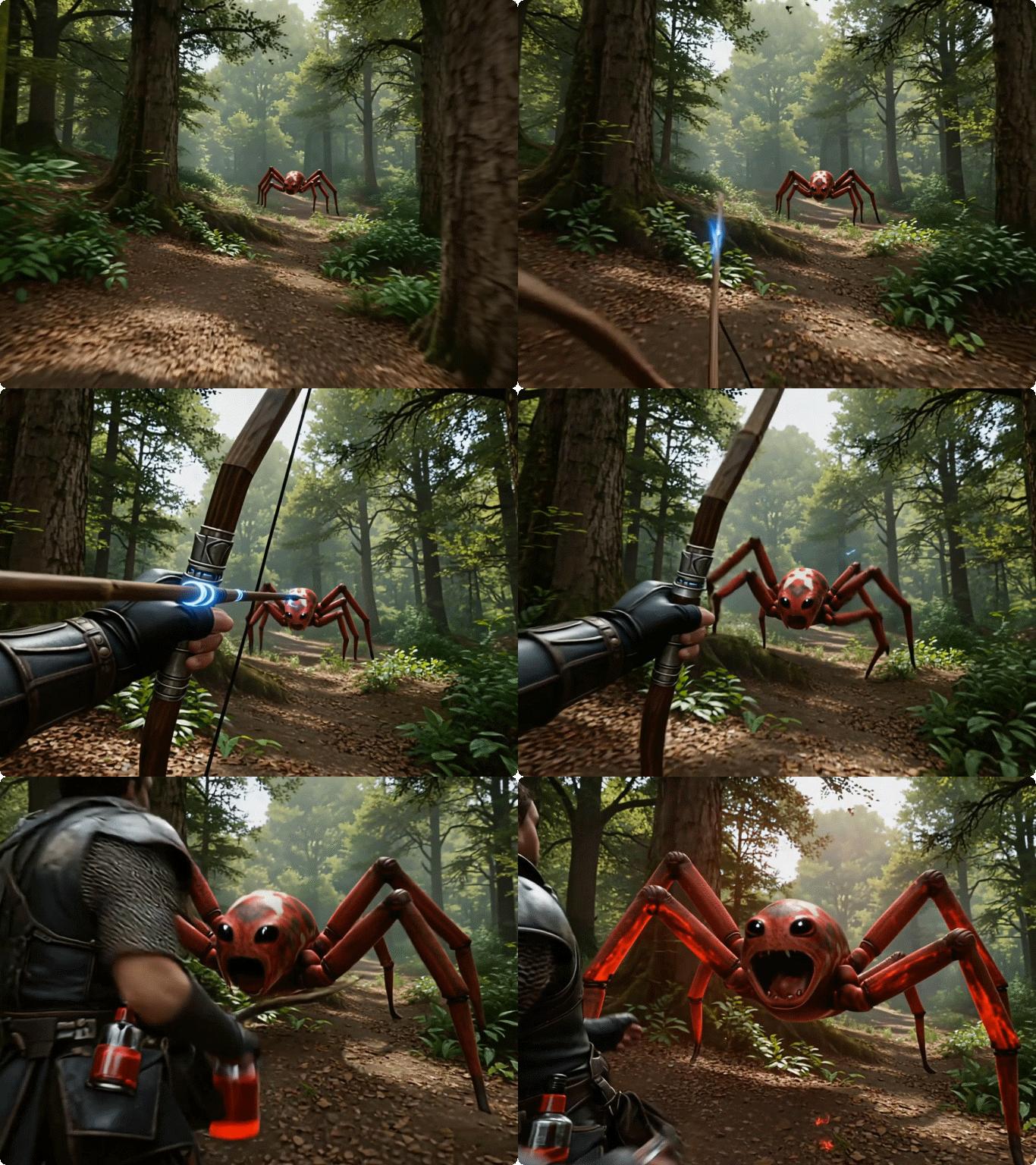
Labubu animation video made with Dzine AI

Make Engaging Labubu Animation Videos


Take your Labubu creativity further by turning static Labubu images into dynamic animation videos with our AI Animation Video Generator. Create short, shareable Labubu animations for TikTok, Instagram Reels, or YouTube Shorts—ideal for content creators looking to boost engagement with unique Labubu-themed videos.


Explore Labubu AI Design Ideas for Every Use Case

Discover how Dzine’s AI Labubu Generator creates tailored Labubu art for collectors, content creators, and fans—all optimized for your specific needs and style preferences.

Social Media Labubu Art
Labubu Merch Designs
Custom Labubu Collection
Labubu Gift Designs
Labubu Art for Social Media

Labubu Art for Social Media

Generate optimized Labubu images for Instagram, TikTok, and Facebook—our AI ensures designs are sized perfectly for profiles, posts, and stories to maximize engagement with your audience.

Try now for free
Why Dzine AI Labubu Generator Is the Best Choice for Fans

100% Free (No Watermarks)

100% Free (No Watermarks)

Generate unlimited Labubu designs and download high-resolution files—no subscriptions, paywalls, or watermarks on your final artwork.

Authentic Labubu Style Accuracy

Authentic Labubu Style Accuracy

Our AI is trained on Labubu’s iconic design language to ensure every creation stays true to the character’s unique features and aesthetic—no generic or off-brand designs.

Instant Generation (3 Seconds or Less)

Instant Generation (3 Seconds or Less)

Skip long wait times—Dzine’s AI creates multiple Labubu concepts in seconds, so you can iterate fast and find your perfect design.

Multi-Functional Creation Tools

Multi-Functional Creation Tools

Create Labubu art from text, convert photos to Labubu style, or make Labubu animations—all in one easy-to-use tool with no extra software needed.

High-Resolution & Scalable Outputs

High-Resolution & Scalable Outputs

All Labubu designs are 300dpi high-resolution with scalable vectors—perfect for print merch, social media, and large-format displays.

GDPR-Compliant & Private

GDPR-Compliant & Private

We never store your designs or personal data—all Labubu creations are processed locally and deleted after your session ends.
More Dzine Tools to Enhance Your Labubu Creations

What Our Users Said

The Best Labubu Creator for Collectors

I used Dzine’s Labubu AI generator to create custom Labubu art for my collection, and the accuracy to the Labubu style was incredible. I converted a photo of my cat to Labubu style, and it’s now my favorite piece—so easy to use even for someone with no design experience!

Emily ChenLabubu Collector

Game-Changer for My Social Media Content

As a social media creator focused on toy collectibles, Dzine’s Labubu AI tool let me make unique Labubu animations for TikTok. My engagement rate doubled, and the free, high-quality outputs saved me so much time compared to hiring designers.

Marcus RodriguezSocial Media Content Creator

Perfect for Labubu Merch Design

I started a small shop selling Labubu-themed stickers, and Dzine’s AI generator is how I create all my designs. The high-res files print perfectly, and I can generate endless variations without paying for expensive design software—10/10 recommend!

Sarah KimSmall Business Owner

FAQ

Is Dzine’s Labubu AI generator really free to use?

Yes! Our Labubu AI generator lets you create unlimited Labubu designs, convert photos to Labubu style, and generate Labubu animations—no hidden fees, subscriptions, or watermarks on your final artwork.

Can I customize the style of my Labubu art?

Absolutely. Dzine’s Labubu AI generator supports hundreds of style variations, from cute and whimsical to cyberpunk and retro. Simply include style keywords in your text prompt to tailor the design to your preferences.

How long does it take to generate a Labubu design?

Our AI generates Labubu art in 3 seconds or less—you’ll have multiple design options to choose from instantly, with no long wait times or processing delays.

Can I use the Labubu art for commercial purposes like merch?

Yes! All Labubu designs created with our tool are free for personal and commercial use—perfect for selling merch, using in social media content, or incorporating into your business branding with no additional costs.

Do I need to sign up to use the Labubu AI generator?

No—our core Labubu AI generator functionality is available instantly without sign-up. For saving designs or accessing advanced features like animation, a quick sign-up is optional.

Can I upload any photo to convert to Labubu style?

Yes! Our photo-to-Labubu tool works with any image format (JPG, PNG) and adapts photos of people, pets, landscapes, or objects to Labubu’s signature style—simply upload your image and let the AI do the rest.

Master the Art of Image Creation | Dzine AI Tutorial