
Overlay Images Online Free: Create Professional Picture Into Picture Effects

At Dzine, we’ve built a powerful yet intuitive AI-powered overlay images tool that lets you seamlessly add picture to picture, adjust transparency, and craft stunning image overlay effects—no design experience required. Our free online tool delivers high-resolution results (up to 4K) for social media, branding, portraits, and more, making it easier than ever to turn ordinary photos into layered, eye-catching visuals. Pair our image overlay tool with the AI Image Editor to refine your layered designs, or use the AI Photo Enhancer to sharpen details before creating picture into picture effects.

Click or drag here to upload images
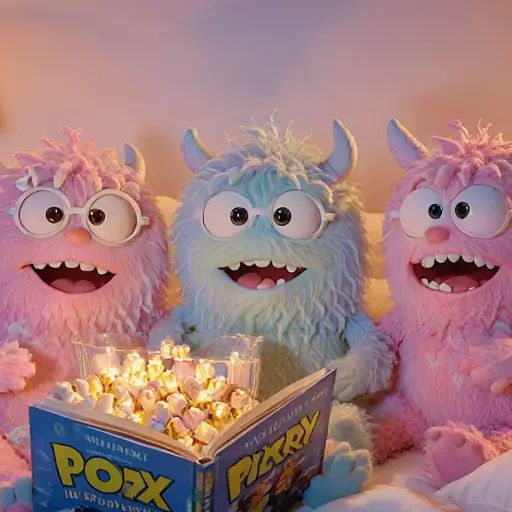
Uploading via drag and drop

Try one of them for amazing creation

Unleash Creativity with Custom Image Overlay Effects

Image overlay is the ultimate way to add depth and uniqueness to your visuals, and Dzine’s AI-powered tool stands out from basic options with full customization and professional-grade results. Whether you want to create double exposure effects, add branding elements to photos, or craft picture into picture social media content, our overlay images tool adapts to your vision—ideal for content creators, small businesses, or casual users looking to elevate their photos.

How to Put a Picture on Another Picture in 3 Simple Steps

Step 1: Upload Your Image & Input Overlay Goals

Head to Dzine’s "AI Image" tool and upload the base photo you want to use (supports JPG, PNG, WebP, TIFF). Type in your prompt (e.g., "overlay a sunset landscape on this portrait for double exposure" or "add logo as image overlay to product photo").

Step 2: Set Generation Parameters

Choose from our AI models Nano Banana Pro or Z-Image, then configure image resolution (up to 4K), overlay transparency, layer order, and style (realistic, surreal, minimalist) to match your vision.

Step 3: Generate & Download Your Overlay Image

Click the Generate button to create your layered image instantly. Download the result—no watermarks, no limits on usage, and perfect for sharing or printing.

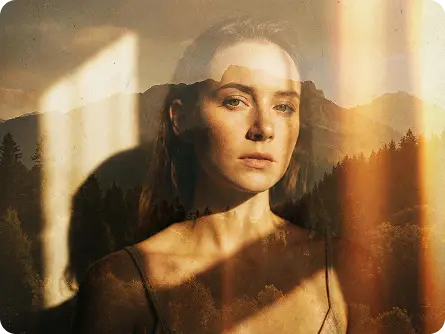
Double Exposure Overlays: Surreal Visual Depth

Double Exposure Overlays: Surreal Visual Depth


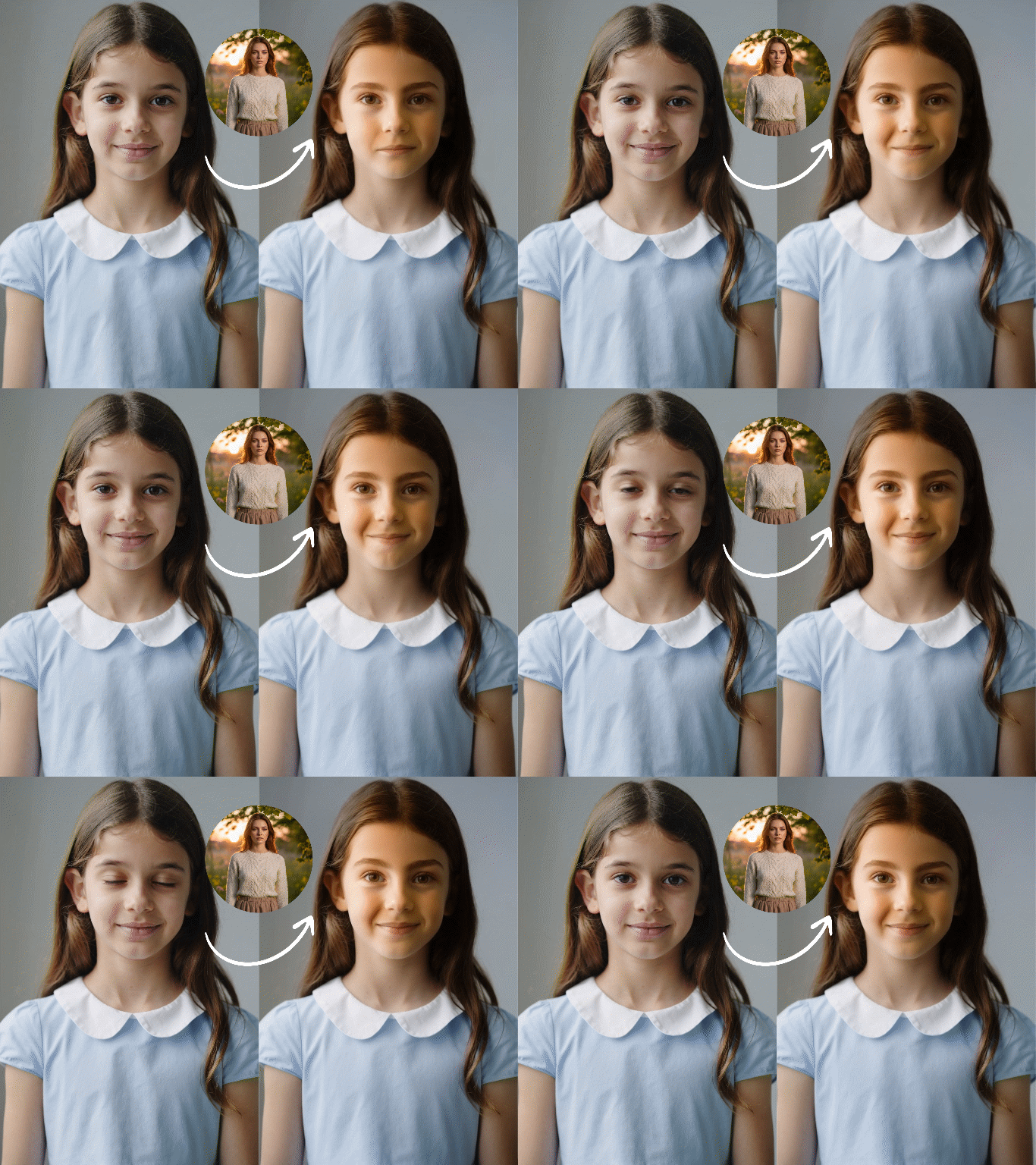
Create trending double exposure effects by overlaying two images—blend portraits with landscapes, cityscapes with nature, or abstract textures with photos for emotional, eye-catching results. Our AI ensures seamless blending, no Photoshop skills required. Pair with 2D to 3D Image Converter to add extra dimension to your overlay creations.


Branding image overlay with logo on product photo

Branding Image Overlays: Professional Branded Visuals


Add your logo, watermark, or brand elements as an image overlay to product photos, social media posts, or marketing materials. Our tool lets you adjust transparency and positioning to create polished, on-brand visuals that stand out.


Picture into picture overlay for social media content

Picture Into Picture: Engaging Social Media Content


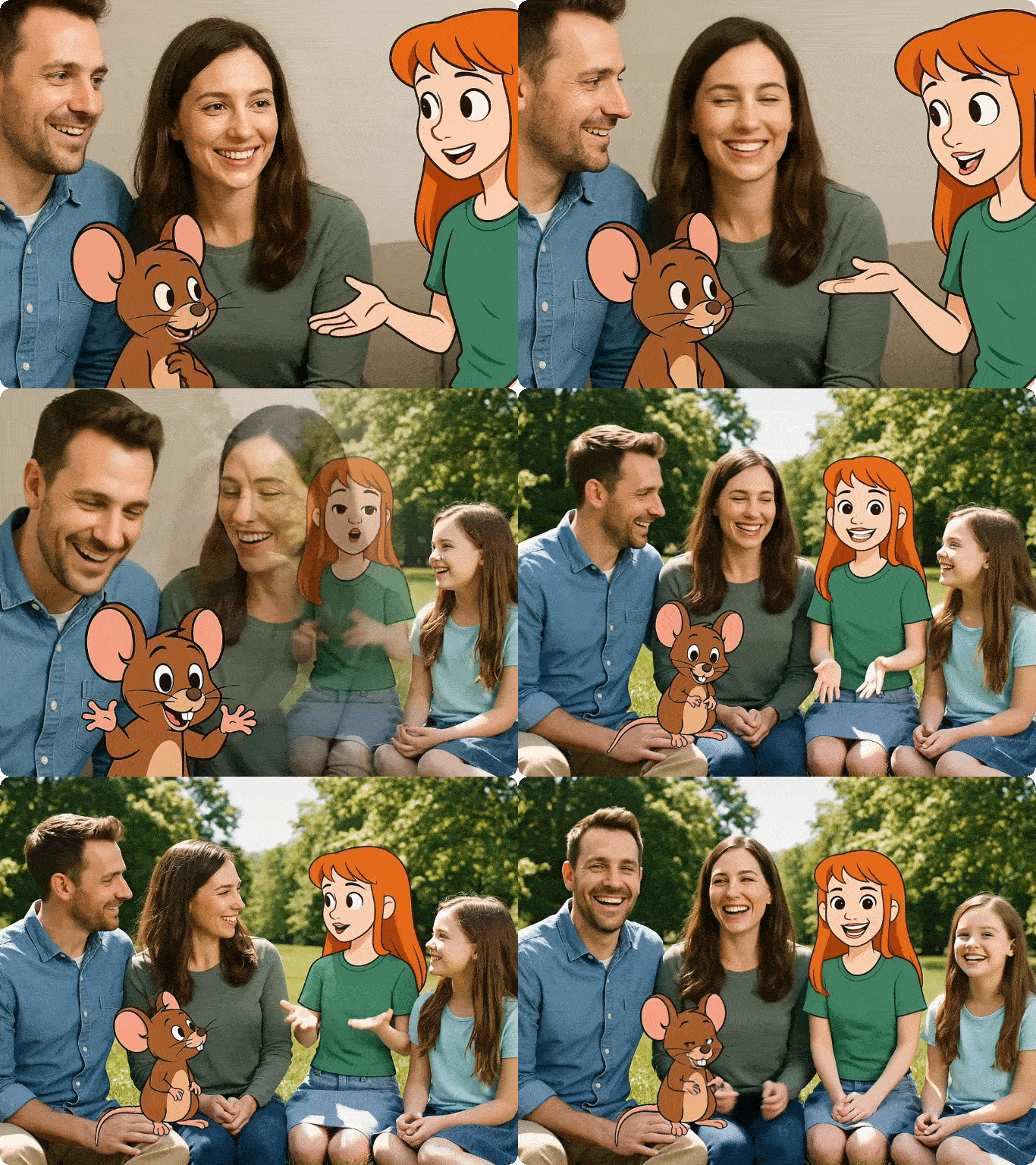
Craft picture into picture layouts for TikTok, Instagram, or YouTube thumbnails—overlay reaction clips, product close-ups, or text onto base images to boost engagement and tell a richer visual story.


Explore Real-World Ways to Use Our Overlay Images Tool

Dzine’s AI image overlay tool fits every creative and practical scenario. Our free tool lets you add picture to picture, create picture into picture effects, or design custom overlays—no subscriptions, no watermarks, and instant results.

Social Media Content
Small Business Branding
Portrait Photography
Educational Content
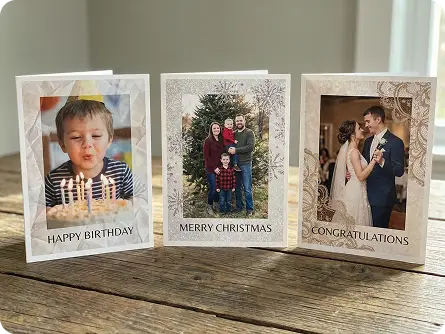
Personal Use & Greetings
Overlay Images for Viral Social Posts

Overlay Images for Viral Social Posts

Create picture into picture effects or double exposure overlays for TikTok, Instagram, and Facebook—add picture to picture to make your feeds stand out and boost follower engagement.

Try now for free

Why Dzine’s Overlay Images Tool Stands Out

AI-Powered Customization

AI-Powered Customization

Our image overlay tool adapts to your prompts, letting you tweak every detail of your picture into picture effects—adjust transparency, layer order, and style to match your exact vision.

High-Resolution Output (Up to 4K)

High-Resolution Output (Up to 4K)

Unlike basic overlay tools, our platform preserves HD quality—your overlay images look crisp and clear for printing, large-scale use, or professional marketing materials.

Instant Generation (3 Seconds)

Instant Generation (3 Seconds)

Skip long wait times—our overlay images tool generates results in seconds, perfect for time-sensitive social media posts or last-minute marketing needs.

100% Free (No Watermarks/Limits)

100% Free (No Watermarks/Limits)

Use our image overlay tool as much as you want, download unlimited overlay images, and share anywhere—no hidden fees, subscriptions, or watermarks on your creations.

Unlimited Layers & Templates

Unlimited Layers & Templates

Add multiple images as overlays, reorder layers, and choose from pre-made picture into picture templates—our tool offers more flexibility than basic overlay options.

GDPR-Compliant & Private

GDPR-Compliant & Private

We never store your original or overlay images—all processing is local, so your personal and business photos stay secure while you create stunning layered visuals.
What Our Users Said

The Easiest Way to Create Picture Into Picture Content

I use Dzine’s overlay images tool for my TikTok content—putting a picture on another picture to create reaction thumbnails has boosted my click-through rate by 50%. The AI customization lets me adjust transparency perfectly, and the 4K quality makes my posts look professional.

Sarah JohnsonSocial Media Content Creator

Perfect for Small Business Branding

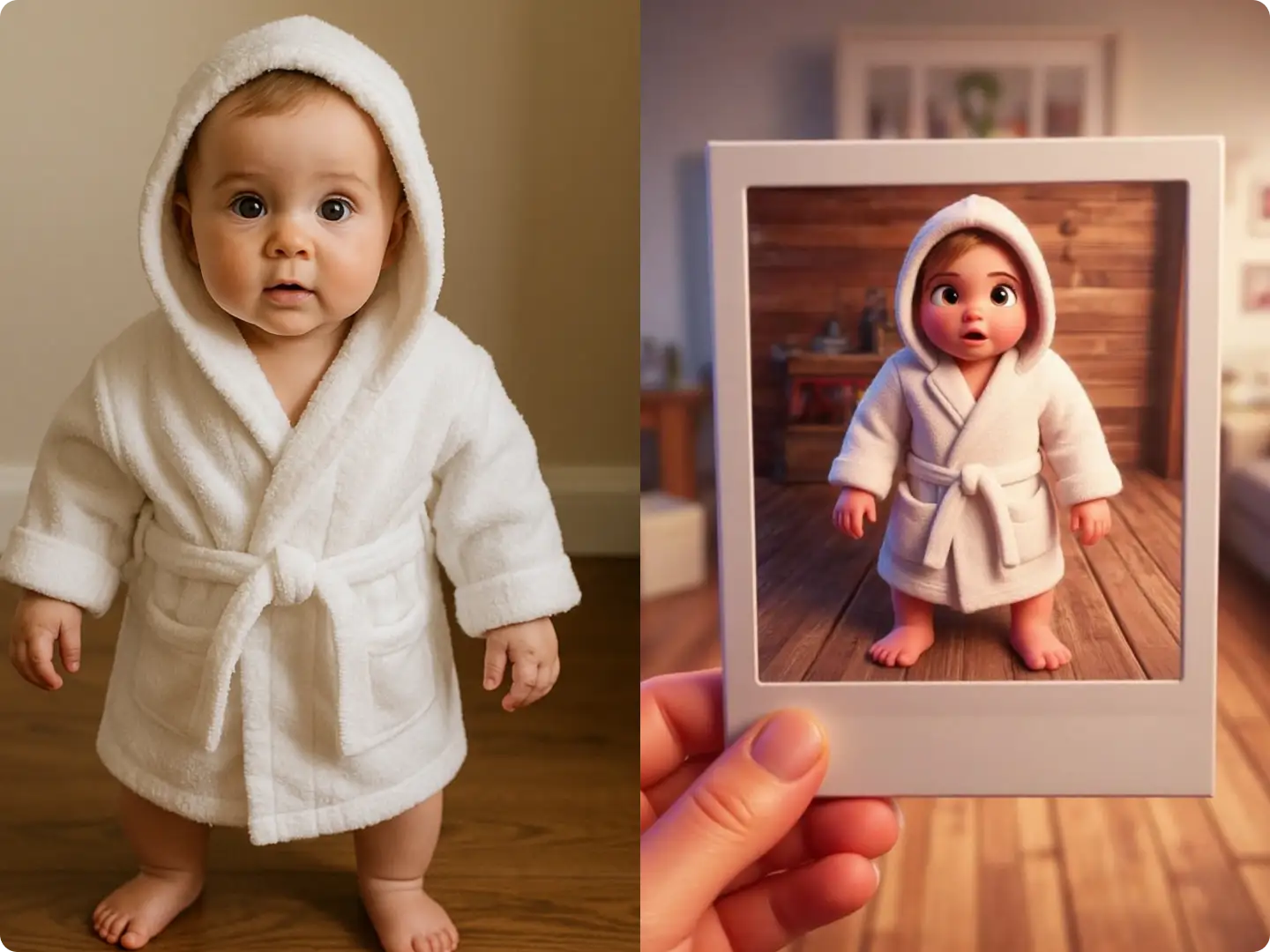
As a boutique owner, I use Dzine’s image overlay tool to add my logo to product photos. It’s free, no watermarks, and the results are ready in seconds—way better than paying for Photoshop or a designer. I even use the AI Polaroid Photo Generator to add retro overlays to my social posts!

Miguel RodriguezSmall Business Owner

Amazing Double Exposure Effects Without Photoshop

I’m a hobby photographer, and Dzine’s overlay images tool lets me create stunning double exposure portraits without any editing skills. Adding a picture to another picture is intuitive, and the AI blending makes the results look seamless and artistic.

Emma LeeHobby Photographer

The Best AI Image Models of 2026 | Dzine

FAQ

What is Dzine’s Overlay Images tool?

Dzine’s Overlay Images tool is a free AI-powered online tool that lets you add picture to picture, create picture into picture effects, and design custom image overlay visuals—no downloads, editing skills, or watermarks required.

How do I put a picture on another picture with Dzine?

Simply upload your base image to our "AI Image" tool, input a prompt describing your overlay goal (e.g., "add sunset overlay to this portrait"), set generation parameters (resolution, style, transparency), and click Generate—your layered image is ready in seconds.

Are Dzine’s image overlay tools free to use?

Yes! All our overlay images features are 100% free, with unlimited generations, high-resolution (4K) downloads, and no hidden fees. You can create picture into picture effects or add picture to picture as much as you want without subscriptions.

Can I customize the transparency and layer order of my overlays?

Absolutely. Our AI-powered tool lets you adjust overlay transparency, reorder layers, and tweak style parameters to create seamless picture into picture effects—giving you full control over your image overlay design.

Is it safe to upload my photos to Dzine’s overlay tool?

Yes. We prioritize privacy and GDPR compliance—we never store your original or overlay images, and all processing is done locally. Your photos are deleted immediately after you download your layered result.

Can I create double exposure effects with Dzine’s overlay tool?

Yes! Our tool specializes in double exposure overlays—simply prompt our AI to blend two images (e.g., "overlay mountain landscape on portrait for double exposure") and our technology will create a seamless, artistic effect without Photoshop.