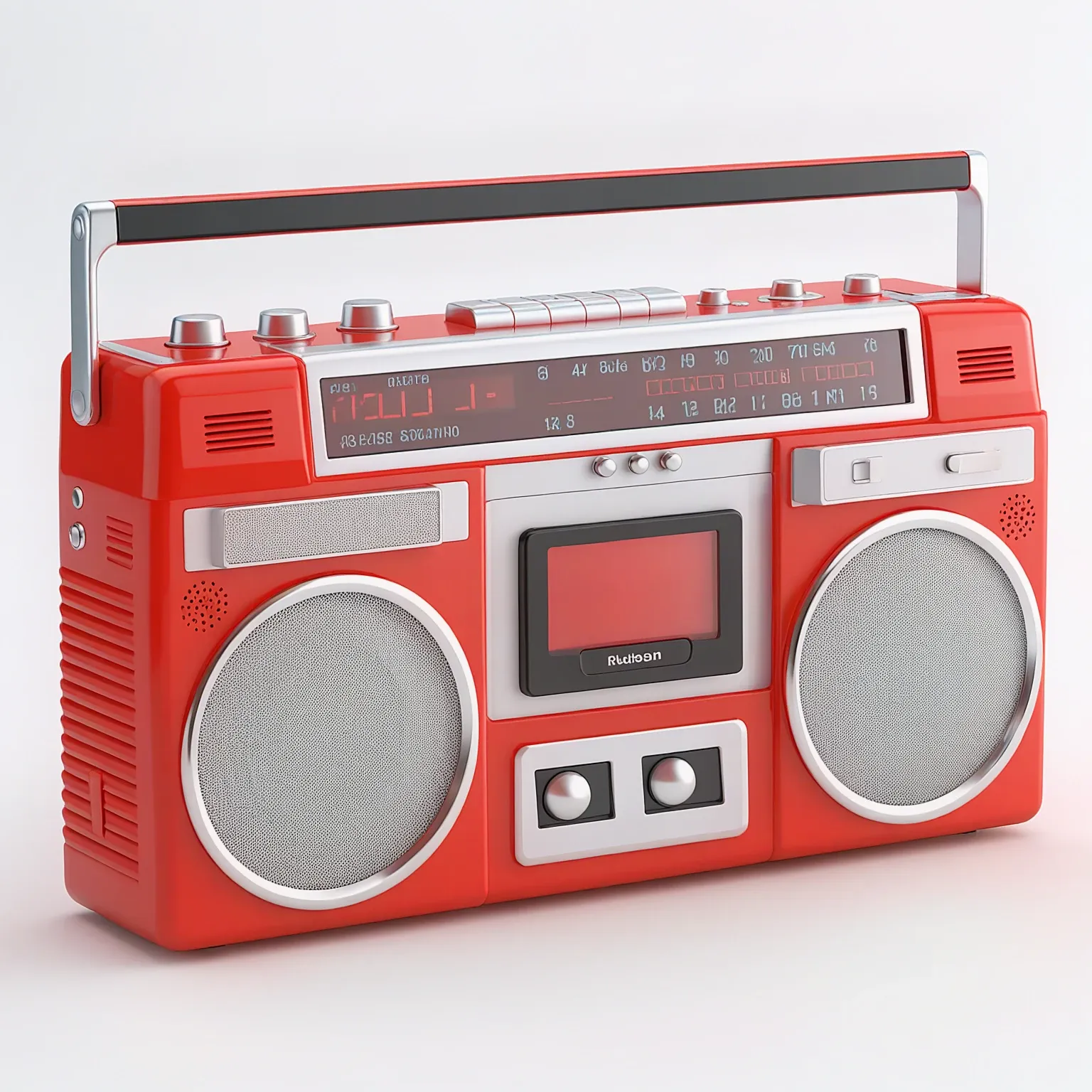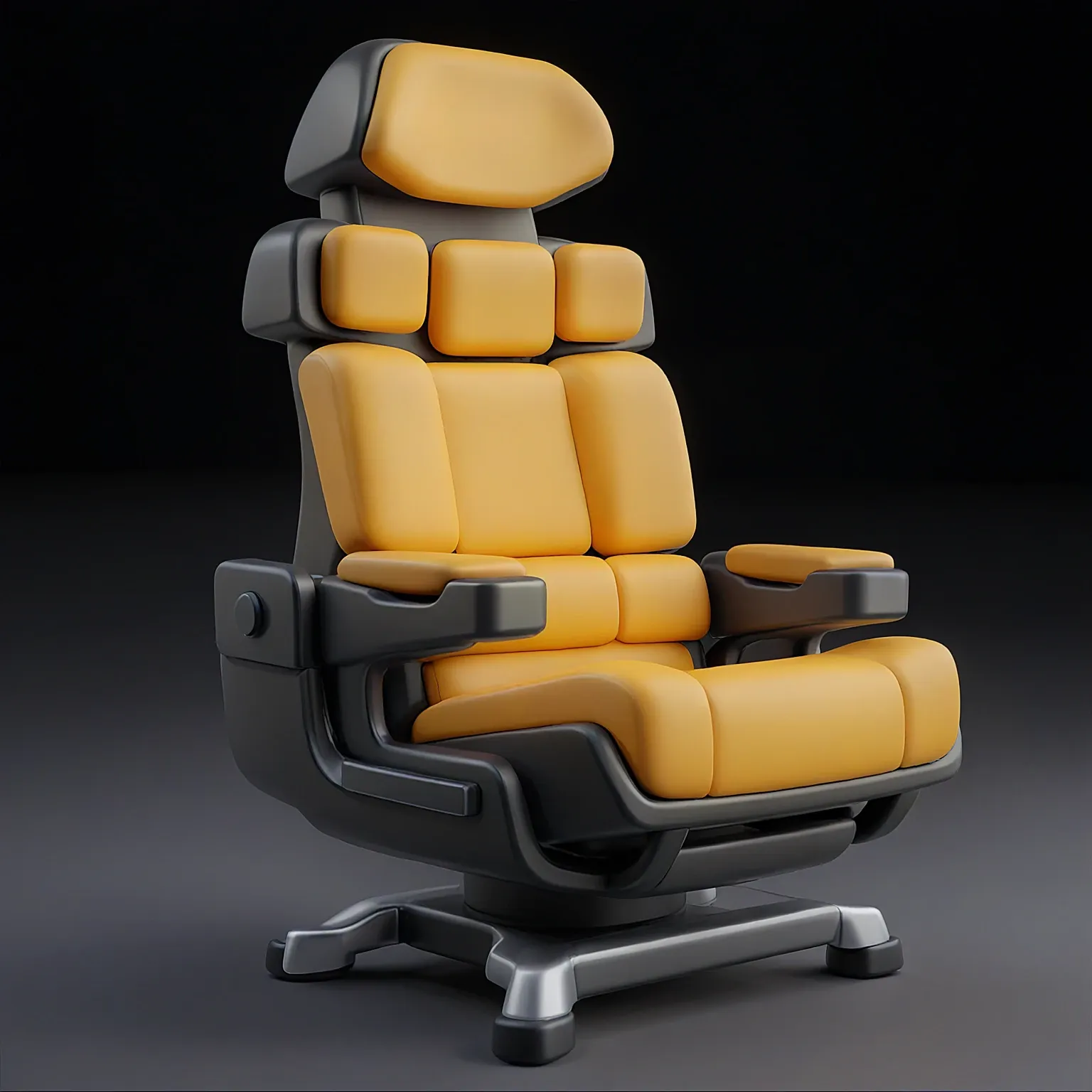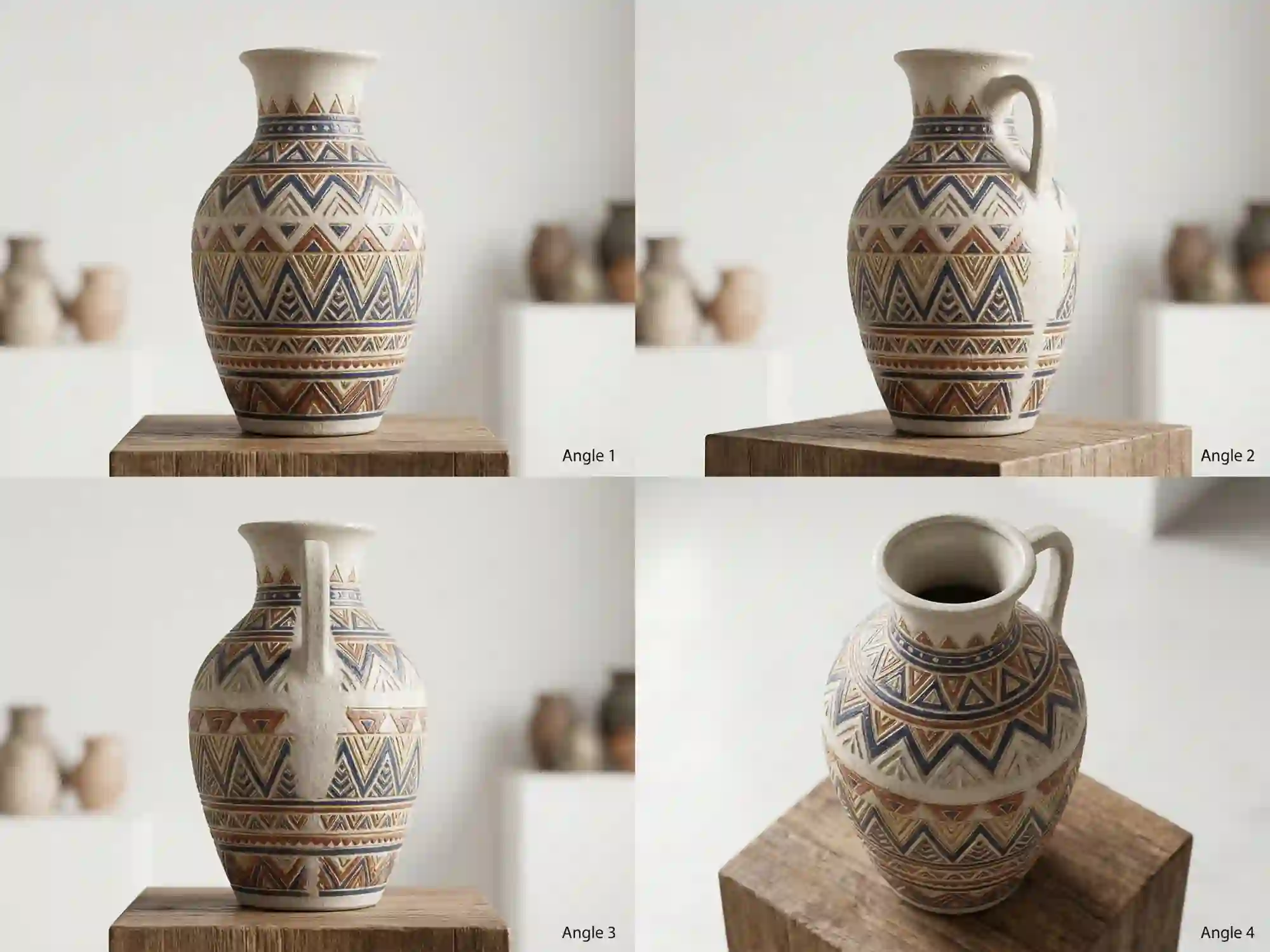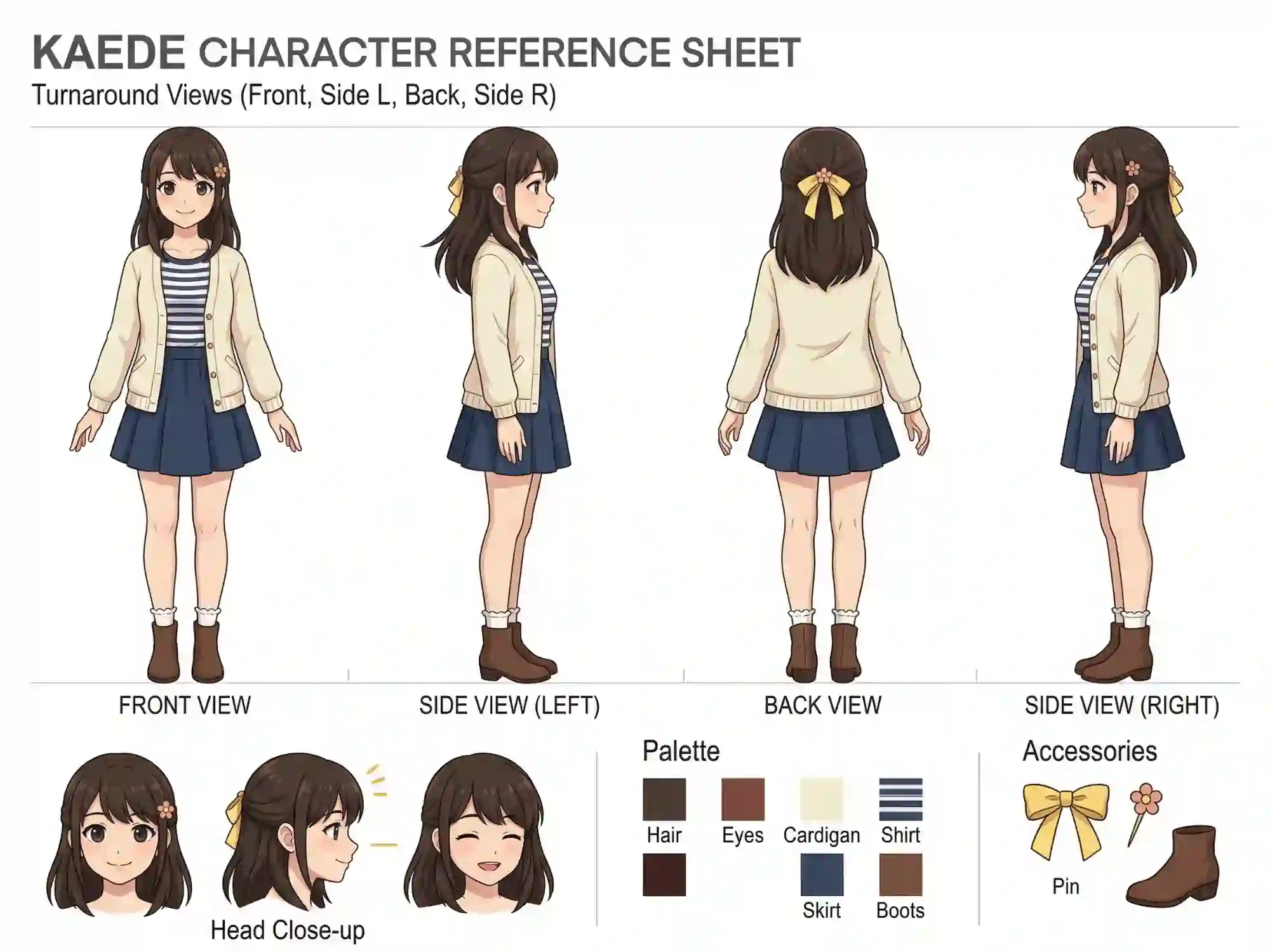

Seed3D 1.0 is an AI-powered 3D generation model that transforms still images into accurate, multi-view 3D visuals. It delivers structured geometry, consistent texturing, and photorealistic depth - all from a single input image. Try it on Dzine now.

Click or drag here to upload images

Seed3D 1.0 solves one of the hardest problems in AI visual generation: turning a flat 2D image into a geometrically accurate 3D representation. The model reconstructs surface structure, depth, and texture from a single input, then generates consistent views from multiple angles without shape distortion or texture drift.
The key features of Seed3D 1.0 go well beyond basic depth-map estimation. The model builds a full spatial understanding of the subject - preserving proportions, fine surface detail, and material properties across all generated viewpoints. This makes it practical for product visualization, character modeling, game asset creation, and architectural previews.
Open Dzine and go to the Chat Editor tool. Upload the image you want to convert to 3D. Add any prompt instructions to specify material, style, or viewing angle preferences.
In the model selection panel, choose Seed3D 1.0 from the available models. Confirm your generation settings — Dzine handles the rest of the 3D reconstruction pipeline automatically.
Click Generate. Seed3D 1.0 processes the image and produces multi-view 3D results in seconds. Preview all angles, use follow-up prompts to adjust specific surfaces or details, then download your final 3D visual ready for use.

Seed3D 1.0 generates accurate 3D representations from a single input image. The model reconstructs front, side, top, and rear views with consistent geometry - no manual modeling or rigging needed. For product designers, game artists, and visual creators who need rapid 3D assets without a dedicated 3D modeling workflow.

One of the key features of Seed3D 1.0 is its ability to reconstruct accurate surface geometry from 2D input. Edge definition, curvature, and proportional depth are maintained across every generated view. Whether the subject is a product, a character, or an architectural element, structural integrity holds across all angles.

Seed3D 1.0 applies material and texture data uniformly across the full 3D output. Patterns, labels, surface finishes, and color gradients remain coherent from every viewing angle. This is especially useful for e-commerce product renders, packaging visualization, and character costume design - where texture accuracy directly affects visual credibility.

Seed3D 1.0 generates physically plausible lighting responses across the 3D output. Shadows, highlights, ambient occlusion, and material reflectivity are calculated based on the reconstructed geometry - not applied as a flat post-process. The result looks like a studio-rendered 3D model rather than a depth-filtered photo.

Seed3D 1.0 produces results in seconds, not hours. For teams that need to iterate across multiple product variants, character outfits, or scene configurations, this speed dramatically cuts production timelines. On Dzine, the generation runs fully in the browser - accessible from any device without software installation.
Seed3D 1.0 handles a broad range of 3D generation scenarios. From product visualization and e-commerce assets to game development and character design, the model adapts to professional creative and commercial workflows with consistent output quality.

Use Seed3D 1.0 to convert product photos into full 3D renders for online stores, product pages, and print catalogs. Show your product from every angle - top, side, rear - without arranging a physical shoot. Labels, packaging textures, and surface finishes are preserved accurately. Ideal for furniture, electronics, cosmetics, and apparel brands that need consistent multi-angle visuals at scale.

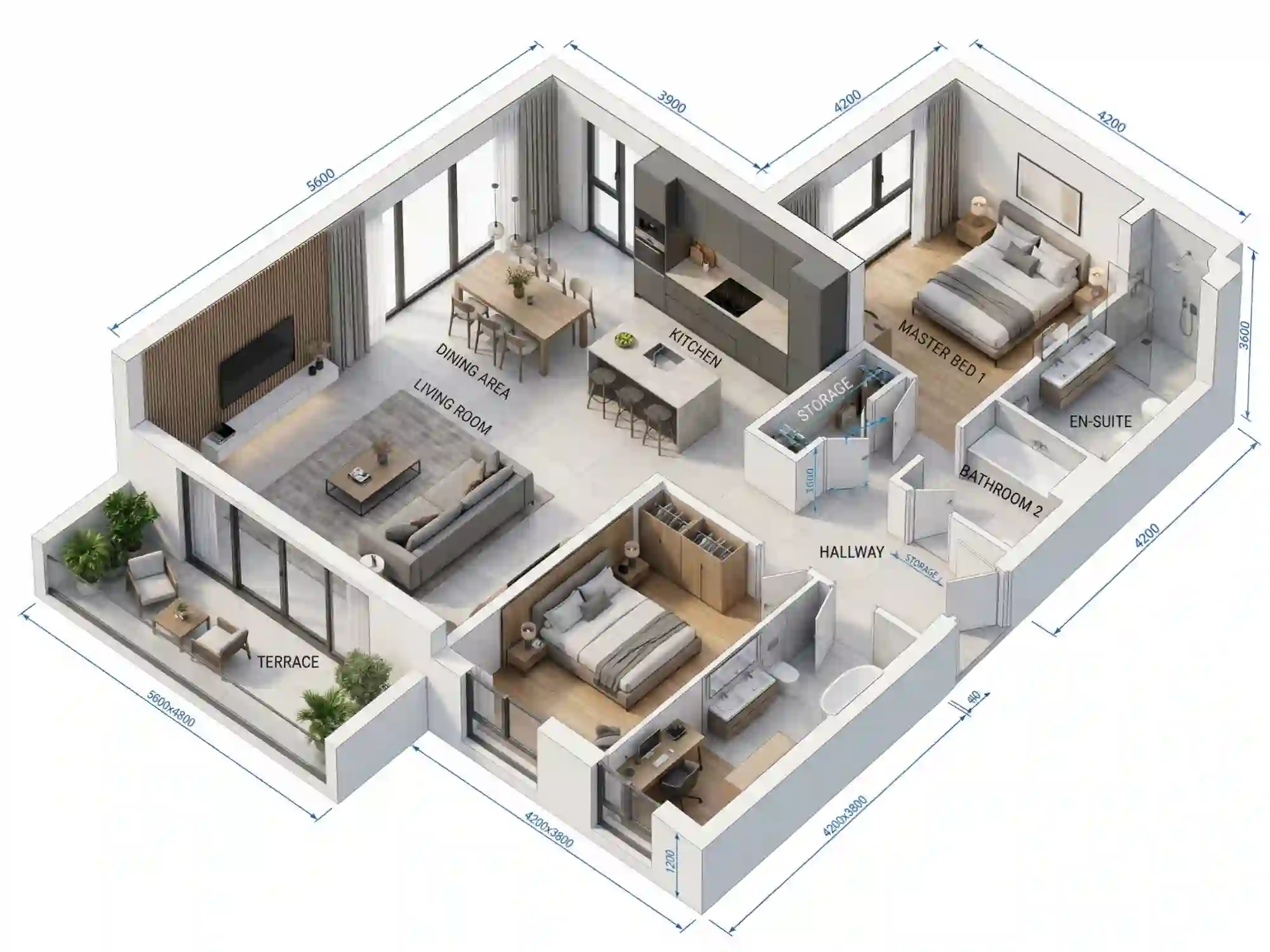
Access Seed3D 1.0 and other leading generation models on Dzine to produce professional-quality 3D visuals that meet commercial and creative standards across every use case.

Upload your image, select Seed3D 1.0, and generate. No 3D modeling knowledge or complex configuration required — Dzine handles the full reconstruction pipeline automatically.

Try Seed3D 1.0 for free on Dzine. Test multi-view 3D generation before committing to a plan - no credit card needed to start.

Export 3D renders at high resolution in multiple formats. Every output is sharp, detailed, and ready for e-commerce, game pipelines, or commercial presentations.

Download clean, watermark-free 3D renders for client work, commercial projects, or social media - with no restrictions on how you publish or distribute them.

Run Seed3D 1.0 directly in your browser. No GPU, no software download, no setup - just open Dzine and start generating 3D visuals on any device.

I run a small furniture brand and product photography is expensive. With Seed3D 1.0 on Dzine, I upload one clean product photo and get consistent multi-angle 3D renders. The geometry holds up at every view, and the surface textures look right. I use these directly on our product pages without any retouching. It has cut our photography budget by more than half.
Daniel OseiE-Commerce Brand Owner
I design characters for indie game projects and generating multi-view references used to take hours in Blender. Seed 3D 1.0 gives me front, side, and back consistency from a single concept illustration. Proportions stay accurate, costume details hold across views, and I get a usable reference in under a minute. It has changed how I move from concept to 3D production.
Yuki TanakaIndie Game Character Designer
I use Seed3D 1.0 to generate quick spatial previews from 2D elevation drawings before committing to full 3D models. Clients respond much better to volumetric previews in early-stage meetings. The model reconstructs depth and structure with enough accuracy that I can communicate the spatial intent without spending hours in a 3D software suite first.
Sofia MüllerArchitectural Designer
Seed3D 1.0 is an AI-powered image-to-3D generation model. It takes a single 2D image as input and reconstructs a geometrically accurate 3D representation with consistent multi-view output, precise surface texturing, and photorealistic depth rendering. On Dzine, you can access Seed 3D 1.0 directly through the Chat Editor without any 3D software or technical setup.
The key features of Seed3D 1.0 include: multi-view 3D generation from a single image, accurate geometry and surface structure reconstruction, consistent texture mapping across all viewing angles, photorealistic lighting and depth rendering, and fast generation speed suitable for iterative production workflows. All of these features are accessible on Dzine without additional software.
Open the Chat Editor on Dzine and upload your image. Add any prompt instructions to guide the 3D output - material type, style, or angle preferences. Select Seed 3D 1.0 from the model panel, then click Generate. The model produces multi-view 3D results in seconds. Use follow-up prompts to refine specific surfaces or details, then download your final output.
Seed3D 1.0 works best with clean, well-lit images of a single subject - products, characters, objects, or architectural elements. Images with clear edges and distinct surface features produce the most accurate geometry. Cluttered backgrounds or heavily obscured subjects may reduce output accuracy. For best results, use images with good contrast and visible surface detail.
Yes. Dzine delivers watermark-free exports suitable for commercial use - including e-commerce product pages, client presentations, game asset pipelines, and marketing materials. Check Dzine's terms of service for full details on commercial licensing and usage rights.
Traditional 3D modeling requires specialized software, technical skill, and significant time investment. Seed3D 1.0 automates the reconstruction process from a 2D input image - generating a multi-view 3D output in seconds with no modeling experience needed. It is not a replacement for full production-grade 3D pipelines, but it dramatically reduces the time needed for visualization, prototyping, and reference generation.
Yes, Dzine offers a free trial that includes access to Seed3D 1.0 - no subscription required to start. Free credits are available on sign-up. For higher-volume use or commercial production workflows, check Dzine's pricing page for current plan options.